For your information, along the same lines GRDF is doing something similar
https://sites.grdf.fr/web/portail-api-grdf-adict/faq-grdf-adict
For your information, along the same lines GRDF is doing something similar
https://sites.grdf.fr/web/portail-api-grdf-adict/faq-grdf-adict
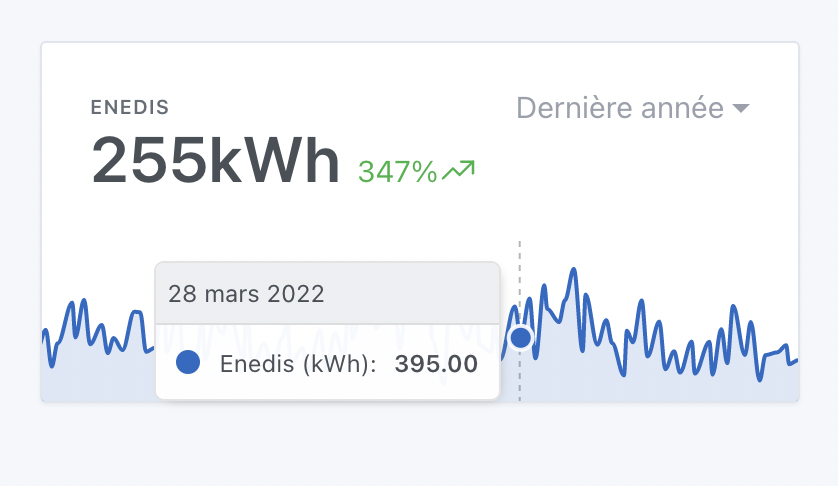
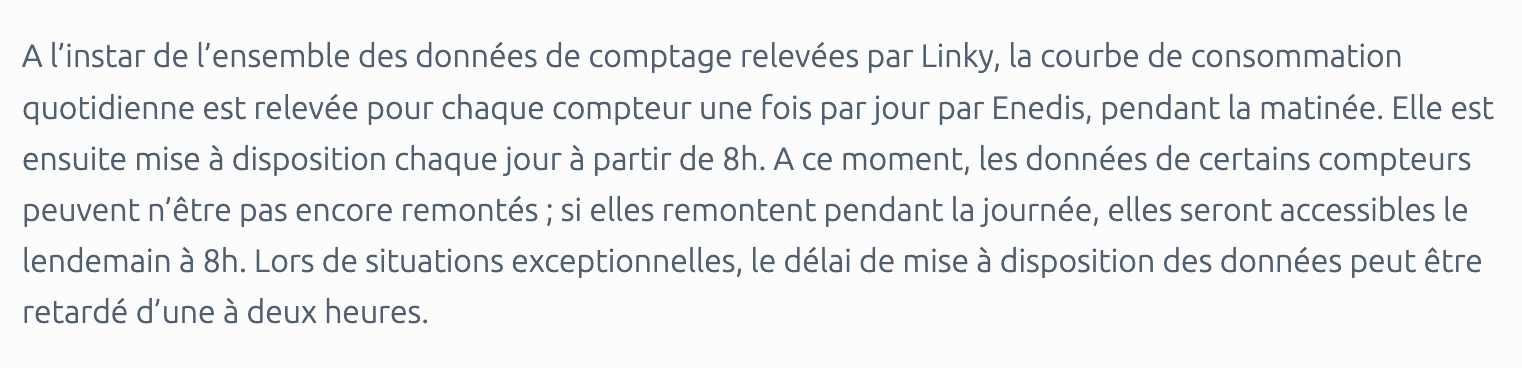
One thing I can’t understand is whether we can get recent data with this API or not, because their docs aren’t clear, it says:
A call may cover data dating at most 36 months and 15 days before the date of the call.
And elsewhere:
Well, since I’m on the sandbox it’s only fake data so it’s hard to know if that’s the reality…
Do you want me to send you my Enedis access credentials to test the real value?
I can’t, I don’t have access to production yet! As long as the app isn’t ready it’s a sandbox 
Integration development is progressing!
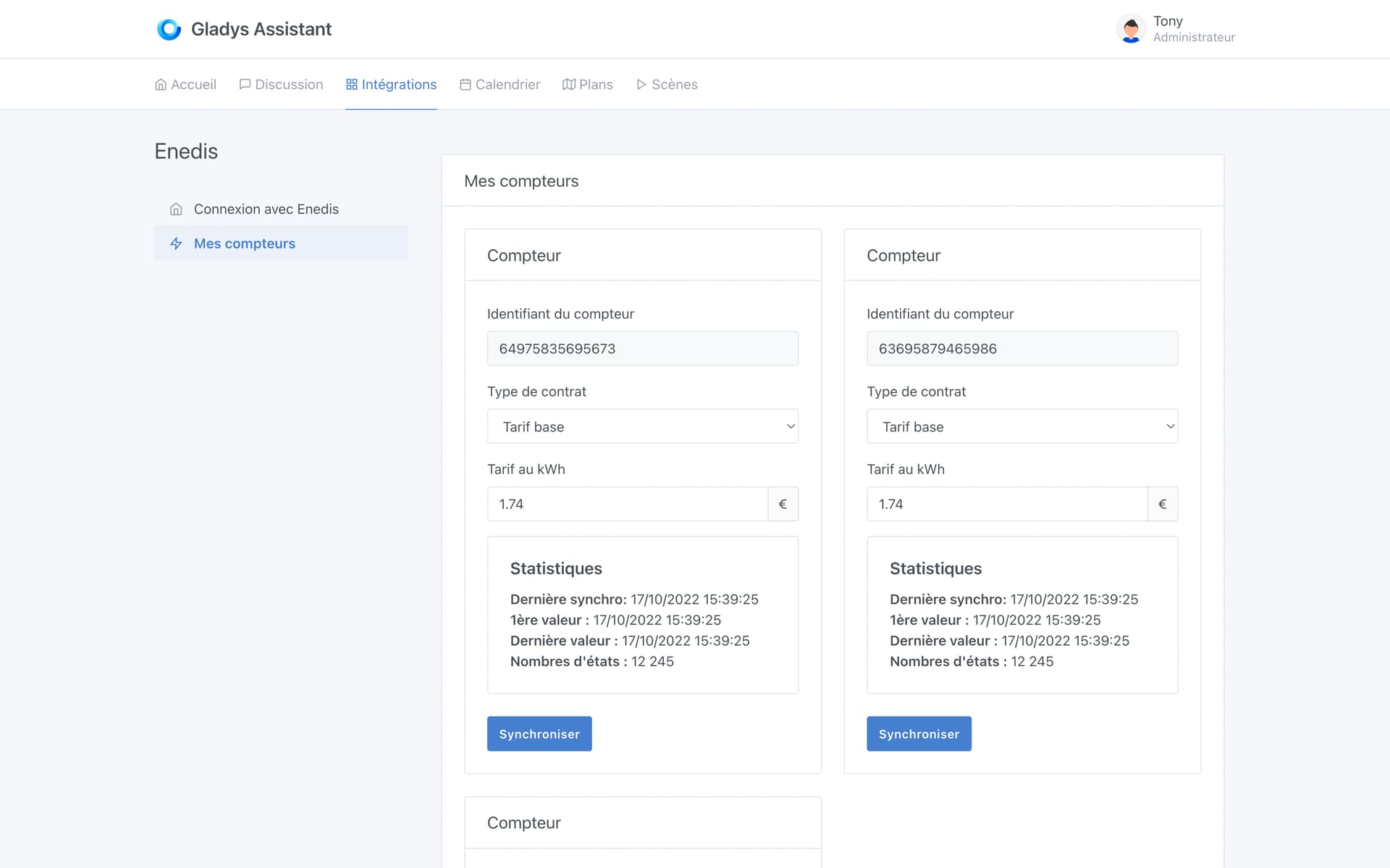
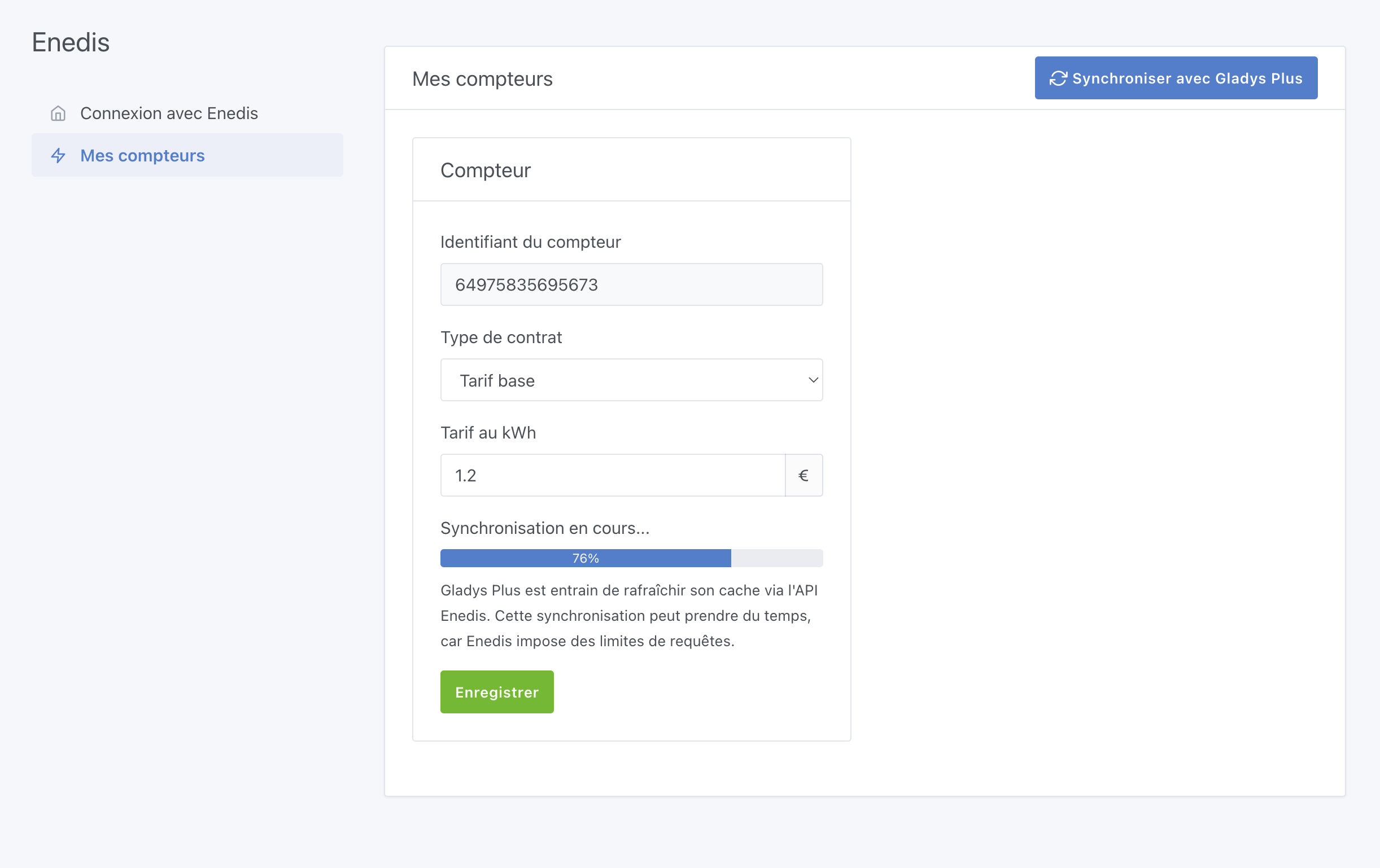
Aujourd’hui j’avance sur la configuration de l’intégration, et l’affichage de l’écran de configuration par compteur:
Just a quick question out of curiosity: who here is on the base rate and who is on the peak/off-peak rate?
Just so I know how to prioritize development, because cost management will be quite different between the two:
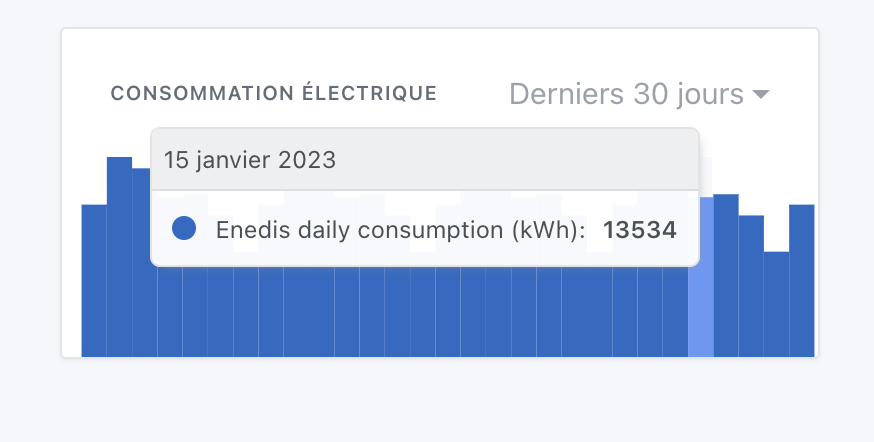
For the base rate, it’s super simple, I have the « daily consumption » in an Enedis API route, and I multiply the number of kWh by the price per kWh.
For the peak/off-peak rate (HP/HC), I need to access the route every 30 minutes, and multiply each consumption slice by the corresponding price. Not complicated, but not the same work at all since the daily route can’t be used
Hello,
For your information, there are municipalities for which none of this will be usable… Those where electricity and/or gas are distributed by a régie (municipal utility) and not by Enedis or GrDF.
See: Entreprise locale de distribution d'électricité et de gaz (France) — Wikipédia
Indeed, at the same time, for those who don’t have smart meters it’s hard to retrieve the data remotely ^^
Hello everyone,
that’s not the case for me, but I know that some suppliers offer super off-peak time slots… or at least TotalEnergies!
I don’t think you’ll have the info from Enedis.
@pierre-gilles @VonOx
Should I open another thread?
You regularly talk about retrieving Linky data via two different solutions (Enedis cloud side by pg and module/app side by VonOx).
Several times I’ve asked you about non-Linky meters, which are still numerous (I’m not talking about the old disk meters). These pre-Linky meters have a two-wire output (one for the subscriber and one for EDF) that can be connected to a teleinfo tool by EDF.
Searching online I discovered that you can connect a PC to it (wirelessly via a module with ESP, or wired via USB) in serial mode and that this connection provides directly from the meter (and not from the cloud) the same so-called « historical » information as the Linky (knowing that Linky also provides more complete so-called « standard » information).
And digging further on GitHub I discovered there is an MQTT interface (and even on Docker) for this teleinfo (teleinfo2mqtt).
Wouldn’t it be desirable to expand the Gladys offering with this module? Not everyone has a Linky, far from it…
If the question could be raised in tomorrow’s YouTube live (since we will certainly discuss the development around EDF data)
The lix
Hello VonOx,
can you get the info? On pre-Linky meters the teleinfo terminal has 2 wires, and from what I think I saw on Linky teleinfo has 2 wires but there is one additional wire.
Are the data you retrieve with lixee tic « historical » or « standard » data, apparently both are possible on Linky, and how are they collected? On pre-Linky meters they are only « historical » and local (the teleinfo port on pre-Link
Just search a bit  , I’m not selling anything.
This one is for the Linky (in Zigbee)
This one is for all modern meters (not disk-based) via USB
I used to do it with a Pi before Linky.
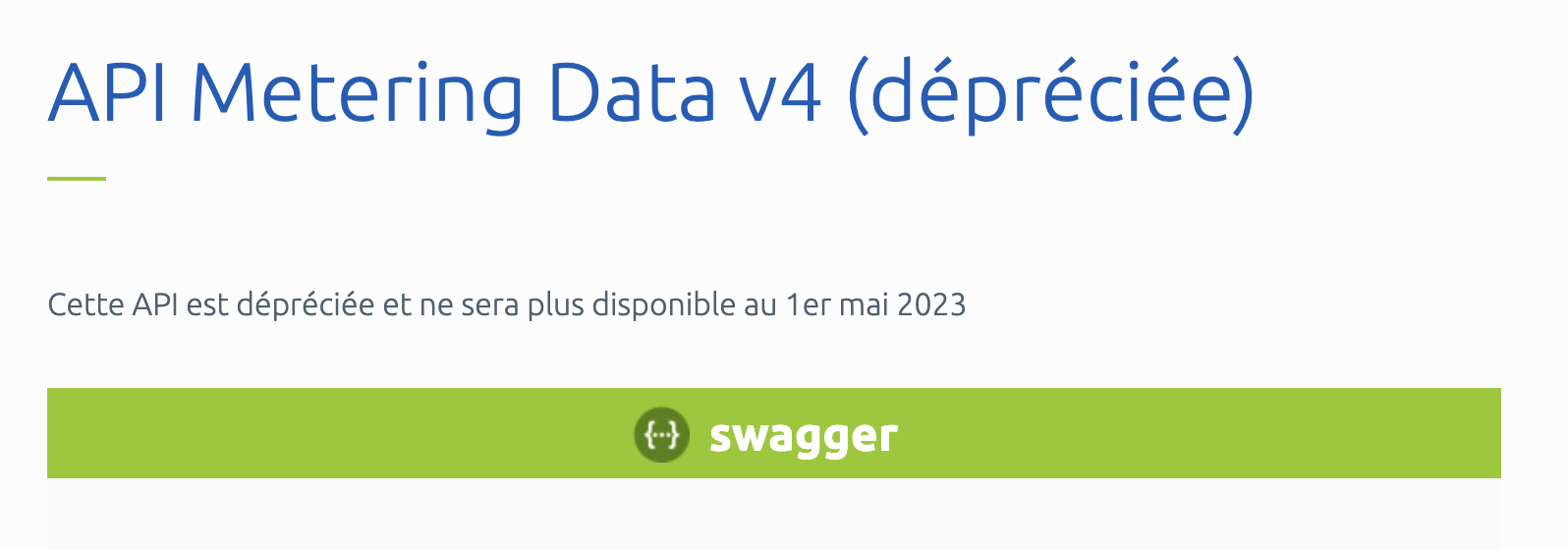
When Enedis deprecates the API I was in the middle of finishing integrating 
Fortunately API v5 is already available! Well, at least I’m moving straight to v5 ^^
Infuriating! But maybe not as bad as making a release that’s deprecated after a few days
Hello everyone
Quick progress update since this topic has moved forward a lot:
 My philosophy on this is that Gladys Plus absorbs all the instability of the Enedis API part (handles API calls, daily synchronization, rate limiting, retries, etc…)
 This point will be decisive in terms of timing for the release of a first alpha, I hope to have the new contracts signed as soon as possible.
What does it look like?
For the UI, for now I’ve focused on the synchronization aspect, to have a minimal alpha that’s very stable on the sync part.
The fancy display, cost handling (off-peak/peak hours/base tariff), all that will come later once v0.1 is validated for sync/stability!
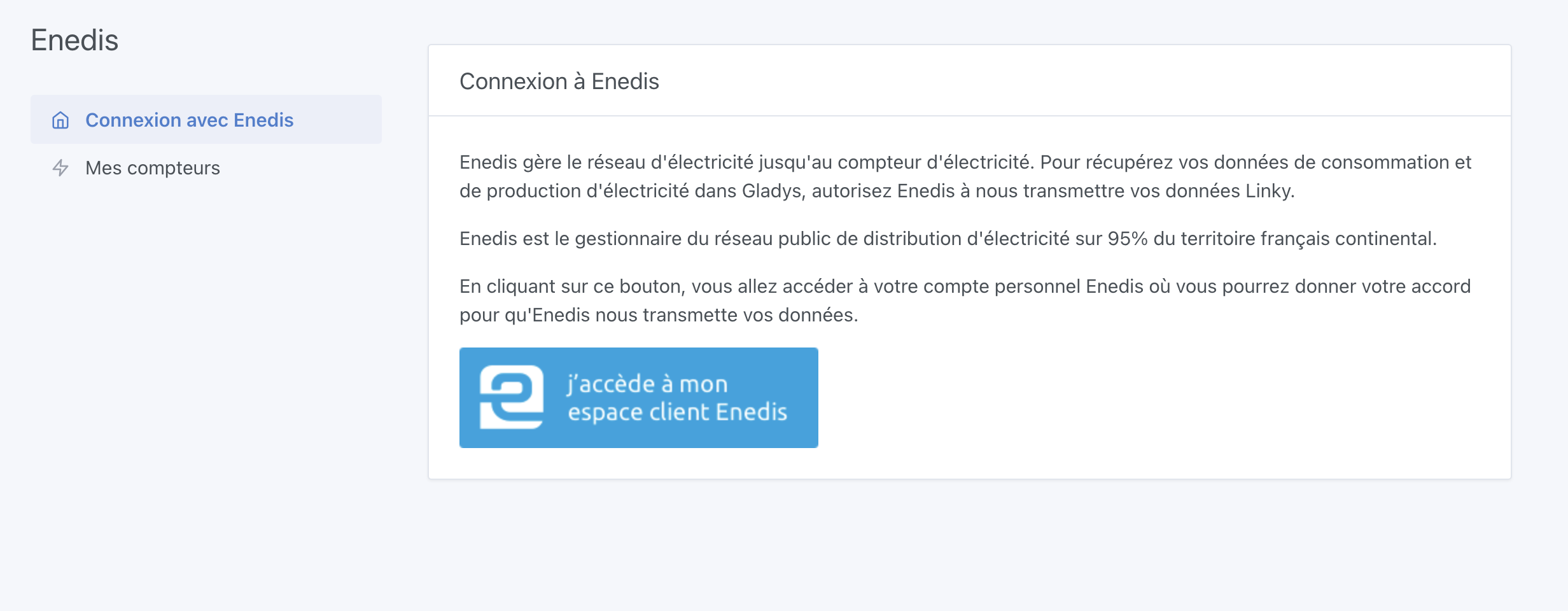
Current screens:
I’m trying to do my best with Enedis’ schedule to get this out as quickly as possible, I’d like to put this in the hands of real users ASAP.
The display part, the peak/off-peak calculations, etc. — all that is going to be a real pain to develop so I’d rather split the development into two to avoid tunnel vision on my side (because it’s not very motivating to develop in the dark :p)
I love it!! Great job!