Hello everyone,
I present to you a new external integration for Gladys: AdGuard Home. It allows you to control the DNS protection of your AdGuard Home server from Gladys and to monitor its blocking statistics in your dashboards and scenes.
 GitHub Repository: GitHub - cicoub13/gladys-adguard-home · GitHub
What the Integration Does
An « AdGuard Home » Device
As soon as the connection works, the device appears automatically in the Discovery tab, without launching a scan. It offers:
- 4 switches: DNS protection, secure browsing, parental control, secure search;
- 4 sensors (with history): DNS queries over 24 h, blocked queries over 24 h, share of blocked queries (%), and average processing time (ms).
The switches reflect the real state of AdGuard Home: if you change a setting from the AdGuard interface, Gladys sees it at the next refresh.
Two Dashboard Widgets
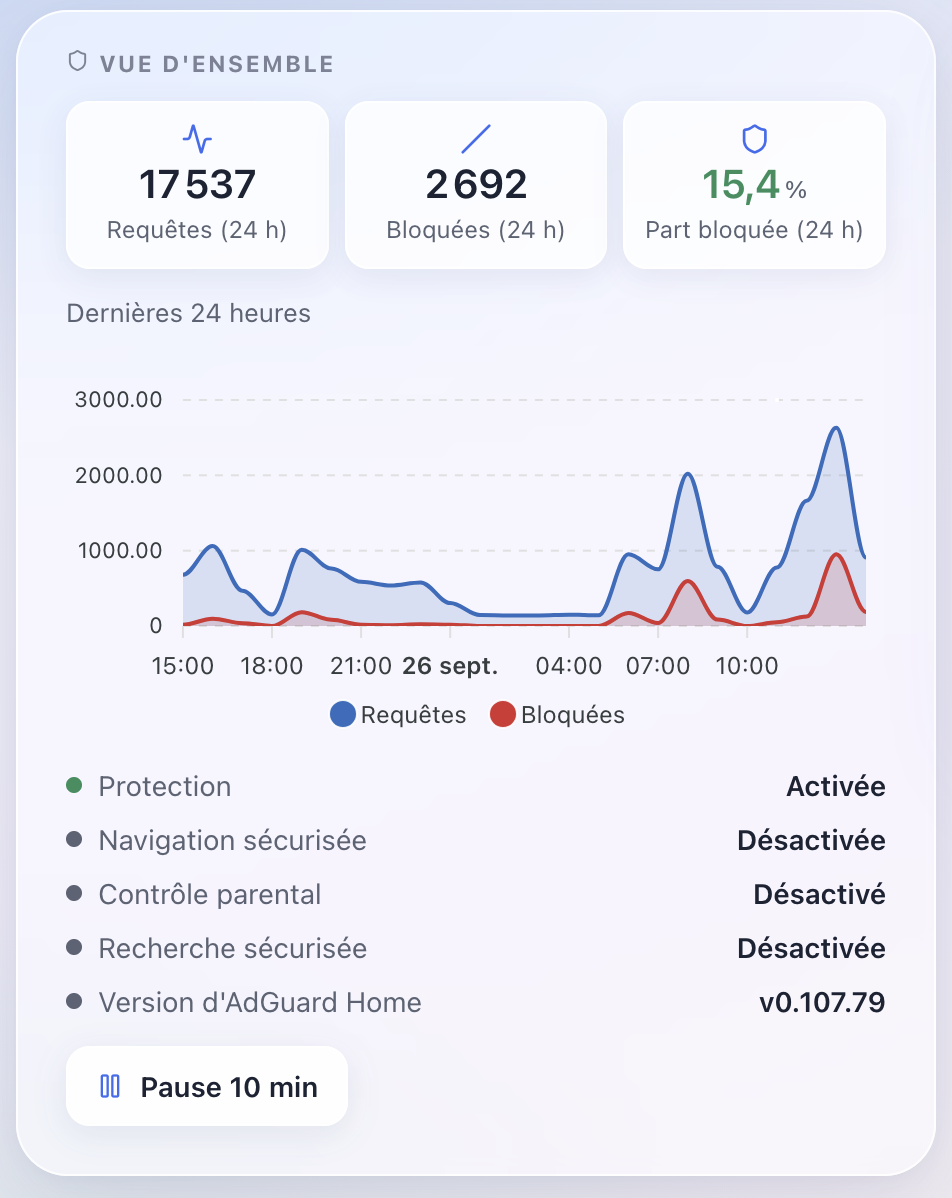
Overview: the figures of the last 24 h, the hour-by-hour curve, the status of the protections, and a Pause 10 min / Resume protection button.
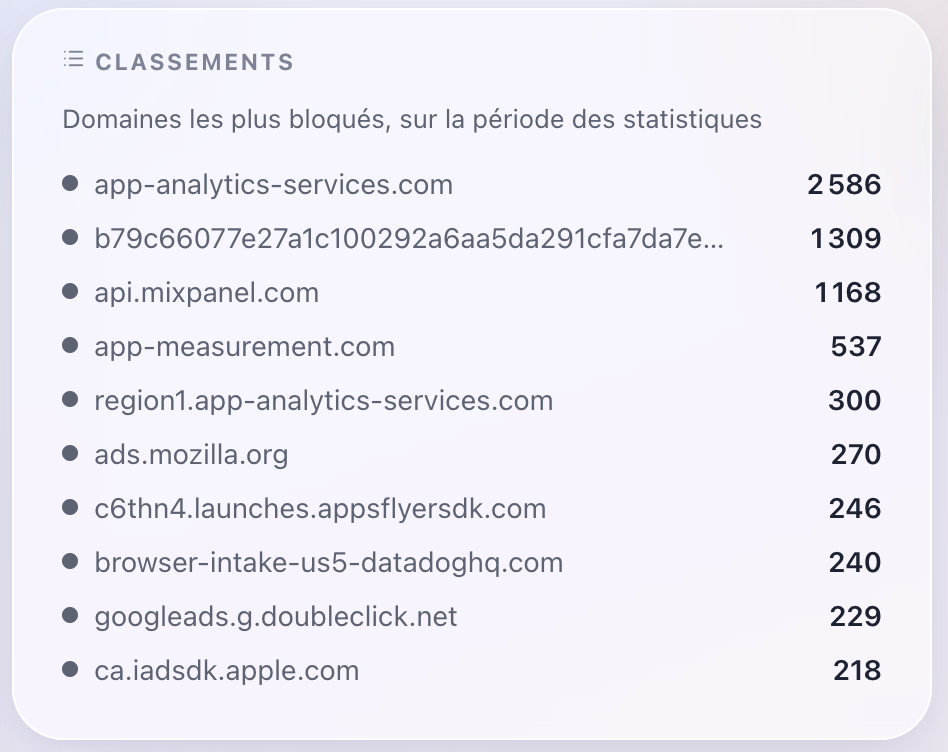
Rankings: at your choice, the most blocked domains, the most requested domains, or the most active clients.
Two Scene Actions
- Pause protection for 30 s, 1 min, 10 min, 1 h, 8 h, or 24 h. The action returns the resume time (
resume_time, in HH:MM format in your timezone), to be inserted into a notification: « DNS protection paused until {{…resume_time}} ». - Block or unblock services among 25 common services (YouTube, TikTok, Instagram, Netflix, Roblox, Fortnite, Minecraft, ChatGPT…), for the entire network or for a single device (persistent AdGuard client, designated by its name or IP).
A few scene ideas:
 Every evening at 9 p.m., block TikTok and YouTube on the children’s tablet.
 A « Pause ads » button that cuts off blocking for 10 minutes, enough time to access a site that refuses blockers.
 Every evening, receive the number of blocked queries for the day.
Installation
- You need Gladys 5.1 or newer.
- Install the integration from the catalog, or directly from the GitHub repository URL.
- In the configuration, enter:
- the web interface address of AdGuard Home, including the port (for example
http://192.168.1.10:3000, or your HTTPS address behind a reverse proxy); - your username and AdGuard Home password;
- the refresh frequency (30 s, 1 min, or 5 min).
- the web interface address of AdGuard Home, including the port (for example
- Click on Test Connection, then create the device from the Discovery tab.
The complete documentation (including troubleshooting) is accessible from the configuration screen
Good to Know
 Incorrect password: AdGuard Home blocks an IP address for 15 minutes after repeated incorrect passwords, including the web interface. To avoid locking yourself out, the integration stops its calls as soon as AdGuard refuses the password. It resumes when you save the configuration or click on « Test Connection ».
 The « 24 h » figures are a sliding window when AdGuard keeps its statistics by time slots. The sensors, on the other hand, cover the entire duration of AdGuard’s statistics retention (for example 7 days).
 The Ranking Widget displays the domains consulted and the names of your devices: do not integrate it into a dashboard where other users can see this information.
- The names of the device features are in English, as for my other integrations.
Your Feedback
This is a first version, tested on AdGuard Home v0.107.79. Do not hesitate to give me your feedback here or to open an issue on GitHub: bugs, services to add to the list, widget or trigger ideas…
