Hi everyone!
I talked with @_Will_71 and @Brisou , both want to contribute to a potential Z-Wave JS UI integration, so that’s super positive
That said, the first step to develop an integration (setting up the whole project, UI, tests, etc…) is a big step, so I offered my help by doing a live stream like I did for Sonos. Then I’ll pass the baton to whoever wants to add devices little by little, a bit like we do on Zigbee2mqtt!
So I propose, this Sunday, December 17 at 10:00 , a YouTube live to code together in one day a first MVP of a Z-Wave JS UI integration!
Follow on YouTube here:
VIDEO
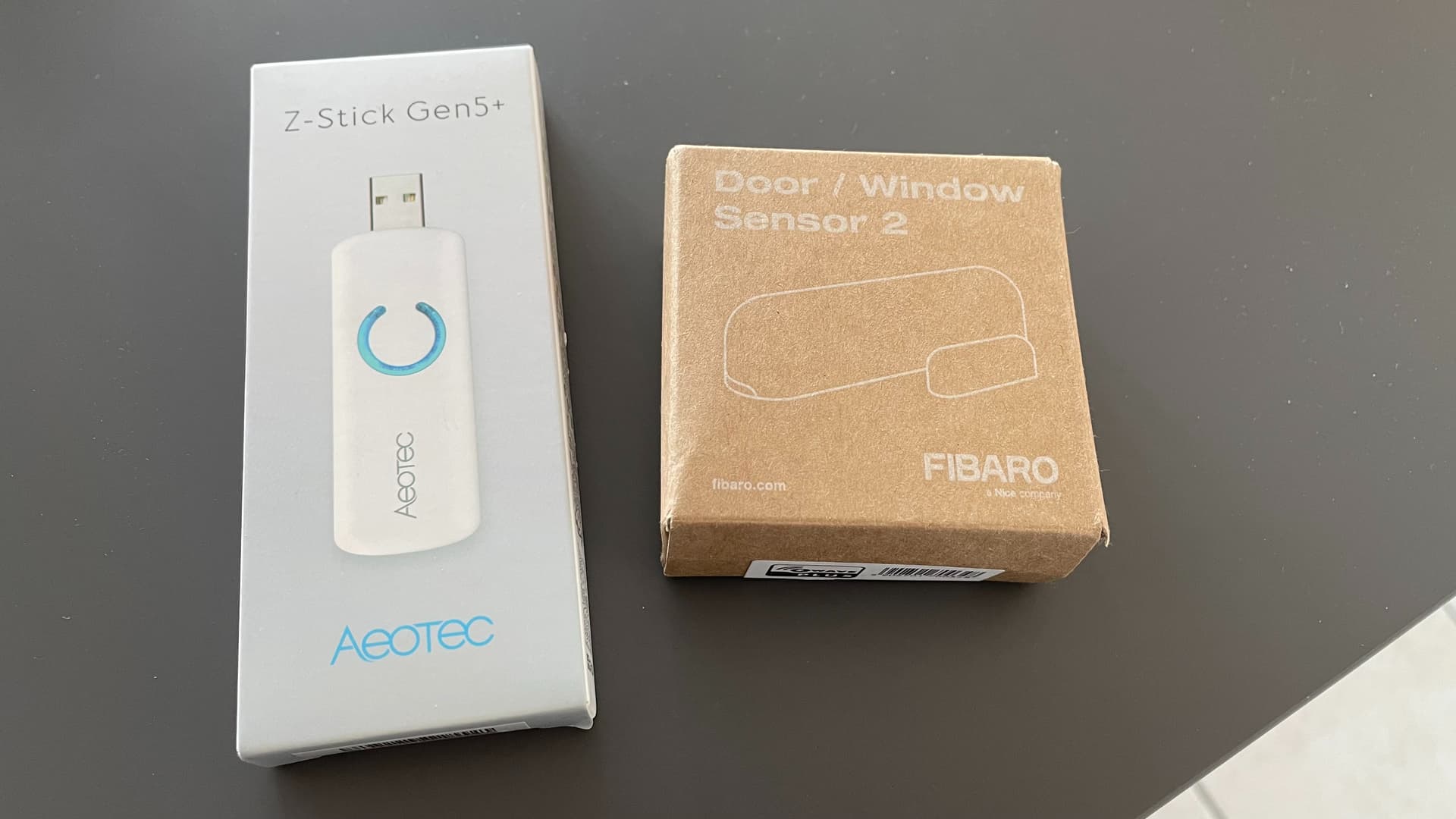
On my end, I equipped myself with hardware this week with this duo:
The idea will of course be to make a minimal integration; I won’t be too greedy so as not to repeat the mistakes of that integration
Then, after this development, I’ll launch the integration with a single device (this Fibaro sensor), and afterward the work will be to add support for all compatibilities.
Thanks to everyone who will follow the live — I’d welcome your help in the comments because I’m not very familiar with the Z-Wave protocol nor with Z-Wave JS UI.
guim31
December 15, 2023, 4:50pm
22
I think you’ve got something really interesting with those « first step » live streams.
A three-person livestream?
For sure, I didn’t expect that! All the better if it helps to « kick off development »
No, just me!
Will_71
December 15, 2023, 7:22pm
25
He tried but I’m not available this weekend and I’m not at the same level as @pierre-gilles
cce66
December 15, 2023, 8:49pm
26
Great, Sunday 10am… oh well I’m not a fan of mass so I’ll be listening in and since it’s Sunday I’ll bring the croissants!
If we can get on the same page, I’m happy to get my hands dirty again
Thanks to everyone who came to watch this live
The bet was met again, with a functional integration, complete PR with tests, translations, assets and Docker image, in 7h30 !!
The list of integrations with Z-Wave :
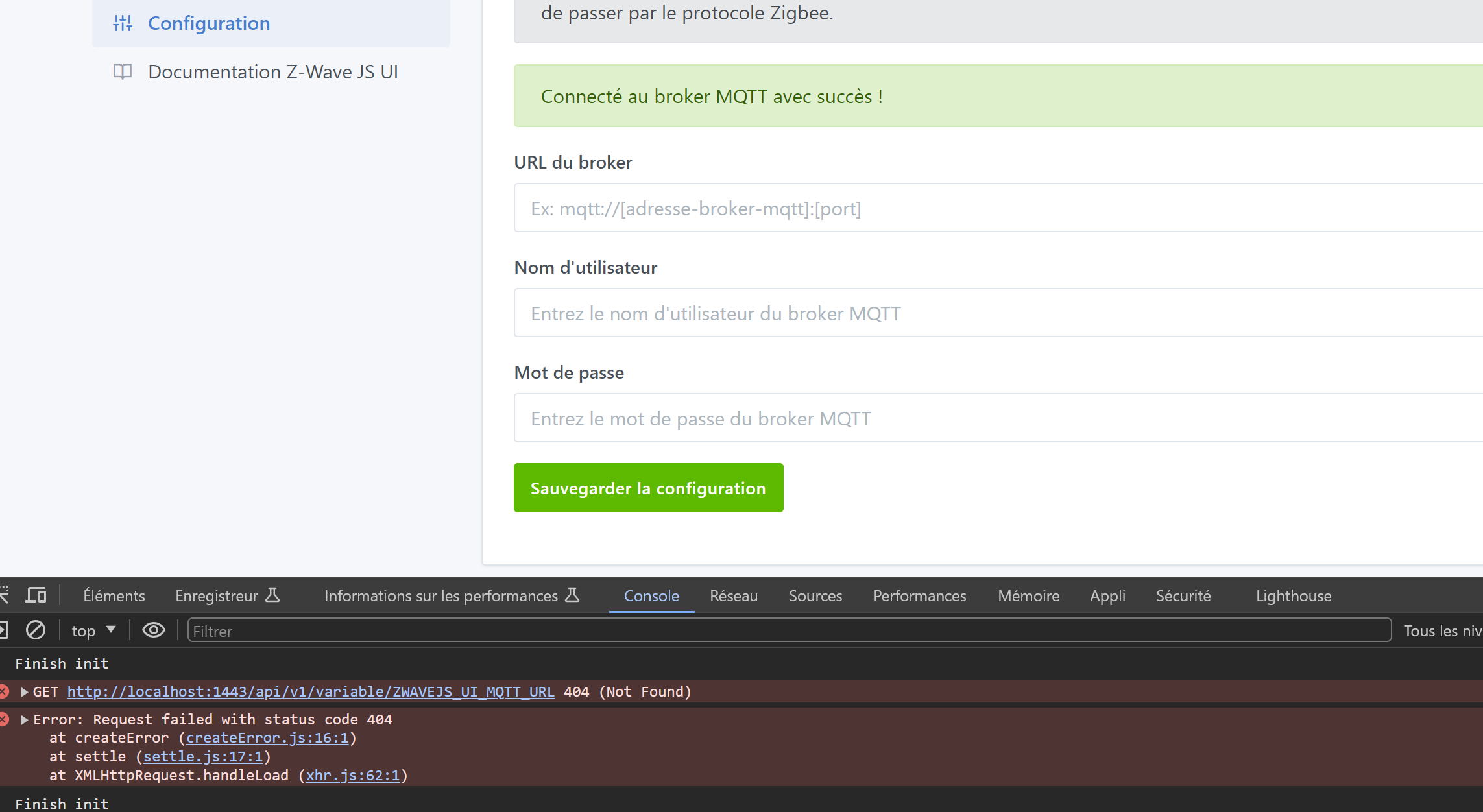
The configuration page that allows adding an external MQTT broker :
The « Discovery » page that lets you see detected Z-Wave devices :
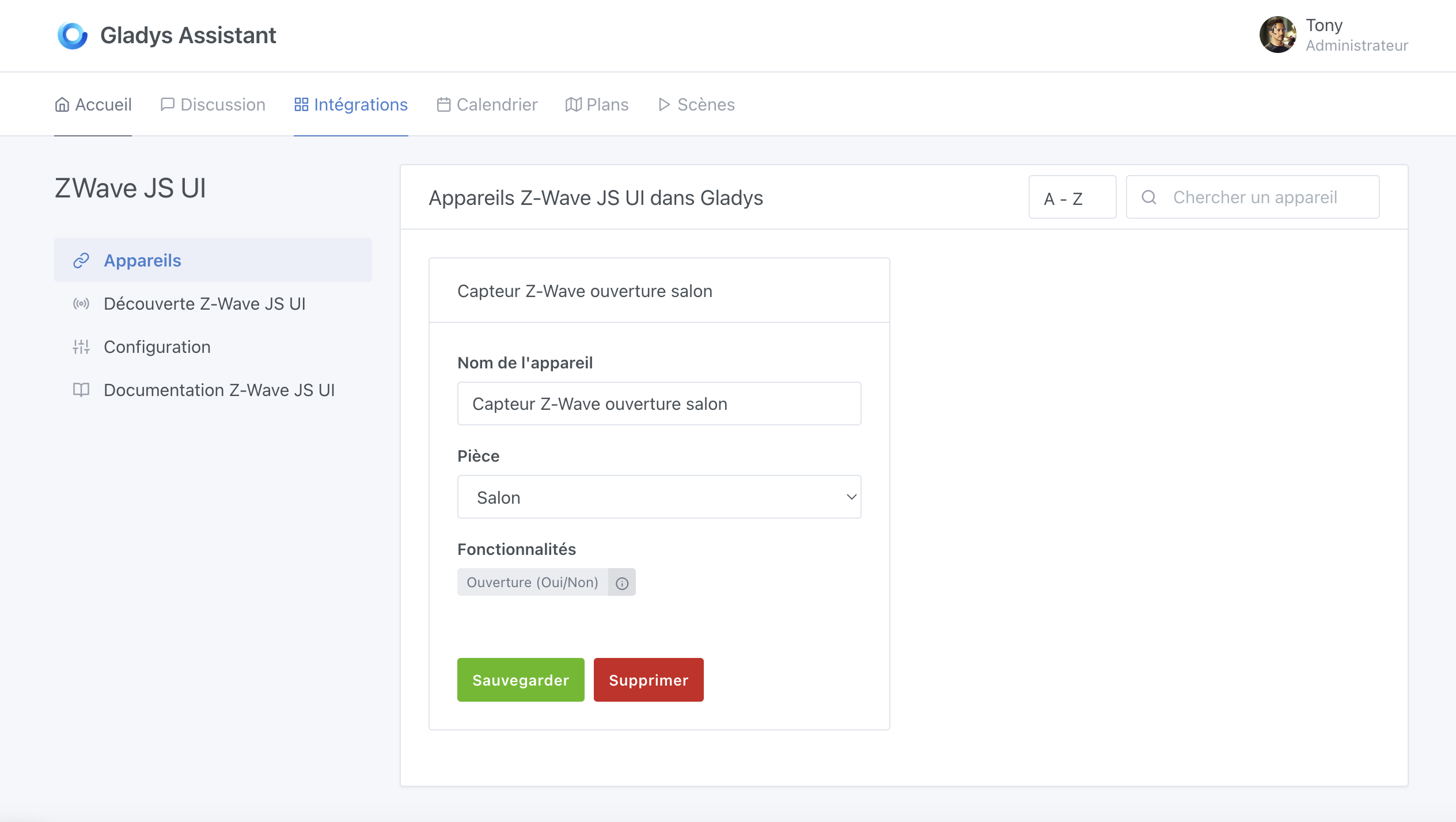
The « Devices » page that lets you see Z-Wave devices added to Gladys :
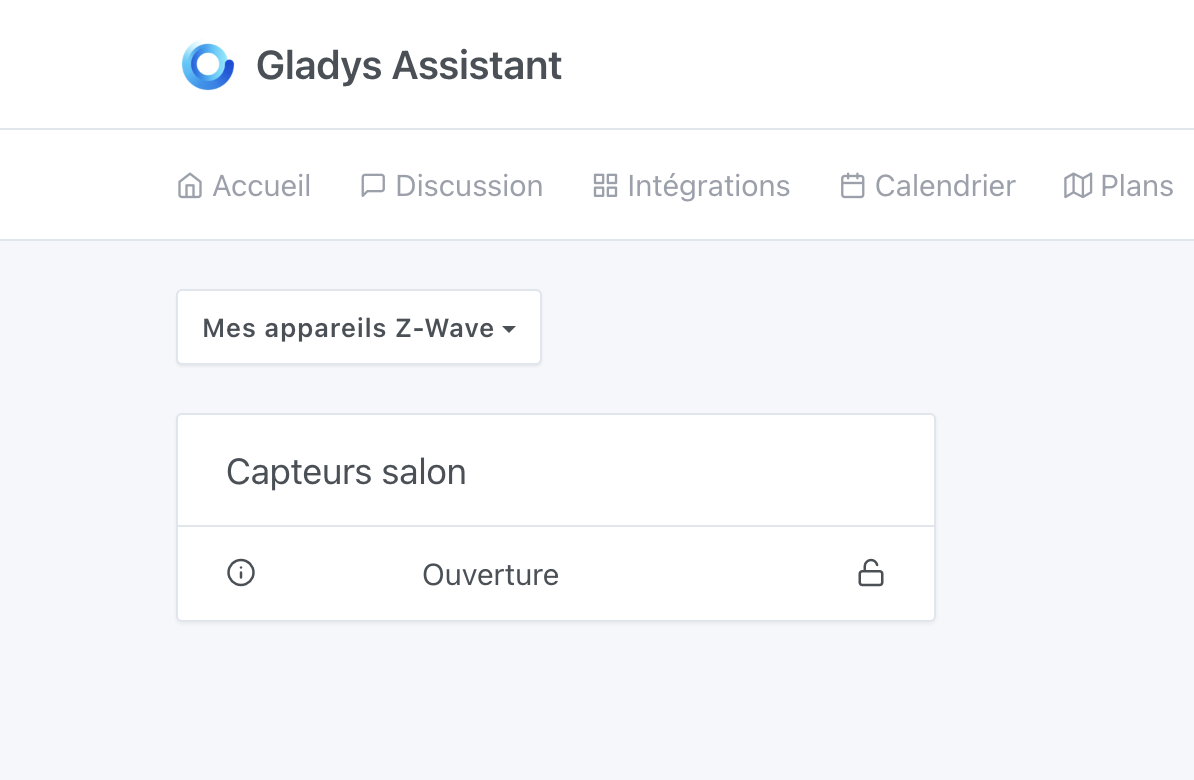
The dashboard with a Z-Wave sensor added
The replay of the live stream is available here :
VIDEO
The PR is on GitHub (would appreciate your review!):
master ← zwavejs-ui-integration
ouvert 04:06PM - 17 Dec 23 UTC
### Pull Request check-list
To ensure your Pull Request can be accepted as fa… st as possible, make sure to review and check all of these items:
- [x] If your changes affects code, did your write the tests?
- [x] Are tests passing? (`npm test` on both front/server)
- [x] Is the linter passing? (`npm run eslint` on both front/server)
- [x] Did you run prettier? (`npm run prettier` on both front/server)
- [x] If you are adding a new features/services, did you run integration comparator? (`npm run compare-translations` on front)
- [x] Did you test this pull request in real life? With real devices? If this development is a big feature or a new service, we recommend that you provide a Docker image to the community ([french forum](https://community.gladysassistant.com/)/[english forum](https://en-community.gladysassistant.com/)) for testing before merging.
- [x] If your changes modify the API (REST or Node.js), did you modify the API documentation? (Documentation is based on comments in code)
- [ ] If you are adding a new features/services which needs explanation, did you modify the user documentation? See [the GitHub repo](https://github.com/GladysAssistant/v4-website) and the [website](https://gladysassistant.com).
- [ ] Did you add fake requests data for the demo mode (`front/src/config/demo.js`) so that the demo website is working without a backend? (if needed) See [https://demo.gladysassistant.com](https://demo.gladysassistant.com).
### Description of change
Add a new Z-Wave JS UI integration.


A test Docker image is being built with the tag :
gladysassistant/gladys:zwavejs-ui-integration
(Available in about 30 minutes, around 6:20 PM or so)
Thanks to everyone who was there, I hope it was interesting and that it gave you motivation to contribute to Gladys!
pierre-gilles:
at 7:30 !!
That’s definitely the time to remember ^^@pierre-gilles , couldn’t follow everything but that will make a good dynamic and sound wallpaper for my next week
[quote=« pierre-gilles, post:28, topic:8573 »]
Correction: « […] re-pair the device in Gladys. » or « […] pair the device again in Gladys. »
Will_71
December 17, 2023, 6:34pm
32
I didn’t catch the live stream, but well done.
Is this integration intended to be merged as-is?
Thanks for the feedback @Terdious I’ll fix it!
Thanks @_Will_71
Yes! I’d be happy to get your review
The information saved in the MQTT configuration is not displayed when you return to the configuration page.
My devices don’t have a « location » but are still discovered
Otherwise I can’t go any further, I don’t have any compatible devices at the moment
Oh really? I can’t reproduce it!
Ah! I’ll change that
Yet I do have devices in the « Discovery » tab.
Ah, I think I understand, I was wrong — I didn’t scope the variables by service in the front-end!! my bad, I’ll fix it!
cce66
December 18, 2023, 8:43am
39
localisation rather than location
No, as said in the live stream, the term on the Z-Wave JS UI side is « location » and not localisation, so I prefer to keep their jargon so that the user understands where it comes from