This feature request aims to gather the need for an integration with ZWave-JS UI .
The goal of this development would be to release, in a relatively short time, a minimal version with the following specification:
Connection to an existing MQTT + Z-WaveJS UI instance . No container launch to keep the spec lightweight.
Control of a single device type: a Z-Wave smart plug.
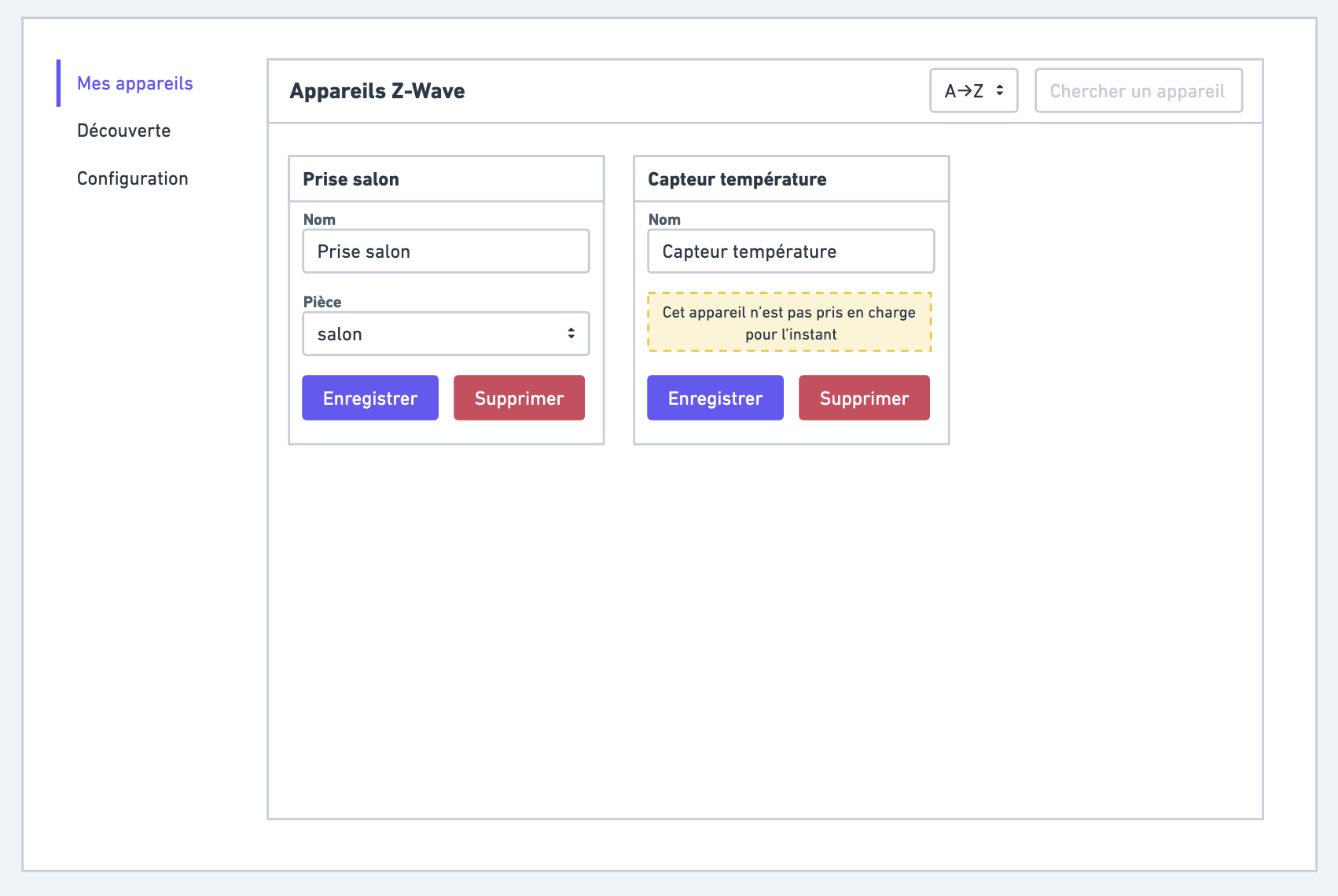
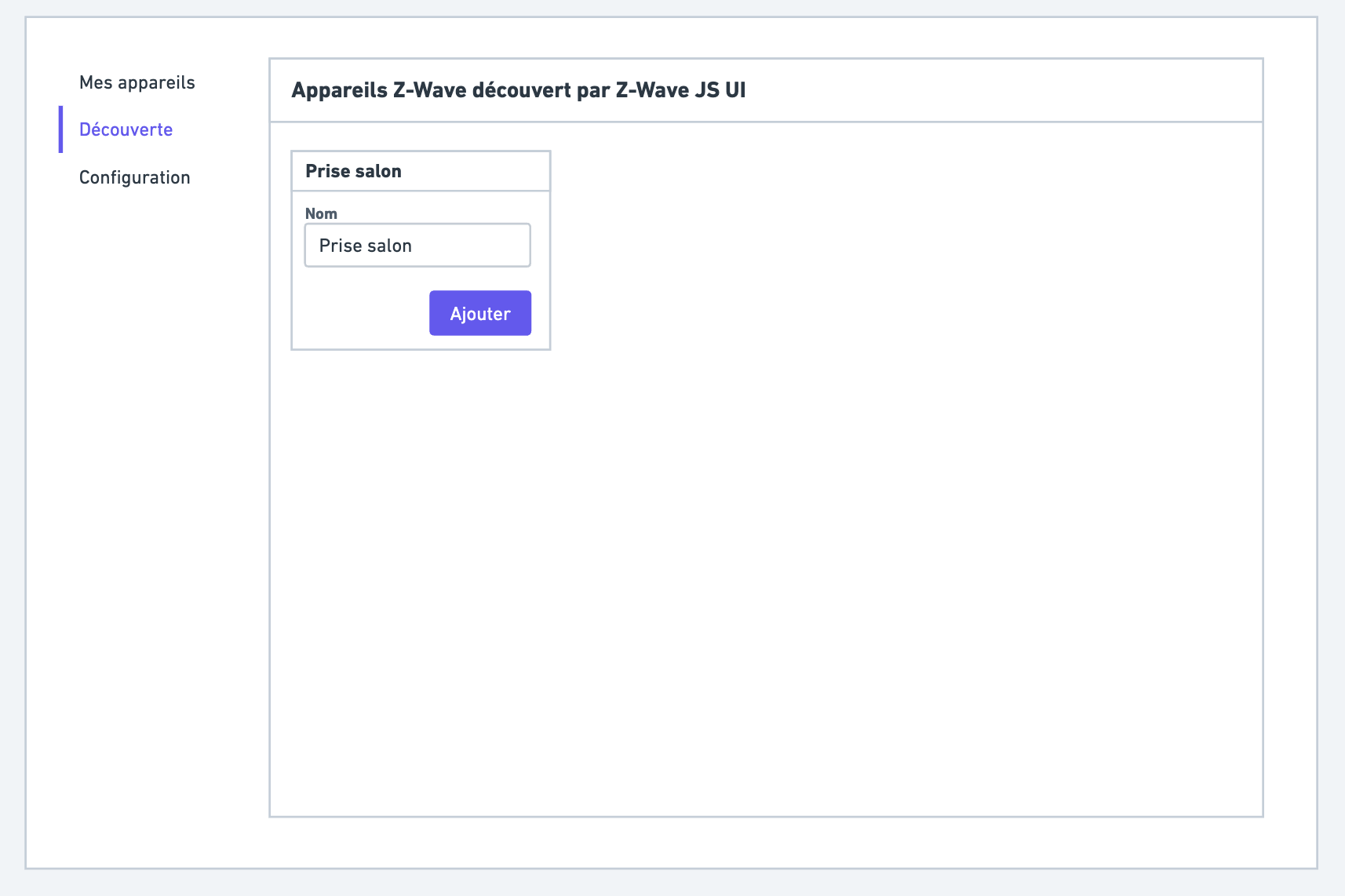
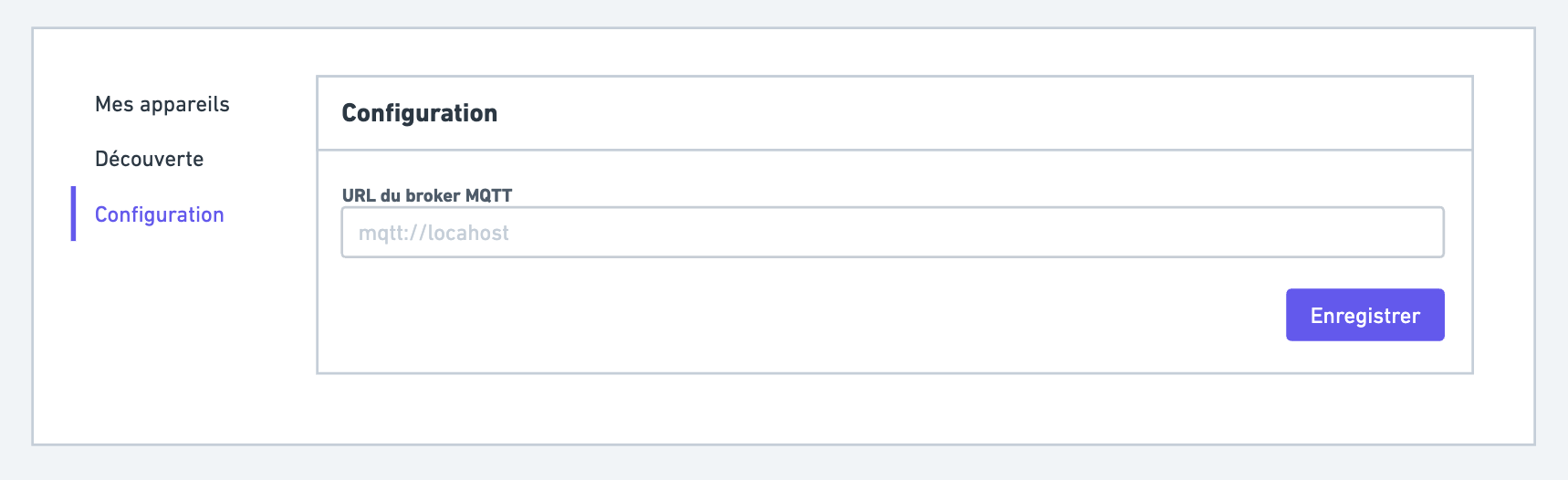
Functional mockup
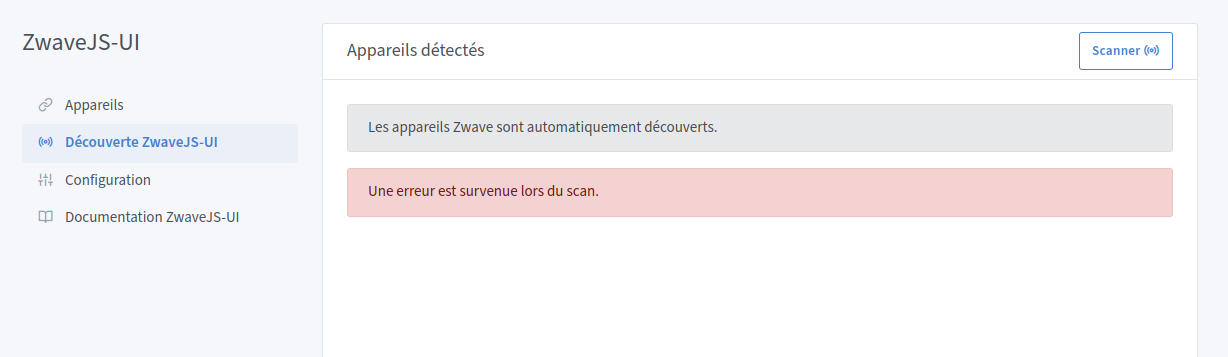
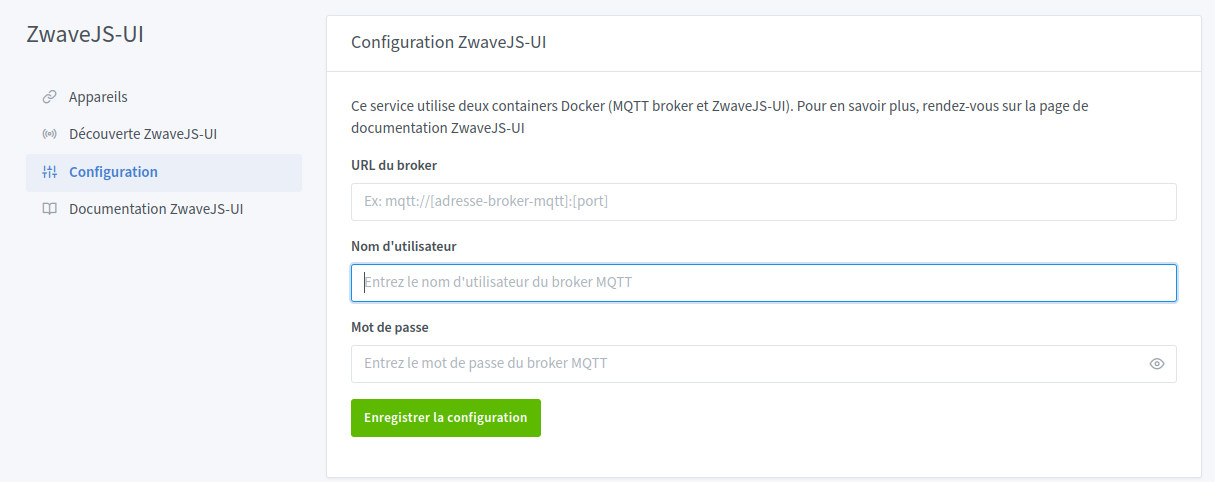
3 screens are to be developed.
My devices:
Discovery:
Configuration:
I have a Z-Wave stick in the closet that I never managed to get working, along with a few sensors.
I’ll bring it out again if needed when the related features are in development.
So the first thing to define is which type of device to develop first for an initial release.
For my part I have :
Z-Wave Plus controller Z-Stick GEN5 - Aeon Labs
Aeon Labs Multisensor 6 - Z-Wave Plus
FIBARO Dimmer
You make me think that I must also have a Z-Wave key but no device.
Will_71
December 1, 2023, 12:26pm
4
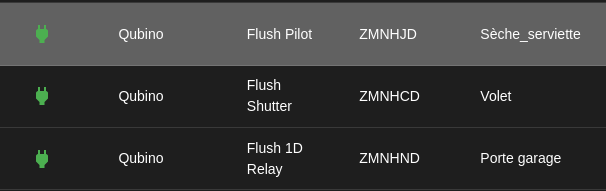
I personally use the devices below every day, which I integrated into a ZWaveJS-UI container + an MQTT container
Hello,
I could help with testing one accessory; it’s a door opening sensor that I use daily with ZWave-JS / Node Red / MQTT.
It is a FIBARO FGDW002 sensor.
Domadoo link: https://www.domadoo.fr/fr/peripheriques/4105-fibaro-detecteur-d-ouverture-z-wave-doorwindow-sensor-2-blanc-5902701700348.html
I’m reposting my comment here
https://community.gladysassistant.com/t/v4-integration-z-wave/6057/257?u=spenceur
In my opinion, the page to configure a device is missing, isn’t it? Unless it’s done through the Z-Wave JS interface
I need to reprioritize my votes ^^’
That only makes development all the more complicated and, once again, would risk jeopardizing the release, right?
Unless someone already knew how to do it « easily » off the bat. But it’s apparently already complicated to implement.
That can perfectly well go into a follow-up PR once the first part has been produced.
Yeah but that’s dumb — you can add a device but not configure it ^^
I’m not forcing anything, I just prefer to mention it rather than end up with the same oversight we had on the first v4 integration; it lets everyone be aware of it.
I remember adding my light dimmer and thinking, oh yeah but how do I configure it now?! Okay, I’ll restart my v3 xD
Here we have the advantage of a UI, so might as well take advantage by adding a simple link (either on each device) or above the configuration once the connection is established ahah
I currently have « dimmer » plugs, motion sensors and a Fibaro
cce66
December 2, 2023, 3:10pm
10
hello everyone,
I have this key on hand to test Z-Wave.
guim31
December 7, 2023, 8:58am
12
I have this dongle, but I no longer have any Z-Wave devices
Brisou
December 7, 2023, 9:04am
13
I have this dongle and this plug (Amazon link) :
[Aeotec Z-Stick 7 | Z-Wave Plus V2 | ZWA010 | Série 700](Aeotec Z-Stick 7 | Z-Wave Plus V2 | ZWA010 | Série 700 : Amazon.fr: Bricolage
I suggest 2 logos for the integration.
cce66
December 7, 2023, 1:12pm
15
The 2 works for me, but it’s missing the « + » or « Plus »
Uh, for more info, I’m on plain Z-Wave, not Z-Wave+.
Brisou
December 7, 2023, 1:15pm
17
Tlse-vins:
That’s the one used in the docs/packaging of my hardware.
By the way, on Google you can see that the last one had already been selected for Gladys:
Will_71
December 11, 2023, 12:29pm
19
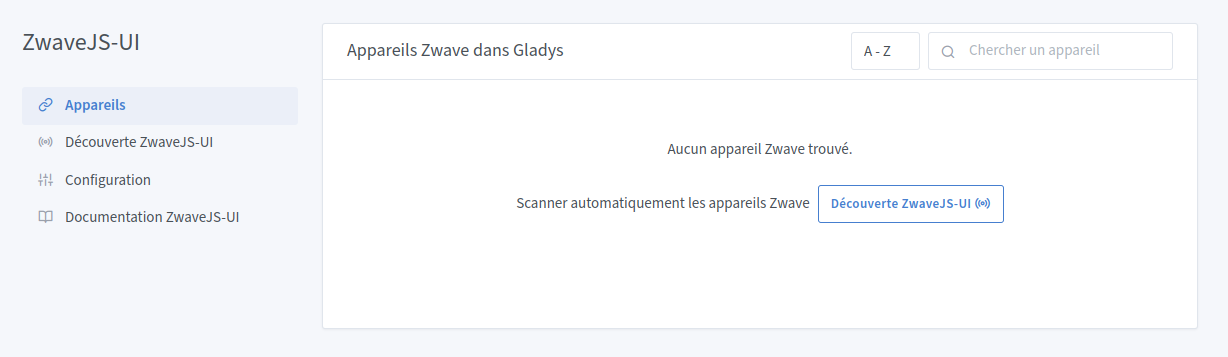
Well, not having seen much enthusiasm for developing this integration, I’m trying to do something. I don’t yet know if I’ll manage to finish, but there will at least be a start.
Here is what I did yesterday:
For now I’m saving the config; I’m going to try to create the function to connect to the MQTT broker
Will_71
December 11, 2023, 11:01pm
20
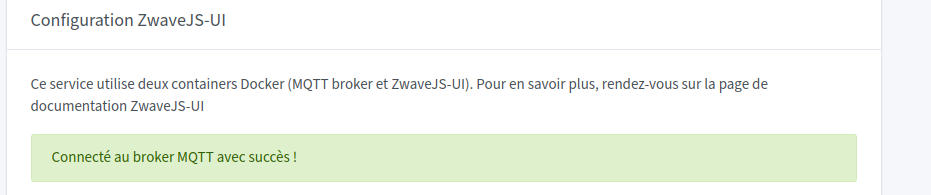
Connection OK
And I can even read MQTT messages in the logs! Wonderful
 Please only vote for this integration if you have Z-Wave devices at home and you are actually waiting for this integration!