Integrate Rollei IPC-88 camera from ALDI (€19.99)

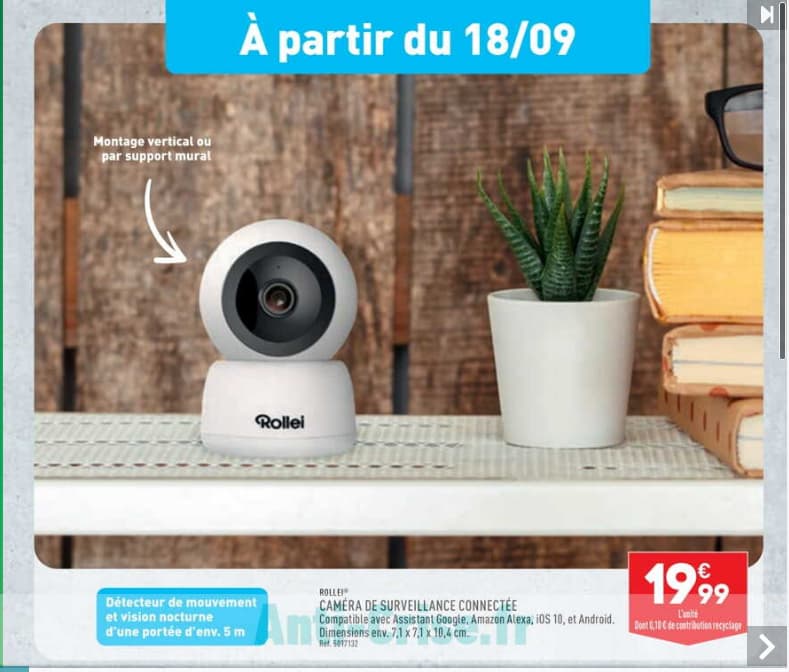
Rollei IPC-88 Camera from ALDI priced at €19.99

  • Good image quality.
  • Rotating
  • Poor sound quality
  • Visible infrared LED (red dot)
  • No battery

I bought this camera at ALDI on September 23, 2024 — at that price I didn’t have much to lose.

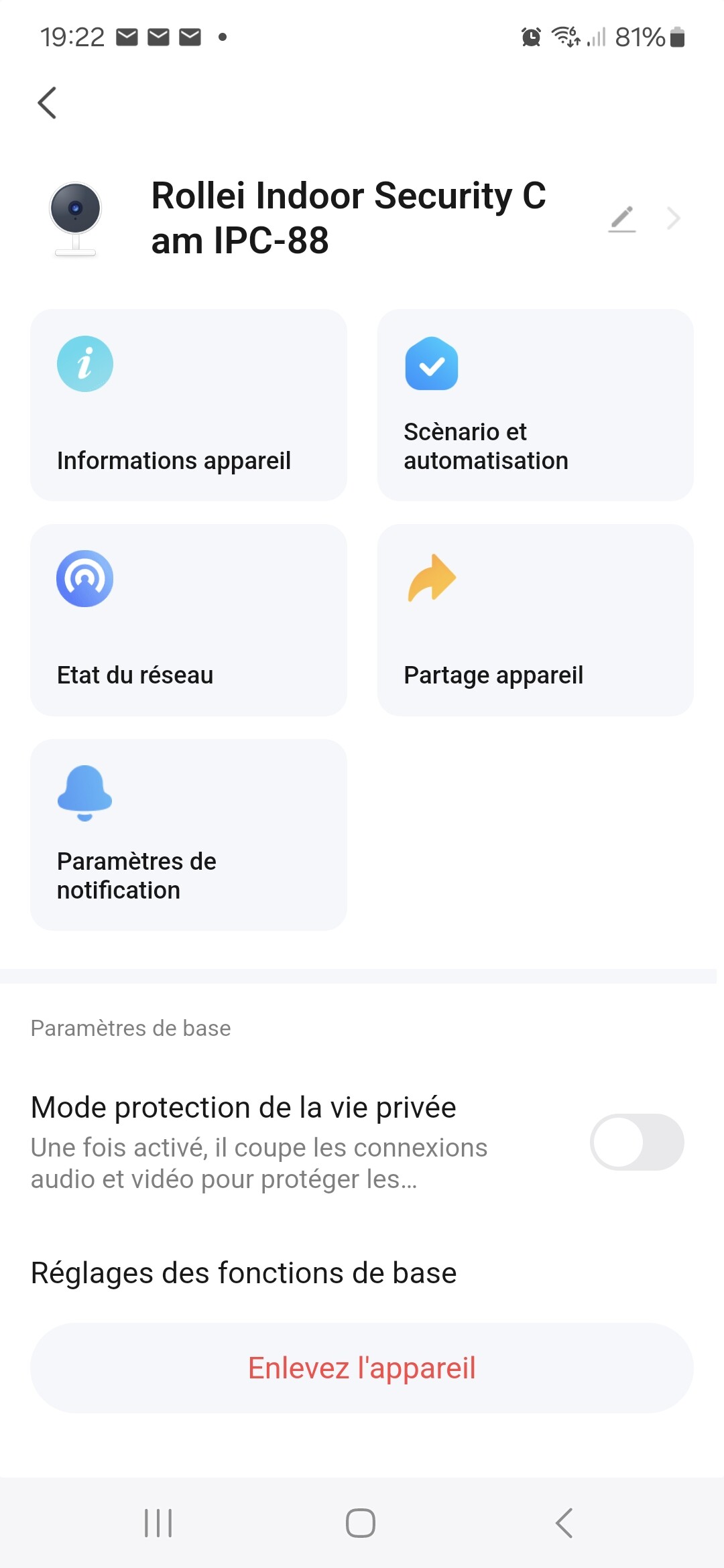
Install the Smart Life app on your Android phone to be able to use the camera

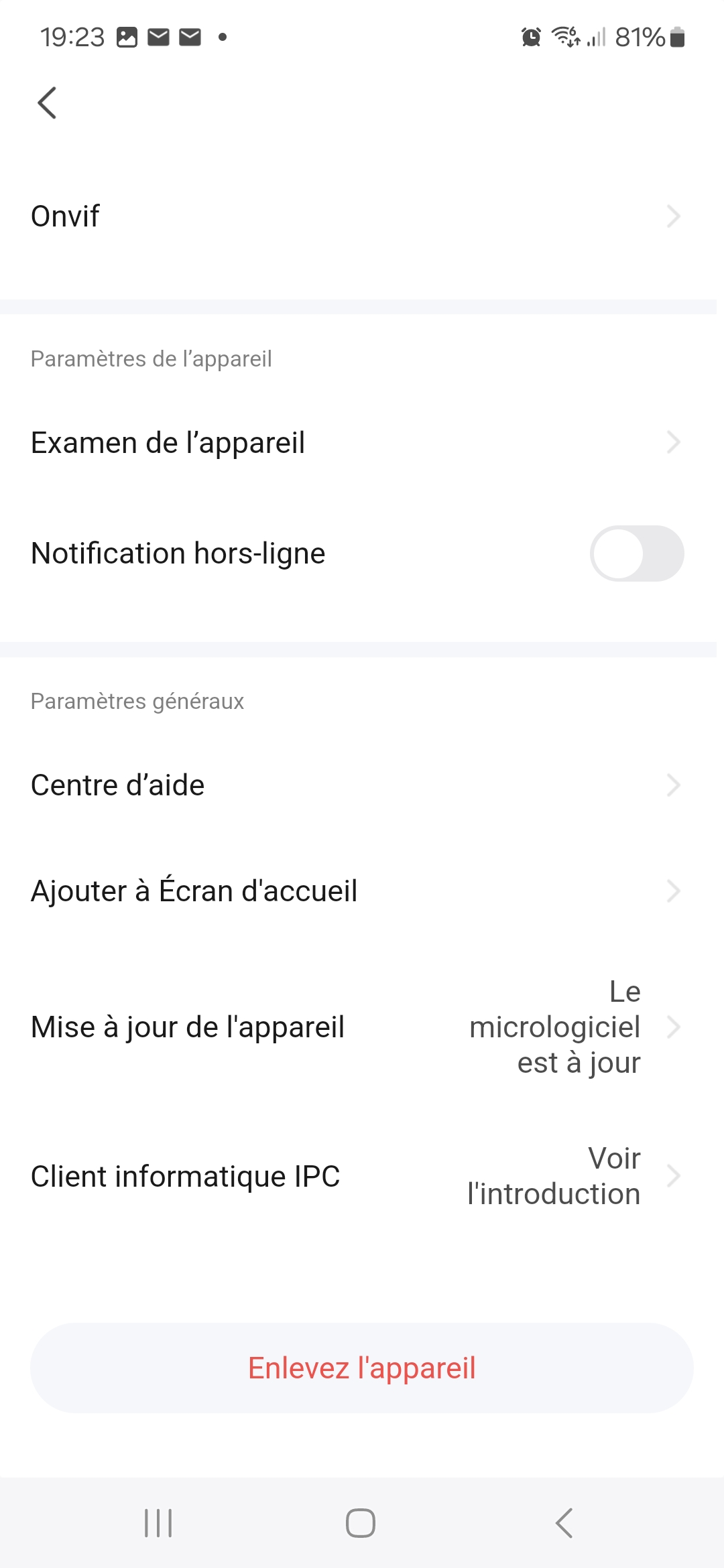
Click on ONVIF

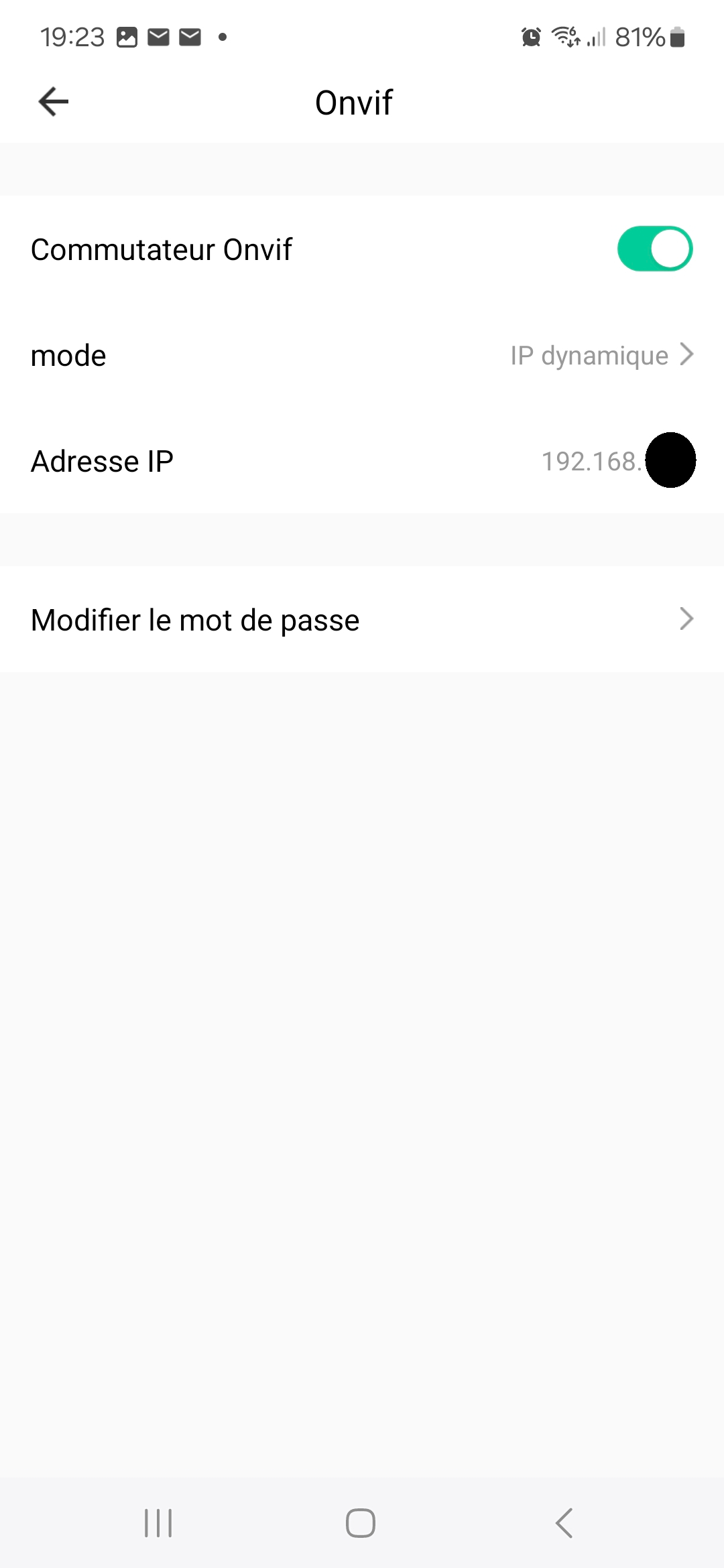
Enable ONVIF

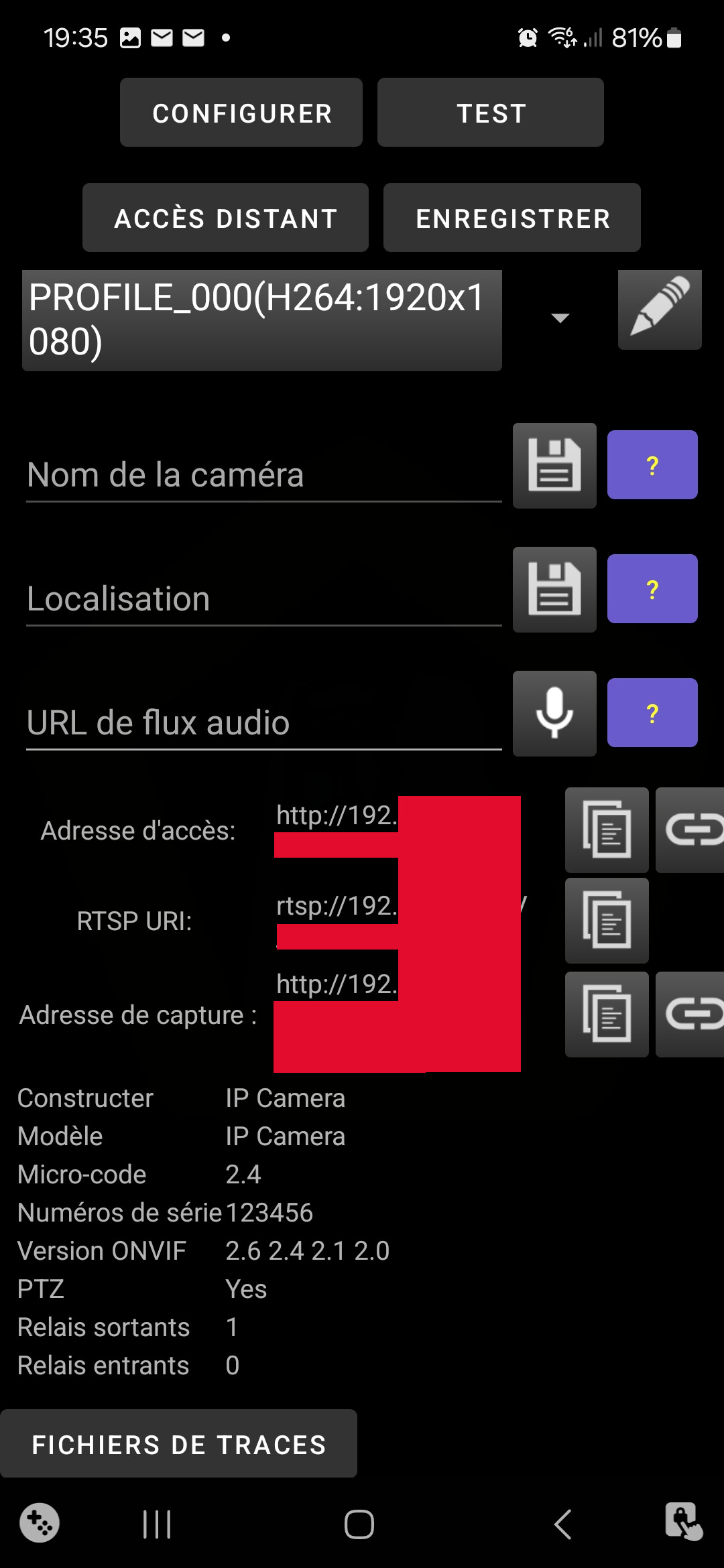
Install the Onvier app on your Android phone to retrieve the camera’s rtsp address
see here section « How to use my ONVIF camera on Android mobile? »

Retrieve the RTSP address rtsp://192.XXX.X.XXX/XXX…… (On my device there is no password in the address)

Then follow the integration in the documentation.

Finally you can return to the Smart Life app and enable the « Privacy Protection Mode ».

1 Like

Good evening @bjm
Thanks for the share, and for the tutorial
To add to Airtable, if that’s not already done.

:wink:

Thanks @bjm for the recommendation :slight_smile:

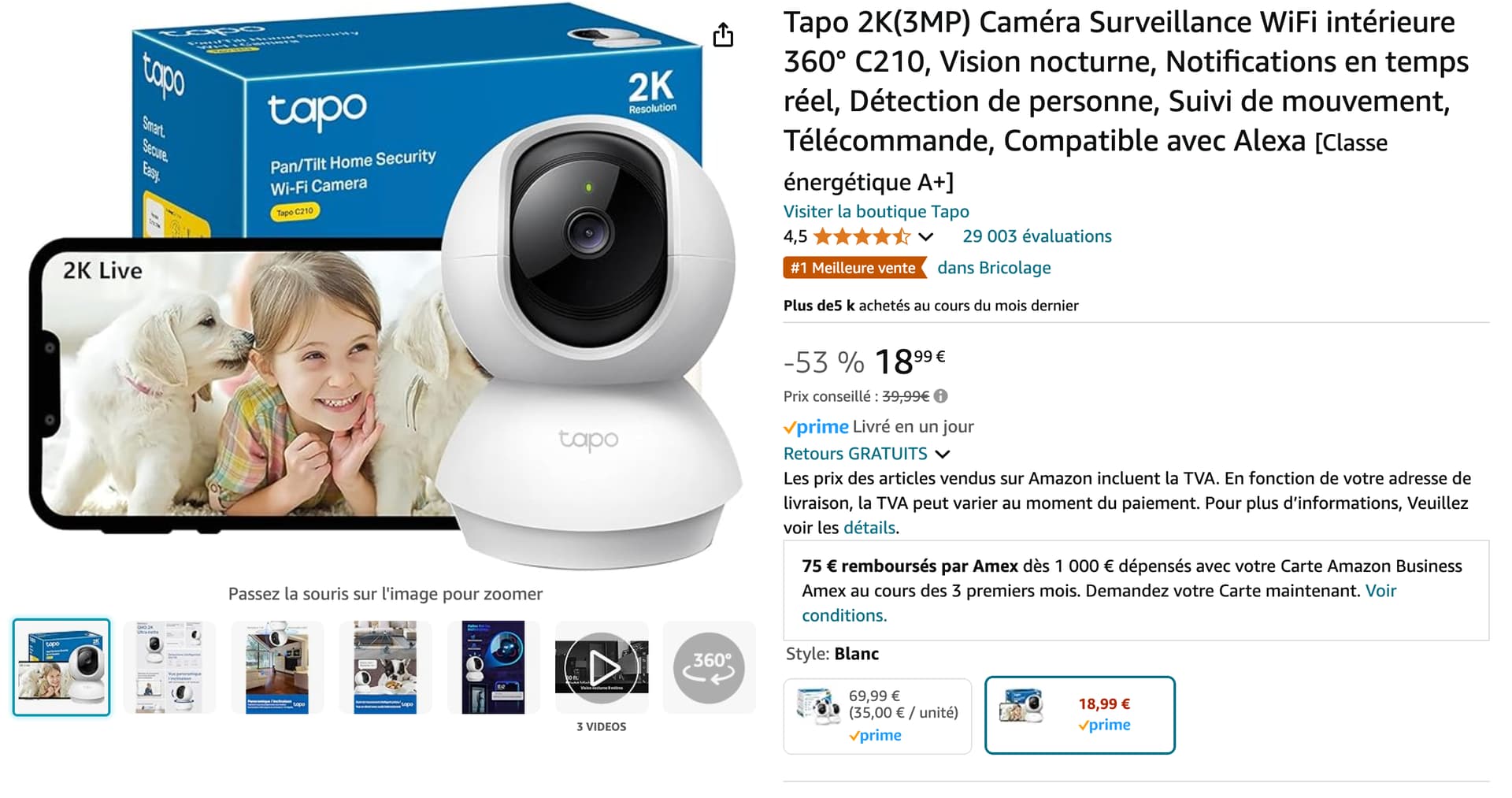
Also, at that price I really recommend the Tapo C210 which is cheaper (€18.99) and I think a bit better:

No, I’m not going to

Good evening @bjm
Did you manage to get it to work with Gladys?
because I have a Konxc2 video doorbell and a Chinese Kerui camera, both ONVIF, which Gladys never recognized.
That’s why I suggested adding it to Air Table, for people like me who don’t understand all the protocols.
I chose an Imou camera that was listed in AirTable, and I had difficulty connecting it, but knowing that someone had made it work, I was more confident. It was @elfedagger who bought it and helped me install it (thanks to him). Since then it has worked perfectly.
All that to say that if you tested this camera, it will help someone choose a camera that worked on Gladys. It’s a shame not to do that, because I can’t be the only one using cameras without batteries
@micalement Psoy