Maybe check the configuration of your Z2M? Could something be different in your setup?
Hello @pierre-gilles
thanks for your help
Do you mean in my Z2m device list and the actual installation?
For that, everything matches
I was talking about the Z2M software configuration, maybe you changed something? (Or did a Z2M update change something?)
Which version of Zigbee2mqtt are you on?
On my side:
![Screenshot 2024-04-25 at 19.28
[quote=« pierre-gilles, post:23, topic:8834 »]
I was talking about the configuration of the Z2M software, maybe you changed something?
[/quote].
Yes I have the same version as you.
Oh yes, maybe it’s because I forced the integration of the Aqara detector into the database, is that it?
Now with Gladys v4.39, can I reintegrate my detector as-is?, without going through TablePlus.
I
If you want to check, delete the device and recreate it, but frankly
For me, it works, the detector has been properly recognized in Gladys, 
It’s strange, I just noticed that the actions on the switches still don’t work, however the detector « occupied » information is properly updated in the TB Z2M.
Hello
Help
I made a mistake — I modified the serial port of Z2M in the Z2M app, which was on the port: /dev/ttyACM0, thinking it didn’t correspond to the Sonoff key’s port, so I changed it to /dev/USB0, the key’s port. As a result, no more Zigbee.
Here are the logs:
 Logging to console and directory: '/app/data/log/2024-04-26.08-06-00' filename: log.tx
Zigbee2MQTT:info  2024-04-26 08:06:00: Starting Zigbee2MQTT version 1.36.1 (commit #ffc2ff1)
Zigbee2MQTT:info  2024-04-26 08:06:00: Starting zigbee-herdsman (0.40.3)
Zigbee2MQTT:error 2024-04-26 08:06:01: Error while starting zigbee-herdsman
Zigbee2MQTT:error 2024-04-26 08:06:01: Failed to start zigbee
Zigbee2MQTT:error 2024-04-26 08:06:01: Check https://www.zigbee2mqtt.io/guide/installation/20_zigbee2mqtt-fails-to-start.html
Zigbee2MQTT:error 2024-04-26 08:06:01: Exiting...
Zigbee2MQTT:error 2024-04-26 08:06:01: Error: Error: No such file or directory, cannot open /dev/ttyUSB0
Of course I no longer have access to the Z2M page: http://192.168.1.134:8080/#/, to correct my config…
I have all the connections in Gladys
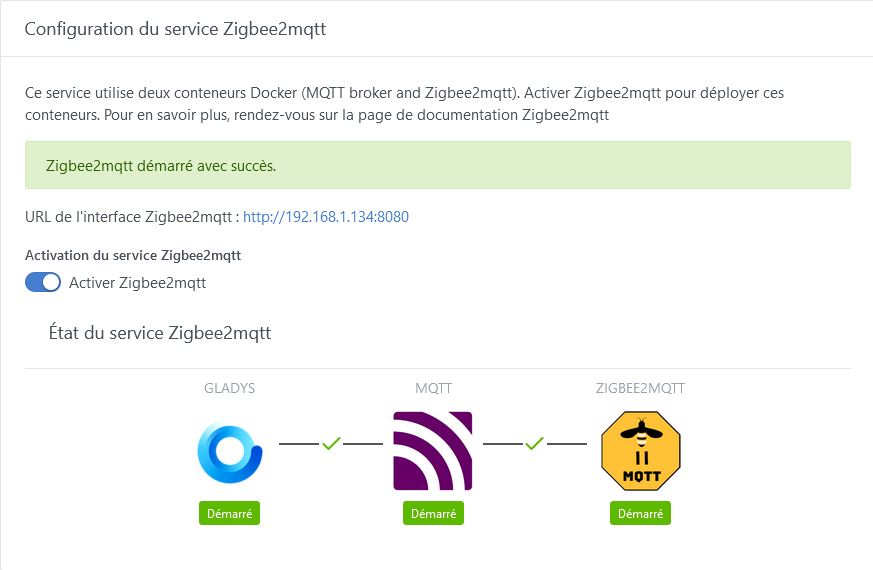
I restarted Zigbee, the Pi, then I restarted all the containers, but the ACM0 port is still not taken into account,
So I think it needs to be changed in a config. For info my configuration.yaml file shows the correct serial port:
mqtt:
  base_topic: zigbee2mqtt
  server: mqtt://localhost:1884
  user: z2m
 password:
serial:
  port: /dev/ttyACM0
frontend:
  port: 8080
Can someone help me  , I promise I won’t touch it again
at worst, could a restore solve this problem
On Gladys’ side, what does your config look like? Is the selected USB port the correct one?
the port of the Zigbee key, yes
What do the Zigbee2mqtt logs show since then?
Since you « intervened »
The logs are still the same, Zigbee2mqtt keeps rebooting because it can no longer find the port /dev/ACM0, since I put it on /dev/ttyUSB0
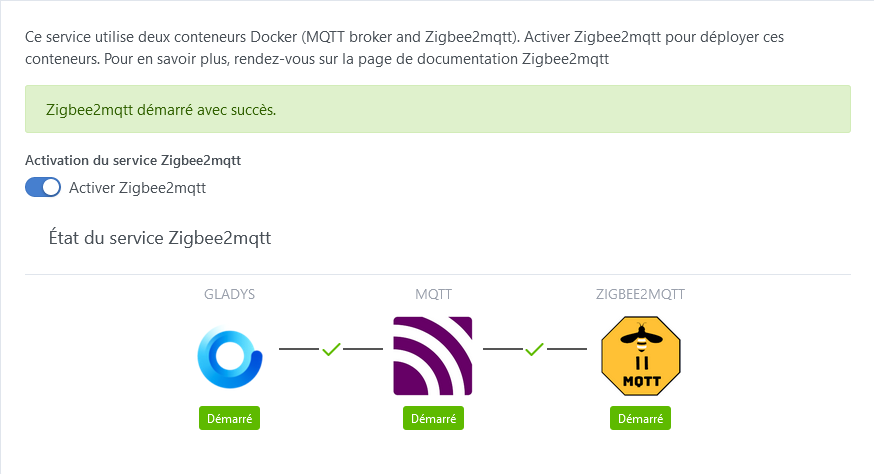
Tu peux éditer la config en direct,
How do I do that?
In the same way you edited it in the first place!
[quote=« Psoy, post:32, topic:8834, full:true »]
the logs are still the same, Zigbee2mqtt keeps rebooting because it
the problem is that I no longer have access to the page http://192.168.1.134:8080/#/
I changed the port in:
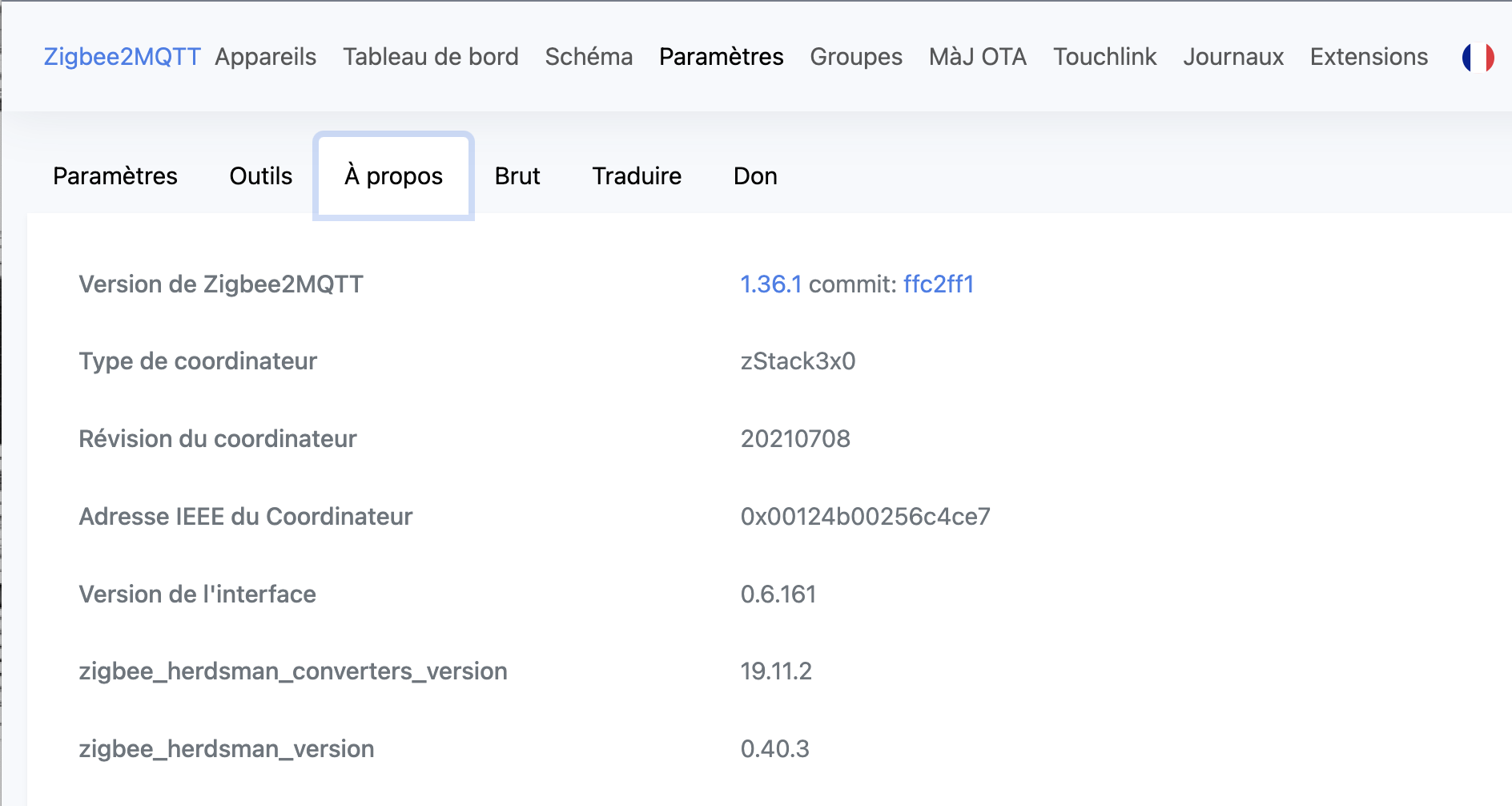
in the serial port
this is a copy of your page, I no longer have access to it
ah damn ok I understand…
The only way to fix that is to edit the Z2M configuration file yourself from the command line!
You run
nano configuration.yaml
You edit it to put the correct port back.
And you restart the Z2M container! 
Ok, I’ll take a look, I’ll let you know.
Thanks again
Is this the file I should open:
/home/pi/var/lib/gladysassistant/zigbee2mqtt/z2m/configuration.yaml
I access it via FileZilla, but the port is already set to /dev/ttyACM0
serial:
  port: /dev/ttyACM0
frontend:
  port: 8080
When I run nano configuration.yaml, it wants to create a new file for me