Hello, I have a ZigBee2Mqtt issue. I am currently using two Gladys instances, one V3 and one V4, on two Raspberry Pi devices. The V4 was installed from version 4.1.0 and is regularly updated. I am now on version 4.3.0. I decided to use Sonoff devices from the MiniR2 Wi-Fi or ZBMini ZigBee range, all with the goal of replacing the Gladys V3, which operates with RF433Mhz interfaces.
Initially, I wanted to use ZigBee2Mqtt. I purchased a ZigBee USB key, which I installed. The configuration was validated in the settings and enabled in the configuration, but there was no green checkmark between Gladys MQTT and ZigBee2Mqtt, although it started. During the ZigBee scan in discovery, I received a response « Gladys is not accessible. » Then, I lost the ZigBee2Mqtt icon in the ZigBee service status.
I asked if it was possible to integrate ZBmini into the Hue service, as it is not currently recognized. On the other hand, the MiniR2 works very well with eWelink, so I would go down that path if ZigBee2Mqtt does not work. Thank you for your help.
Hello cicoub13, yes I know how to connect via SSH, but I’m not so good at writing commands I assume I need to type these commands as you wrote them with sudo in front.
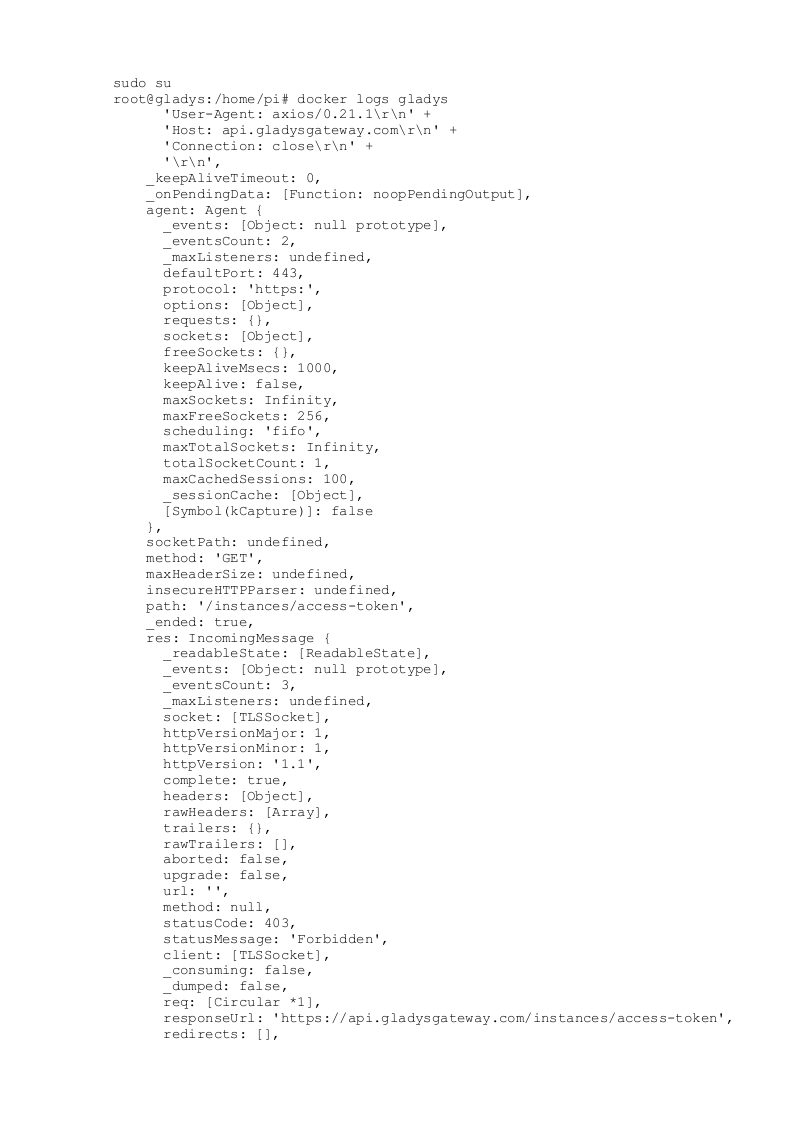
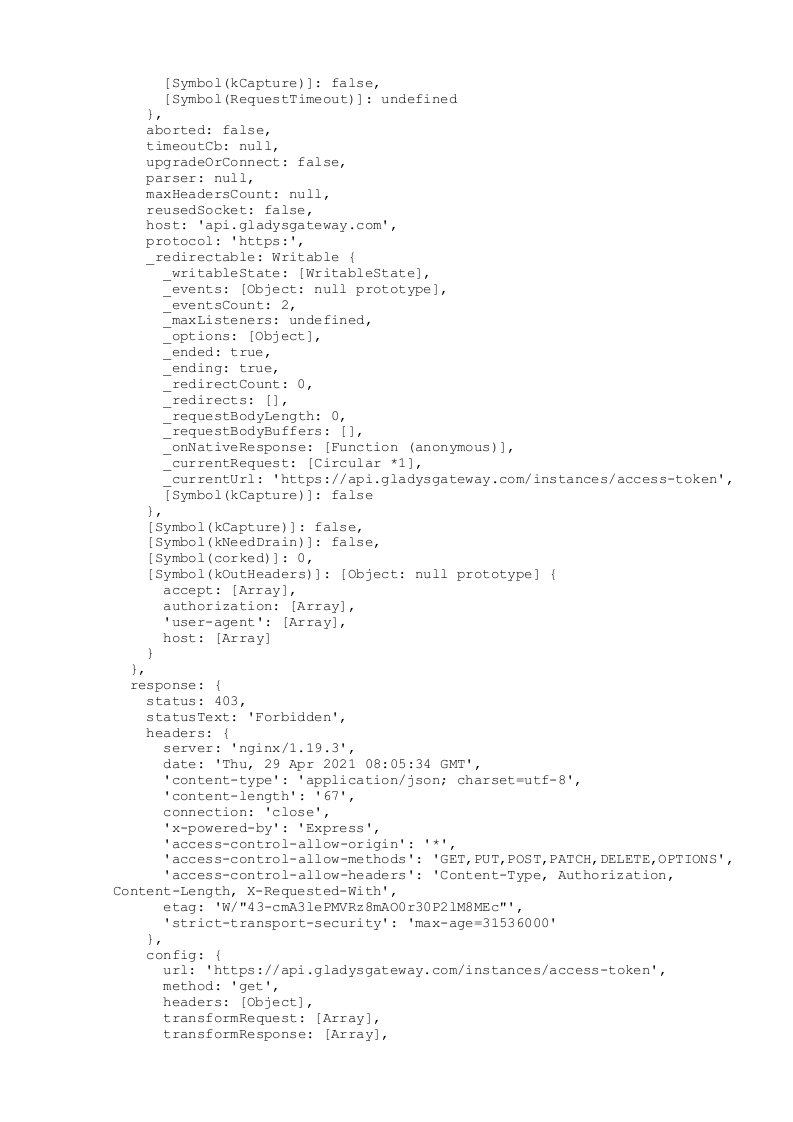
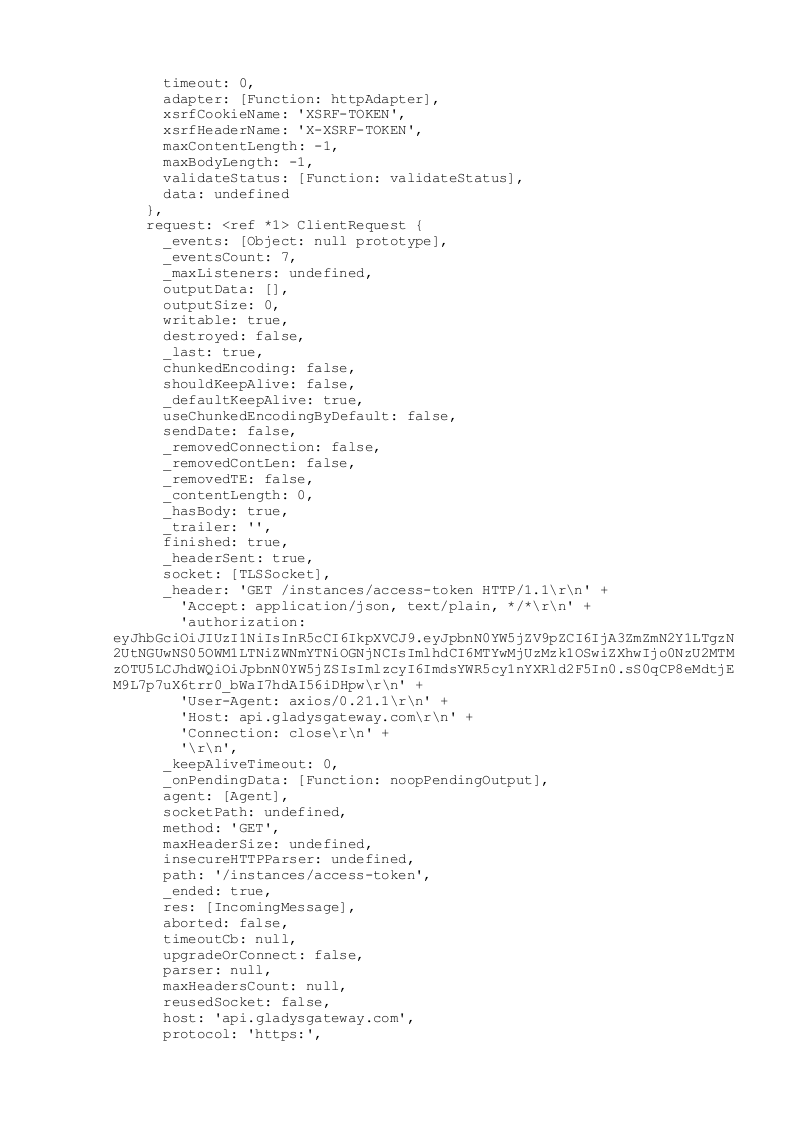
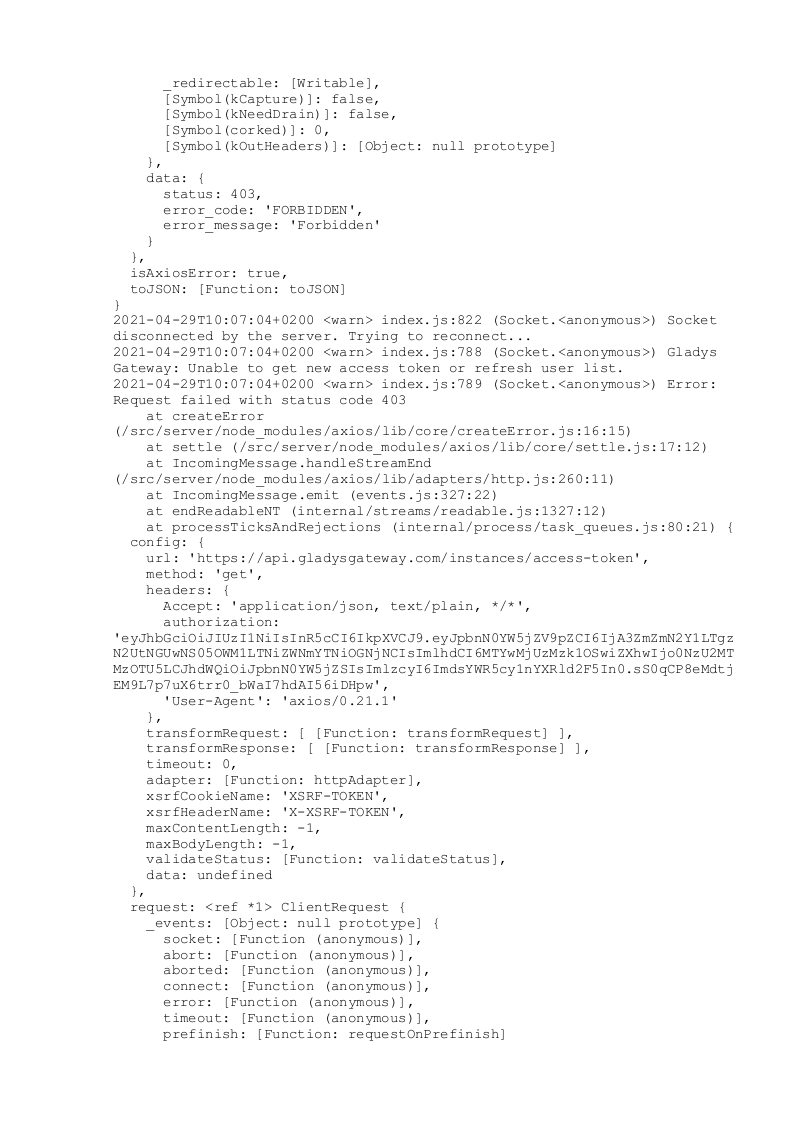
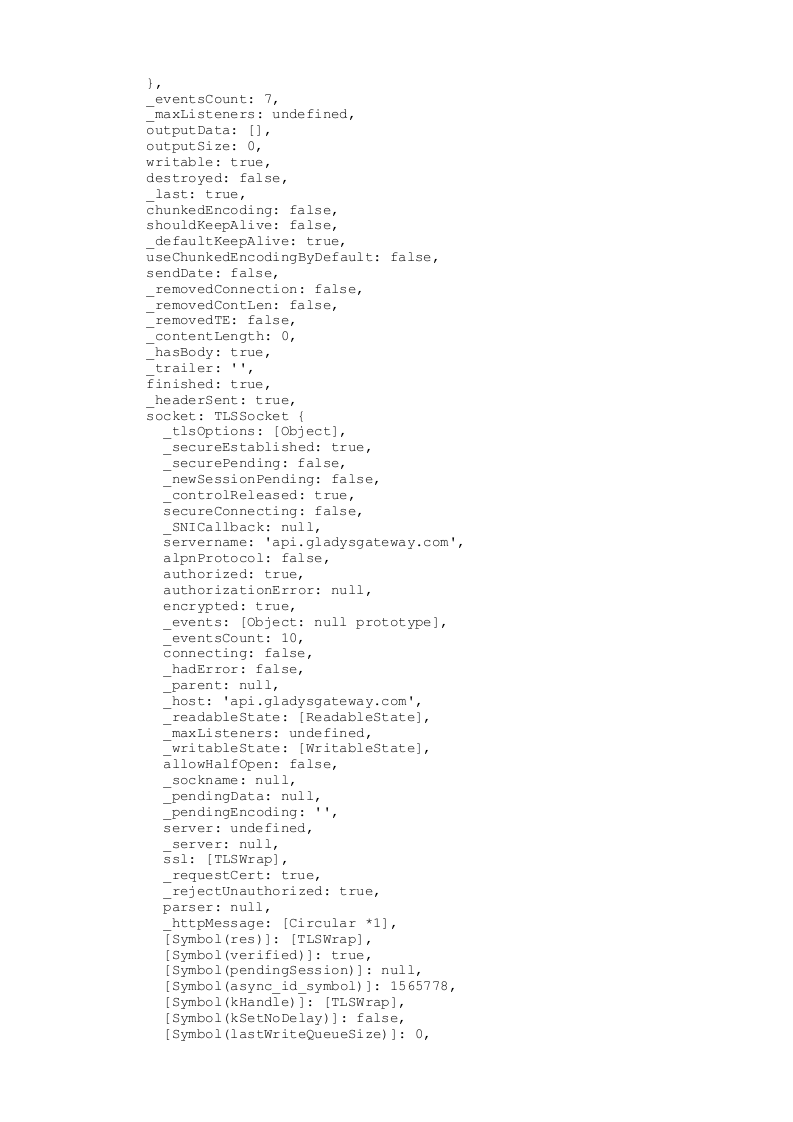
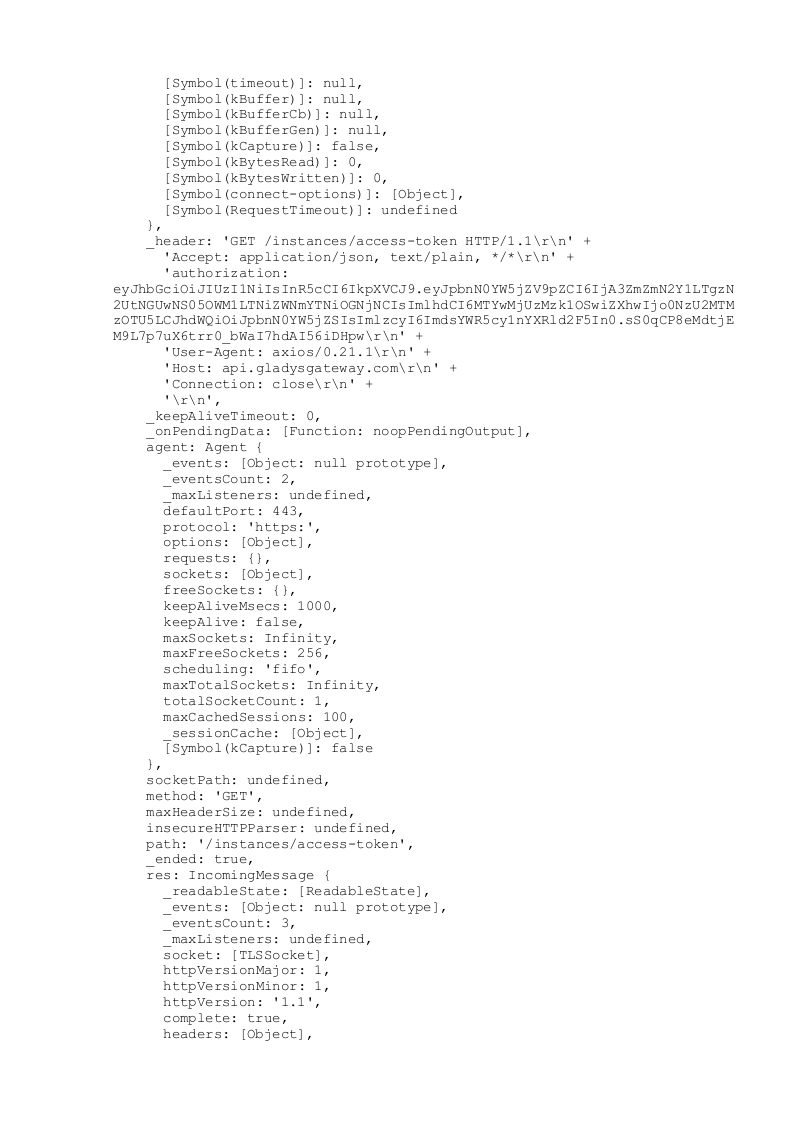
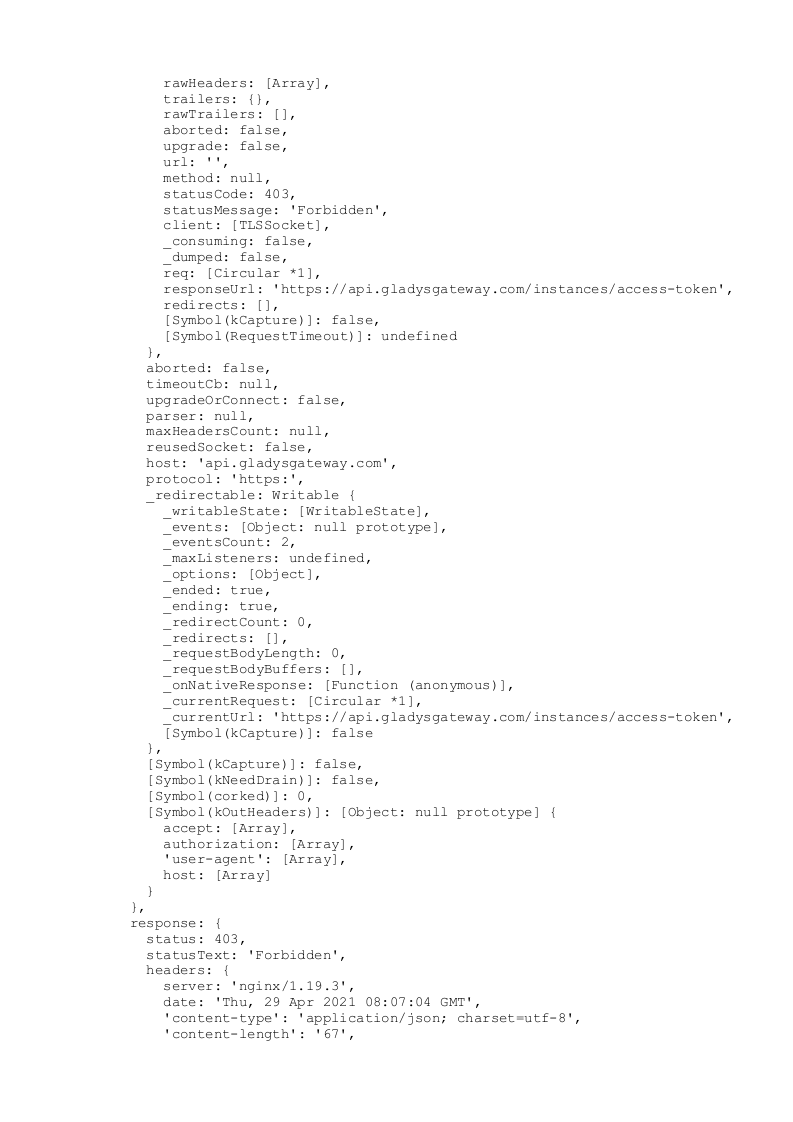
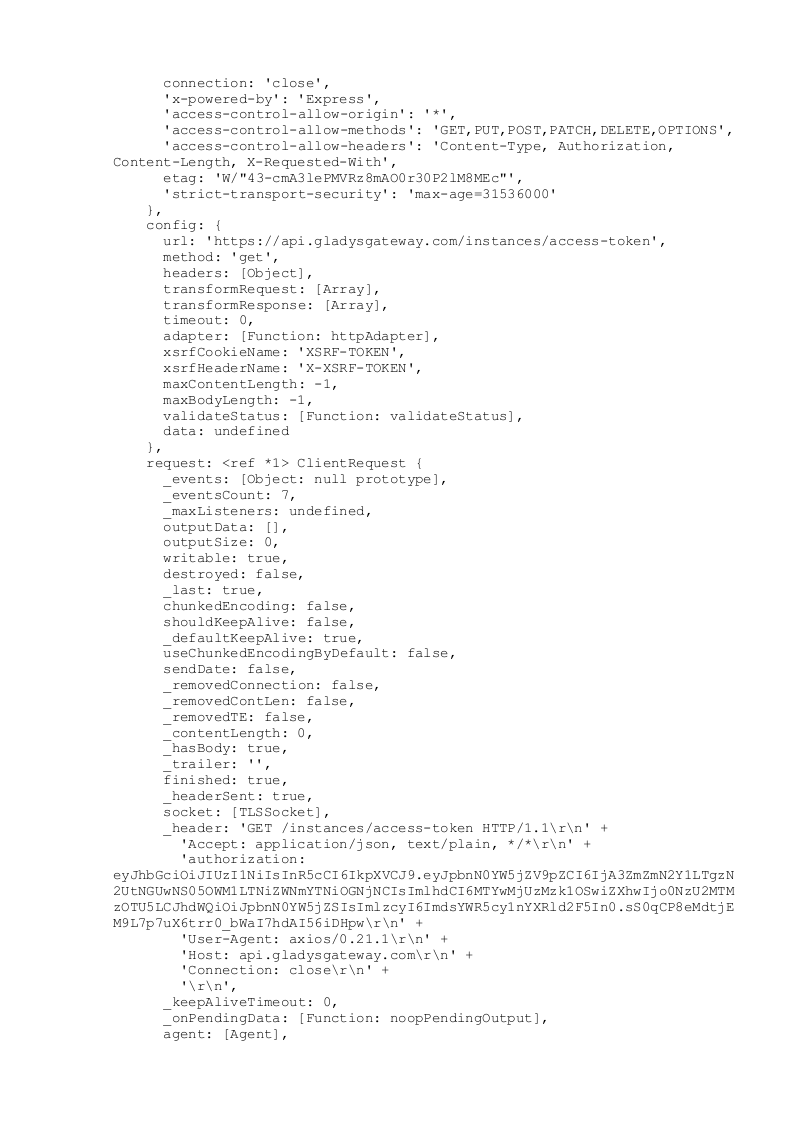
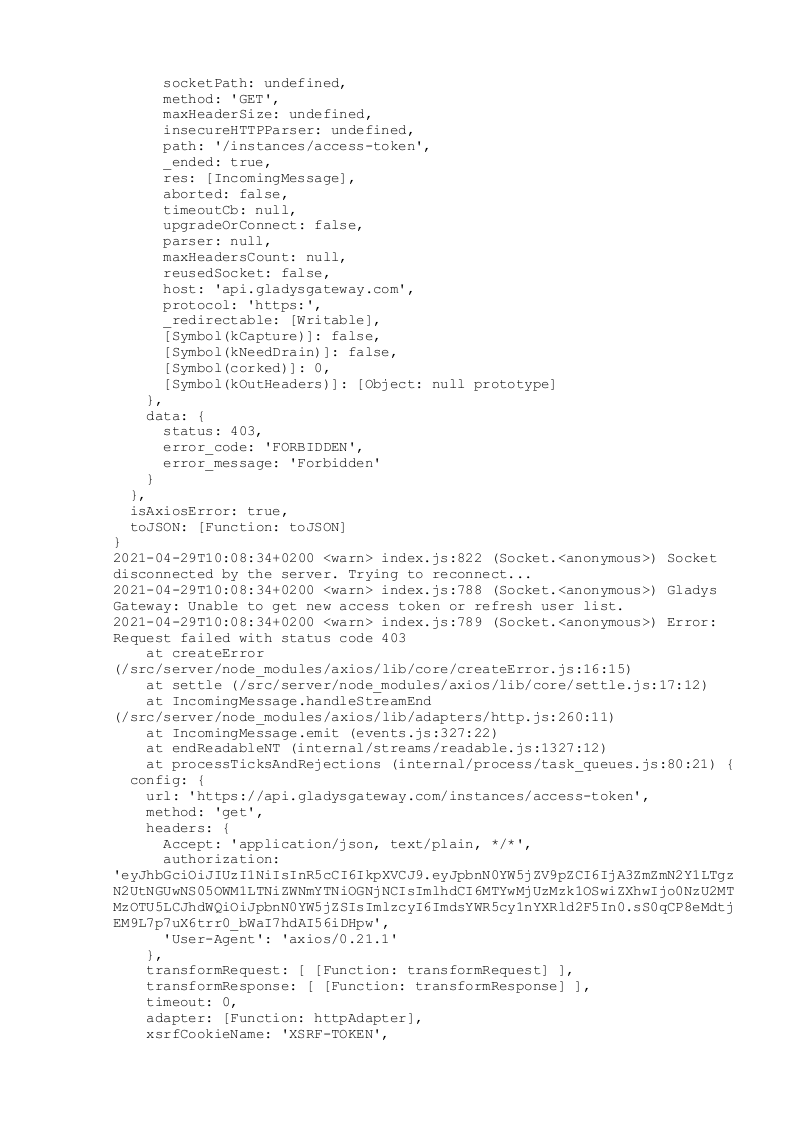
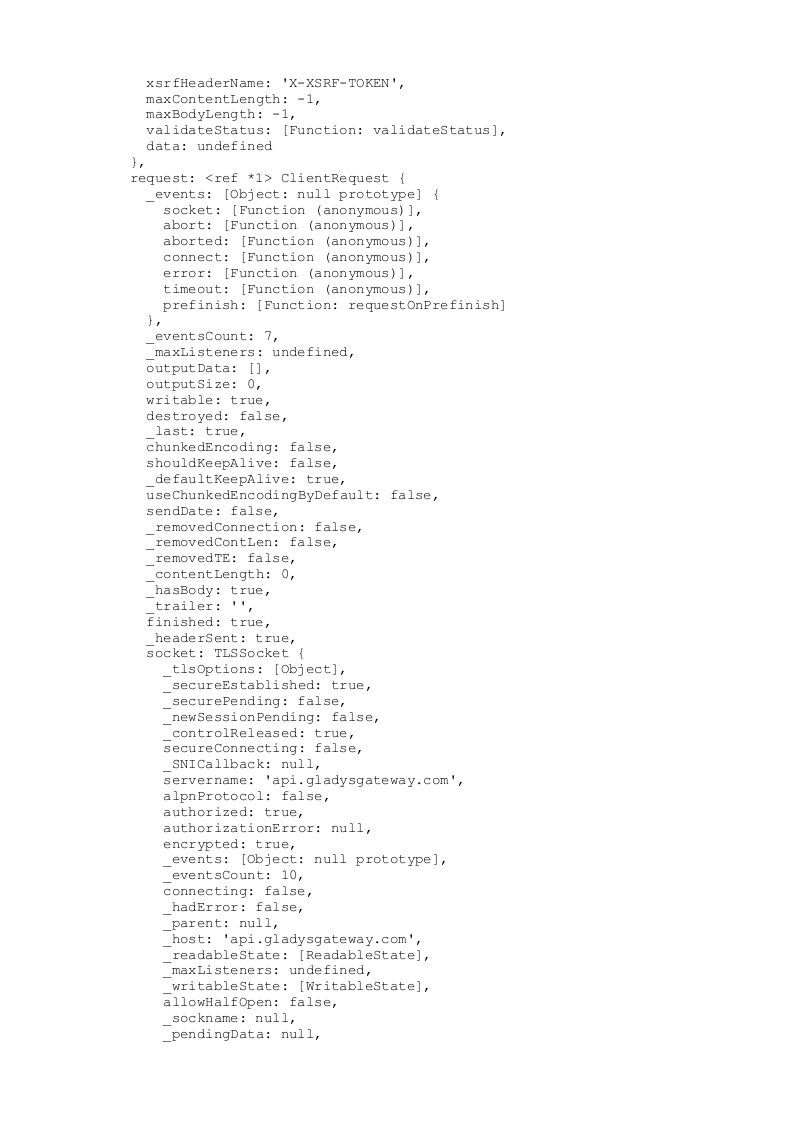
I tried to send everything but the copied file is too large, I’ll see if I can’t send it to you in image format, but even then, it’s split into 301 image files if you can tell me what you’re interested in finding, I’ll look for it.
These logs correspond to connection errors to Gladys Plus, which is normal since you canceled your subscription in July 2020
I would advise you to remove the connection to Gladys Plus in your settings, otherwise you will have a lot of logs since your instance tries to reconnect to an account that no longer exists
By the way, it’s you who’s been constantly trying to connect to Gladys Plus and getting 403 Forbidden errors for months I’ve seen connection attempts for a while now and was wondering who it was! ^^
 I just tried to log in to the Gladys URL without success (site inaccessible)
 I assume I need to type these commands as you wrote them with sudo in front.

 if you can tell me what you’re interested in finding, I’ll look for it.

 I’ve seen connection attempts for a while now and was wondering who it was! ^^