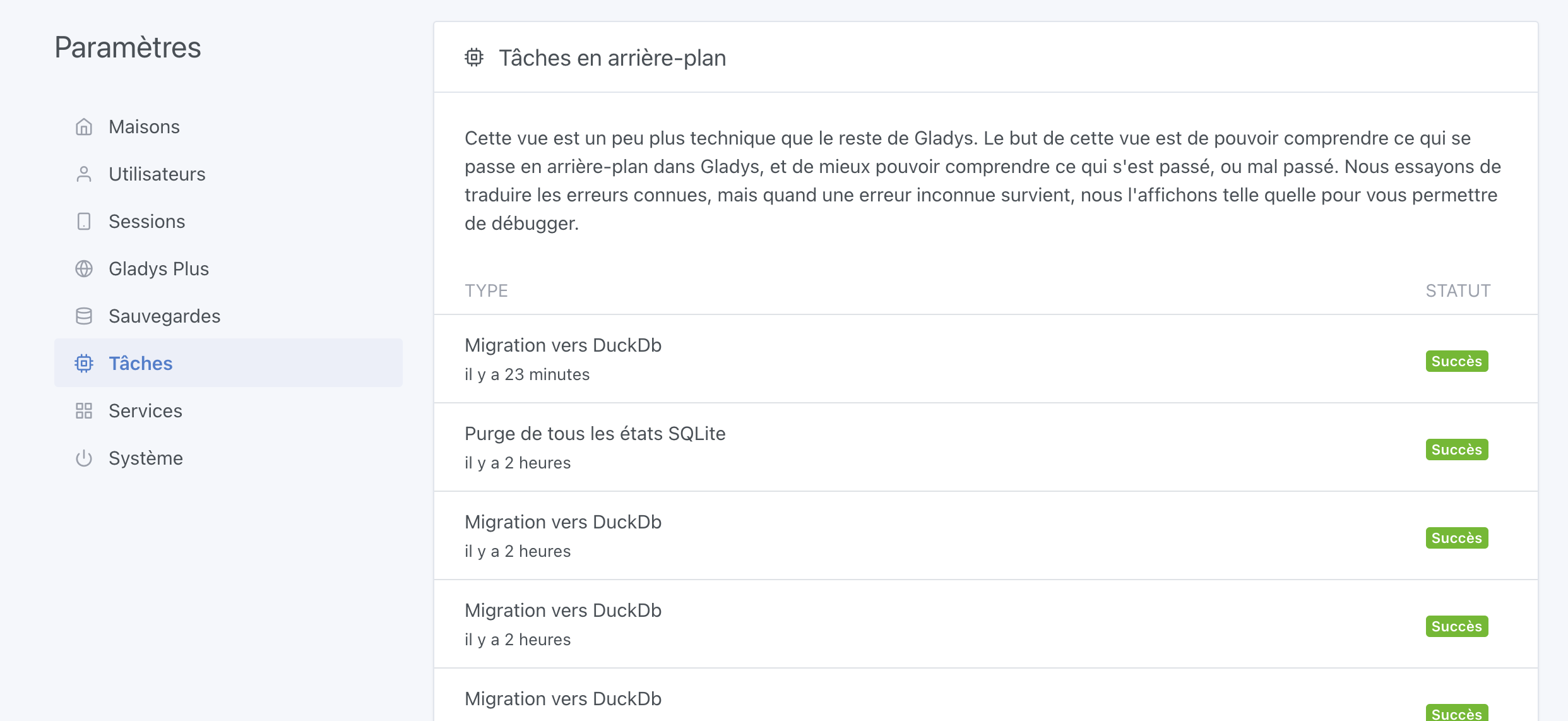
It’s hard to predict the transfer time, it depends on a lot of factors, mainly disk speed — it’s really unique to each hardware.
The « transfer » part is not blocking, Gladys can be used at the same time.
However, during the transfer the graphs won’t necessarily be available; I still need to decide whether to keep the duplicate code forever in Gladys, or remove the code and therefore during the migration the graphs will be empty, which may be an acceptable tradeoff.
On the other hand, what’s blocking is the « VACUUM » part of the SQLite DB to perform the final disk size reduction, and we need to decide whether to force it or ask the user to do it. It’s probably smarter to ask the user to do it so as not to block their instance.
For the record, on my disk the VACUUM of your 13GB DB took 30 seconds, but I’m on a MacBook Pro from the future (10 CPU cores / NVMe SSD at 4.5GB/s throughput), on a Pi it will take quite a while I think
I still recommend doing it anyway — you’ll get alerts every day now that 4.44 is out.
And I’m really not ready to release the version with DuckDB, I said months
(I’m writing tests concurrently, so everything that’s implemented is tested)
In development:
Gladys Plus backup and restore
The backup will not be done by simply saving the .duckdb file; duckDB provides an API that exports a compressed .parquet file (Parquet, what is it?) — a format dedicated to time-series data. This file format is nevertheless a bit heavier in storage than a DuckDB file; I’m following DuckDB’s recommendations and the official export/import API. I don’t think it’s smart to copy a .duckdb file live to make a backup.
The interface must be very clear and explain what is happening to the user.
To do:
Decide when to delete data in SQLite. For now I chose not to delete it automatically to avoid data loss, and to let the user choose to delete that data afterwards via a button in the interface (not coded yet)
Real-world testing and optimization of the migration on instances with lots of data and low CPU/disk resources
Test interruption and resumption of migration
Multi-day/week real-world testing of Gladys with DuckDB. Goal: ensure stability — zero crashes tolerated
Wow! For a project spanning several months… You can feel the motivation .
I’ll correct you right away: « in the process of (…) toward DuckDB » will be more correct and « a certain time during which your » sounds nicer. There, it’s done!
As a reminder, I have an RPi2 and a zero2W (equivalent to an RPi3) available for testing. And I’m a teacher so I’m free in the summer…
I find the interface clean, cool. I imagine that the « purge SQLite states » button won’t be enabled until the migration has been completed…
And on the other hand, while I think it’s good that a manual action is required to delete the data from the SQLite database, I don’t see the point, from a user perspective, of having to perform two manual actions: purge, then clean up. Is there a reason for that?
Not a bad point, I’ll change that It wasn’t the case until now!
Purging is a background, non-blocking action. You can run the purge during the day without issues; it deletes in batches little by little. It can take time, though, but it’s non-blocking.
The cleanup is a SQLite command (« VACUUM ») that is blocking — Gladys is completely blocked while it runs. On a very fast NVMe SSD on a mini PC, the downtime will be short.
On a USB SSD on a Pi, or worse on an SD card, the blocking can take several hours (this is noted on the cleanup button).
So I preferred to separate the two actions so the user can choose when to schedule each action.
If we chain the two together, and you start the purge while Gladys is running, then 2 hours later it moves on to cleanup and Gladys gets blocked, the user might not understand and will think it’s a bug!
Afterwards, the question of support for armv6/v7 comes up — we have other things that no longer work on armv6 (notably Node 20), and we’ll probably soon be pushed to abandon that platform… (no more Pi Zero in particular, but then, does Gladys really aim to run on those machines, knowing that even on a Pi 3/4 it doesn’t run very well ^^)
However I had to switch from a Docker node-alpine image to node-slim, DuckDB doesn’t install well on Alpine…
For now, the Docker image size has increased quite a bit, but I think there are optimizations to be made.
In the meantime, the DuckDB migration on the Pi 3 went well:
2024-08-02T16:24:51+0200 \u003cinfo\u003e device.migrateFromSQLiteToDuckDb.js:39 (DeviceManager.migrateFromSQLiteToDuckDb) DuckDB: Migrating data from SQLite
2024-08-02T16:24:51+0200 \u003cinfo\u003e index.js:64 (Server.\u003canonymous\u003e) Server listening on port 80
2024-08-02T16:24:51+0200 \u003cinfo\u003e device.migrateFromSQLiteToDuckDb.js:47 (DeviceManager.migrateFromSQLiteToDuckDb) DuckDB: Found 0 already migrated device features in DuckDB.
2024-08-02T16:24:51+0200 \u003cinfo\u003e device.migrateFromSQLiteToDuckDb.js:51 (DeviceManager.migrateFromSQLiteToDuckDb) DuckDB: Migrating 3 device features
2024-08-02T16:24:51+0200 \u003cinfo\u003e device.migrateFromSQLiteToDuckDb.js:8 (migrateStateRecursive) DuckDB : Migrating device feature = 91f39b3d-d747-4fd0-9880-8bc1e8f9067e, offset = 0
2024-08-02T16:24:51+0200 \u003cinfo\u003e device.migrateFromSQLiteToDuckDb.js:11 (migrateStateRecursive) DuckDB : Device feature = 91f39b3d-d747-4fd0-9880-8bc1e8f9067e has 0 states to migrate.
2024-08-02T16:24:51+0200 \u003cinfo\u003e device.migrateFromSQLiteToDuckDb.js:8 (migrateStateRecursive) DuckDB : Migrating device feature = 813c1830-b494-4f01-b339-1f287f621548, offset = 0
2024-08-02T16:24:54+0200 \u003cinfo\u003e device.migrateFromSQLiteToDuckDb.js:11 (migrateStateRecursive) DuckDB : Device feature = 813c1830-b494-4f01-b339-1f287f621548 has 34723 states to migrate.
2024-08-02T16:24:55+0200 \u003cinfo\u003e index.js:130 () DuckDB : Inserting chunk 0 for deviceFeature = 813c1830-b494-4f01-b339-1f287f621548.
2024-08-02T16:25:00+0200 \u003cinfo\u003e scene.checkCalendarTriggers.js:25 (SceneManager.checkCalendarTriggers) Checking calendar triggers at Fri, 02 Aug 2024 14:25:00 GMT
2024-08-02T16:25:02+0200 \u003cinfo\u003e index.js:130 () DuckDB : Inserting chunk 1 for deviceFeature = 813c1830-b494-4f01-b339-1f287f621548.
2024-08-02T16:25:09+0200 \u003cinfo\u003e index.js:130 () DuckDB : Inserting chunk 2 for deviceFeature = 813c1830-b494-4f01-b339-1f287f621548.
2024-08-02T16:25:16+0200 \u003cinfo\u003e index.js:130 () DuckDB : Inserting chunk 3 for deviceFeature = 813c1830-b494-4f01-b339-1f287f621548.
2024-08-02T16:25:19+0200 \u003cinfo\u003e device.migrateFromSQLiteToDuckDb.js:8 (migrateStateRecursive) DuckDB : Migrating device feature = 813c1830-b494-4f01-b339-1f287f621548, offset = 40000
2024-08-02T16:25:19+0200 \u003cinfo\u003e device.migrateFromSQLiteToDuckDb.js:11 (migrateStateRecursive) DuckDB : Device feature = 813c1830-b494-4f01-b339-1f287f621548 has 0 states to migrate.
2024-08-02T16:25:20+0200 \u003cinfo\u003e device.migrateFromSQLiteToDuckDb.js:8 (migrateStateRecursive) DuckDB : Migrating device feature = 24e039f2-d497-468a-87ee-517a1e67923d, offset = 0
2024-08-02T16:25:20+0200 \u003cinfo\u003e device.migrateFromSQLiteToDuckDb.js:11 (migrateStateRecursive) DuckDB : Device feature = 24e039f2-d497-468a-87ee-517a1e67923d has 10272 states to migrate.
2024-08-02T16:25:21+0200 \u003cinfo\u003e index.js:130 () DuckDB : Inserting chunk 0 for deviceFeature = 24e039f2-d497-468a-87ee-517a1e67923d.
2024-08-02T16:25:27+0200 \u003cinfo\u003e index.js:130 () DuckDB : Inserting chunk 1 for deviceFeature = 24e039f2-d497-468a-87ee-517a1e67923d.
2024-08-02T16:25:27+0200 \u003cinfo\u003e device.migrateFromSQLiteToDuckDb.js:8 (migrateStateRecursive) DuckDB : Migrating device feature = 24e039f2-d497-468a-87ee-517a1e67923d, offset = 40000
2024-08-02T16:25:27+0200 \u003cinfo\u003e device.migrateFromSQLiteToDuckDb.js:11 (migrateStateRecursive) DuckDB : Device feature = 24e039f2-d497-468a-87ee-517a1e67923d has 0 states to migrate.
2024-08-02T16:25:27+0200 \u003cinfo\u003e device.migrateFromSQLiteToDuckDb.js:76 (DeviceManager.migrateFromSQLiteToDuckDb) DuckDB: Finished migrating DuckDB.
My task « Delete states in SQLite » may be too aggressive — on a Pi 3 with an SD card it makes Gladys hardly usable during the migration; in any case it’s a setup that isn’t recommended.
@GBoulvin (and others!) If you want to test this time it’s fine, however it’s available only on amd64 or arm64 architecture (so no Pi Zero for now)
What I recommend if you want to test is to do it completely separate from your prod, ideally on a machine separate from your prod
Otherwise, if you only have your Pi 4 for prod, you absolutely must do this in a different folder than your prod DB, this update is major and rolling back to the gladys:v4 image currently in production is not possible
I should note that having changed the OS for the Docker image, some « native » integrations may no longer work (e.g., Bluetooth, or others), there’s QA to do that I haven’t done yet ^^
The image is working well for now. The database migration took about 15 minutes.
My production SQLite database is 7 GB, the DuckDB is 27 MB.
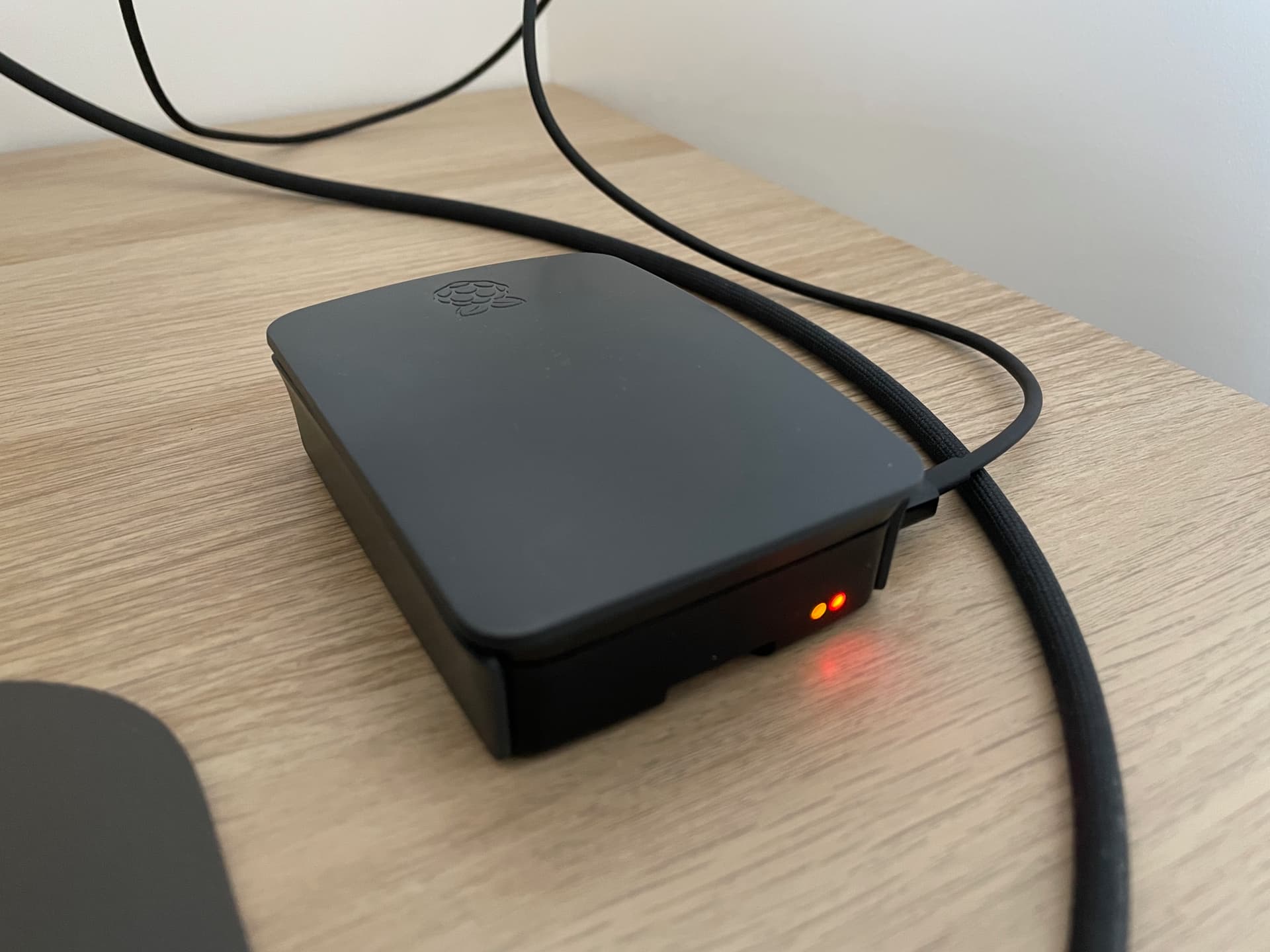
RPI4 (Raspberry Pi 4) 8GB with SSD
Initial feedback: the values are not truncated / rounded
Thanks for the feedback @cicoub13! Did you leave it running or just test it once?
Regarding the rounding, I’m aware — I had opened a separate PR because the issue is already present in production right now, but I think I’ll merge that PR into the DuckDB PR and rebuild!





 .
.