I’ll be testing this version in the coming days on my production (PROD) at home.
If the tests are successful, I’d like to know whether a deployment during the last week of August is feasible or if many of you will still be on vacation?
As this is a major update, I want to be careful and avoid causing issues for users on vacation who won’t be home to monitor the update
I ran a database cleanup, which was almost instantaneous for me.
Then I restarted Gladys.
The result
1008K Aug  6 19:34 gladys-production.db
32K Aug  6 19:34 gladys-production.db-shm
278K Aug  6 19:34 gladys-production.db-wal
3.1M Aug  6 19:11 gladys-production.duckdb
15M Aug  6 19:34 gladys-production.duckdb.wal
Total = 19 MB
With a previous size of 905 MB, that’s -97.9%
I’ll keep monitoring my instance over the next few days and see how it goes
I don’t know how that’s possible. I think I refreshed the page and the request was resent…
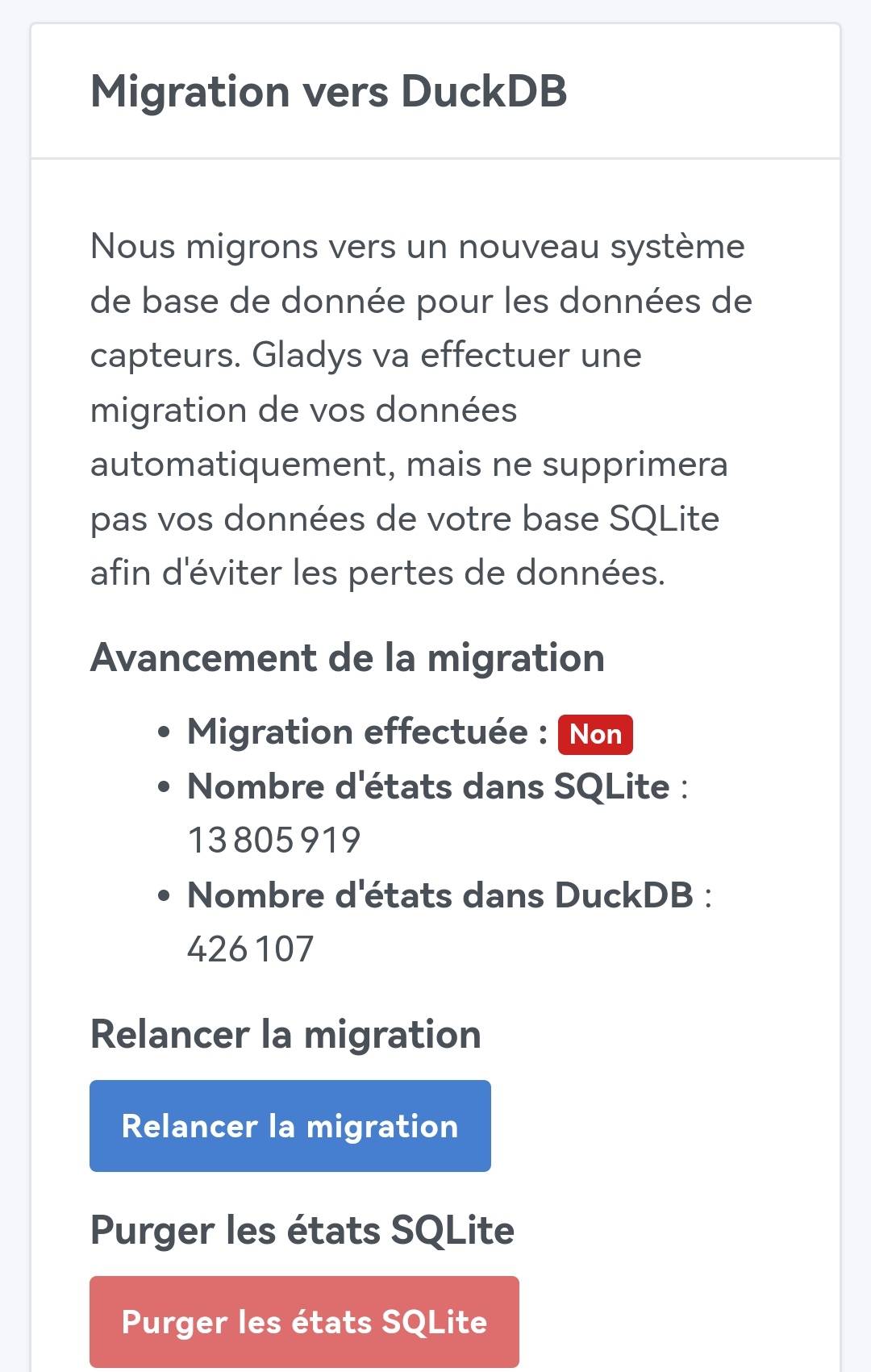
Otherwise, it’s moving. Slowly but it’s moving 4% after an hour) !
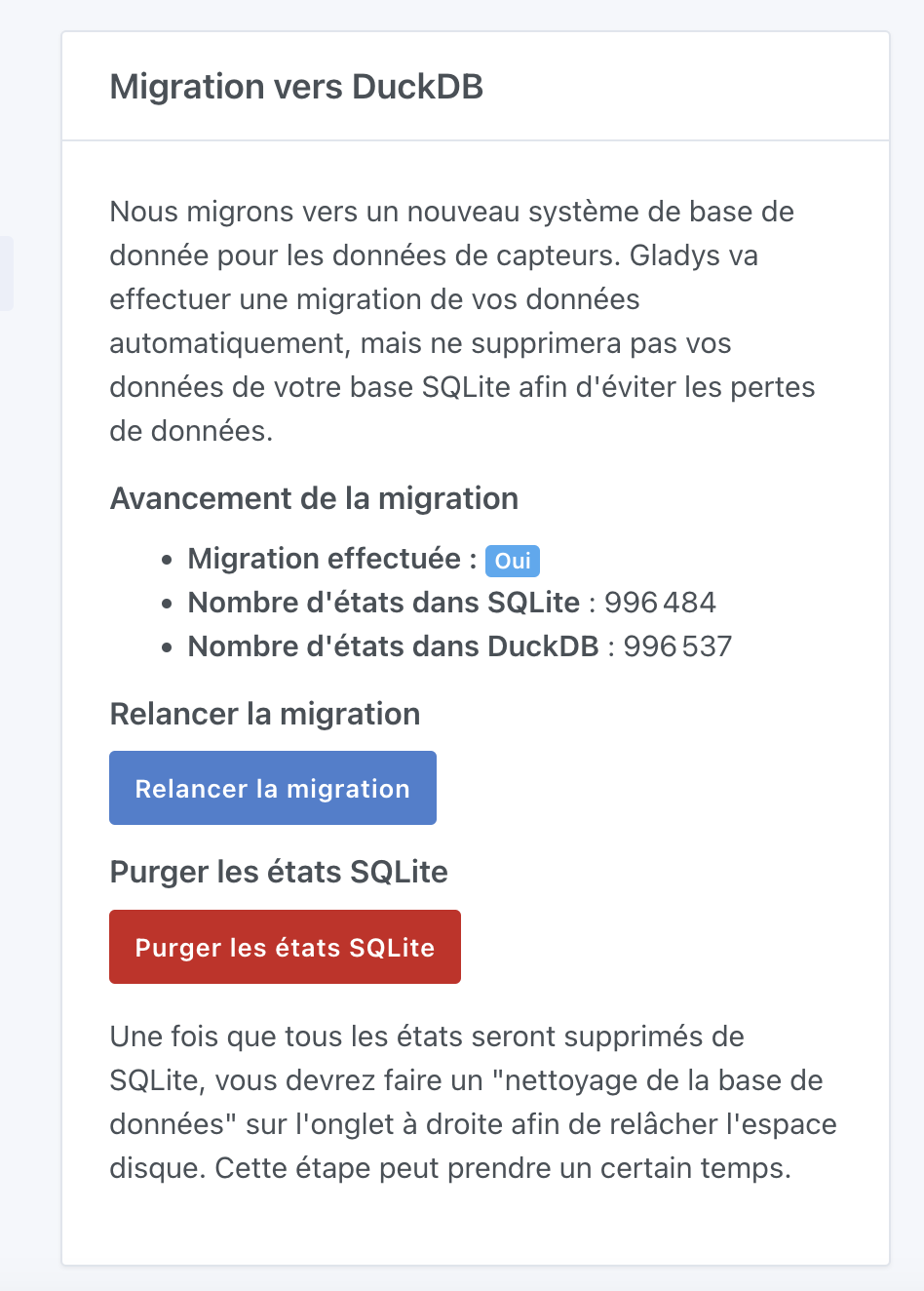
Here’s a more detailed look at how the migration went.
Overall, no problem.
First of all, I was surprised that the migration started as soon as the container was started. In itself, that doesn’t cause a problem.
However, the next step, the purge… was painful!
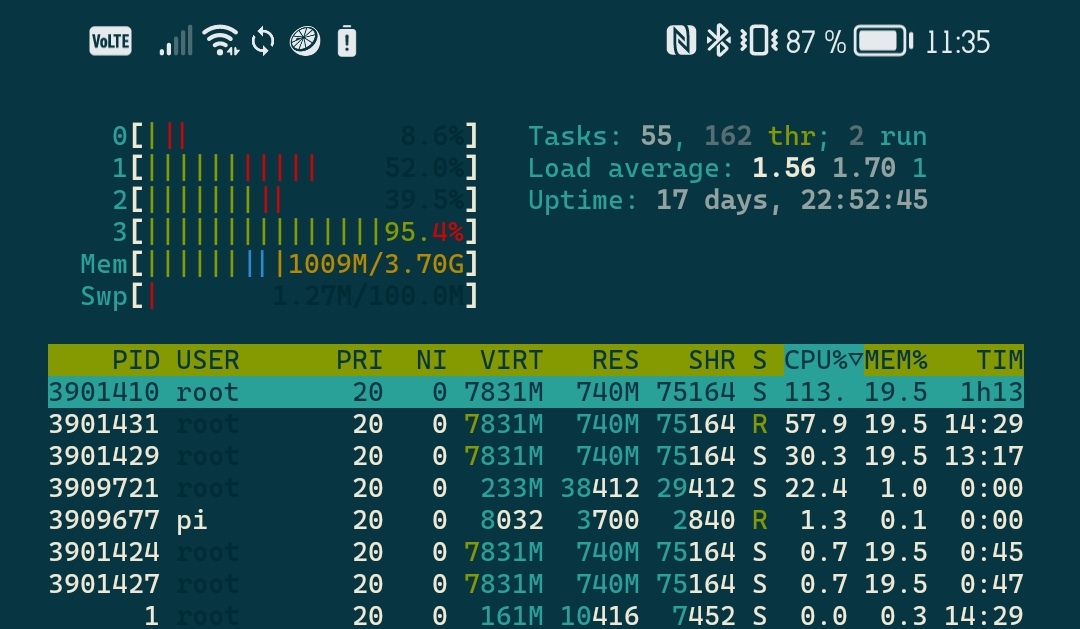
Several very long hours during which Gladys was, on my setup, close to paralysis…
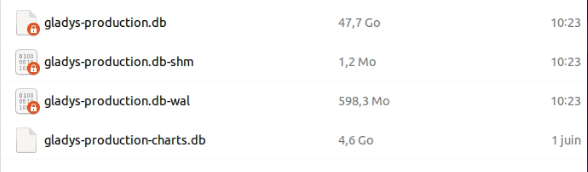
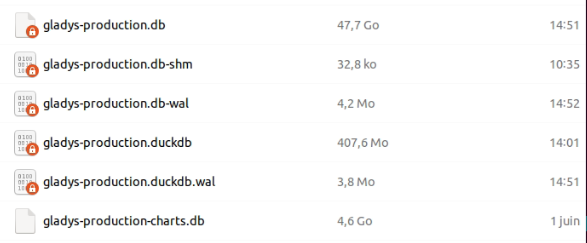
This morning, I see that
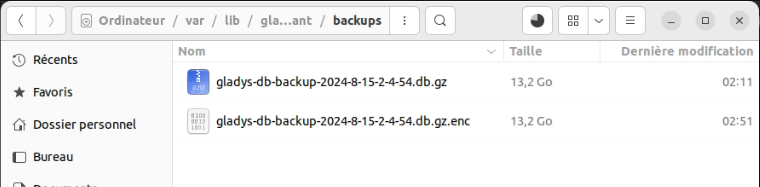
Obviously, it’s very small, if not uncompressed (is that still necessary?)
Total time… Nearly 30h…
We agree that the purge and cleanup steps are not essential but they allowed me to solve my storage problem
Yes, the migration is mandatory, the old code for SQLite is no longer present, and as long as the migration hasn’t finished, you have an incomplete Gladys operation (the graphs will be empty otherwise).
The migration is not linear; the percentage represents the percentage of features migrated. Some features have many states, others fewer.
Trying to make an even more precise progress bar would be counterproductive — it would take time to calculate how many states each feature has, and that would slow the migration.
Yes, starting the task twice must have doubled the load I don’t know how you did that ^^ Same for the percentage that got stuck — the two tasks each did the work and so halfway the job must have been finished, and they couldn’t progress further. In itself, it’s not very serious ^^ You did well to restart the task after the reboot; it finished the job.
Yes, I deployed 2 updates to the DuckDB image, Wednesday evening and Thursday evening, to fix various issues I had noticed on my prod. Watchtower must have run afterwards.
It’s an old translation, not new to this release, but I’ll correct it ^^
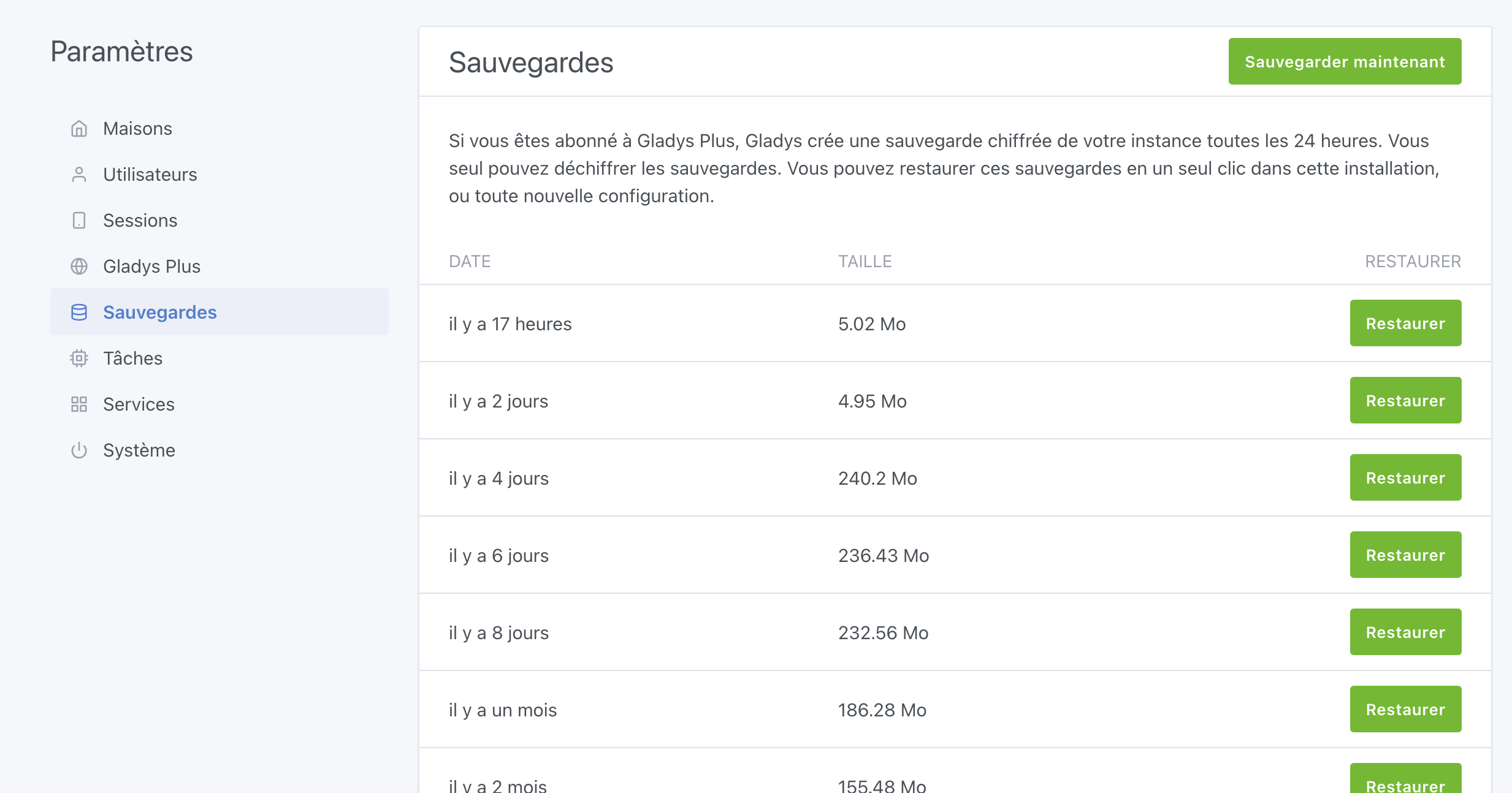
Now, the backup file exported by DuckDB is in .parquet format, and this format is heavier than DuckDB’s storage format which is very compressed. So there will be less difference between the Gladys Plus backup and the local files, even the file on Gladys Plus will be a bit heavier. But when you look at the file sizes…
Thanks for your very detailed feedback!
Despite the little hiccup of the purge task being launched twice, the migration is clearly a success for you.
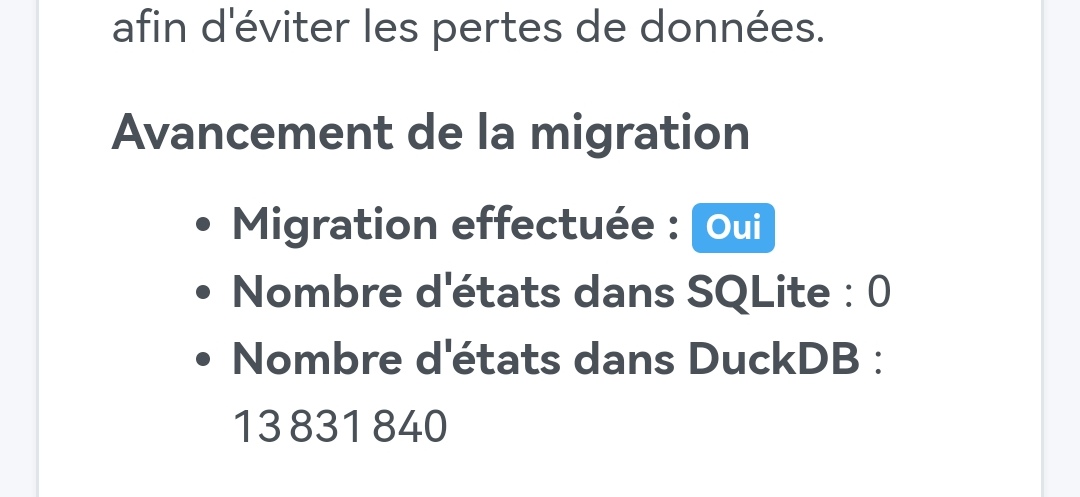
With 13 million states, 11 GB of SQLite DB, and all that on a setup that’s not among the most powerful (Raspberry Pi 4 + SSD over USB I think), it’s really neat!
If you ever want to keep this setup as PROD (so you don’t have to do the migration a second time), you can. You will just need to switch back to the image tagged v4 as soon as I publish that to PROD (end of the month).
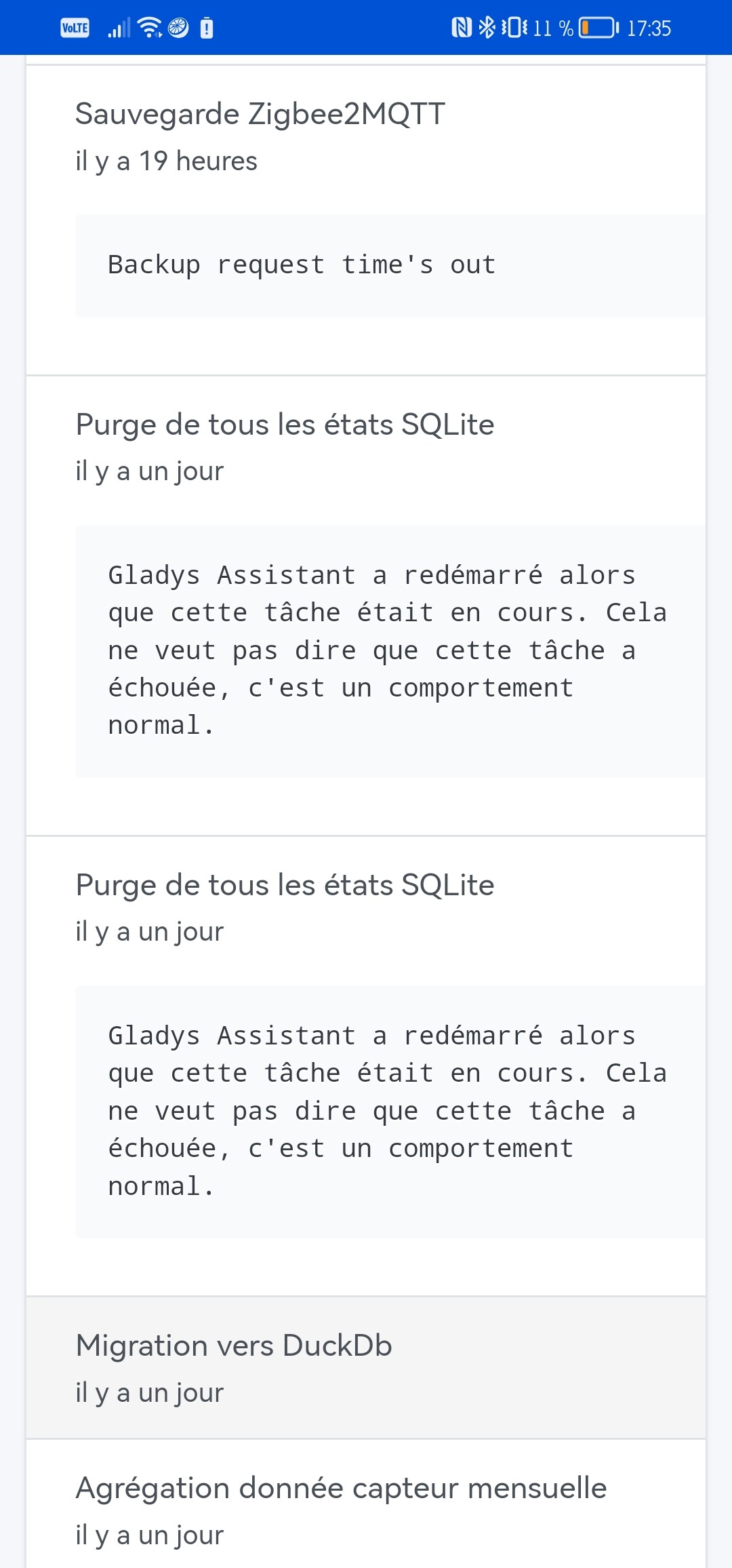
Me neither, but when restarting the task after Gladys rebooted, it happened again — duplicated again, and in both cases about fifteen minutes apart. The second time, I’m sure I didn’t click again or refresh this page…
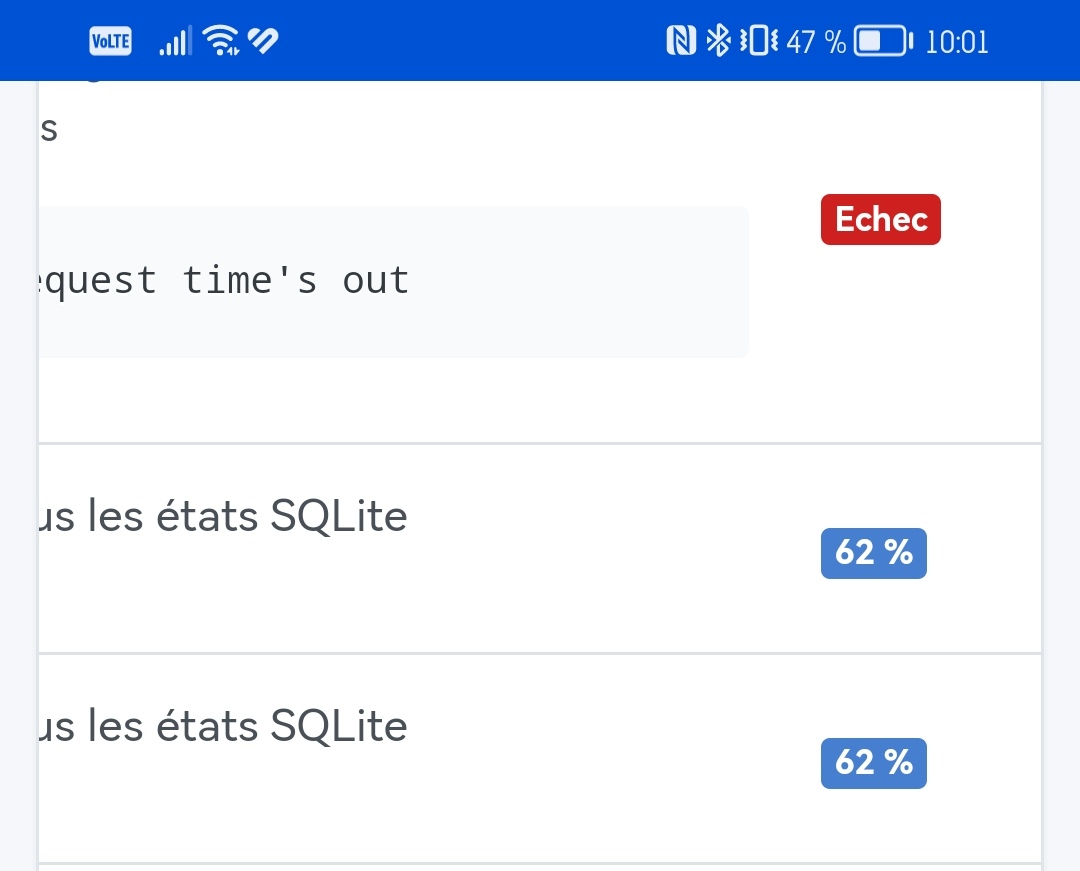
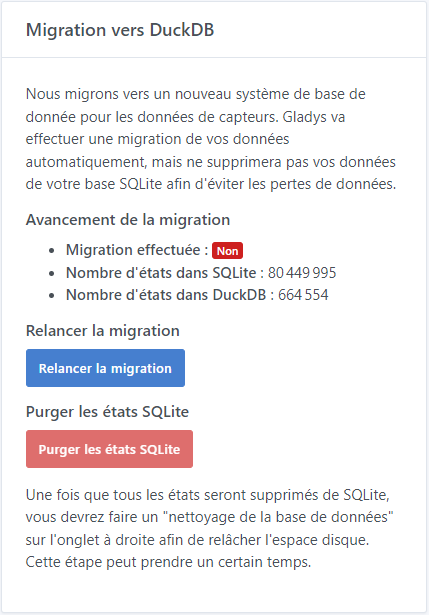
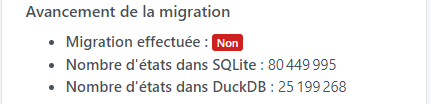
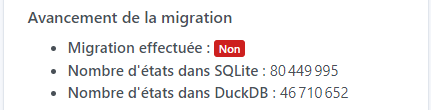
After 1 hour it seems to be struggling, page refreshes are getting slower and slower (about 1 minute or so) and the % isn’t moving forward (stuck at 31% for 15 minutes ^^) but the states are increasing fine ^^ So no worries ^^
EDIT: 400k states purged in 15 minutes … we’ll let it keep working ^^ because if we take a flat reasoning: 26,700 states per minute => 3,000 minutes => 50h ^^
Small question @pierre-gilles,
Is it normal to no longer have a graph/history after migration and during the purge? Because for my part I currently have no data except the last value.
So the purge would therefore be mandatory before using the DuckDB database or was it supposed to take over after the migration?
Since the message no longer appears at the top of the page once the migration is finished and there is no indication to restart, I have doubts ^^
EDIT: Well, I have my answer once the SQLite states dropped to 0 everything came back ^^ So purge mandatory before using DuckDB. However, the purge in the tasks is still in progress (69%):
I shouldn’t touch anything for now (no DB cleanup)?
Result of deleting the SQLite states: 23h for 80 million states (2024-08-15 12:55:28.297 +00:00 => 2024-08-16 11:56:34.779 +00:00) … Waiting for the end of the final purge.