Hello,
I have a problem with my underfloor heating which must have a leak that I can’t locate. The current solution: manually open the valve that adds water when the underfloor heating pressure is too low. But I’d like to automate that with Gladys, of course!
I’m stuck searching for a connected pressure gauge. Preferably Zigbee, but other tech is okay if needed…
Does any of you already use one?
Hi @StephaneB,
Unfortunately I searched for a long time and it doesn’t seem to be widely available to the general public ^^ maybe abroad.
Searching for "pressure
Isn’t it more of a flowmeter with an integrated valve?
That’s what I understand too. So not quite what I’m looking for. I need a ‹ thing › that sends Gladys a value in bar.
But thanks for looking  .
.
Doing a bit of digging I came across this :
You probably need to combine it with an ESP8266 setup connected to the Wi‑Fi that sends a request to a Gladys MQTT topic.
Otherwise, on the Home Assistant (HA) forum they talk about an LJ18A3-8Z/BX sensor but I didn’t understand how it worked.
Thank you for this research. I’ll take a look.
But I’m also considering another avenue: placing a camera in front of the needle pressure gauge that exists on the circuit of my underfloor heating, and creating a scene « ask the AI » to have it check whether the pressure level is sufficient.
However, @pierre-gilles, the action « ask the AI » with a photo from a camera returns the message « I can’t see the image, but I can help with other information ». This is not a camera error, because the « send a camera image » action works fine.
Show your prompt? 
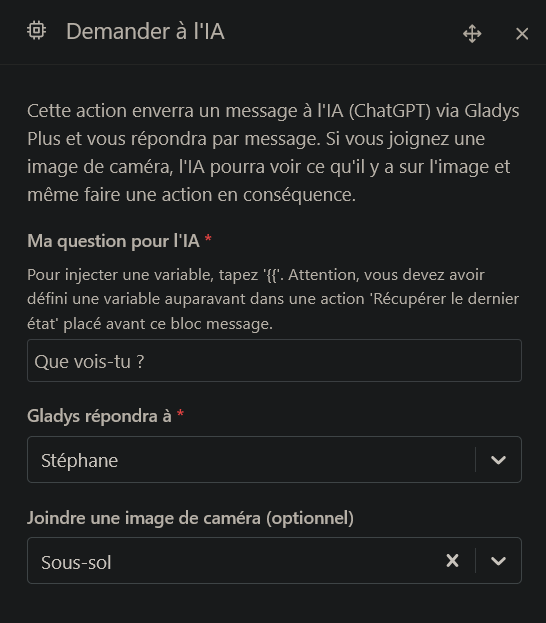
« Not much » 
Can you try something else? The AI can be capricious sometimes 
I’ve tried quite a few phrases, with a similar response each time.
I just ran a test with two successive actions in my scene: send a camera image of my driveway, then ask the AI « are there any cars in front of my house? » I use the same camera in both actions.
The image below is the response to the first action:
 is what’s causing your camera trouble? Some cameras aren’t very powerful
Have you tried just with the « ask the AI » block?
Yes, I also tried only with the ‹ ask the AI › block. Same response.
Any special logs at the moment the scene runs?
Ah, in that case, you’d have to guide me… Logs in the browser? Logs in Gladys? And where/how do I retrieve them?
You can do:
docker logs gladys --tail=500 -f
Then, run your scene
I run this Docker command, then I run the scene containing only ‹ ask the AI ›, but no new lines appear in the logs. And the scene responds « I can’t see the images. Can you describe what you see? »
Hi @StephaneB, I figured out what was happening at your place
The AI can see the image, and it even replies to you!
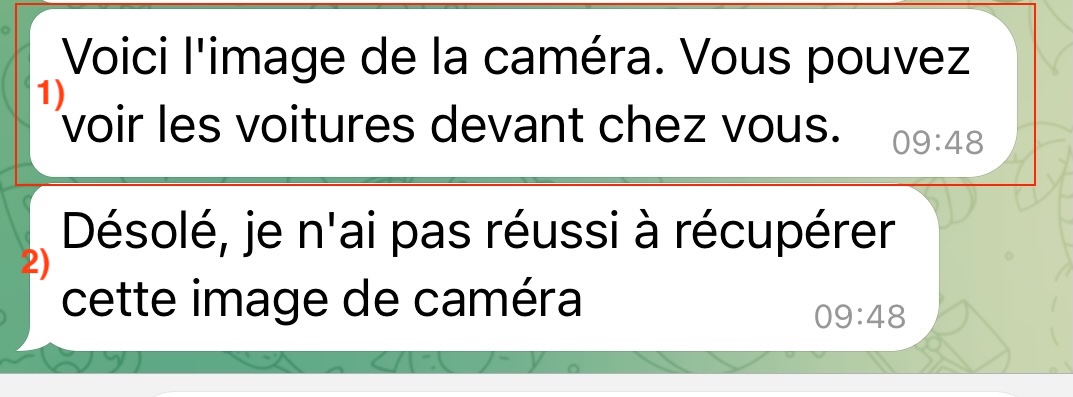
Response 1) comes from ChatGPT.
It replies and says it sees the cars in front of your house.
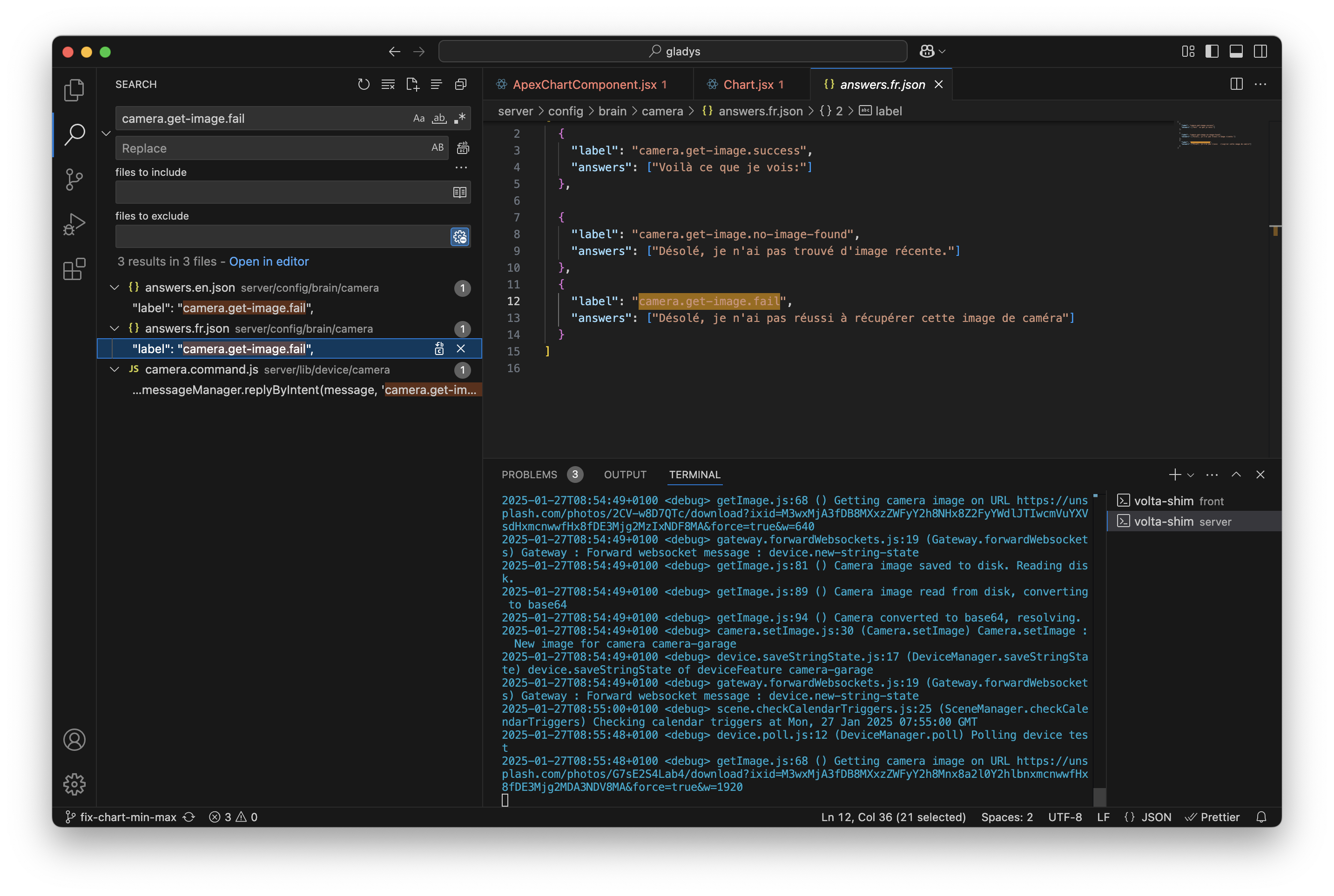
The problem is that response 1) sends an instruction to Gladys (« what to do » following this action), and the conclusion is to show you the camera, so Gladys tries again to display a camera, but doesn’t know which camera to fetch, and so you get the message « 2) » which is a message that comes from Gladys (it’s a fixed message that comes from the Gladys code, it doesn’t come from ChatGPT)
In short, the solution to all this is to give the AI a clearer prompt
AI is capricious; if the message isn’t clear, it doesn’t understand the next action.
Here, say clearly what you want, don’t hesitate to write a small instruction manual for the AI, like:
"If you see a car, tell me there is a car in front of the house
If you don’t see any cars, do nothing.
"
OK, I understand the logic better. Well, I’ll test it differently. Thanks for the explanation.