This tutorial shows how to install Gladys on OpenMediaVault 6 (the latest OMV version from 11-2023 with Linux 6.1.0-0.deb11.11-amd64).
Prerequisites :
You must of course first have a PC (recovered PC or mini-PC or Raspberry Pi 4) with OpenMediaVault installed (for those who don’t know it, it’s here OpenMediaVault — Wikipédia) with the following plugin installed: openmediavault-compose 6.11.3
There are plenty of OMV installation tutorials on the web.
I’ve been using this NAS system since its beginnings and it hasn’t failed me yet! It runs at my place on an HP N40L core2duo 8GB equipped with an ILO card (remote hardware control), all consuming less than 20W.
OMV is not very resource-hungry if you consider that the following containers run inside it:
gladys
gladys-z2m-mqtt
gladys-z2m-zigbee2mq
watchtower
portainer
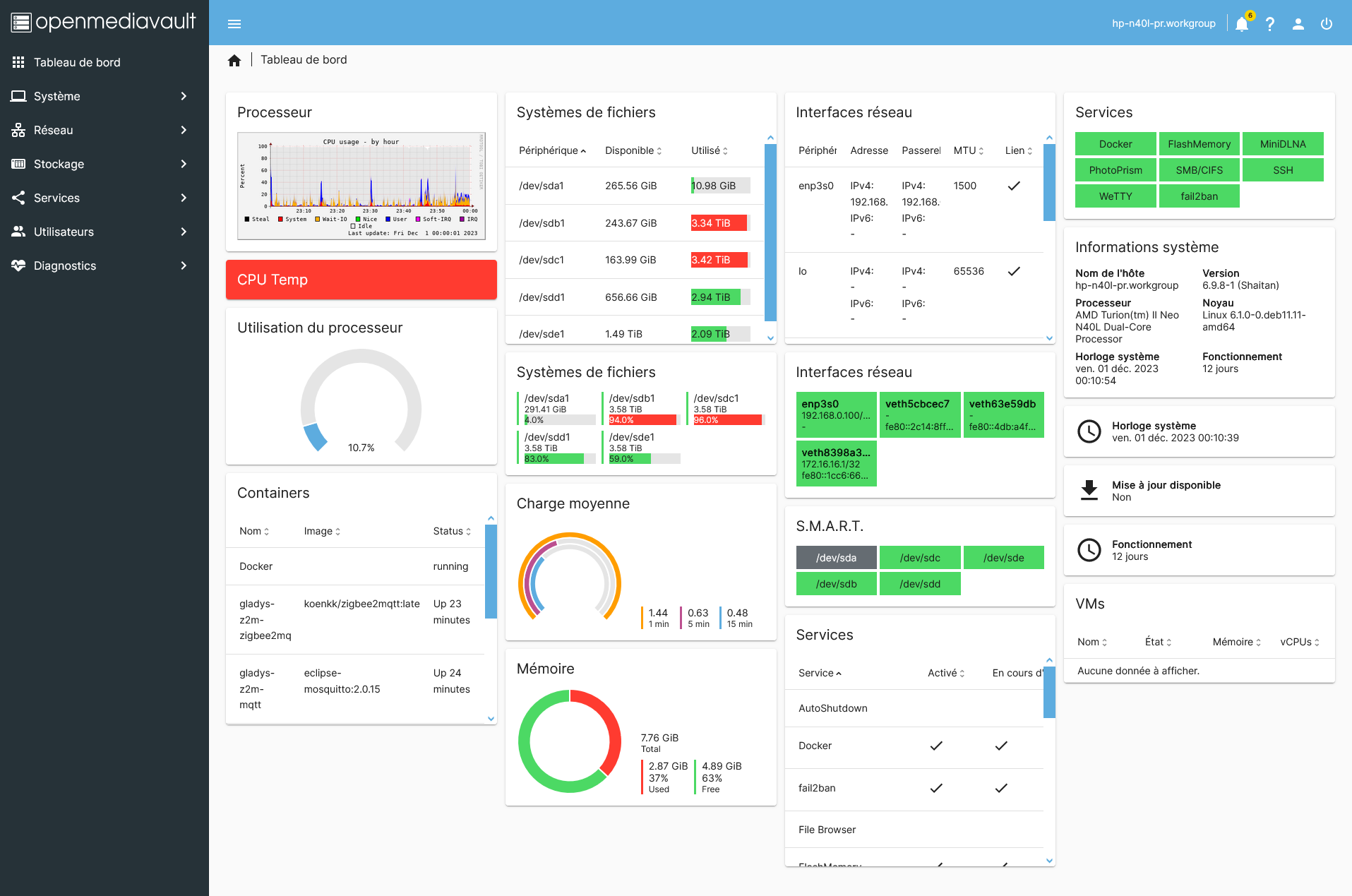
As well as services like Fail2Ban (a kind of firewall), PhotoPrism (web photo portal), MiniDLNA (What’s on tonight?  ), Samba (file sharing) and others… So regarding resources
Let’s move on to the configuration part:
You must have created the shared directories for Data and Backup here on disk d4pr (see OMV docs)
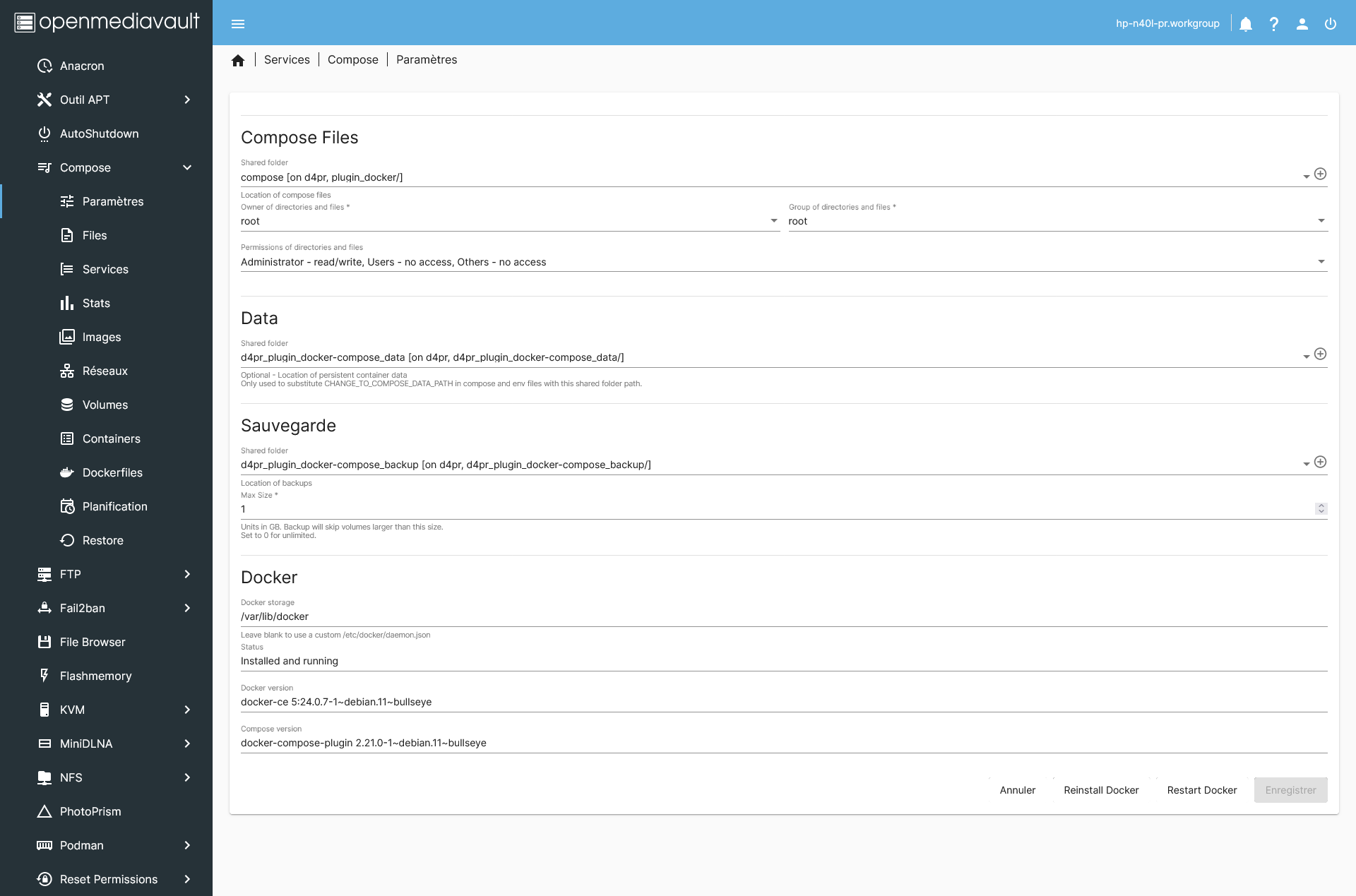
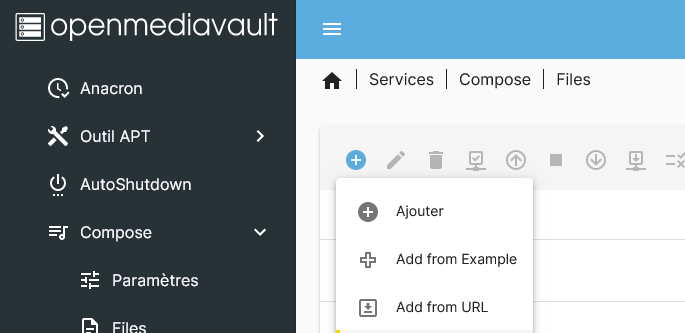
then install the docker compose file by clicking on « + » and « Add from Url »
Installer Gladys Assistant avec Docker Compose | Gladys Assistant
then click « Save »
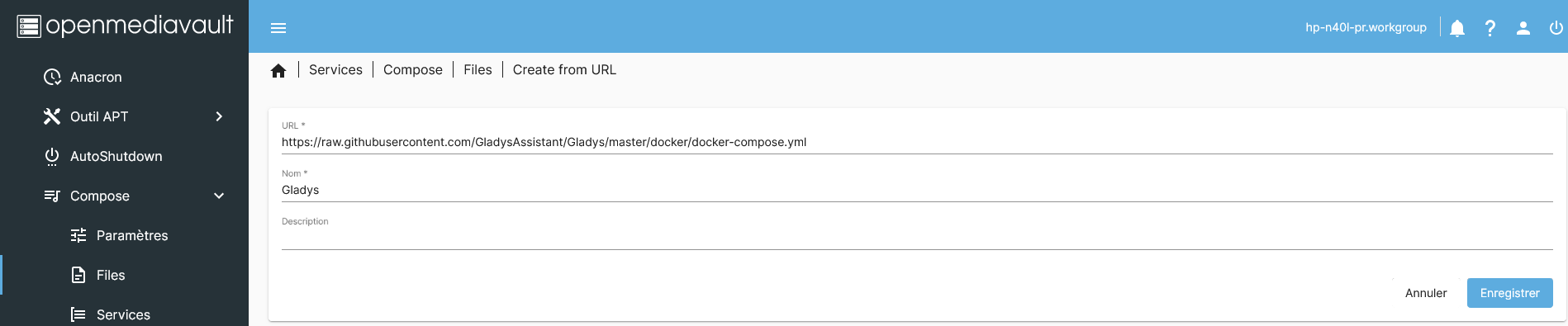
we now have the Gladys docker compose

we edit it to change the port (so as not to interfere with OpenMediaVault’s port 80)
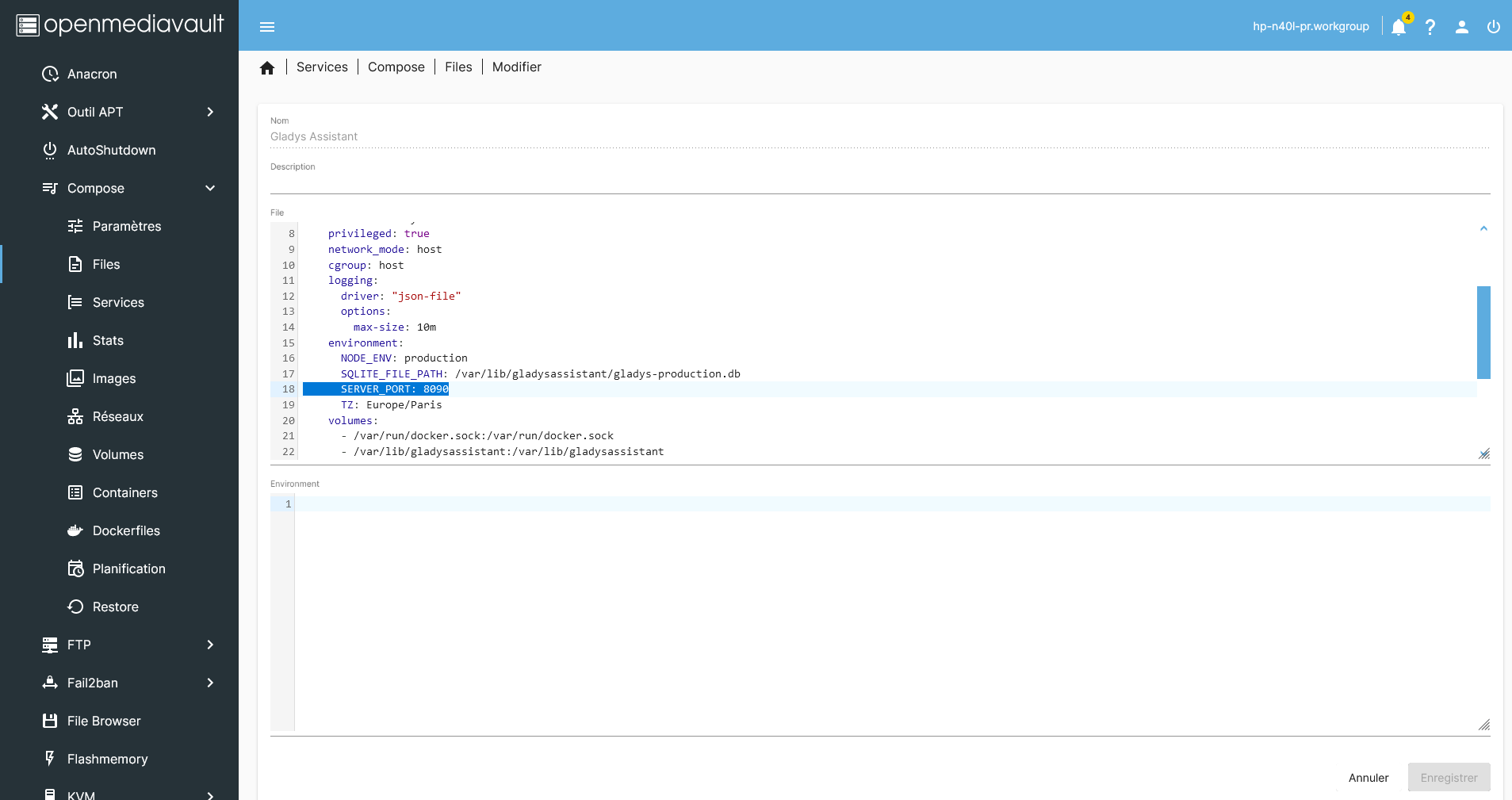
we’ll do the same to create the docker-compose for Portainer
Click « + »
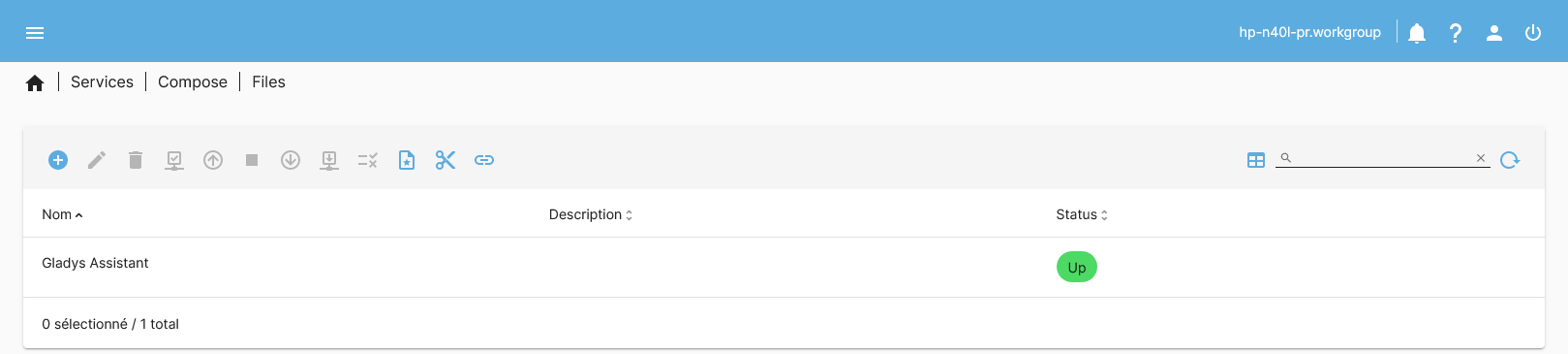
then on « add »

Fill in the fields
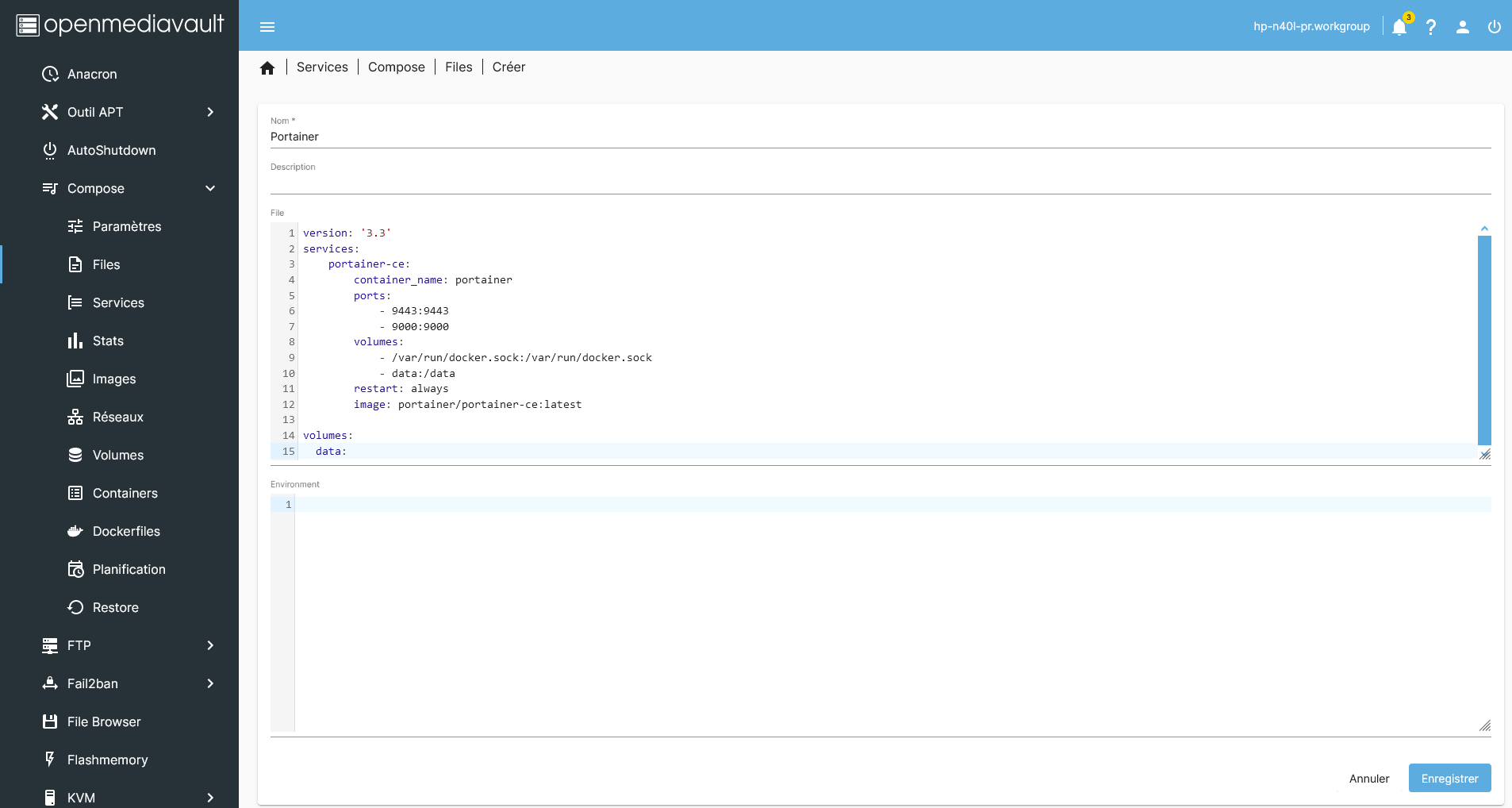
Portainer docker compose code
version: '3.3'
services:
    portainer-ce:
        container_name: portainer
        ports:
            - 9443:9443
            - 9000:9000
        volumes:
            - /var/run/docker.sock:/var/run/docker.sock
            - data:/data
        restart: always
        image: portainer/portainer-ce:latest

volumes:
  data:
we go into Portainer config « NAS IP:9000 »
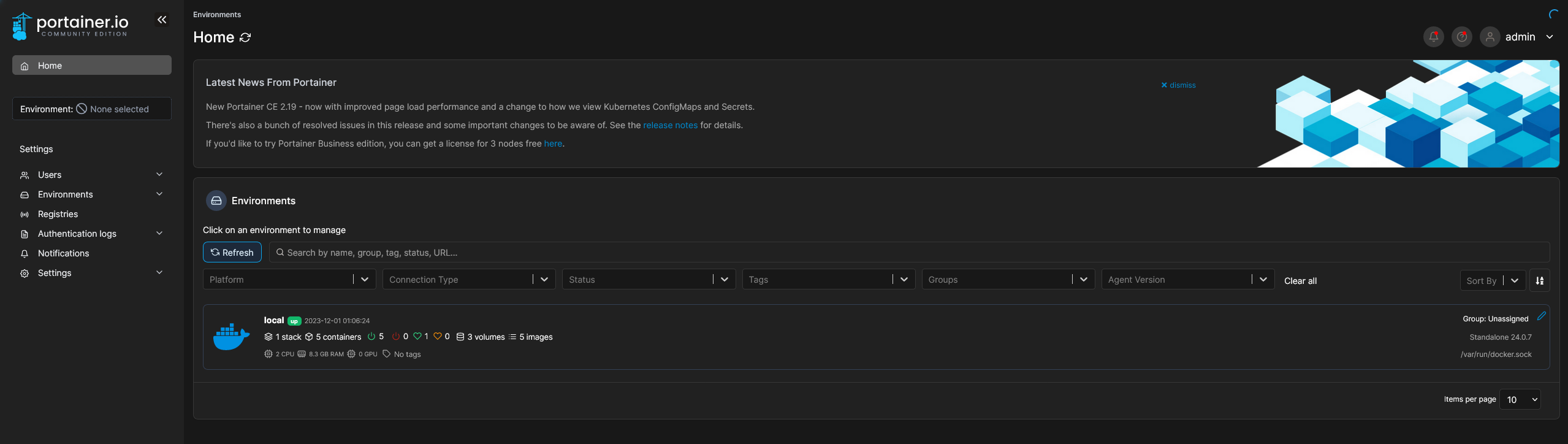
Now the containers are running
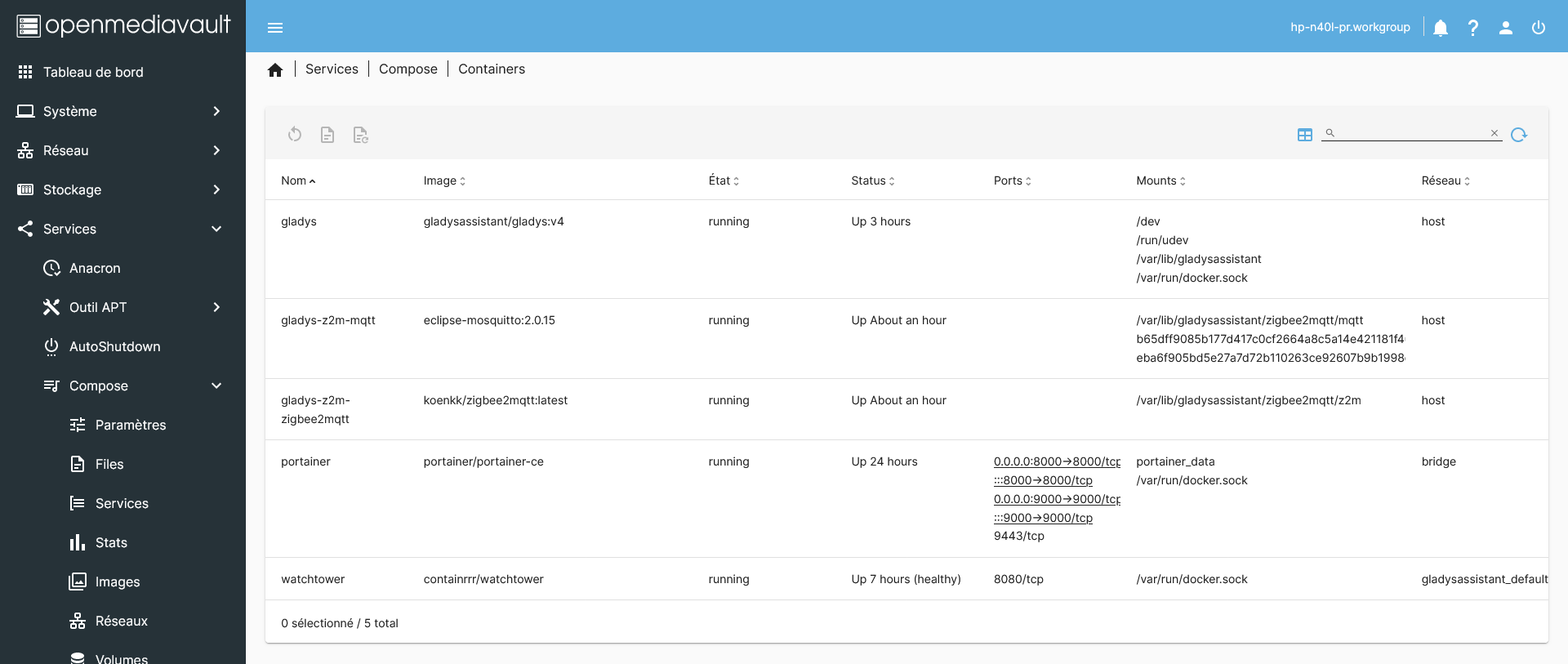
you can access Gladys « NAS IP:8090/dashboard »
As you can see the Sonoff key is perfectly recognized on the HP N40L’s USB port!
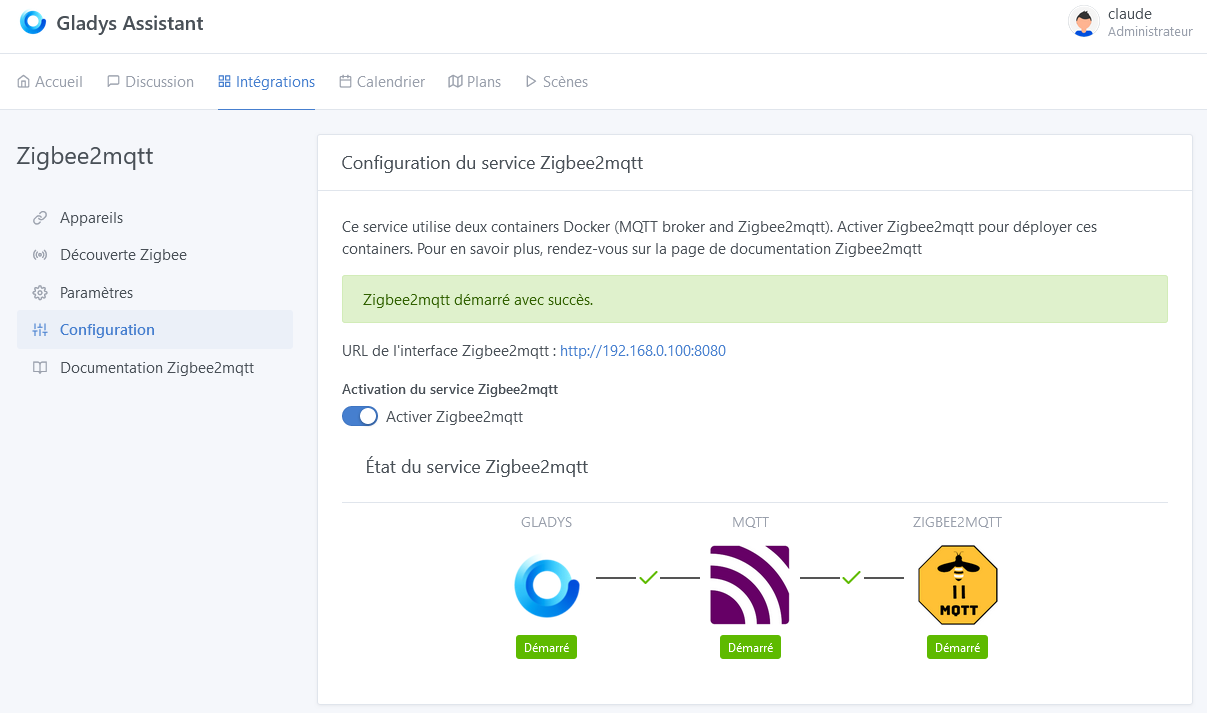
This is how you can set up Gladys on OpenMediaVault whose stability, lightness, and security are proven (Linux 6.1.0-0.deb11.11-amd64)!!!
The advantage of this solution is that it serves as NAS, PhotoPrism, Mini-DLNA etc

