Good evening,
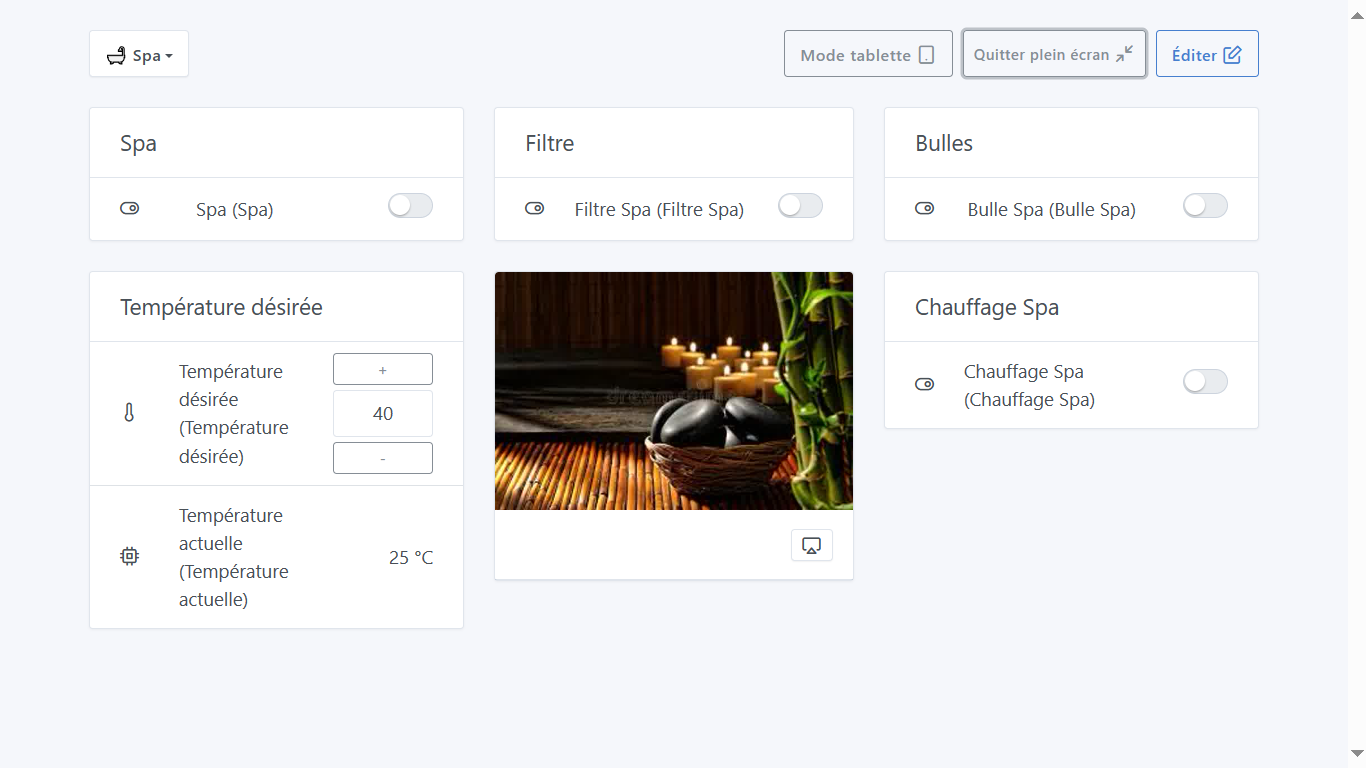
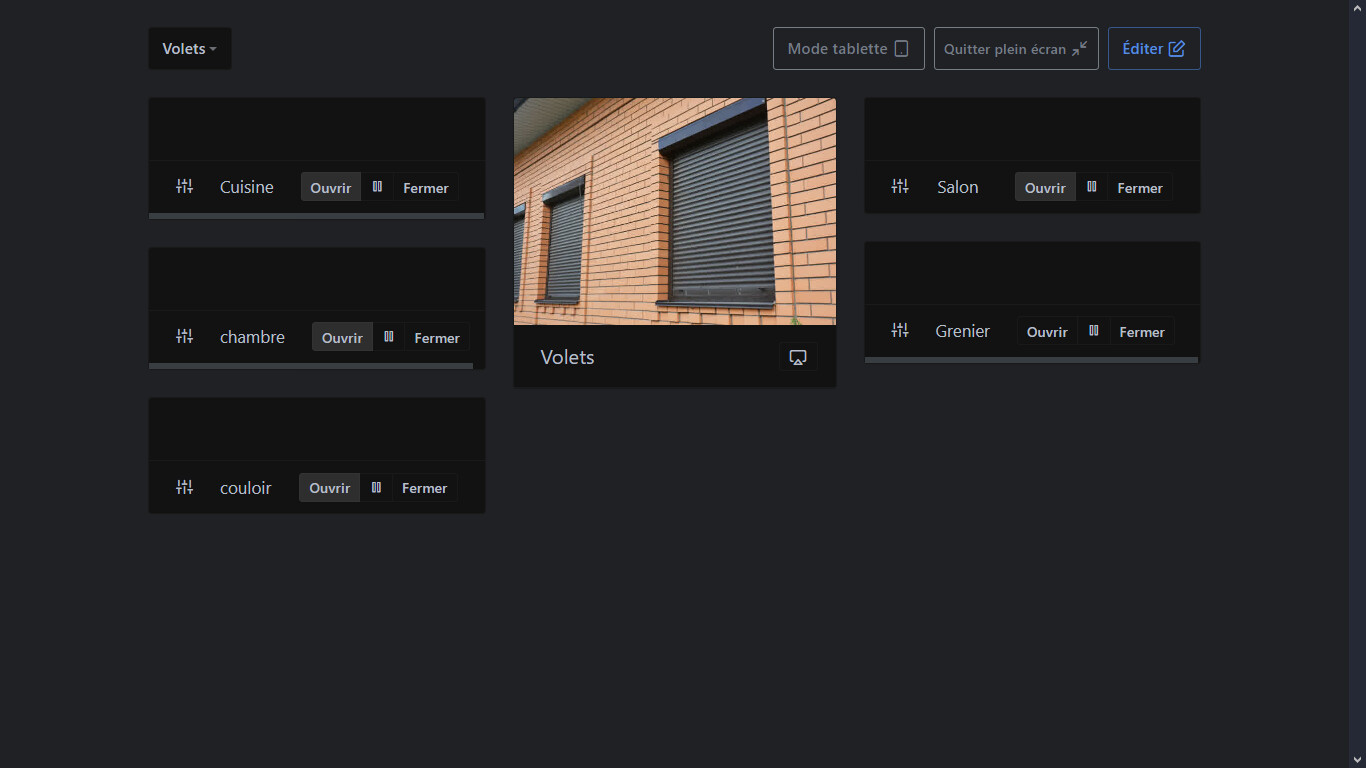
I’ve tried several ways but can’t remove the repetition of my commands’ names on my dashboard.
Each time I have the name and it’s shown again in parentheses. Does anyone know how I can remove this duplicate name?
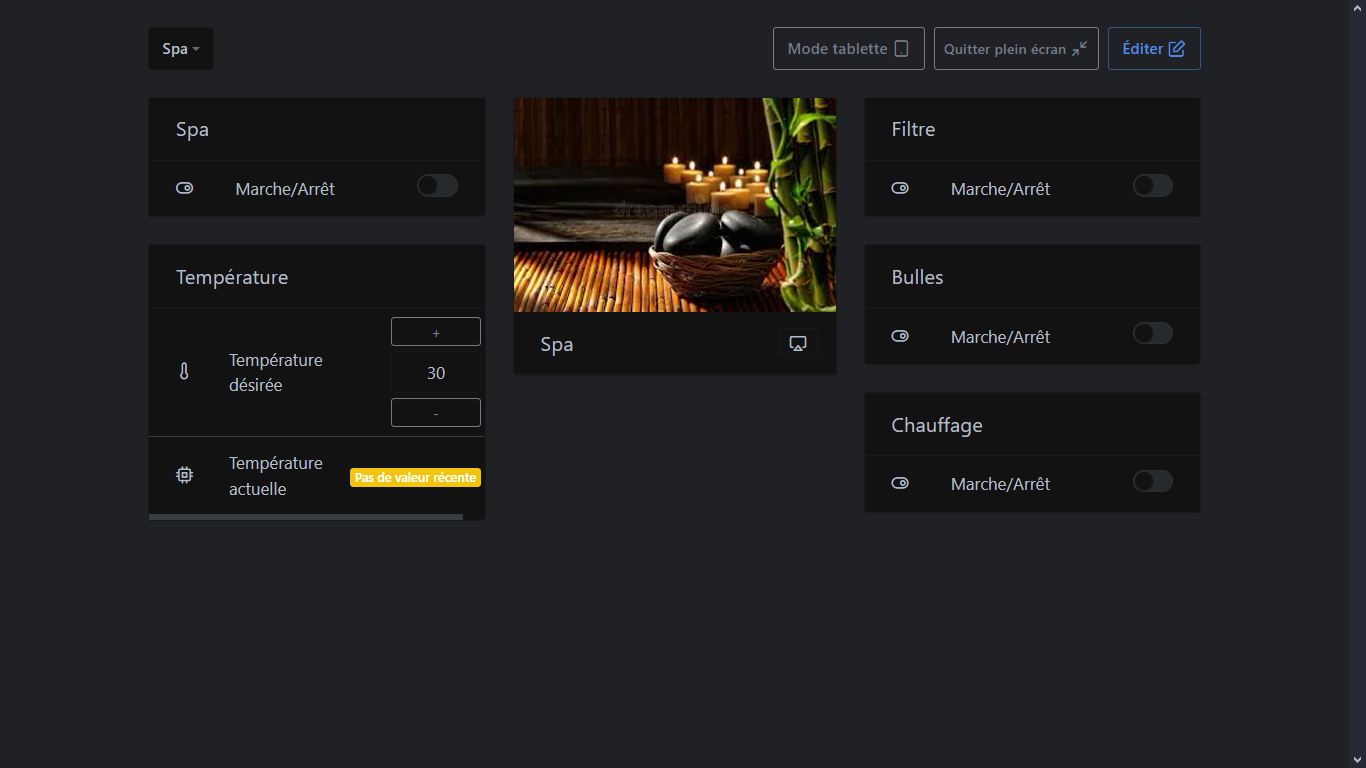
I’m receiving the module that will connect my spa to Gladys via my Wi‑Fi network and MQTT on Wednesday
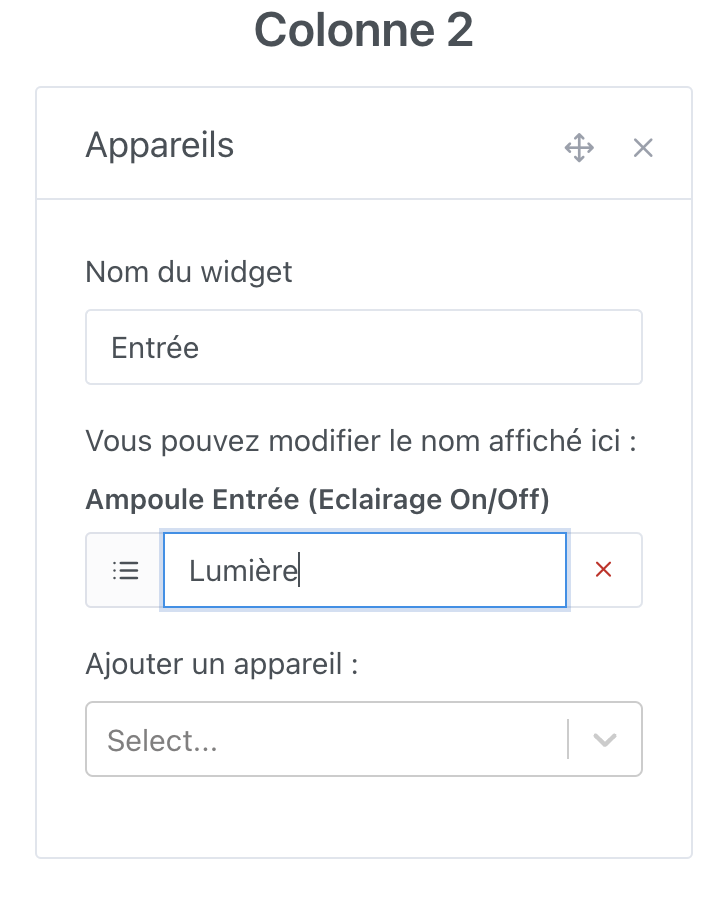
@elfedagger Make sure you have the « Devices » widget, and in the widget when you’re in edit mode you can edit the name :
Thank you, I solved my problem thanks to your answer.
Would it be possible to add a widget to include personal or stored photos?
jerome
March 27, 2024, 7:58pm
4
hi @elfedagger
could you share your configuration or make a short tutorial of your setup? i’m interested and maybe the community would be too.
Psoy
March 27, 2024, 8:19pm
5
Good evening everyone@elfedagger
For the spa I planned to make a tutorial and share
Psoy
March 27, 2024, 9:51pm
7
thanks for your reply, I thought there were other designs for the dashboard
Create a feature request for that https://community.gladysassistant.com/t/gestionnaire-de-photos/6350
Can you create a feature request on the forum? If there are enough votes it will be developed!
It’s really not the same. A photo manager in Gladys, I’m totally not in favor (we’re not here to rewrite every application on Earth)
However, displaying photos coming from Google Photos, for example, on the dashboard — that would be awesome
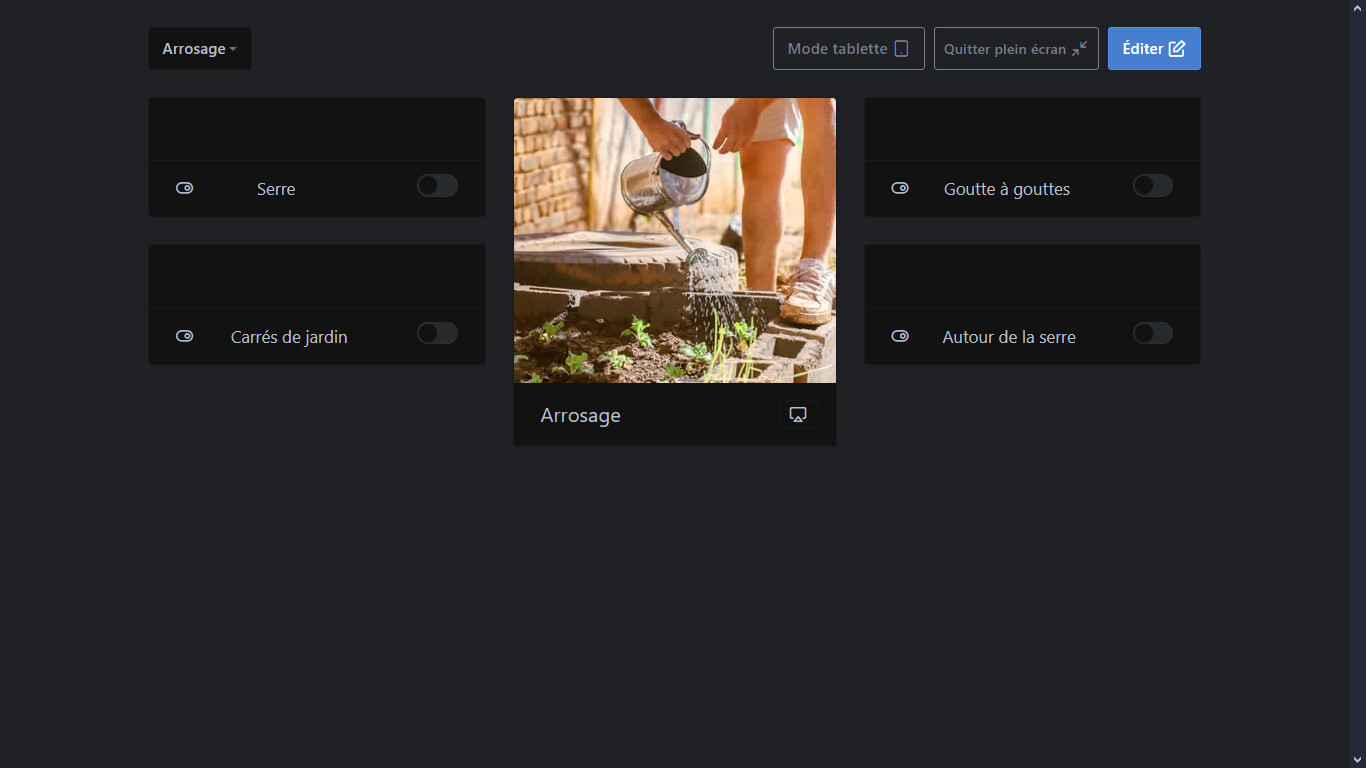
Hello, my request is purely aesthetic — just to display a photo on the Dashboard and not be dependent on an external site. To add color, texture, or simply illustrate the function of this Dashboard. I will submit a feature request.
cce66
March 28, 2024, 1:36pm
11
pierre-gilles:
On the other hand, displaying photos coming from Google Photos, for example, on the dashboard, that would be great
A widget that simply points to a link with just the ability to enter the link, whether it’s local or not, would be ideal!
cce66:
A widget that simply points to a link, with just the option to specify the link, whether it’s local or not, would be ideal!
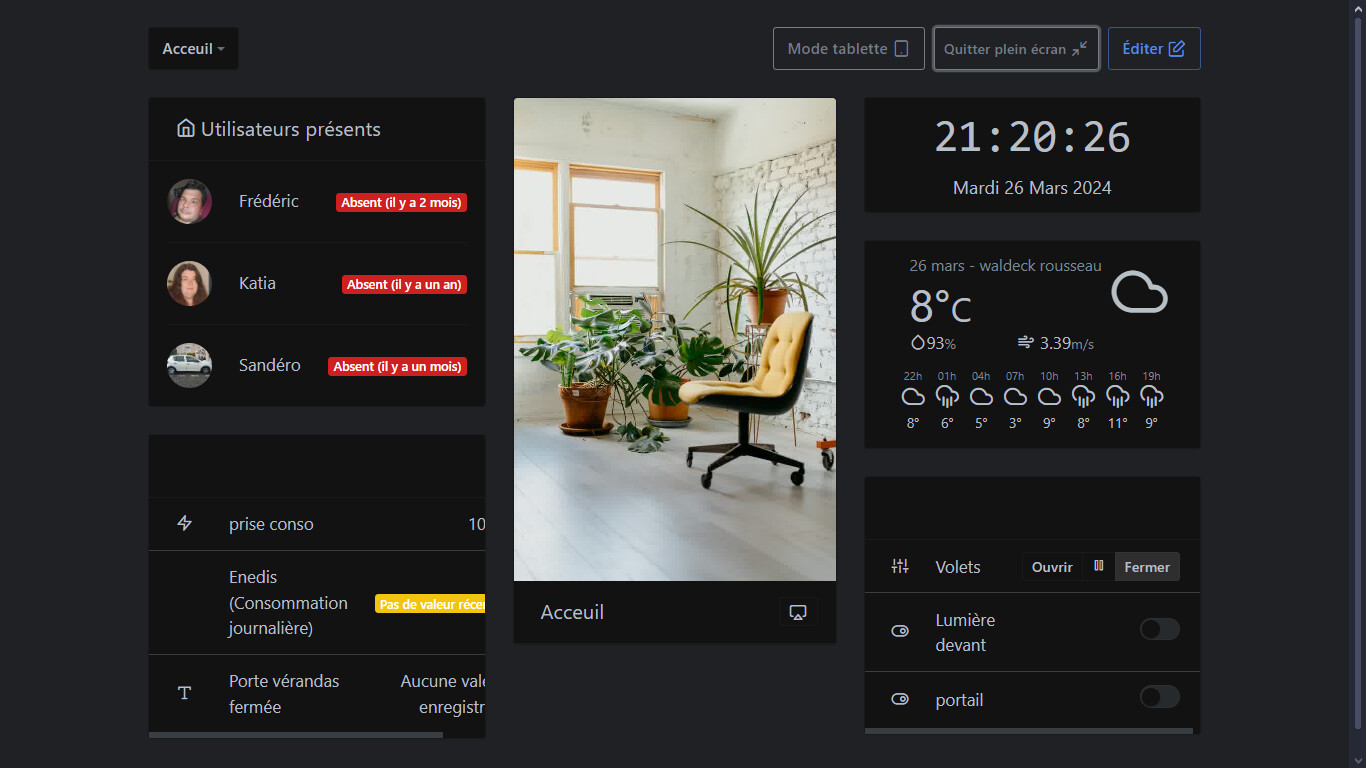
It’s already possible and that’s exactly what @elfedagger does