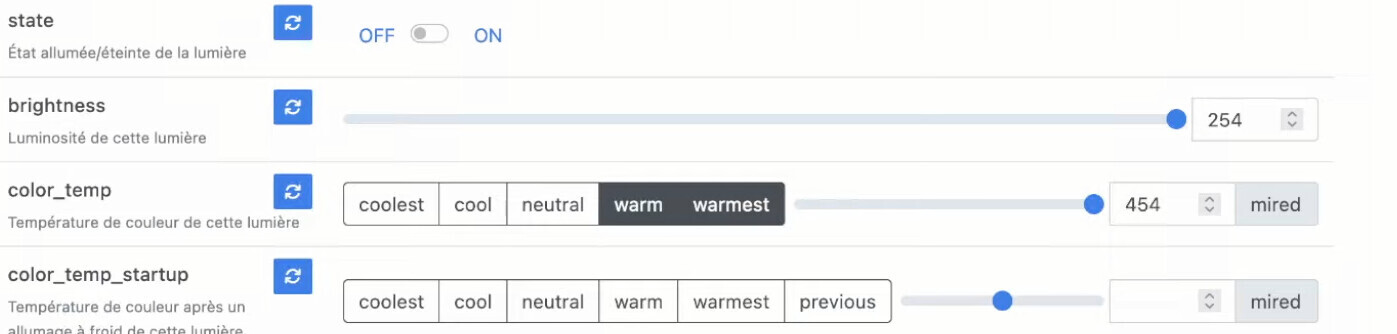
The objective here is to to be able to enter setpoints or other parameters in a Dashboard widget.
Specifically in my case, I do energy (and financial) optimization with solar production, EV (VE) charging, etc…
For that I need to define a number of parameters such as maximum charging current for summer and winter, the EDF peak/off-peak (HP/HC) costs to feed my algorithms. I need a page to set all this data and modify it easily if necessary.
Today, only a temperature setpoint can be specified on one of the heating devices or the control of devices as ON/OFF.
The goal would therefore be to be able to modify the value of any device (I use MQTT devices of types Current, Currency, Percentage…) directly in a Dashboard widget.
the fact that you can’t enter a setpoint value on the dashboard other than a thermostat temperature is really blocking for me and I don’t get the impression it interests many people, it’s a shame
Yet a brightness threshold to switch to night mode, a start or end time, a brightness level for a light, and so on. There are plenty of other cases where it could be useful.
I really haven’t found any other solution except to enter it somewhere other than Gladys, but that’s not practical.
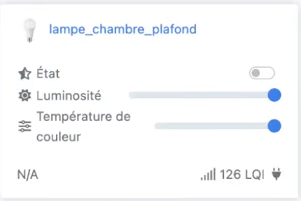
These are widgets tied to these specific devices; on my side it’s about creating my own widgets with combinations of sensors, actuators and therefore setpoints. I haven’t found how to use, customize and combine this type of widget:
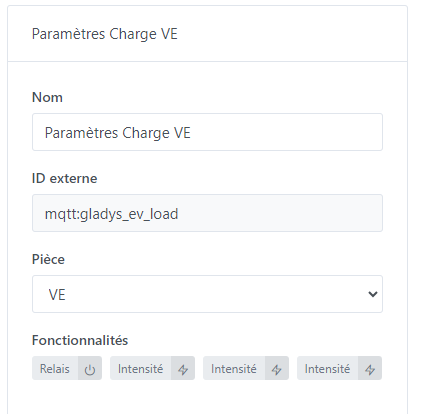
and the functions of MQTT devices do not offer setpoints (except one temperature).
There are plenty of options more than sufficient in my view but it’s impossible to have a widget like those above and « plug » it onto our custom MQTT devices. That would also open up almost infinite possibilities even with devices not known in Gladys.
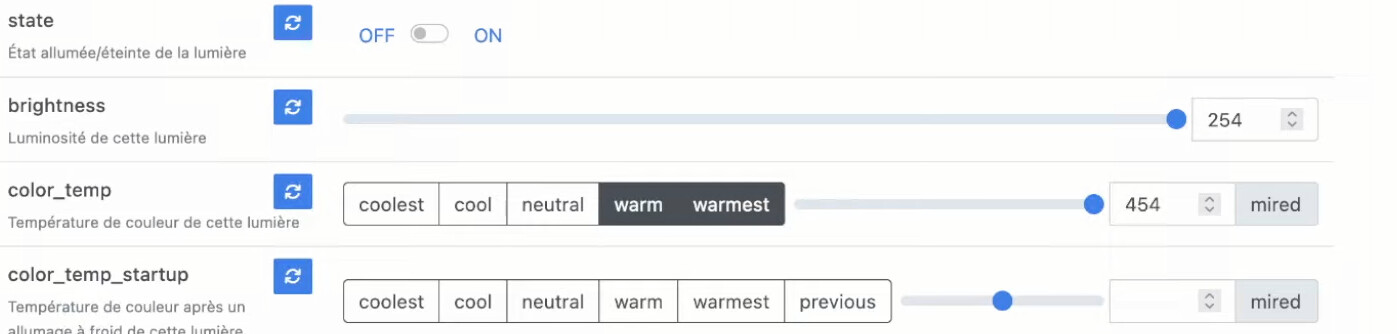
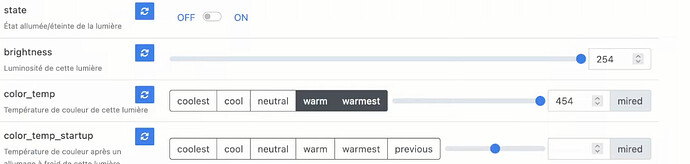
Like the « color_temp » for fine adjustment of a value and predefined values, that would be awesome if I could use it for one of my power setpoints.
I use this to have a « setpoint » brightness that is different during the day (high), and in the evening (dimmed), and thus be able to have harmonized brightness levels depending on the time of day
@pierre-gilles I saw your demo but your brightness thresholds are « hardcoded » in the scene and that’s what I’m doing for the moment.
My goal is to make a special settings dashboard with widgets like input fields for the thresholds as indicated in a previous message. To avoid having to go into the scenes.
@golfy44 In Gladys, whether it’s an « off-the-shelf » device or a custom MQTT device, it makes no difference Everything works the same, and that’s Gladys’ strength!
If you follow the video and replicate what I do but with your MQTT devices, you’ll get the same result!
I invite you to try to do the same, and if you have any sticking points just ask me!
Sorry but I really don’t understand what’s blocking you, everything is already possible
I’m not sure I understand your request, but maybe this can help you:
In the MQTT integration you can create devices with features, I think that’s what you’re using. These features (as in your screenshot Relay, Intensity, etc..) can create different types of
Well, it’s not lights he needs but rather the ability to modify features like current intensity, for example with the type of widget you can find in zigbee2mqtt
Actually, I’ve already asked myself this question so I’m asking everyone:
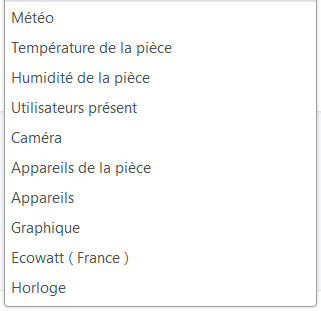
Would it make sense to have somewhere (in the docs / in the MQTT integration / elsewhere) a description and/or an image of what each feature will look like in terms of UI on the dashboard?
Because if in the end I want a slider, for now I have to guess that it’s called a dimmer, or that it’s under lights, etc…
If I had a visual of the final