I have been following the project since at least version 3, I have installed it several times, without being able to properly manage my peripherals correctly.. I will talk about it another time, but ZWAVE (the hardware, not the integration in Gladys) has never worked well, big disappointment.
Last week, I saw the video by @Pierre-Gilles (whom I salute for his immense work here), and it gave me the idea to start over with an install, in 4.5, to take advantage of the multi-dashboard
I am also waiting for the data curves, because the old ones were not great!!
The point that is bothering me now is MQTT with a broker on my local network
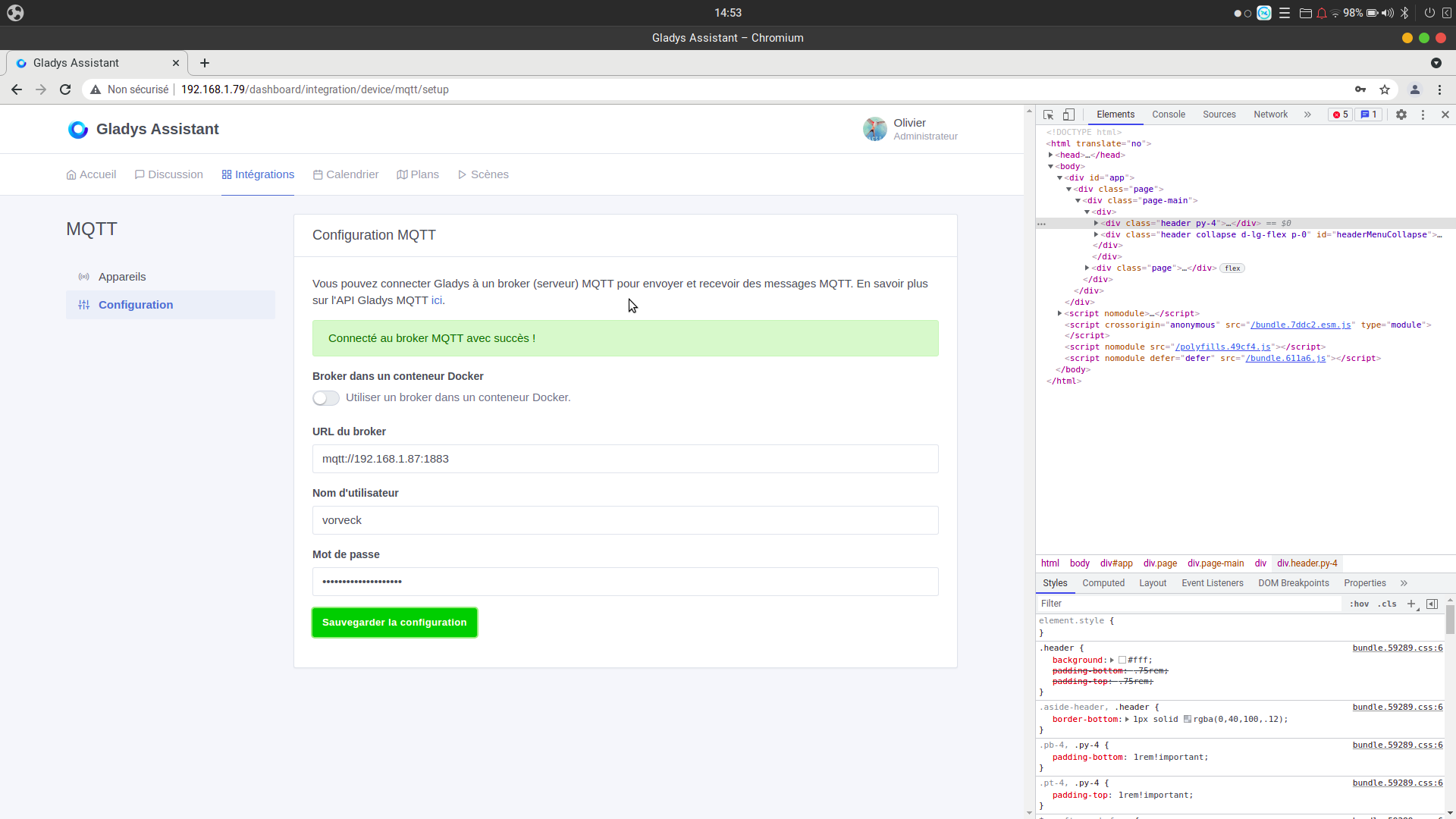
Gladys seems to access it well
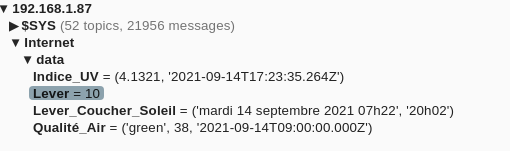
So, yes, I want to fetch information from the internet and store it in a broker
And also add information from my sensors…this won’t be on the internet..
Now, I need to figure out how to store the information, there’s nothing set in stone on my broker, everything is to be done, but it needs to be simple
But now, with the docs and the explanations, I understand NOTHING. I specify, I am a computer scientist, I do bash, python, ansible all day, but here no, I don’t understand anything.
The syntax seems redundant and complicated
Let’s say I have a temperature sensor located in the living room based on DS1820 that publishes the temperature in Celsius
I would like to have on my MQTT broker a topic LivingRoom/Temperature with the temperature, and maybe the date of the last temperature recorded.
So that would give
LivingRoom/Temperature/Temperature
LivingRoom/Temperature/Last_Temperature_Date
How do I configure this in Gladys? And is there a generic syntax like VALUE={{PROTOCOL}}:{{HOST}}:{{PORT}}:{{TOPIC}}
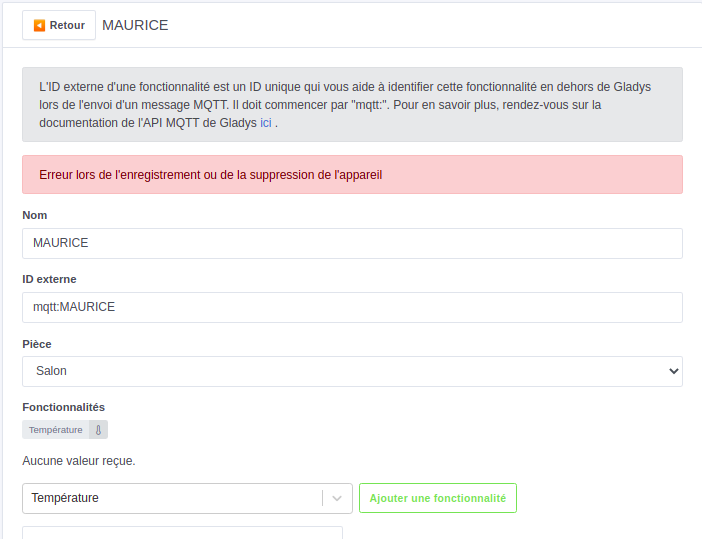
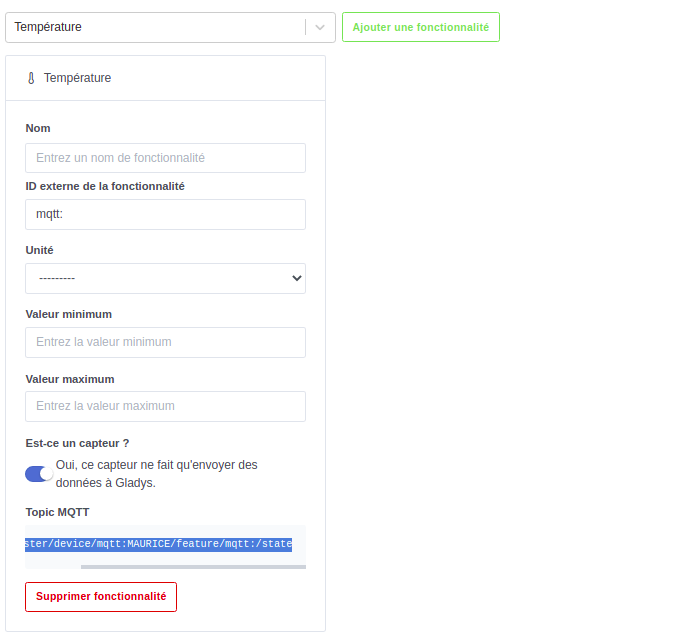
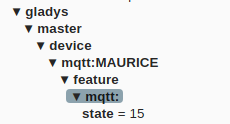
The simplest way is to create your MQTT device in Gladys and copy the link provided at the end of the form. This is the topic where you post the value you want Gladys to receive… Does that help?
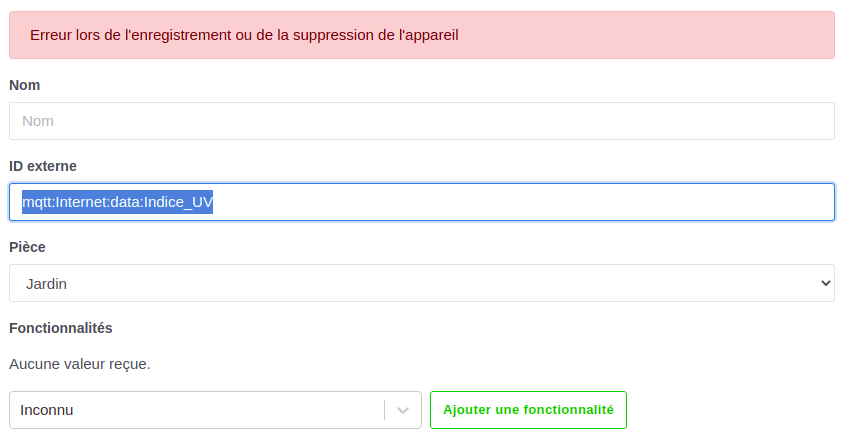
In your post, you see that you create a device but without functionality. As a result, it’s an empty shell.
When you add features, Gladys will give you the right topic
The structure may seem complicated, but it is necessary (it’s an API), it’s the only way for Gladys to make the correspondence between text on the mqtt side and a device with features, a temperature refers to a unit, etc…
You’re all set to create other features or other devices + features!
Another tip, you don’t need to provide a timestamp => Date_derniere_Temperature
Gladys handles storing the value in its own database with the timestamp. (To exploit the history via curves, etc.)