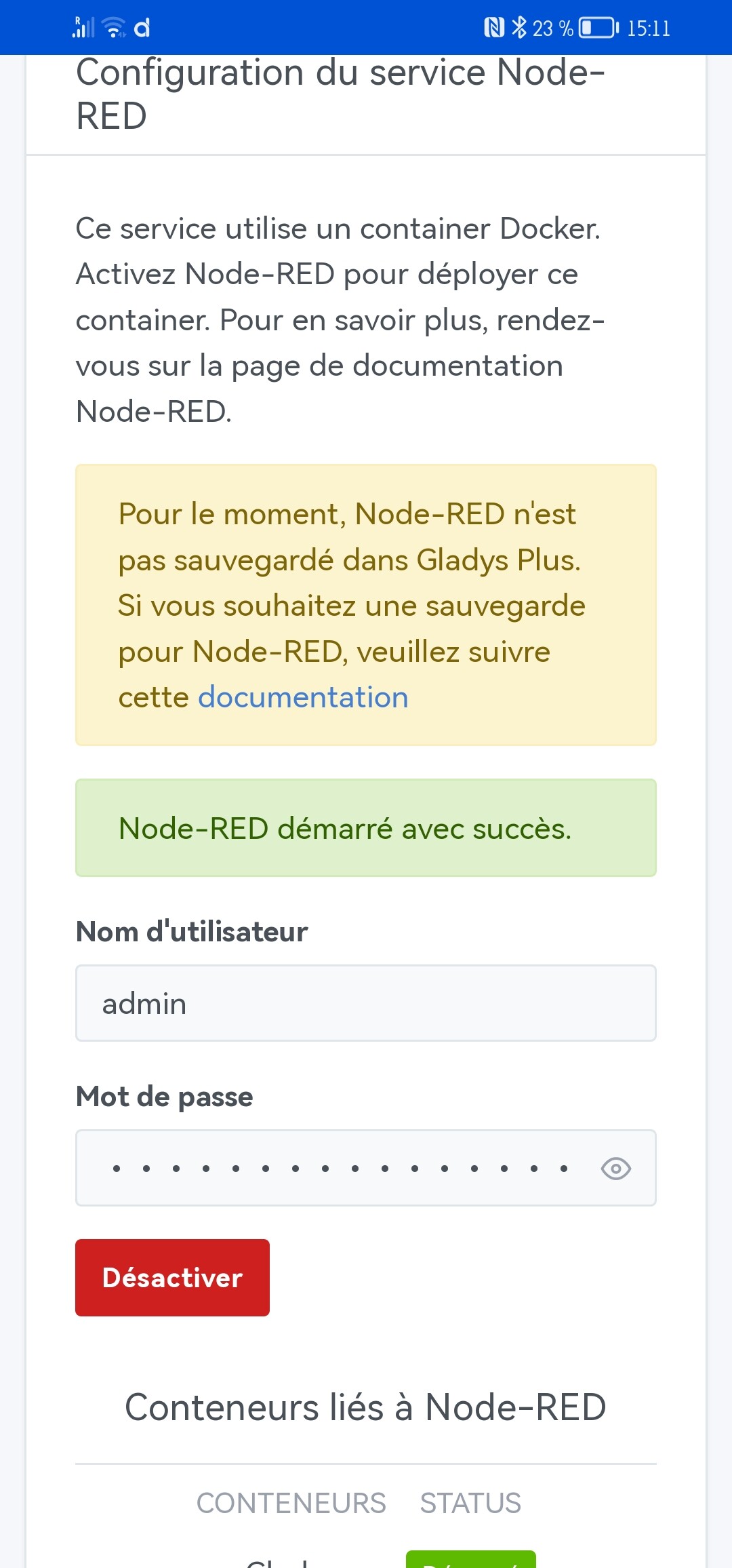
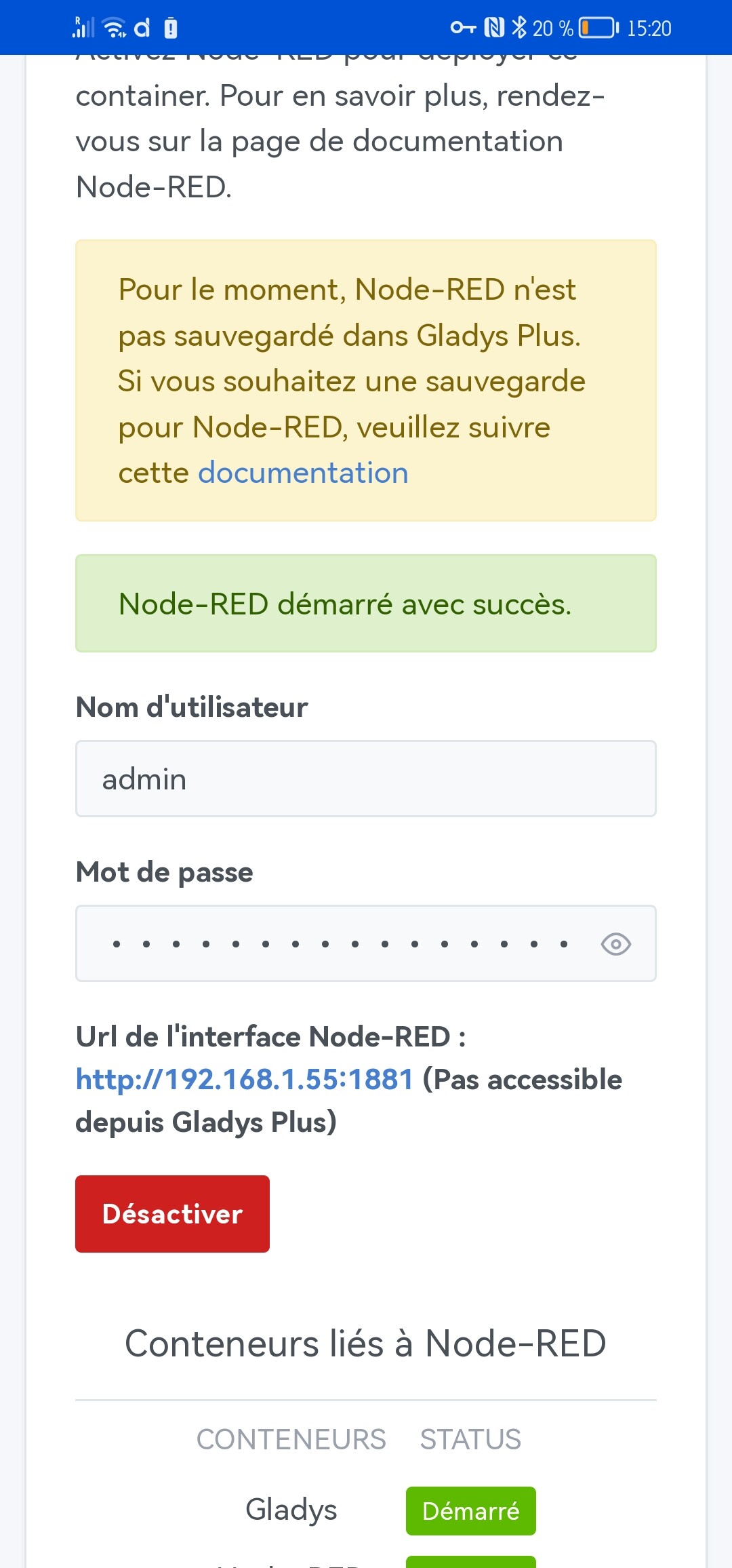
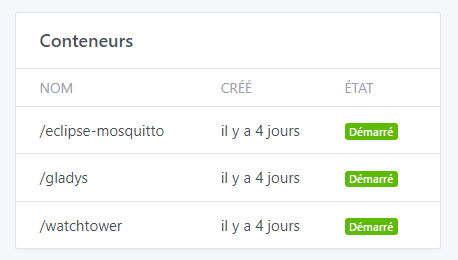
(I’m creating this new thread so these « small » defects can be addressed)
That works perfectly! 

However, a warning message should be added stating that disabling Node-RED uninstalls the container and deletes the current flows!!! 
(while waiting for the version that will allow preserving the data like for the zigbee2mqtt and mqtt containers  )
)
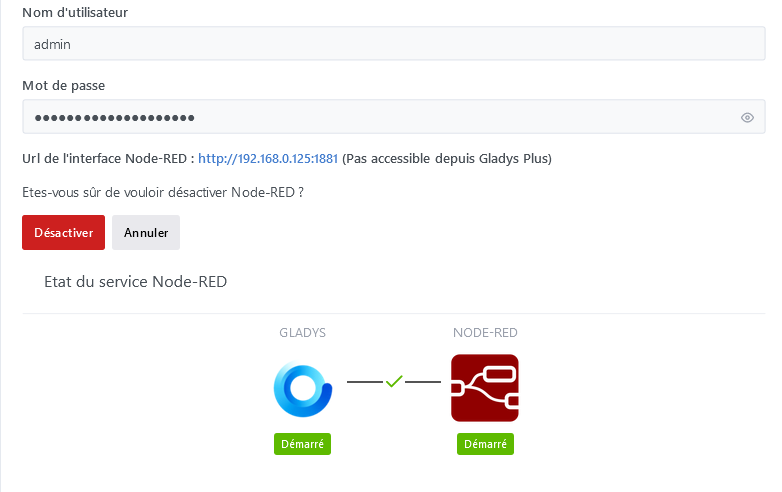
Is a « Restart » button to restart the node-red container (sometimes necessary when it crashes) possible?
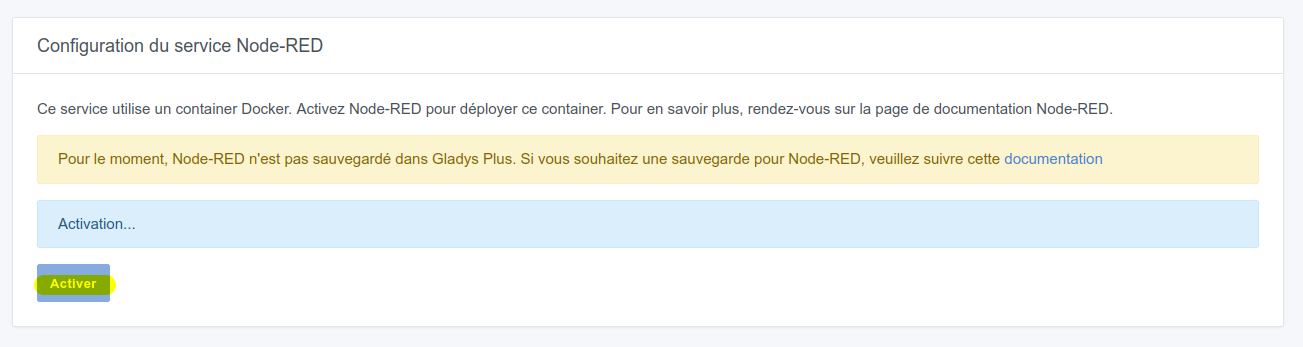
On the other hand, when on the system page we stop the service (I thought that was the same as restarting the service, oops  ) well that has the same effect as « Disable » on the Node-RED page, so it uninstalls the container and deletes the flows (I had just reinstalled all the node_modules
  )
)

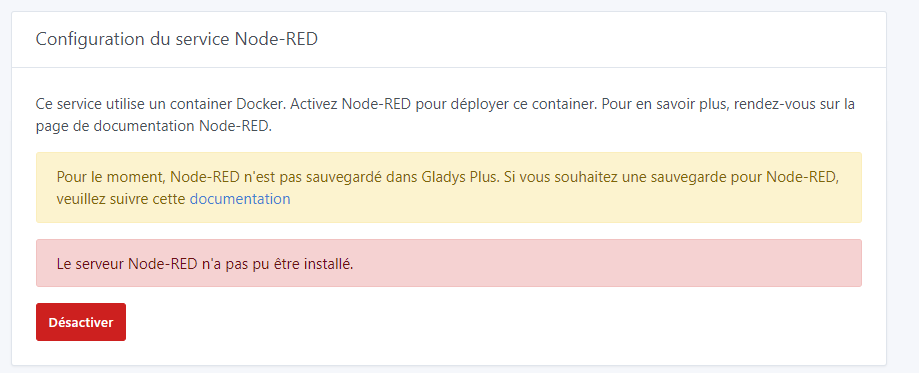
and then we have this on the Node-RED page so the page is not up to date
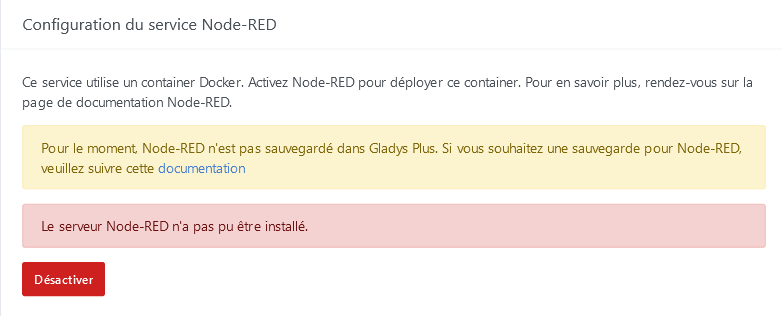
By clicking « Disable » we return to the normal situation and can reactivate without problems!
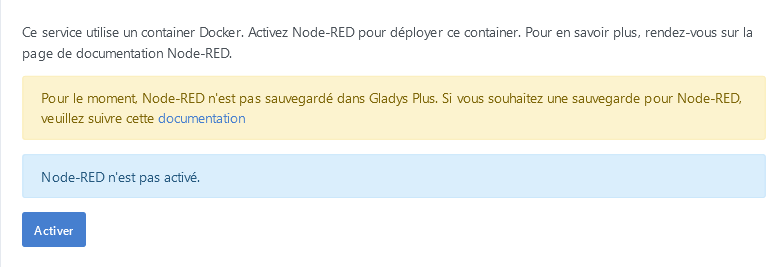
Furthermore, I note that if the service is stopped outside Gladys or if the container stopped due to a bug (often because of the flows we create inside) and then we restart it manually, we end up in the same state as if we had disabled it in the services. I don’t know if the page refreshes when you visit http://IP/dashboard/integration/device/node-red but it doesn’t match the actual state of the container… so, that’s some feedback!