Add Sonos Speaker with Node Red in Gladys
We will be able to control Sonos-type speakers.
Our assistant will be able to launch playlists, radios, etc. previously saved in the Sonos app. (My Sonos tab - First tab with a star)
The first part concerns Gladys, the second Node Red, and the third part will be for the evolutions.
Thanks to @spenceur for his tutorial which I greatly inspired myself from.
Configuration in Gladys
Prerequisites
- Have your MQTT broker configured on Gladys
- Know how to handle the creation of virtual devices
Step
- To begin, you need to create your speaker in Gladys via the MQTT service in this way:


- Fill in a name, an external id for the MQTT server, the room, then save:
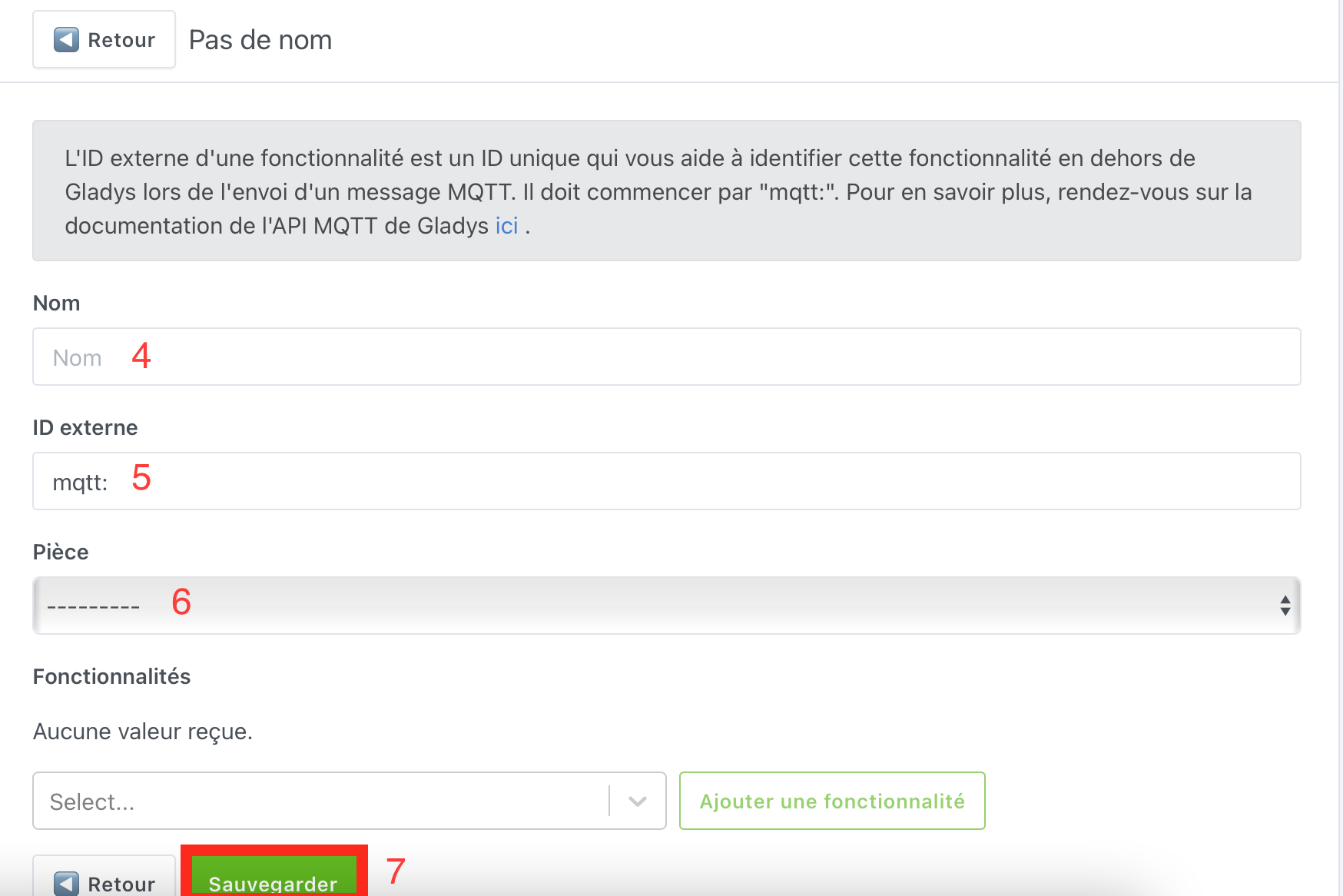
- Once this is done, do not leave the page but add the feature:
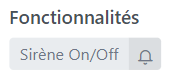
The configuration on the Gladys side is complete, we will move on to Node Red.
Configuration on Node Red
Prerequisites
- Install the node-red-contrib-sonos-plus and node-red-contrib-sonos-events packages
- Have the MQTT connection configured in Node Red for the connection with Gladys
Step
-
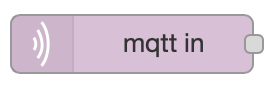
Add an MQTT in node:
-
Add the topic previously created in Gladys
-
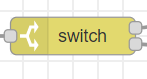
Add a « switch » node:
-
Edit the « switch » node by adding two payloads as follows:
-
Create two universal SONOS nodes
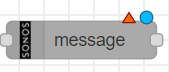 , connect them to the switch outputs, and configure them as follows:
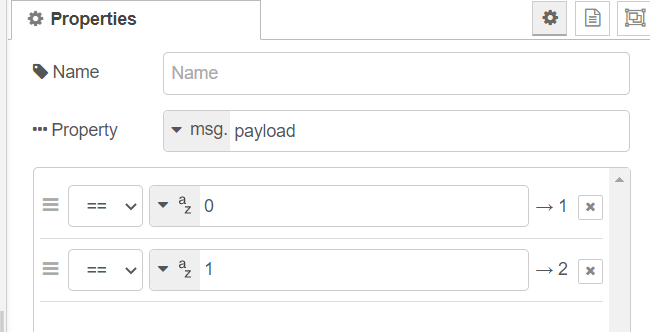
-
Configure the config Node:
-
Payload = 0 (output 1): Pause the speaker
-
Payload = 1 (output 2):
-
Volume adjustment:
-
Launching the playlist: Create a universal SONOS node
and configure it as follows:
-
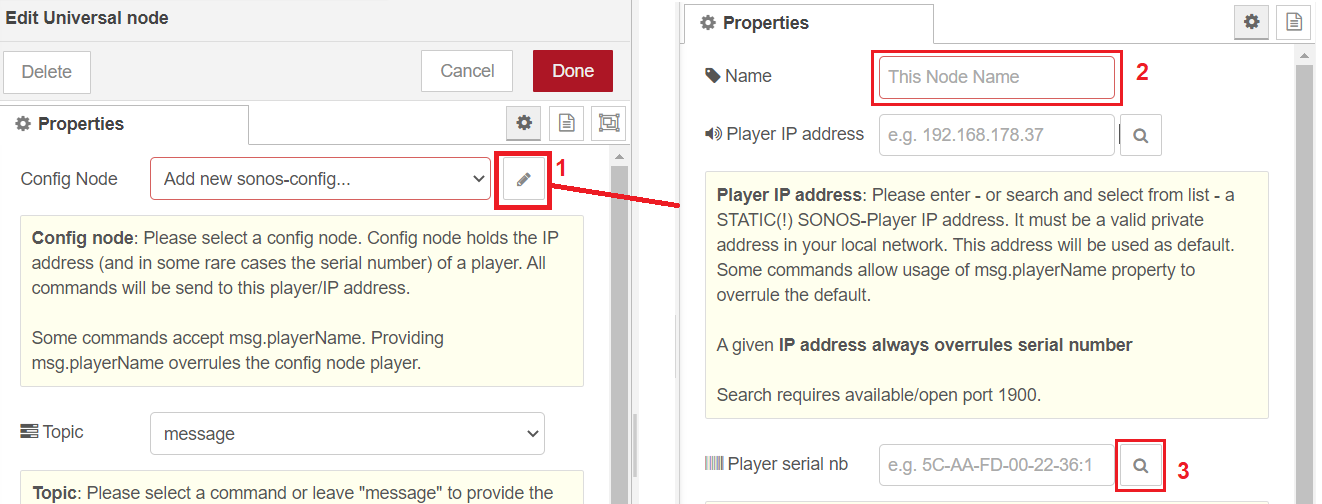
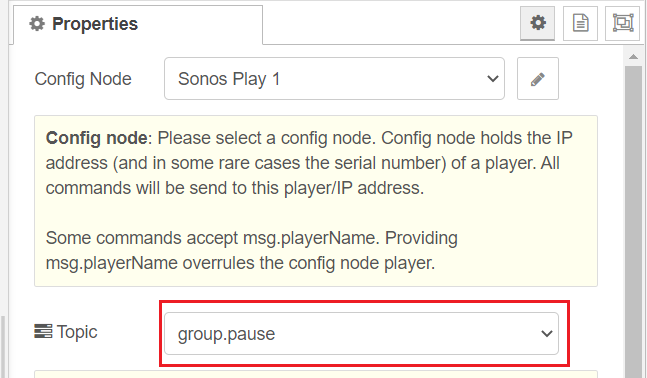
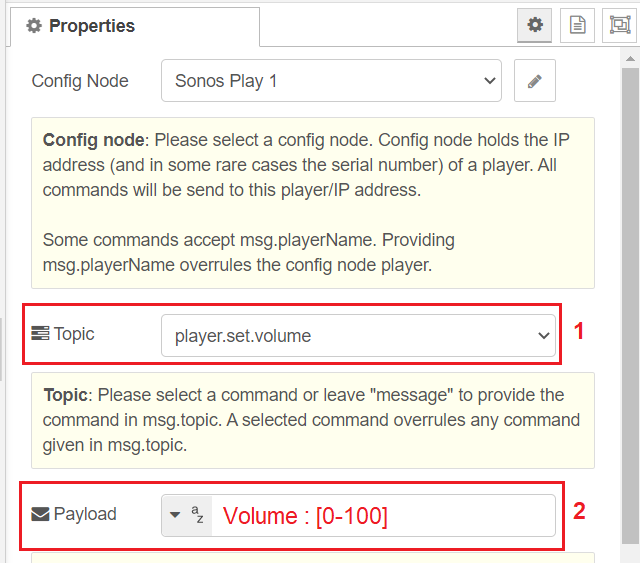
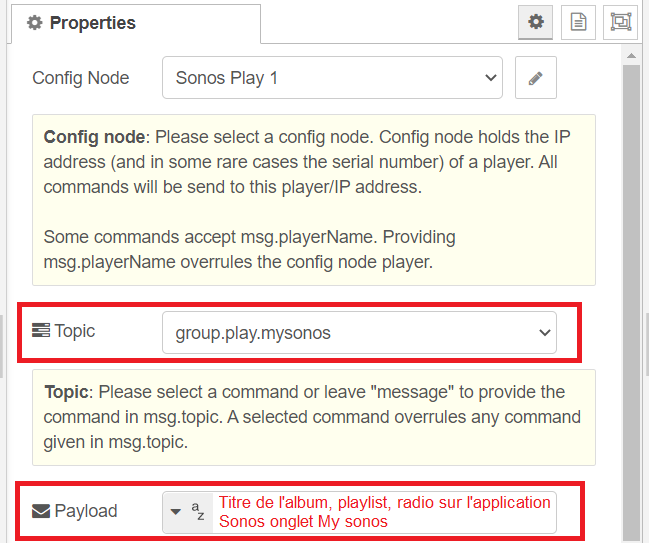
- Deploy the NODE Red solution:

Evolution
-
It would be interesting to be able to create virtual buttons of the type: Play/Pause, Vol+, Vol-, next, launch of a selected playlist, etc. Some of these features are available in the television part but no feedback on the dashboard of the type virtual buttons.
-
It is possible to retrieve the playlist, the track being listened to. Would it be possible to send this information to Gladys via an MQTT out?
