It’s real-time, yes, no need to refresh the page 
Hello,
I took advantage of the 50% off offer and I already have two small pieces of feedback on Gladys Plus:
-
the login form: I think the tab index should be reviewed. When I’m in the email field and press the « Tab » key I end up on « Forgot password », which doesn’t seem logical — you’d expect the focus to go to the password field.
-
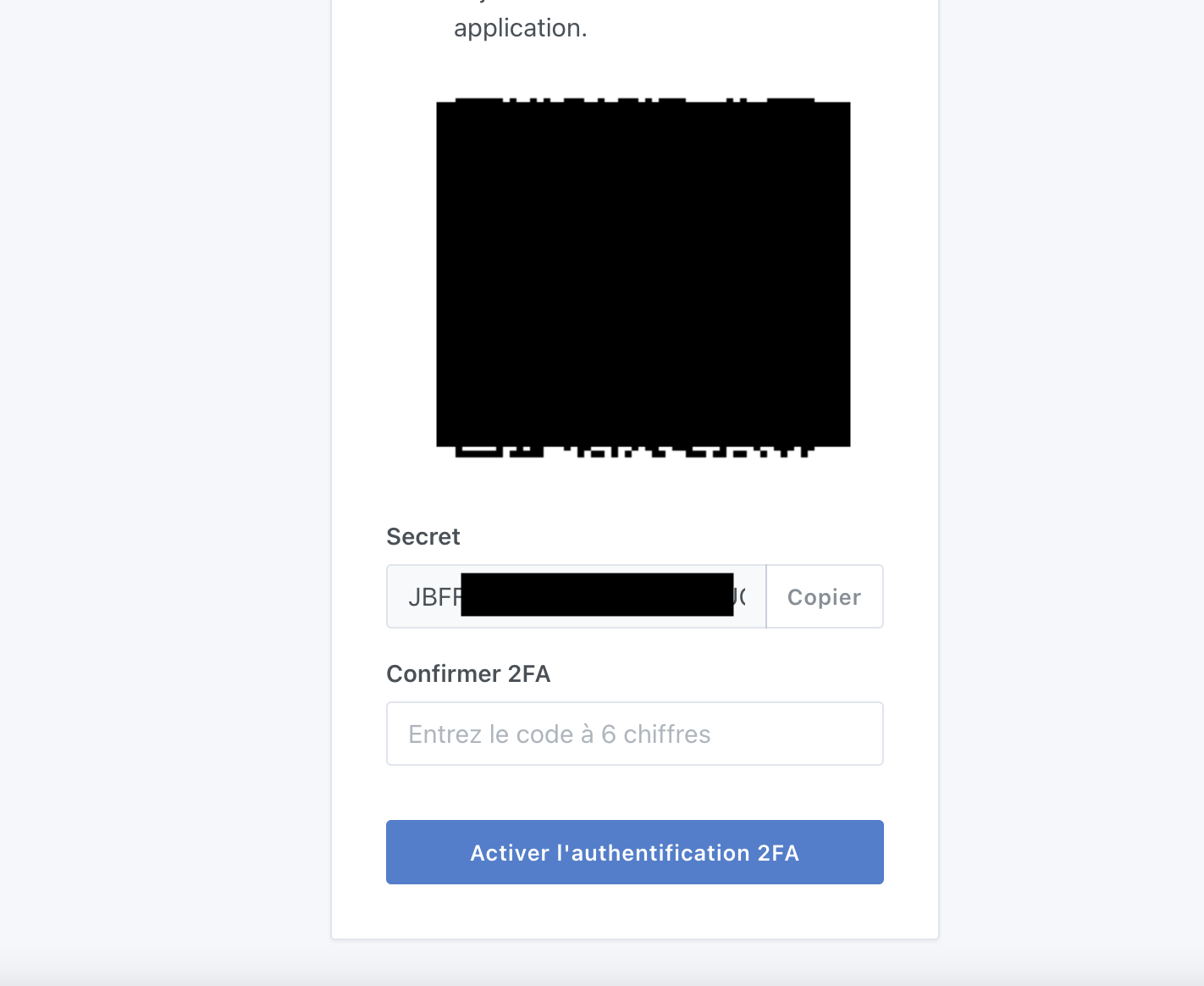
For enabling 2FA, I use KeePassXC to manage my 2FA credentials. KeePass being on my PC it can’t read QR codes. I think displaying the key directly in addition to the QR code could make my life easier.
If you’d like, I can possibly take care of creating the pull requests (PRs) to propose these changes.
I’ll continue exploring Gladys Plus and will get back to you if I have other ideas.
Fred
Yes, this
Thank you for your support @Hotfix31 ! 
I confirm we’re aware of the two pieces of feedback, it’s not the first time someone has given this feedback.
For point 2), did you manage to create an account nonetheless? (you’re not blocked?)
[quote=« Hotfix31, post:62, topic:7212 »]
For 2FA activation, I use KeePassXC to manage my 2FA credentials. Since KeePassXC is on my PC it can’t read QR codes. I think displaying the key directly in addition to the
Yes, I managed to get by.
I decoded the QR code; the security key is visible in the URL returned by the QR code.
What exactly do Gladys Plus backups back up?
The hidden question: do I have to redo my entire Zigbee installation if I restore from a Gladys backup? Are the changes made on the Zigbee2MQTT interface included in the backup?
Hello @Hotfix31,
For now only the Gladys DB, but it’s planned to work on a method to be able to back up Zigbee as well.
Yes and no ^^ if you want to keep your configuration, a tutorial is available Zigbee2mqtt DB backup.
[quote=« Hotfix31, post:67, topic:7212 »]
Are the changes made on the Zigbee2MQ
Great! Little details that make all the difference.
I accidentally deleted my dashboard.
Instead of re-entering everything, reinstall the latest backup and you’re good to go.
Thanks Gladys+
Does that mean we should perhaps implement a confirmation before deletion?
Great  it’s nice to read that!
I agree! I created a GitHub issue:
I don’t mean to brag, but I had the same issue! Except it was my main board that I had deleted (the first in the list), so to make it reappear I had to delete the others! Could we take the opportunity to add the ability to change the order in which boards appear in the dropdown list?
That, or the ability to set a default board ^^.
Or both 
The default board might be more sensible (easier to implement) and in reality the board that interests us most is the first one in the list; once we’re forced
I think you should file a feature request so it can be prioritized based on votes.
hello
isn’t it already done ?
Indeed! In that case I suggest you add your case in a comment or refer to your message above in the request.
Let’s see what PG will say regarding your need.
Yes, why not, don’t hesitate to add a vote to the existing request @Legw4nn