I hope I’m posting in the right place, I wasn’t sure where to put this.
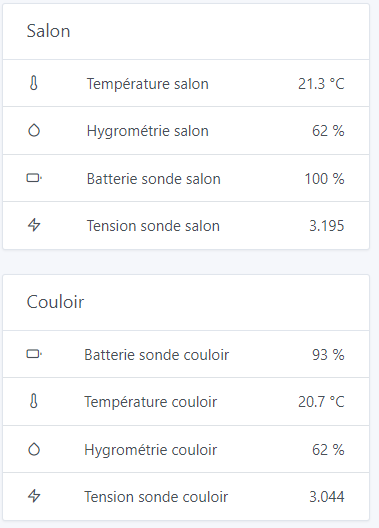
I have a small issue with the display order of a sensor’s features, I don’t really understand the logic behind it.
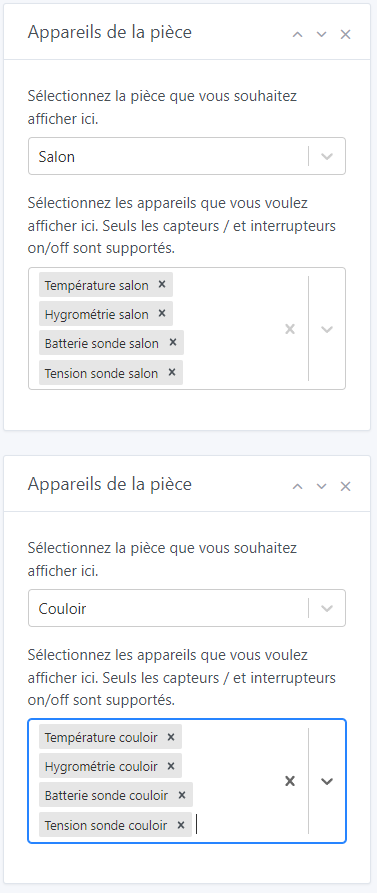
Here is an example of the block configuration on the dashboard:
In short, the features do not appear in the same order. Is there a way to choose the order manually or, failing that, at least have it be the same for all blocks? (for example, alphabetical)
By the way, I notice that the « Average Voltage » feature is displayed without a unit.
Hello everyone, I have the same display order issue (Gladys Assistant 4.12). I couldn’t find an issue on GitHub to follow this topic. Can I create one?