Gladys Assistant 4.14: Duplicate a scene + Clock on the dashboard ⏰

Hello everyone!

I mentioned it yesterday, I’m on a kind of intense 4-week sprint where I’ll try to make as much progress as possible on lots of Gladys topics.

The first topic was the release of all the improvements developed since Christmas, in Gladys Assistant 4.14, available now :partying_face:

Clock on the dashboard

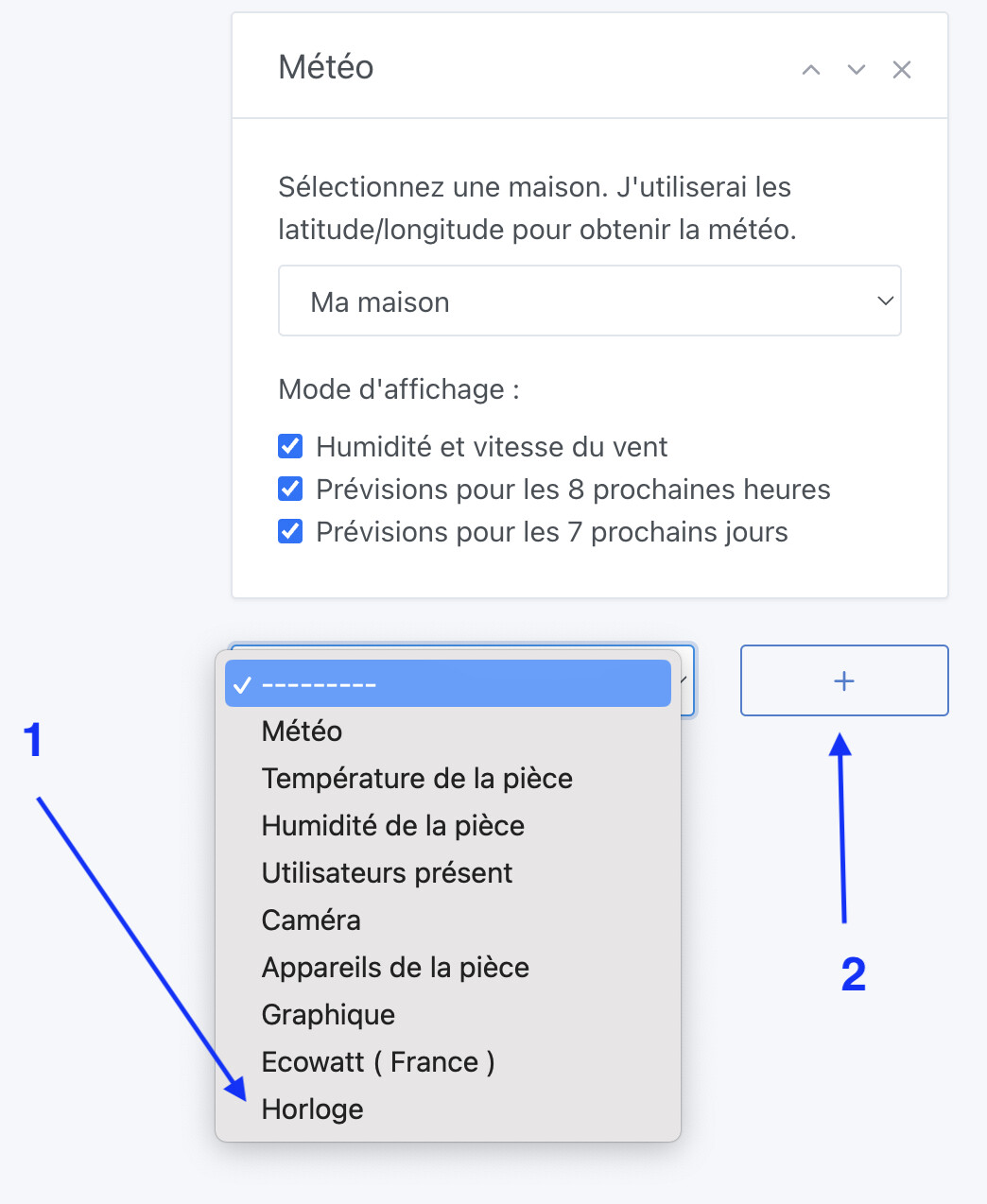
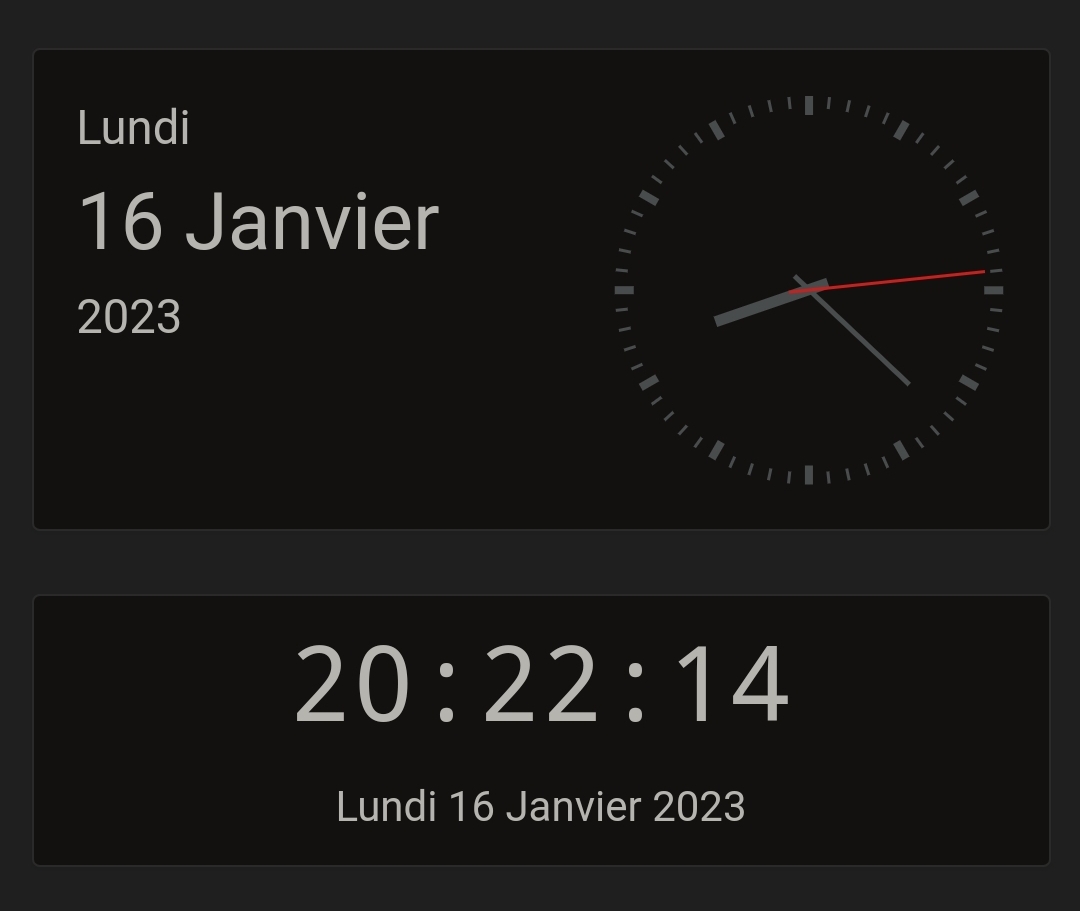
A highly requested feature, developed by @Lokkye, is the ability to add the current time to the dashboard, in 2 formats: analog and digital.
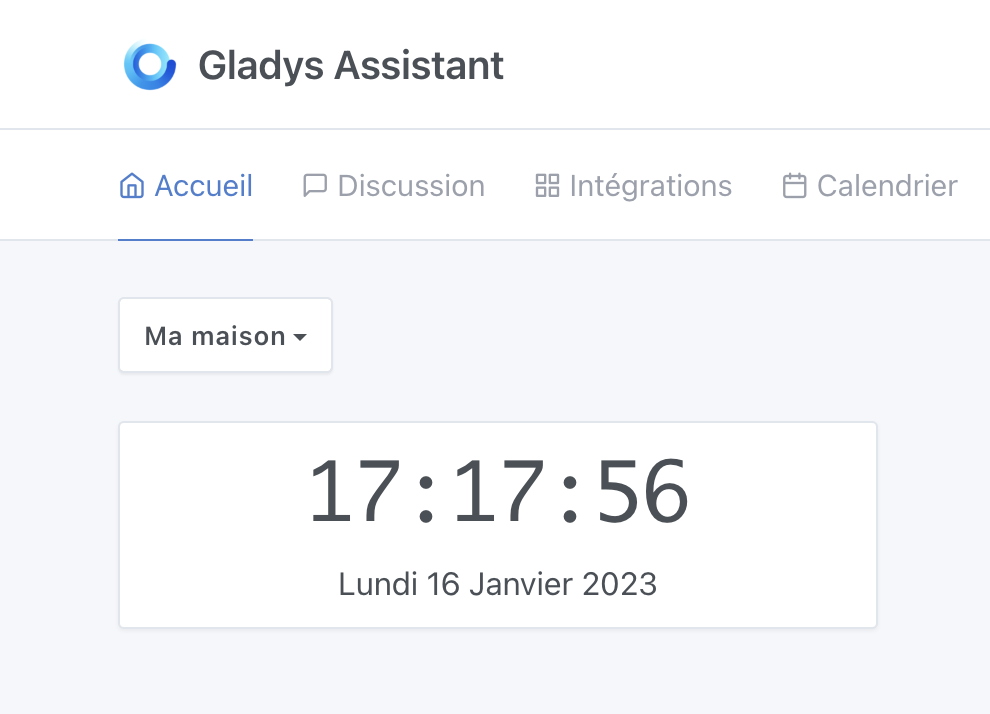
Thanks @Lokkye for the development :folded_hands:

Scene duplication

Finally!! Thanks again to @Lokkye, it is now possible to duplicate scenes!

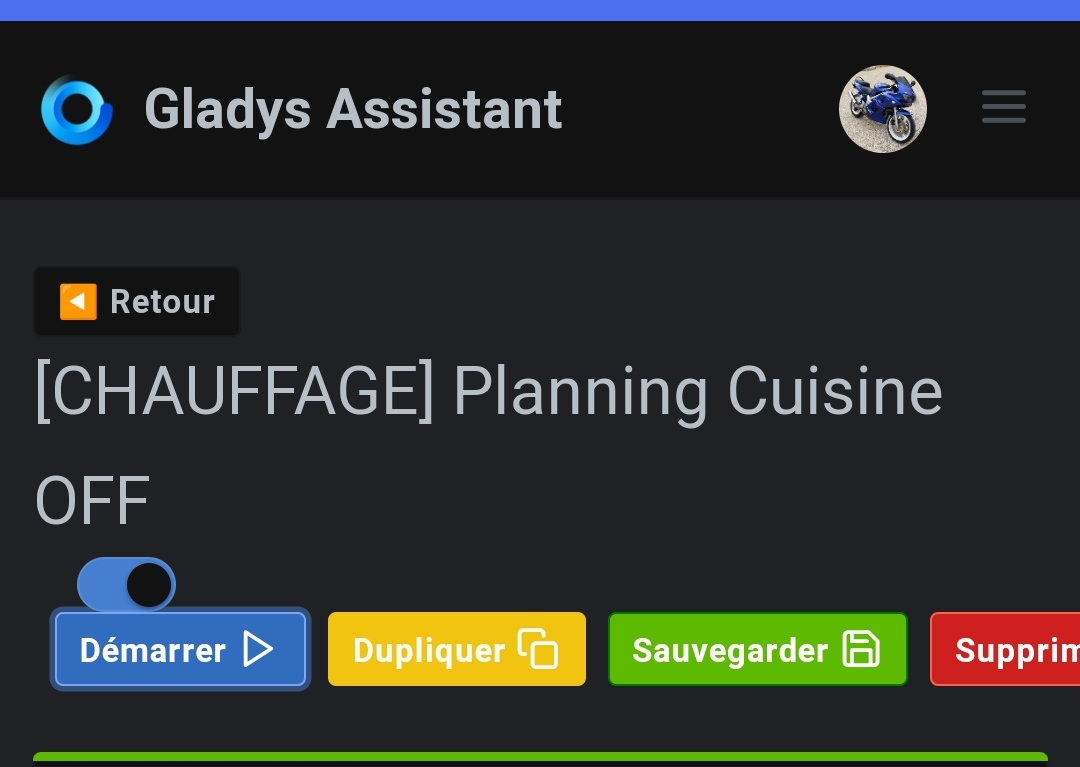
A simple button has been added:
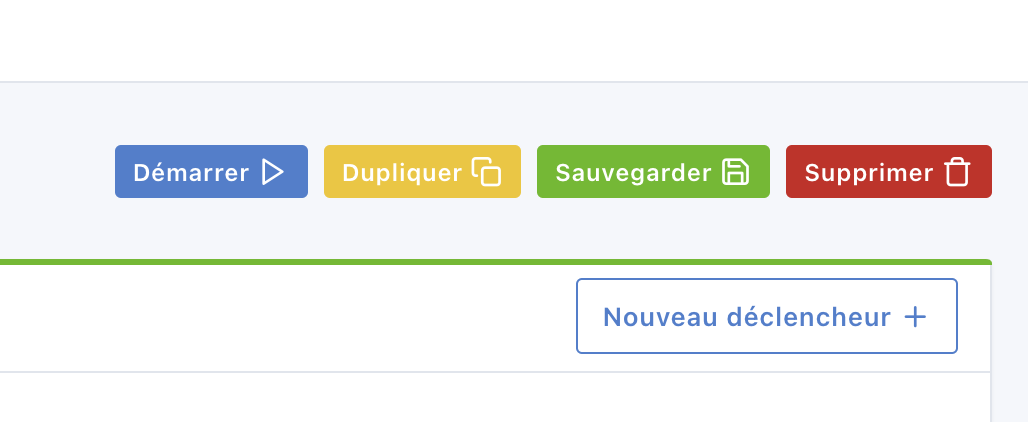
Once you click it, you can choose a new name and a new icon:
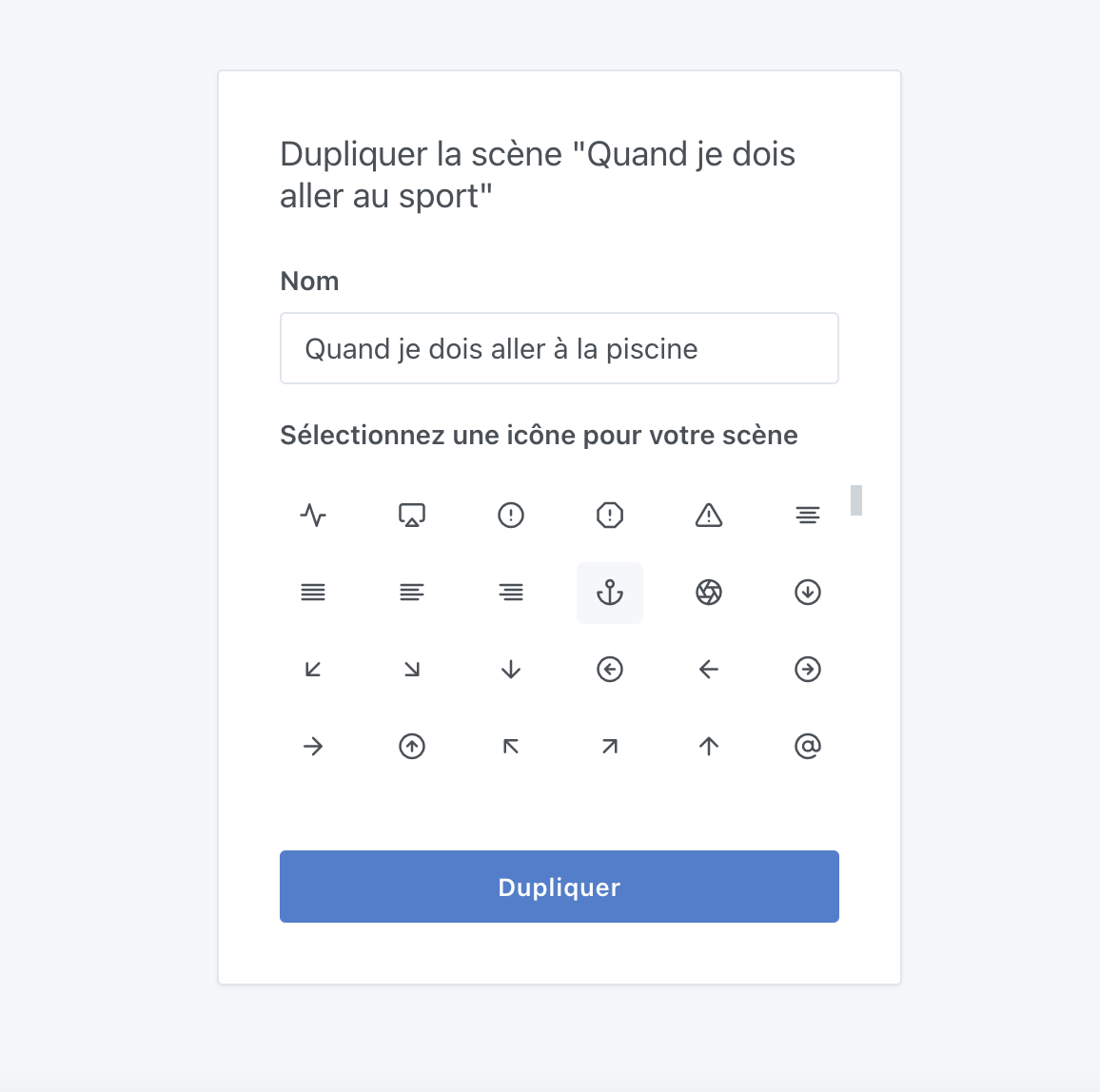
Be careful, if you duplicate a scene and don’t modify it, you might end up with an action that runs twice!

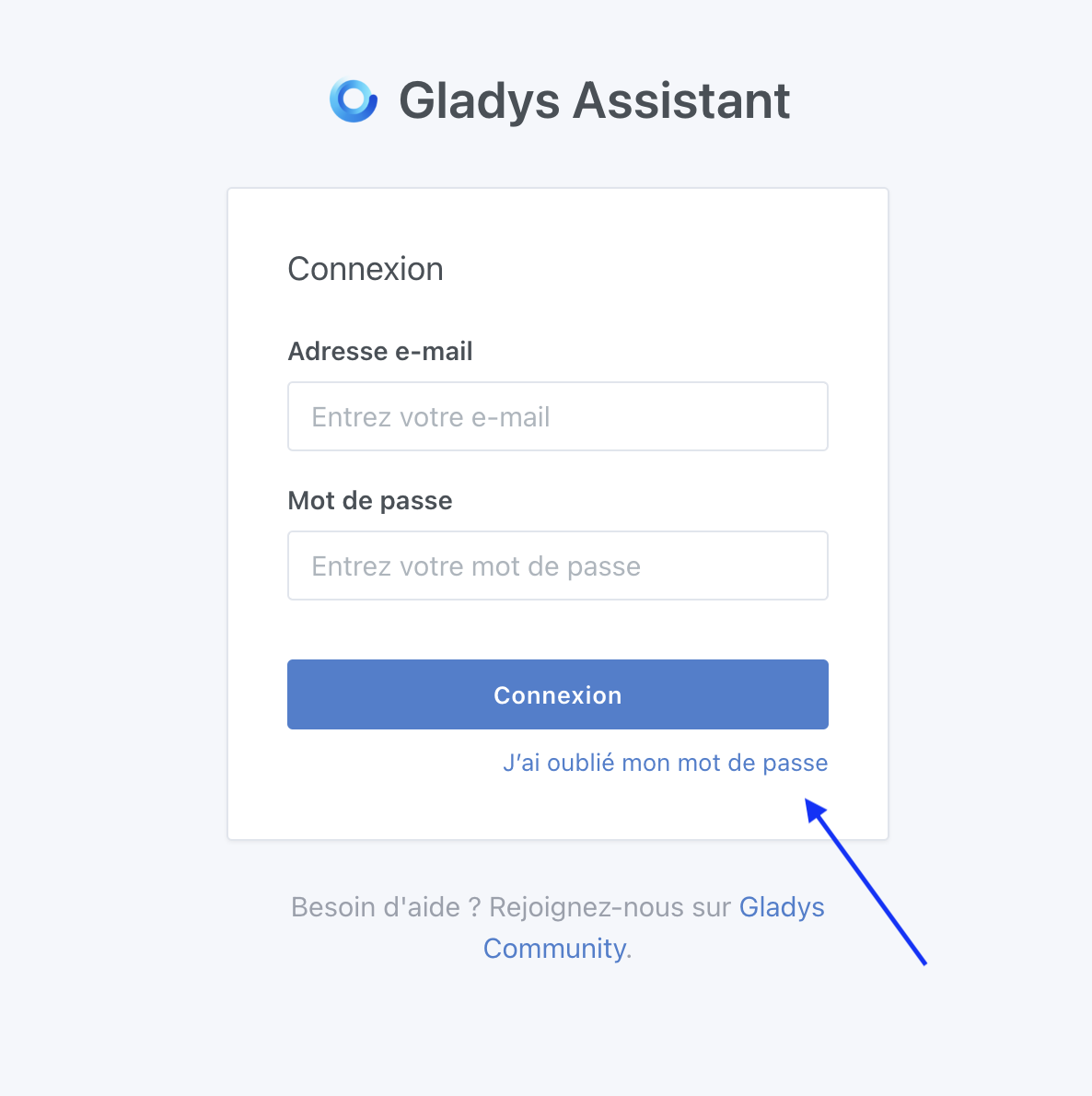
The « I forgot my password » link at the bottom of the screen

I was talking about UX improvements, this is the first change in a long series!

The link is now at the bottom so we can more easily move from the « Email » field to the « password » field using the keyboard:
Thanks @Lokkye!

Fix for an Ecowatt bug

When the Ecowatt request fails (internet outage, etc…), the scene currently running will stop instead of continuing, which will avoid unpleasant surprises :slight_smile:

Fix for a weather box bug

The weather box now refreshes properly every 30 minutes, as originally intended.

The full CHANGELOG is available here .

How to update?

If you installed Gladys with the official Raspberry Pi OS image, your instances will update automatically within the next few hours. It can take up to 24h, don’t panic.

If you installed Gladys using Docker, make sure you are using Watchtower (See the documentation )

15 Likes

That’s awesome! I love these kinds of sprints :wink:

2 Likes

Even more great developments

1 Like

New version has arrived on my server.
Homepage with time is a real plus!

1 Like

Can’t wait for next month, after seeing this version!!

2 Likes

Update OK !

The clocks are very coooooool

And the magic « duplicate » button is a gigantic PLUS for me !

![Screenshot_

3 Likes

This is the release " @Lokkye " edition :grin:

4 Likes

I’ve just reconnected the Pi after downloading the image for Gladys Assistant and then yesterday tested starting Zigbee2mqtt.
Will the update happen automatically or do I need to flash the SSD again?

@Jluc The answer is in the post by @pierre-gilles

[quote=« pierre-gilles, post:1, topic:7841 »]
**

1 Like

Cool, thanks @Lokkye @pierre-gilles and all the other integration developers! I also saw that OpenWeather is now updating on my dashboards, nice!

2 Likes

It’s really great to have the time and date :smiley:
Would it be possible to have it next to the dashboard names so we don’t have to add it everywhere?
Some kind of checkbox option in the settings.

Indeed, the update was successfully applied. I couldn’t see the clock because it was on another dashboard. Question: is it possible to choose the home dashboard?

I think you didn’t understand how Gladys dashboards work :smiley:

Each dashboard is one you create and manage however you want.

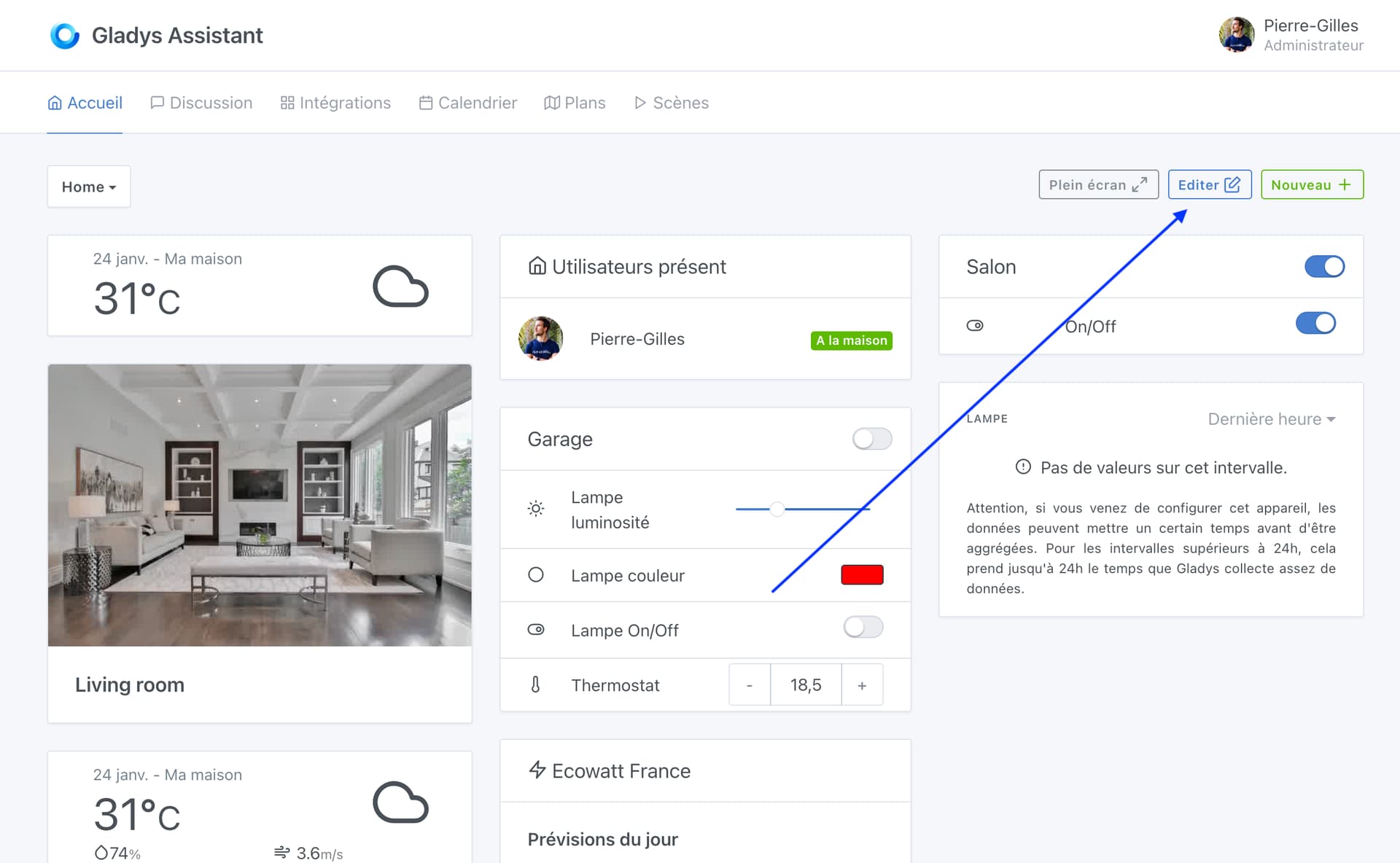
On each dashboard, you have an « Edit » button:

When you click it, the dashboard goes into « Edit » mode.

You can add a box wherever you want, for example to add a clock:

Is that clearer?

I don’t think that’s really the philosophy of the dashboard — the dashboard is customizable ^^

However, where I agree with you is that the dashboard is not always convenient to edit, and that’s a project I’ll work on (being able to better reorder the boxes)

I wonder if you really understood each other… ^^
What I understood from @Jluc’s request is: « is it possible to assign a dashboard to be the one you land on by default? »

Which actually ties into the feature request to reorder the dashboards, since quite simply the one that is the home is the first in the list.

Personally I also want to create a specific dashboard to land on by default, but since I already have a whole bunch of dashboards, I can’t change their order anymore without breaking everything. In my opinion the question comes from this issue. Or maybe I completely misunderstood!!

Actually, I was able to add dashboards and my question, as @guim31 understood, concerned the choice of the home dashboard. On the computer, I set Gladys as a favorite with the clock and now it appears at startup. Thanks for your answers :pray:

2 Likes

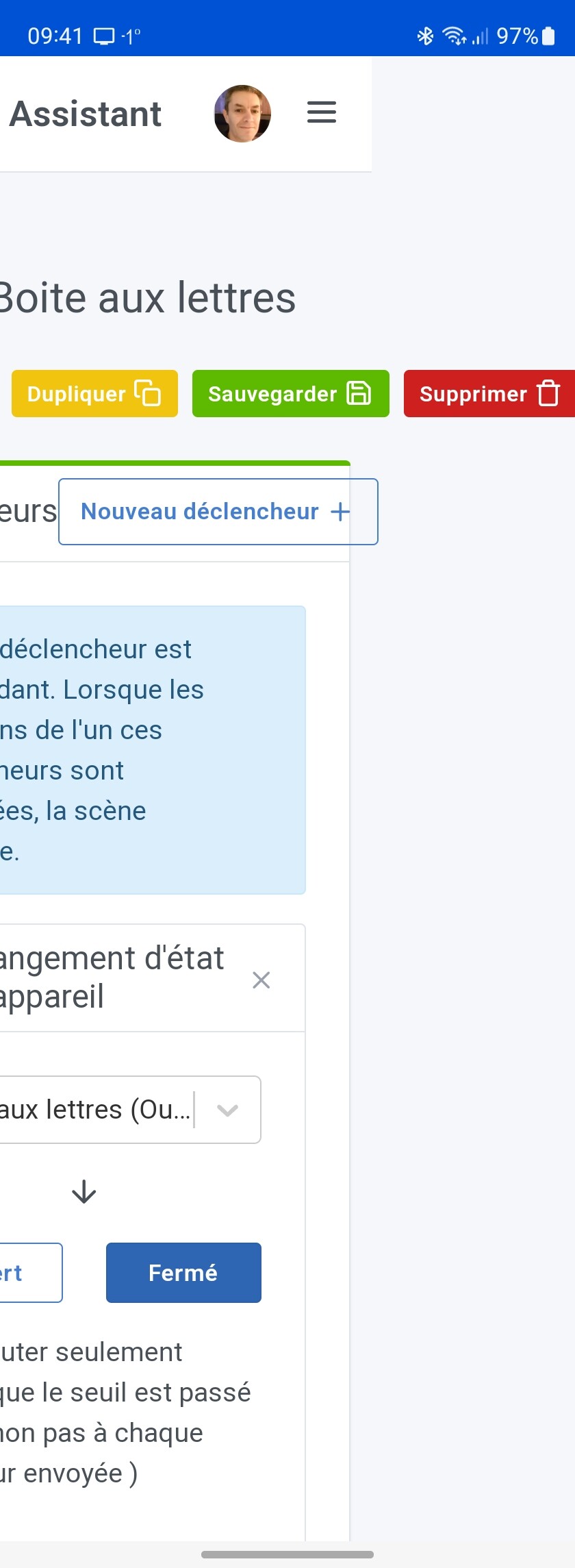
I’m going to be annoying, but on the mobile version the delete button is cut off following the addition of the duplicate button.

1 Like

It’s overflowing in my case too.

No no you’re right it’s not normal! :smiley:

I created an issue:

1 Like