Hello,
I’m making progress with my setup!
I installed a Sonoff Zigbee dongle, installation OK, z2m configuration, etc… OK
But a small problem
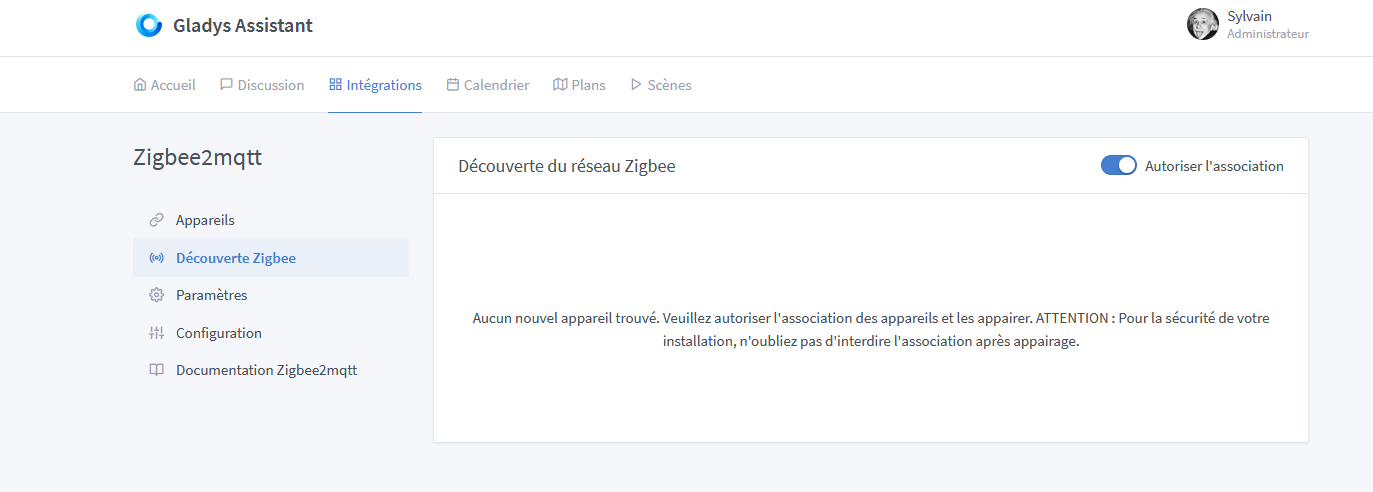
In the Zigbee network discovery section, I don’t have the « scan » button
and I don’t see my Xiaomi Aqara Zigbee devices: single switch module T1 (with neutral) SSM UO1 and temperature and humidity sensor WSDCGQ11LM although they are listed as compatible on the Zigbee compatible device link in the manual.
Did I miss something?
Have you paired it?
The zigbee2mqtt management interface is available on port 8080, you will find more information there.
Hello, there is no scan button.
You need to check the technical sheet of your sensor or relay, switch… and the procedure to pair the device is indicated.
Generally on Xiaomi, there is a small button that you need to press for a few seconds.
Then your device is added to the list.
Yes, I have tried several times with the function at the top of the temperature sensor, and nothing!
In this case, check the pairing. If it’s not paired, it won’t be visible in Gladys.
I’m still trying to set it up right now, device purchased from domadoo
As suggested by @VonOx in the zigbee2mqtt interface on port 8080 you will find more information.
Is your Zigbee dongle plugged directly into the USB port?
For my part, I had to add a USB extension cable for it to work.
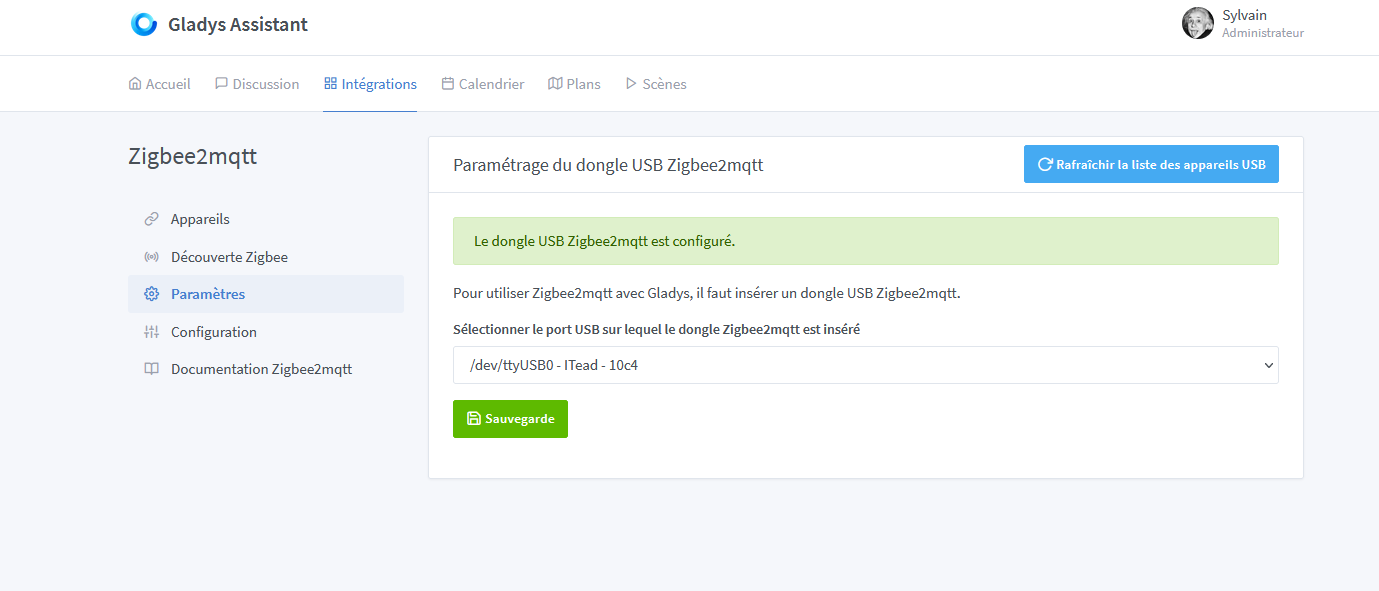
but my port 8080 on my gladys server apparently is not accessible… any impact?
or on docker…
port 8080 on tcp for watchtower on docker
That might be the problem
??
http://ipdupi:8080 → This is a web page
@VonOx I can’t access it, it says the site is not secure!
Can you take a screenshot?
@Will_71
screenshot of what?
in my previous posts there are 2: dongle login screen, and a device discovery
When you see the « Not Secure » message
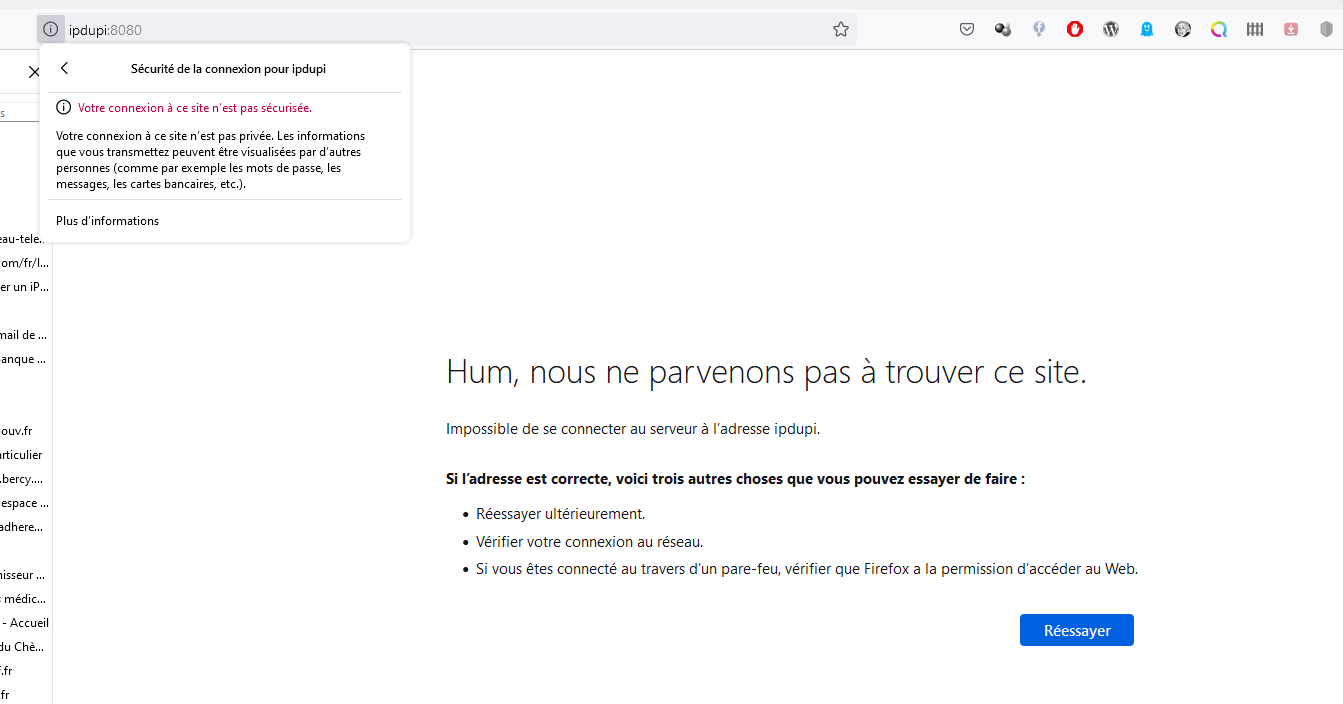
That’s normal, @VonOx provided an example address. You need to use your Gladys IP address with port 8080
What address do you use to access Gladys?
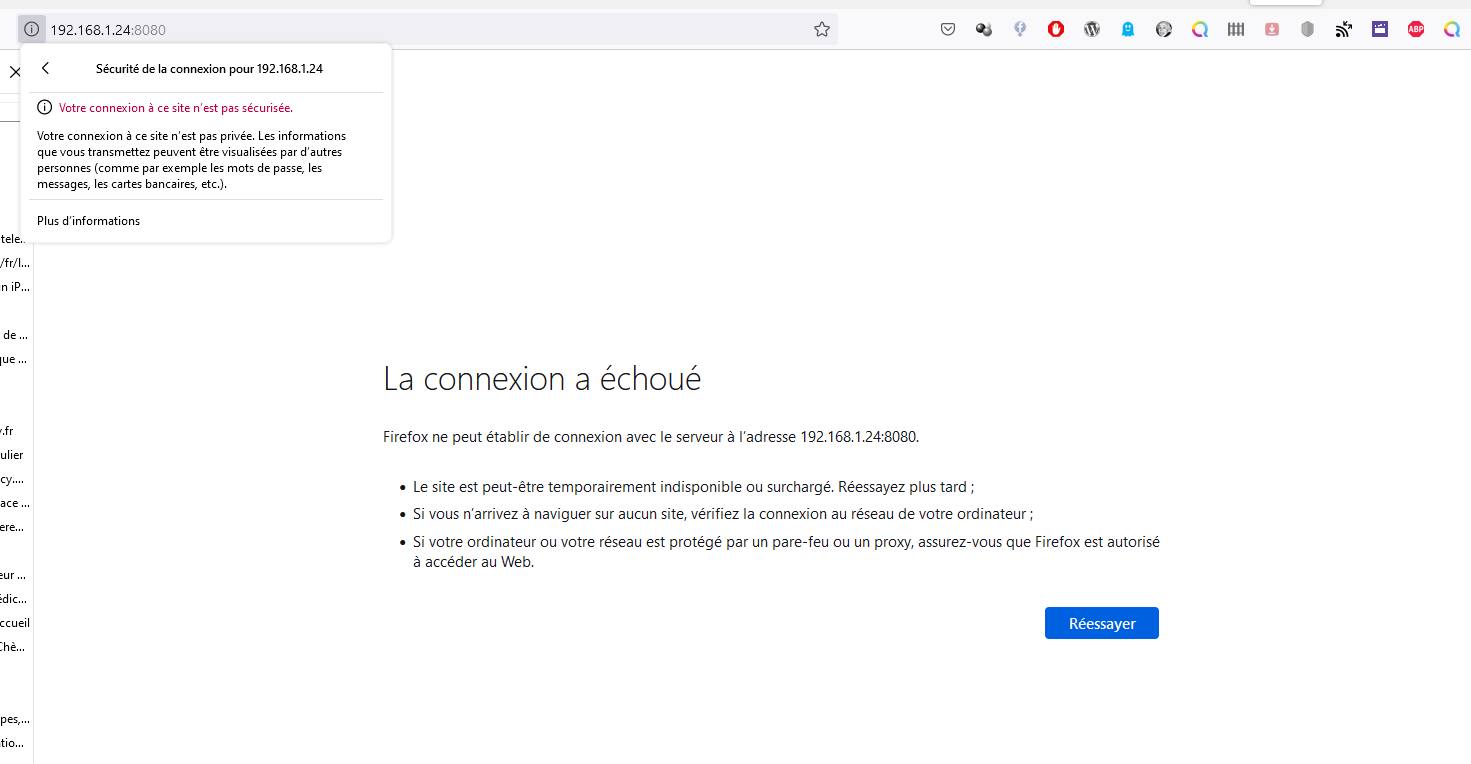
Zigbee2mqtt is not running or not starting correctly
If you know how to connect via ssh to your pi
docker ps -a
Otherwise in gladys Settings / System you have the status of the containers