Hi @pierre-gilles,
I’m following up on the update to 4.44 https://community.gladysassistant.com/t/gladys-assistant-4-44-une-alerte-quand-une-sauvegarde-echoue. After a manual retry, I did receive the alert, that’s great. Thanks. However, it really lacks information for errors…
- first, at least knowing at which step it failed would be really great.
- then having the start and end/failure times in the task tab would also be a big plus (and see the duration)
- as well as the % completion if it fails.
I hadn’t noticed… but I’m in the same case, no backups for 3 months…

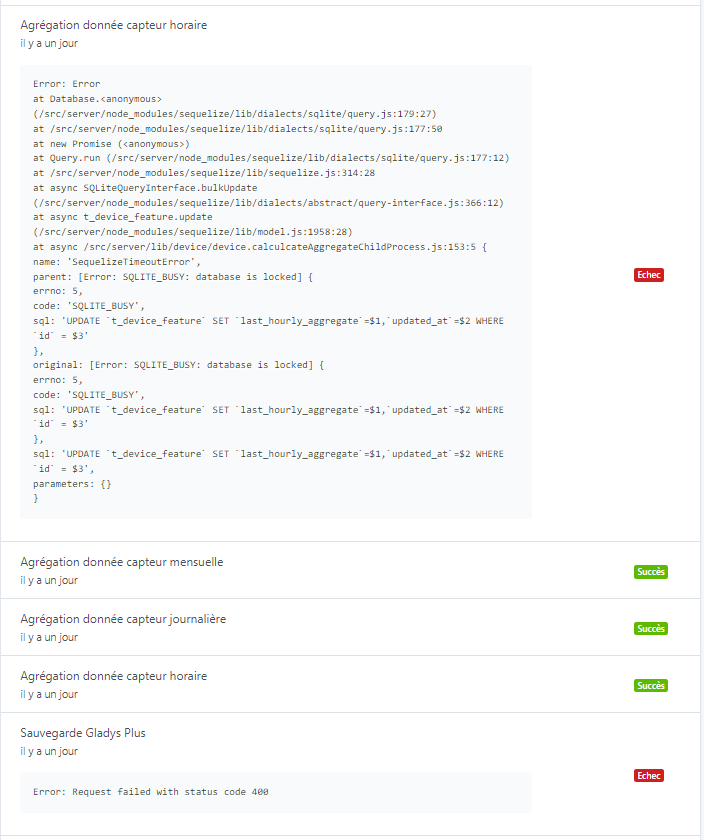
These two errors occur every day (backup and aggregation). Regarding the hourly aggregation, the others run fine; only the ones at 2 AM crash:

And I found the two files in the backup folder *.db.gz and *db.gz.enc at 11.4 GB.
And we can see last night they crashed at the same time, the backup after 40 minutes:
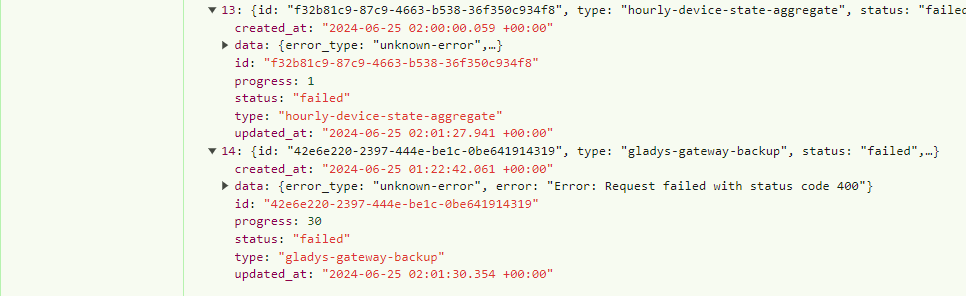
except that if I go back to previous days, this is no longer the case (so total coincidence?):
- 23/06
- 24/06

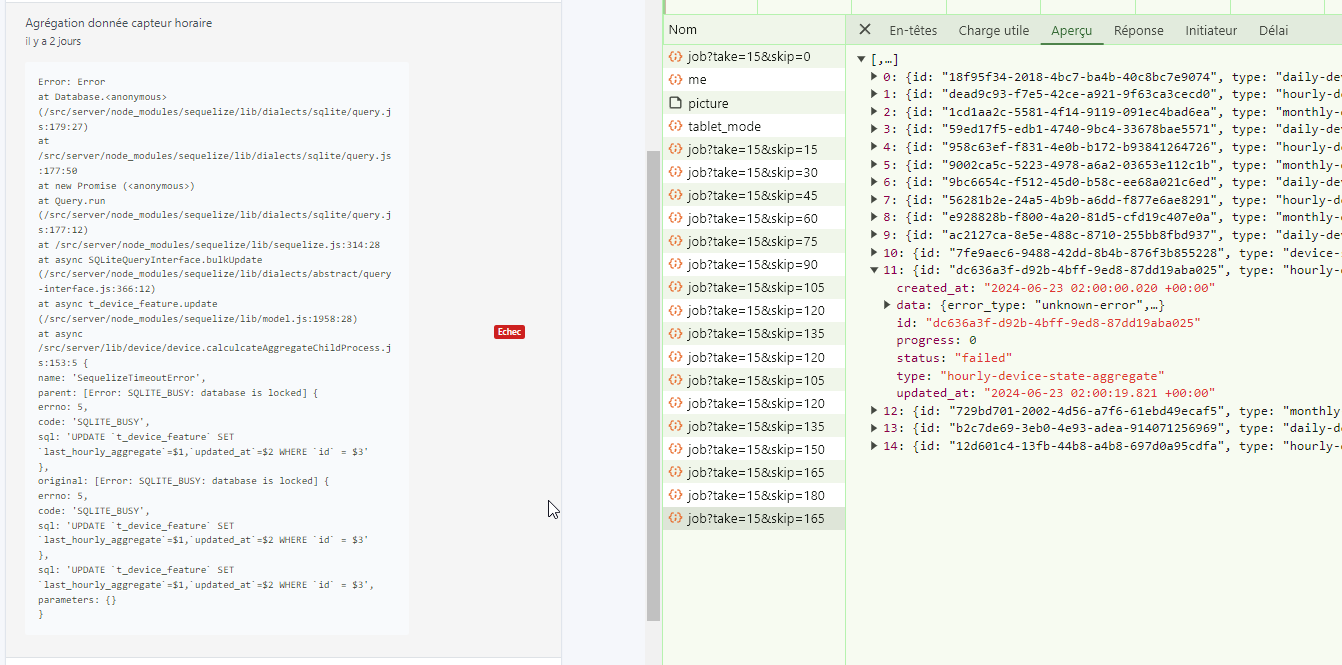


For that one I’m not surprised about this morning since the DB may have still been locked by the backup (it was in progress) but for the others… the DB crash happened before 2:00 AM.
On the hardware side:
- Mini PC
- before the backup file I’m at 16% of the SSD,
- once the preparation copy is done I’m at 26%.
- about 1 GB of RAM / 15.4 GB used during the backup (2nd step - Compression)
- Processors: one at 100%, the others don’t move much but can sometimes be balanced


When restarting manually, the first file at the end of the 1st phase is 41 GB (file .db). Then the compressed file rises to 11.4 GB (.db.gz) and right at that moment it crashes: the *.db file is deleted and a new file appears *.db.gz which also grows to 11.4 GB:


But @pierre-gilles, haven’t I reached the limit you set?

With no specific error, I have no idea how to solve this problem and for backups, it’s still very annoying as @GBoulvin said… Having no issues with space on my side or performance, I’m going back to manual backups, even if it’s very cumbersome.
Thanks in advance.

