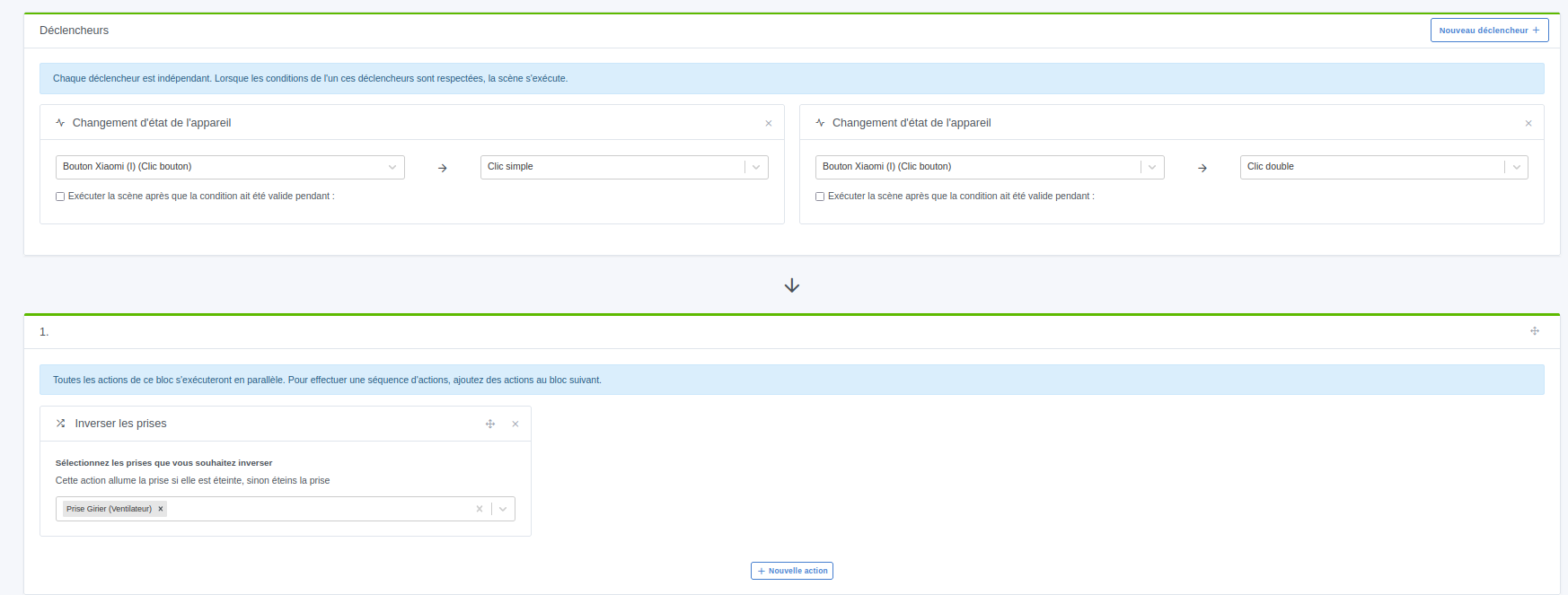
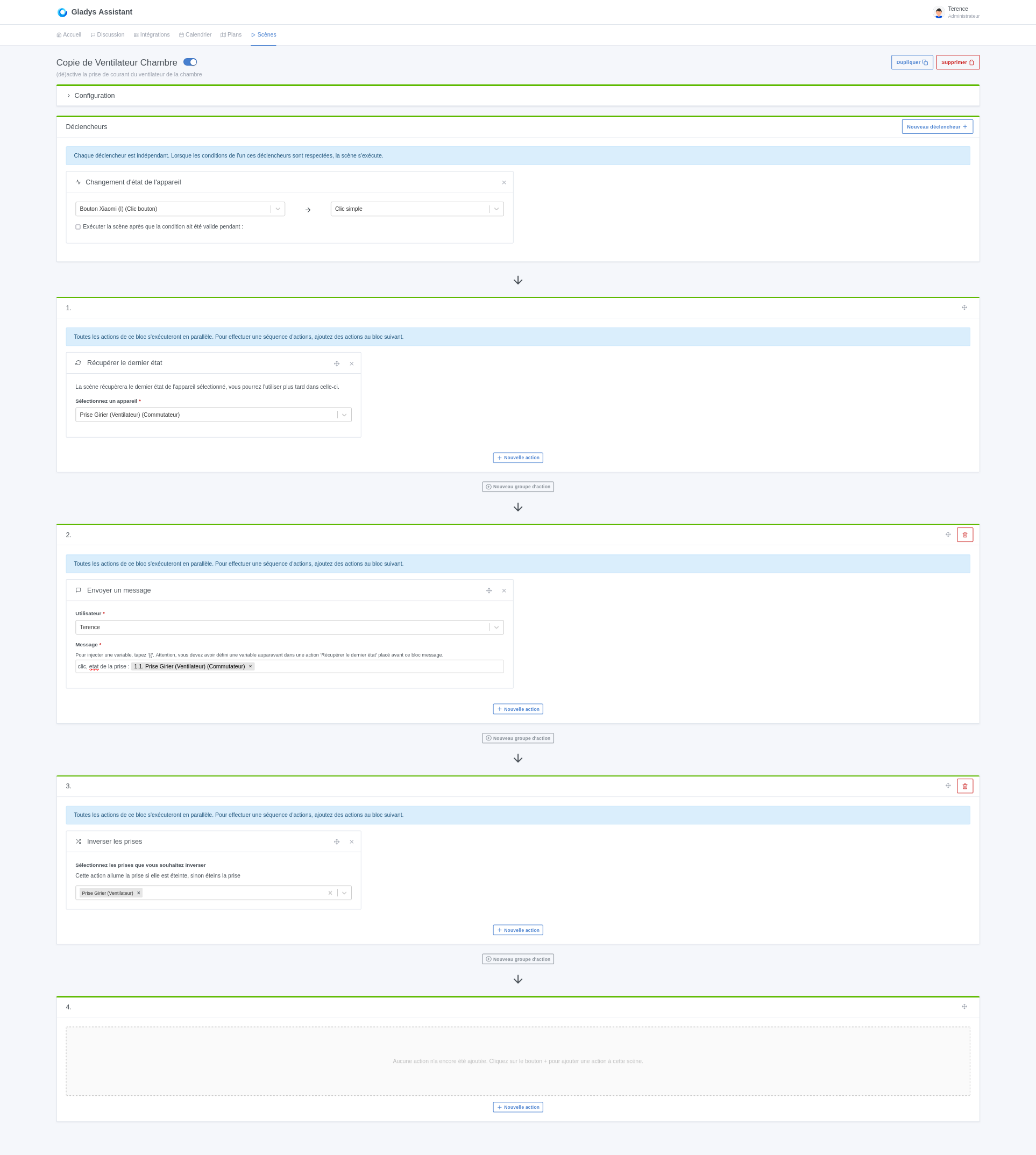
If the plug is off, one click turns it on but it’s impossible to turn it off with another click or with a double click (for testing).
Yet visually the switch turns blue and it is also active on zigbee2mqtt.
if I turn it off manually and press my button, it turns on
if I turn it on manually and press my button, it does not turn off
How can I see what it’s receiving ?
Zigbee2mqtt
When I press the button, zigbee2mqtt always receives:
```info \u003csmall\u003e2025-06-23 16:46:15\u003c/small\u003e`z2m:mqtt: MQTT publish: topic ‹ zigbee2mqtt/Prise Girier ventilateur ›,
payload
'{« child_lock »:"UN
Hi @Hizo
Is your Zigbee2MQTT (z2m) managed by Gladys or externally?
What is the version of your Zigbee2MQTT (z2m)?
When you control it from Zigbee2MQTT (on/off), does it respond properly?
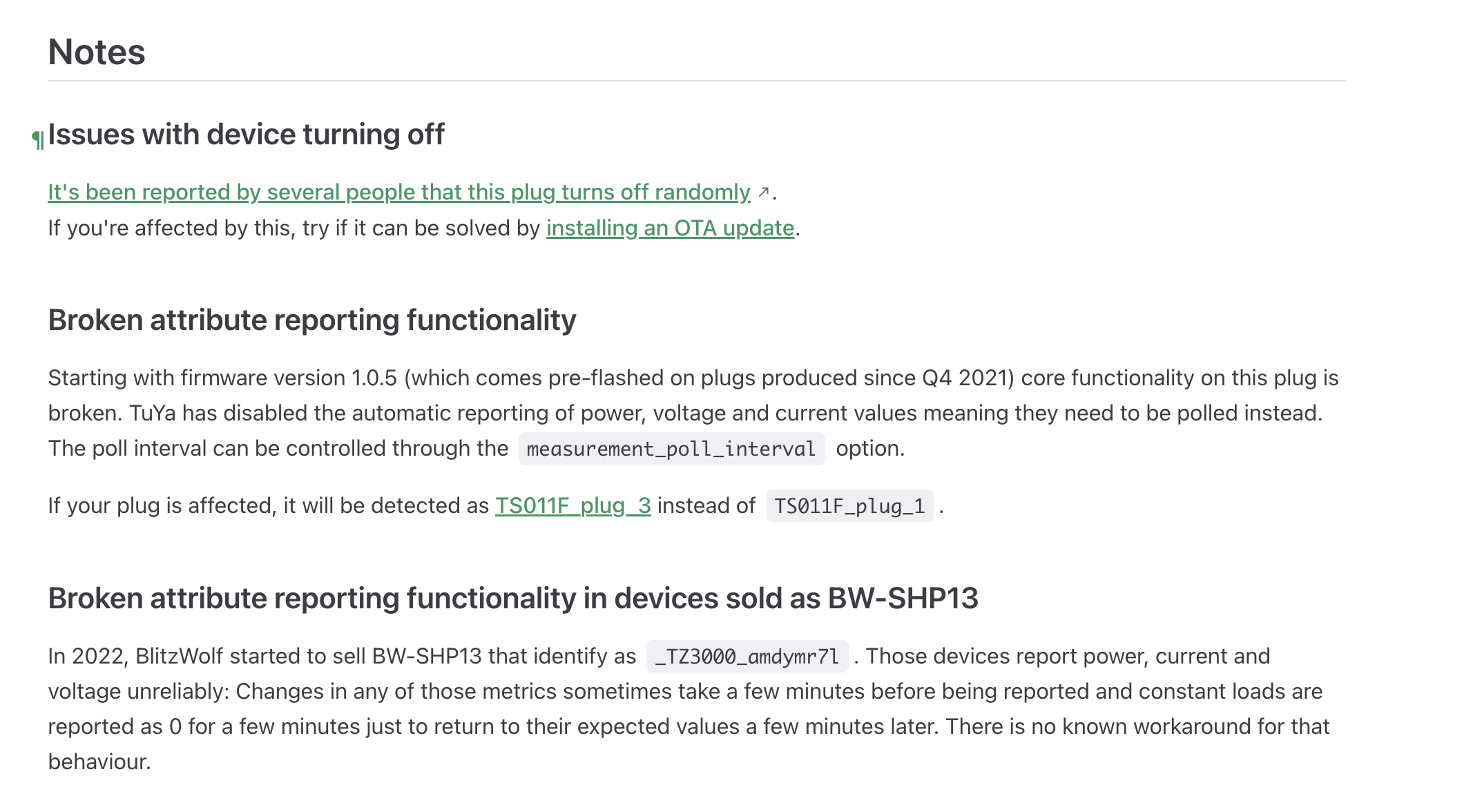
You can try applying the latest Gladys update, which brings the next major version of Zigbee2MQTT (2.x), it could fix the problem (support for certain devices devices).
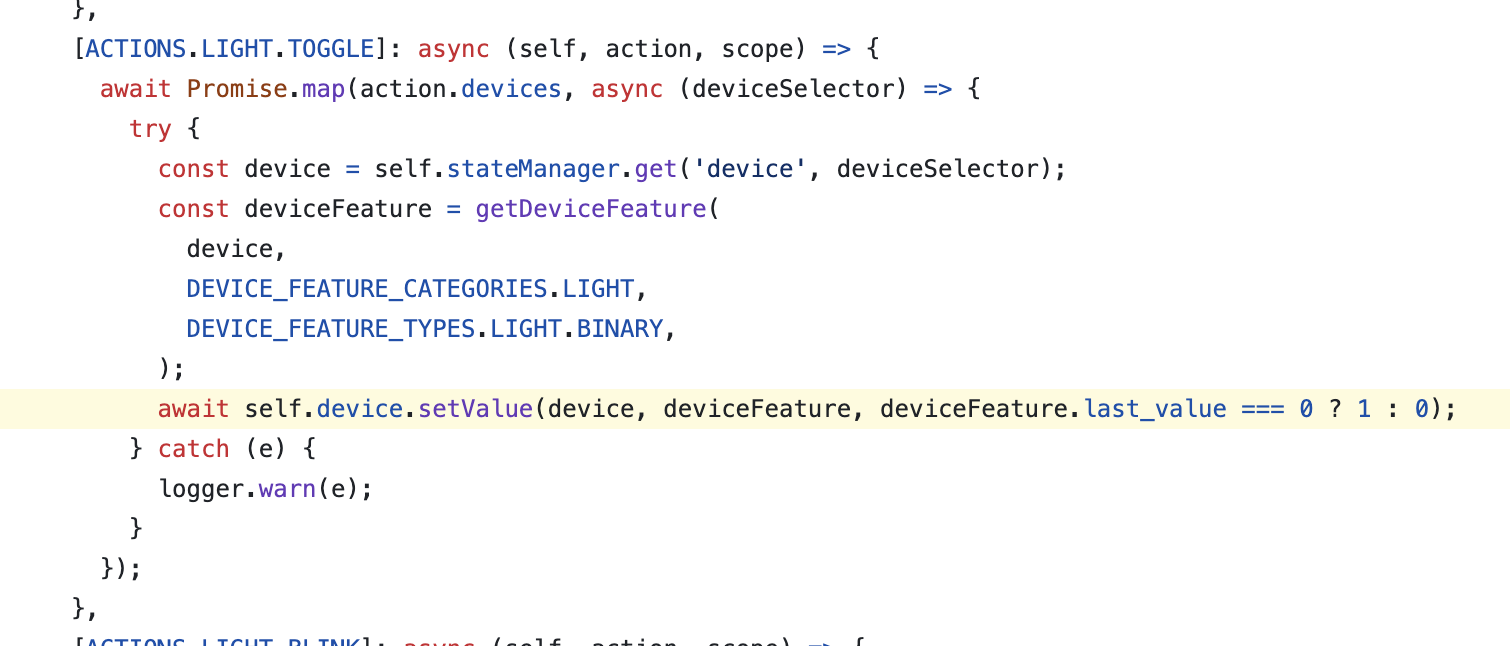
@Hizo I have a little idea, I wonder if it’s not a variable type issue, the « 1 » might be a string and thus last_value === 0 is always false which makes it send an OFF systematically!
But then we should understand why for this specific outlet it would send a string. Does the other outlet where it works also come from Zigbee2mqtt?
In my opinion that’s unrelated, I think it’s a scenes problem