From a code point of view, it’s fine for me! I haven’t tested the PR in a real environment.
To what extent has the PR been tested? Has the data migration been tested?
@GBoulvin I’d appreciate your real-world test using the Docker build; if it’s good, I’ll merge!
Thanks everyone, and sorry if there was a little mix-up about this PR over the past few months — sometimes PRs get a bit forgotten; it’s best not to hesitate to follow up like @GBoulvin did
No worries, I haven’t had much time these past months and had kind of let home automation go for another project
Regarding tests, I had tested everything before @VonOx updated the migration file. I retested it during my last update, of course, but without running the migration. I’m doing the real test this morning with 5 sensors; unfortunately I don’t have a Sonoff Dual R3… which I would have liked to test because it’s also affected.
Not that it was better before — not at all — but does this cause any problem or risk of conflict? I know there have been recent changes regarding this…
Second test, with database transfer (in progress…)
My RPi 2 apparently doesn’t easily accept the 4GB production DB…
But anyway, it works.
Update appears immediately in the Tasmota integration, MQTT discovery
This PR doesn’t touch the front end, it’s the same behavior as in production currently (unless the Docker build was done on the wrong branch?)
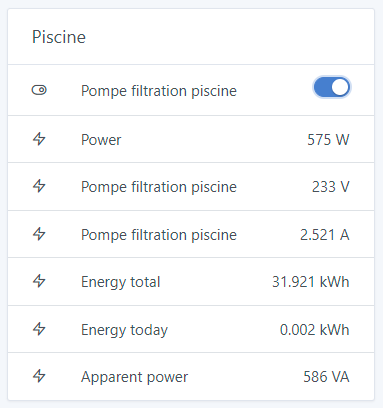
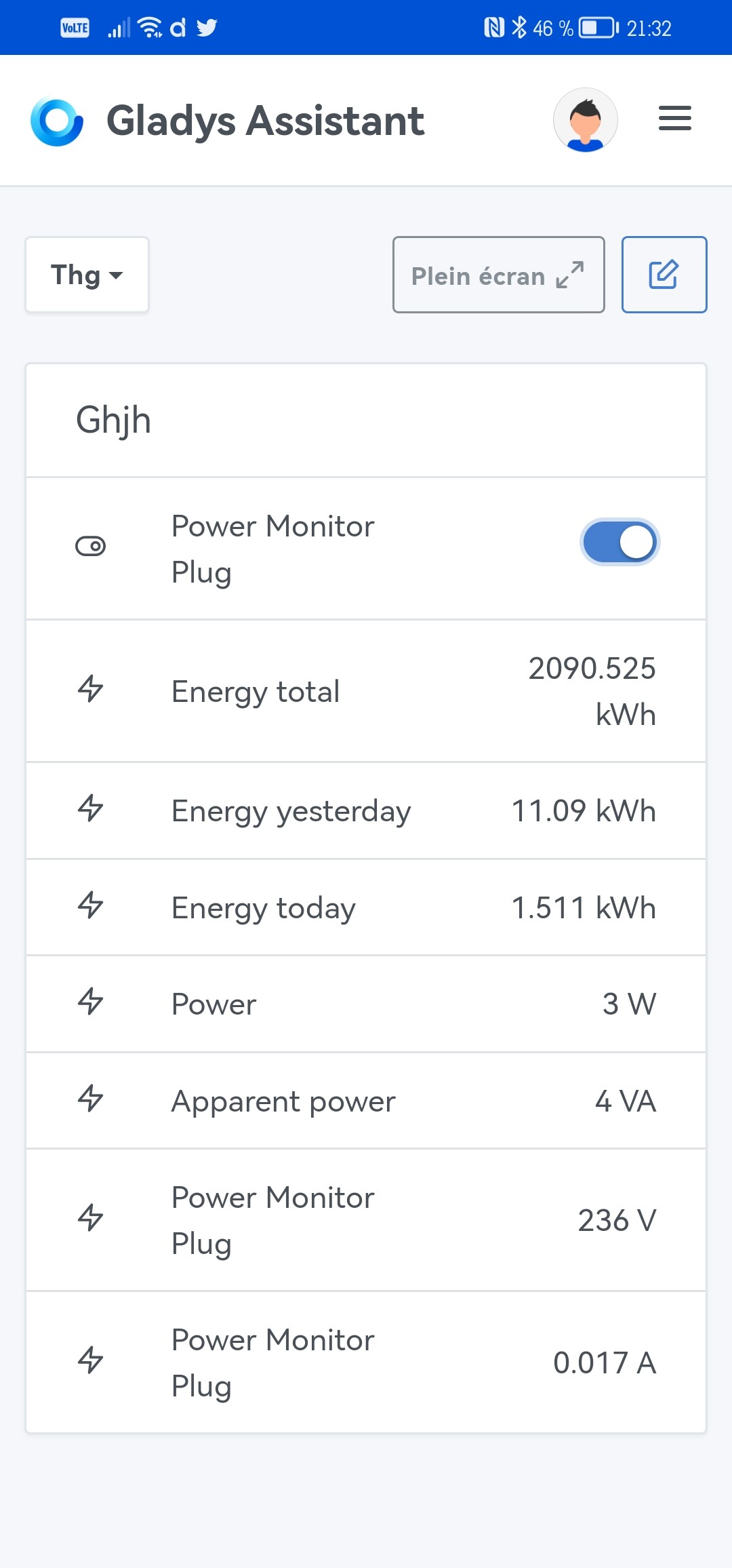
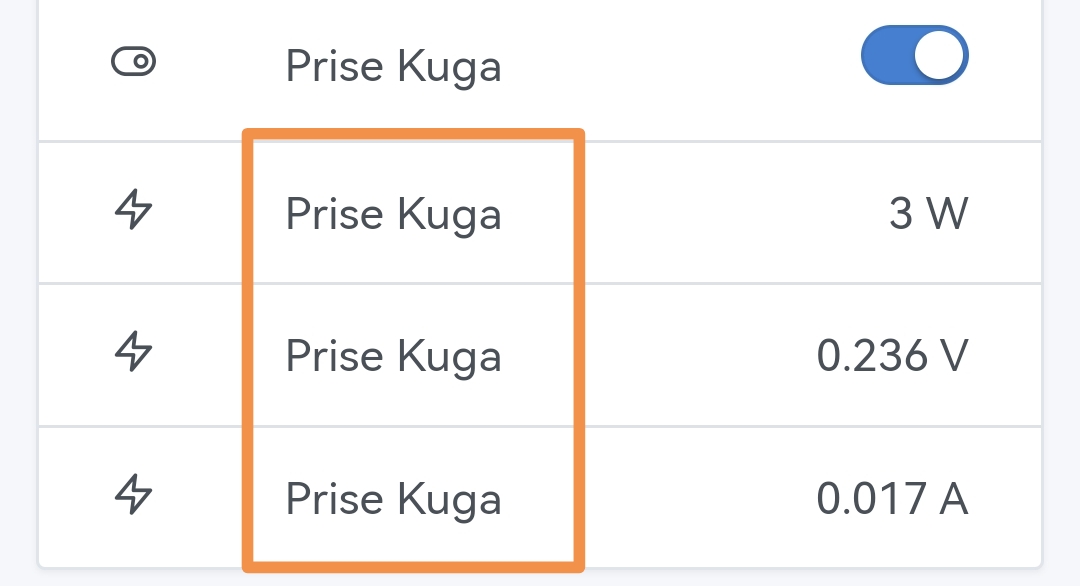
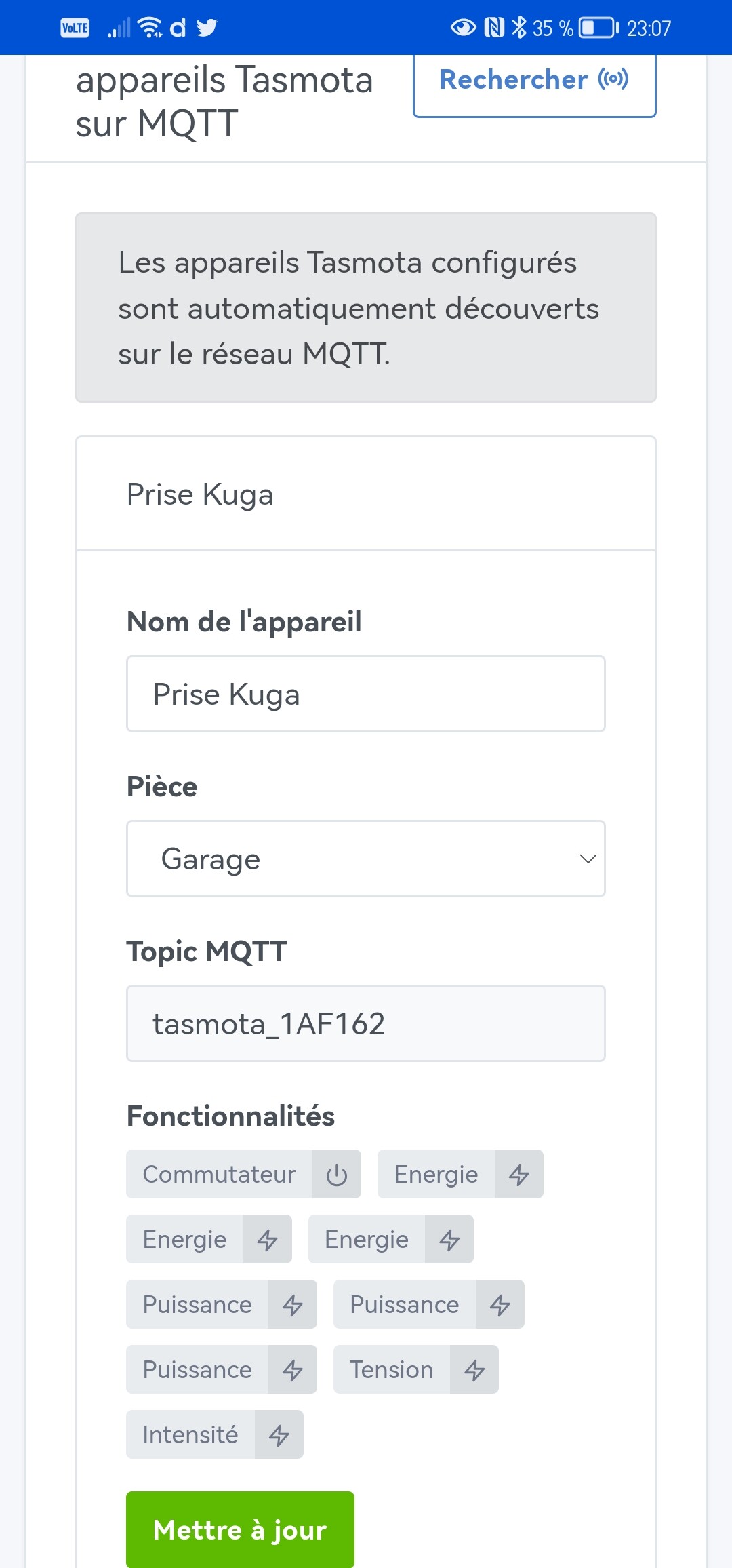
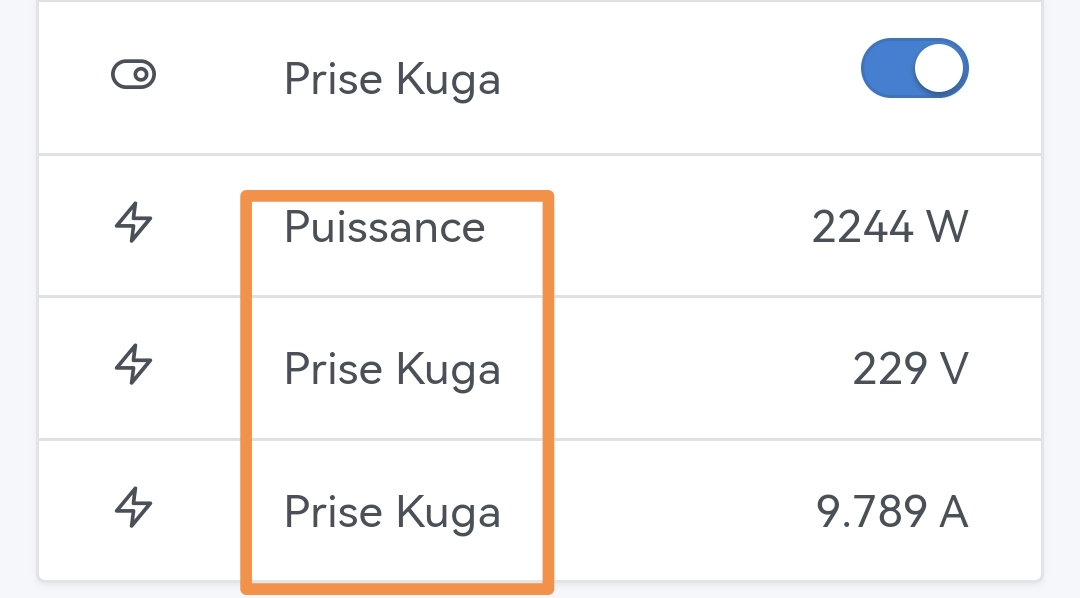
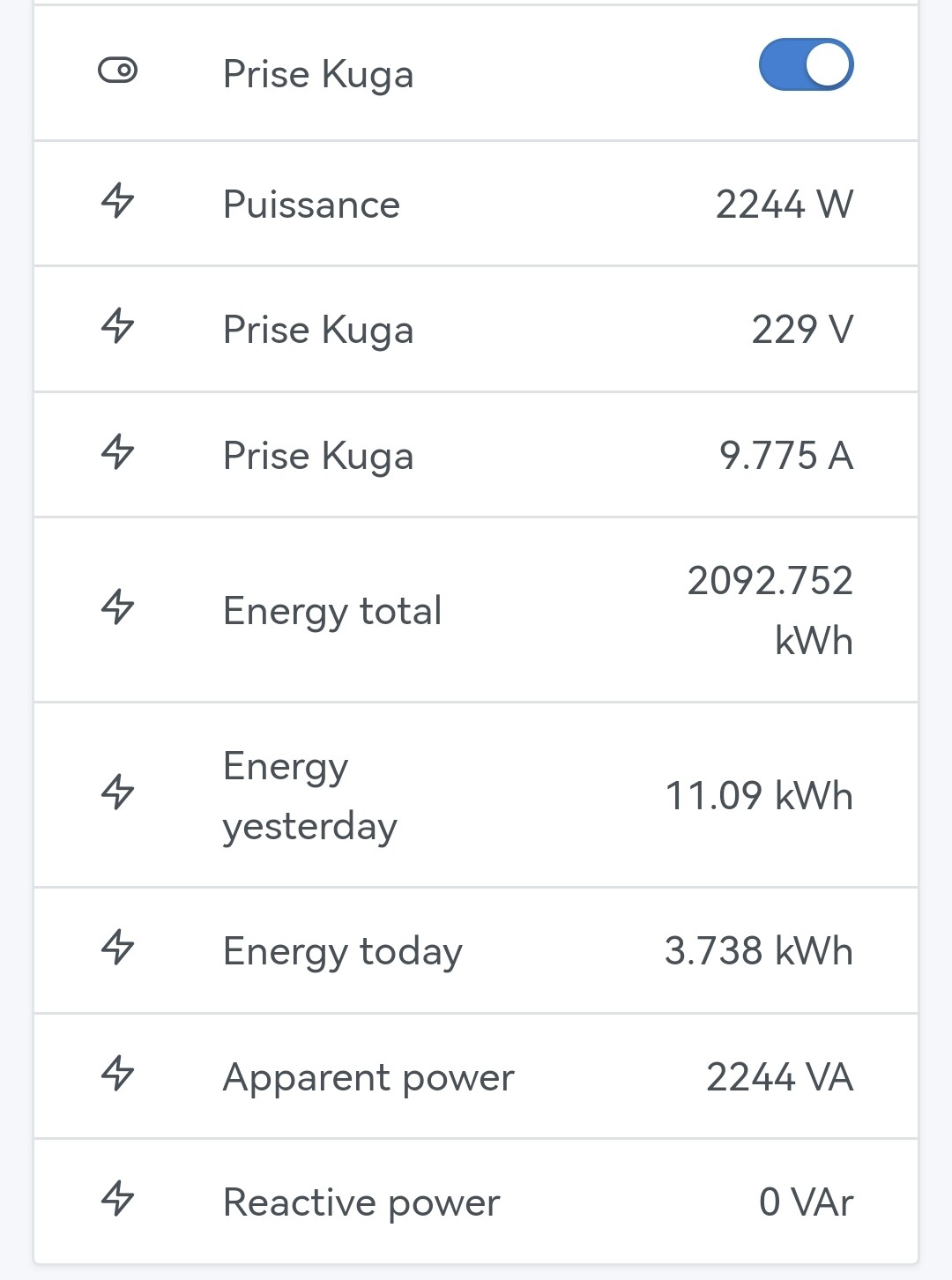
I think what’s happening here is that because you have a device that has the same feature multiple times, the display switches to « complex device display » mode.
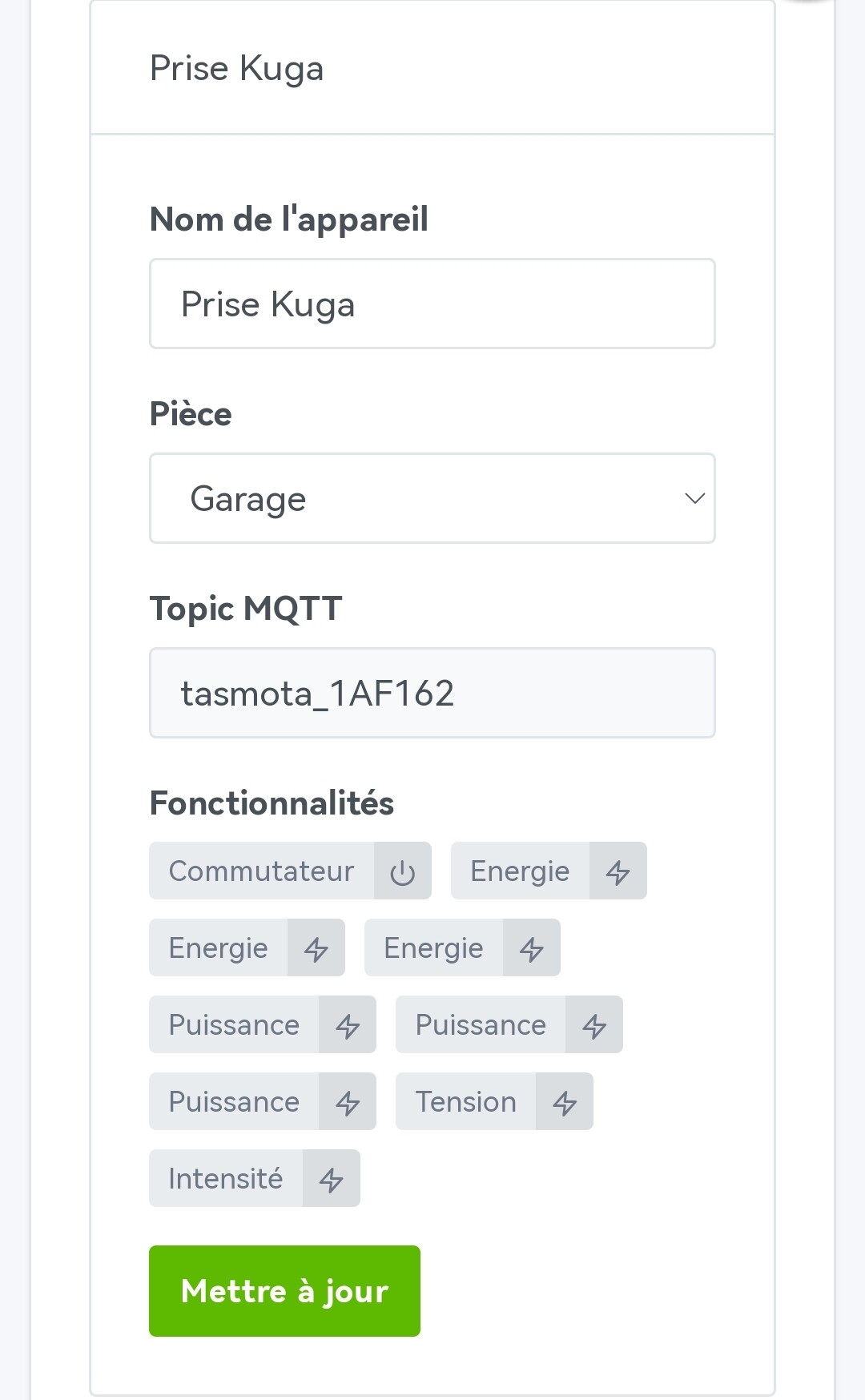
Your Kuga plug has 3 different functionalities (W, V and A), so we can differentiate the three and therefore the device name is displayed (and not the feature)
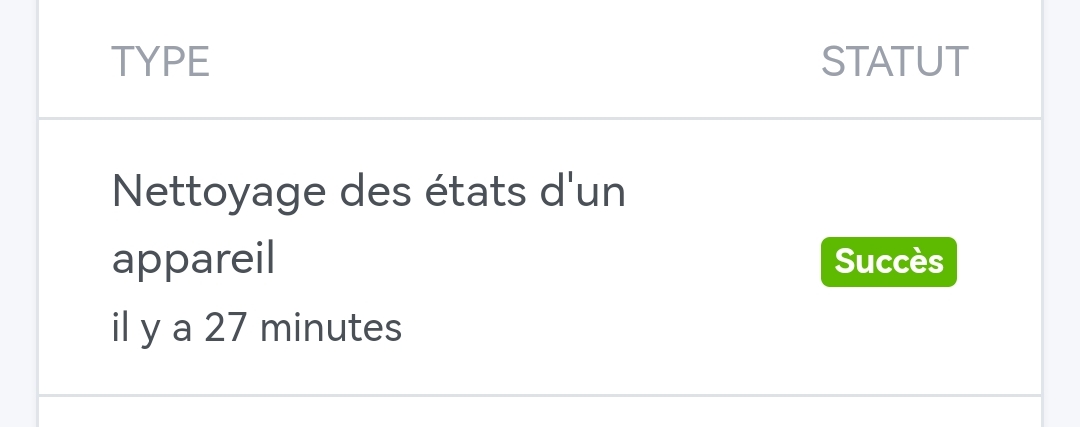
« Cleaning a device’s states » is a task that is triggered when a feature is removed.
Indeed @GBoulvin I had noticed the same thing and it shocked me!! In such a case I really find it not pretty. @pierre-gilles, following this PR would it be possible to make one more change on this side that would affect all the features for once:
If the feature name is modified by the user, then we take the feature name into account in the displays. This therefore allows all integrations where the feature name is not editable to remain as-is. But all editable features (and it makes sense if they are editable) are impacted at the user’s discretion (no change on update if the user hasn’t modified the name) - This goes somewhat in the same direction as turning a plug-type feature into a light on Tasmota.
If affirmative I will create the feature request.
For this matter @GBoulvin if you can tell us what state it’s in today? I didn’t have this scenario before the migration file was put in place and I didn’t have it in November (I think the cleanup wasn’t yet in Gladys). I couldn’t run the test yesterday after all, my daughter was sick. I’ll run the test this weekend.
Do you have the same symptom on all 3 features (power, current and voltage?) or only on current and voltage? That will help to know (if you lose the history) to pinpoint where it might come from.
@pierre-gilles for my part I’ll look but I don’t know either, I haven’t changed anything related to the « Update » button, it was already handled originally. What I do know, however, is that when you perform the update on a device with a new functionality or a modified feature and you had modified the names of the other features, the feature names are not reset so I suppose there is no deletion.
Well, I finally just ran a real test with migration. On my POW Elite installed on June 8, the history is correct. Same for the POWR2 well pump installed more than a year
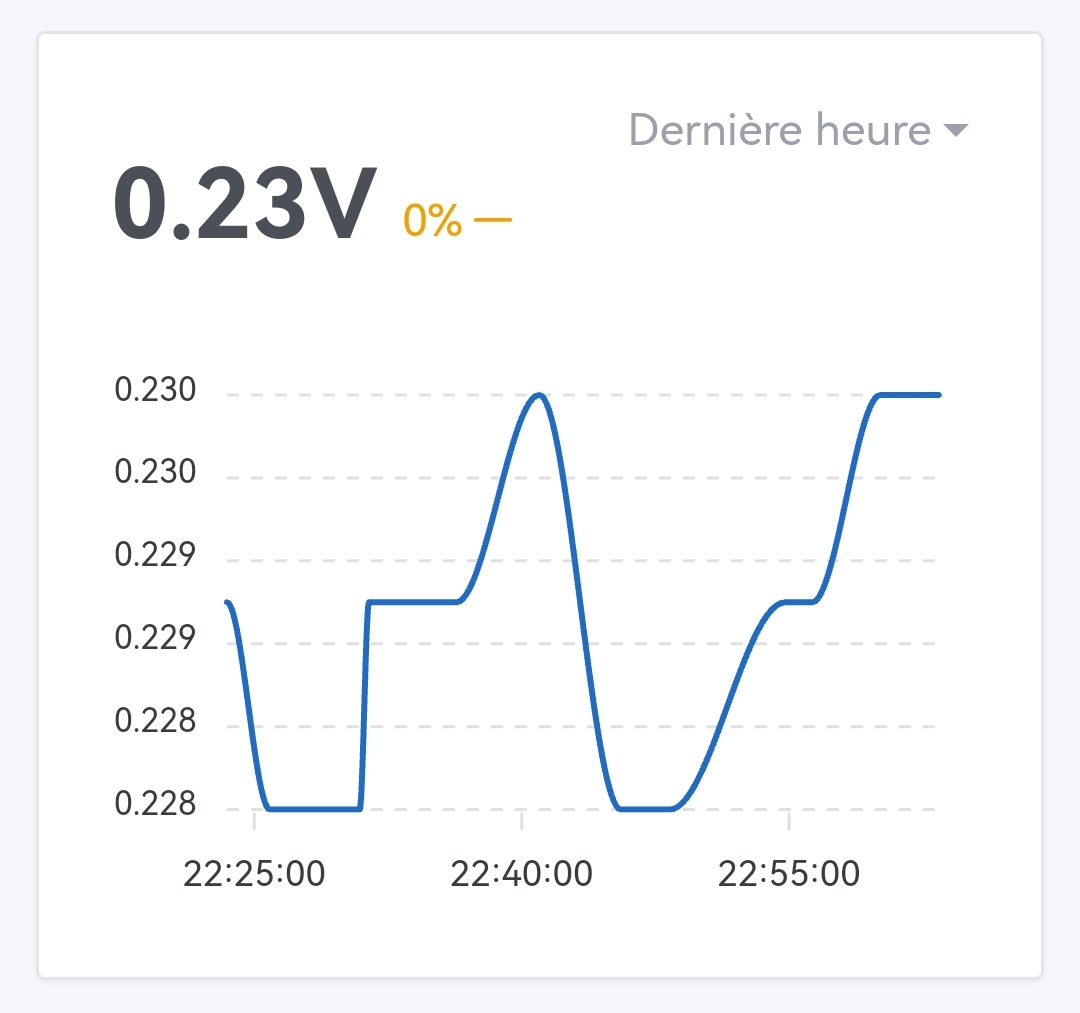
So, this morning, no value prior to last night for power and voltage, the checkbox for logging current having been unchecked for a long time.
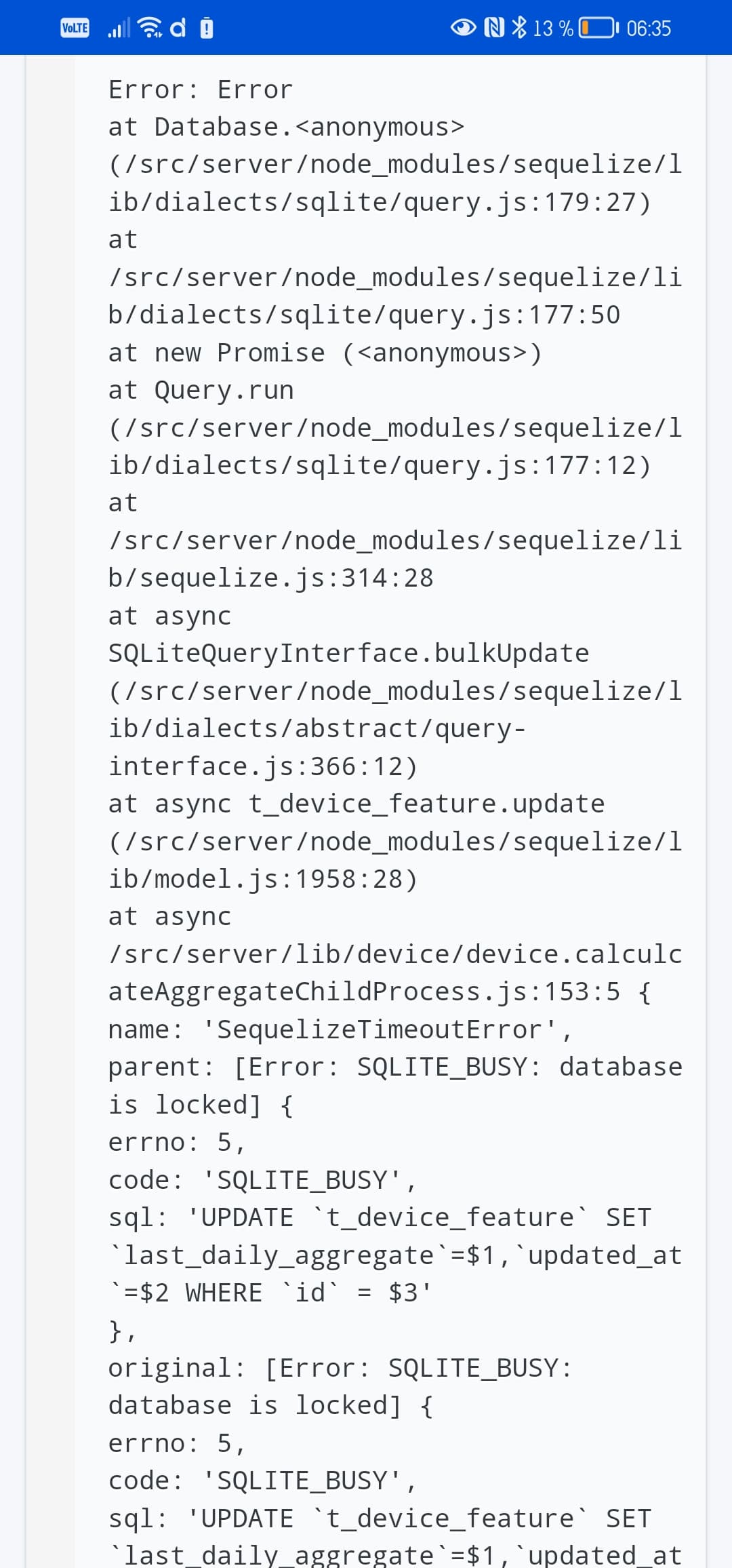
And an error in the aggregation:
Oh, this is an exceptional case where I’m transferring the 4 GB database from an RPi4 installation to an RPi2. And given the size of the database, I’m forced to leave it on the USB stick, so it’s not great. It takes about fifteen minutes for Gladys to start under these conditions .
If the test isn’t conclusive, I’ll put the test container on my production installation. In principle, with the Gladys+ backup, I shouldn’t be risking much…
Ok, false alarm then!
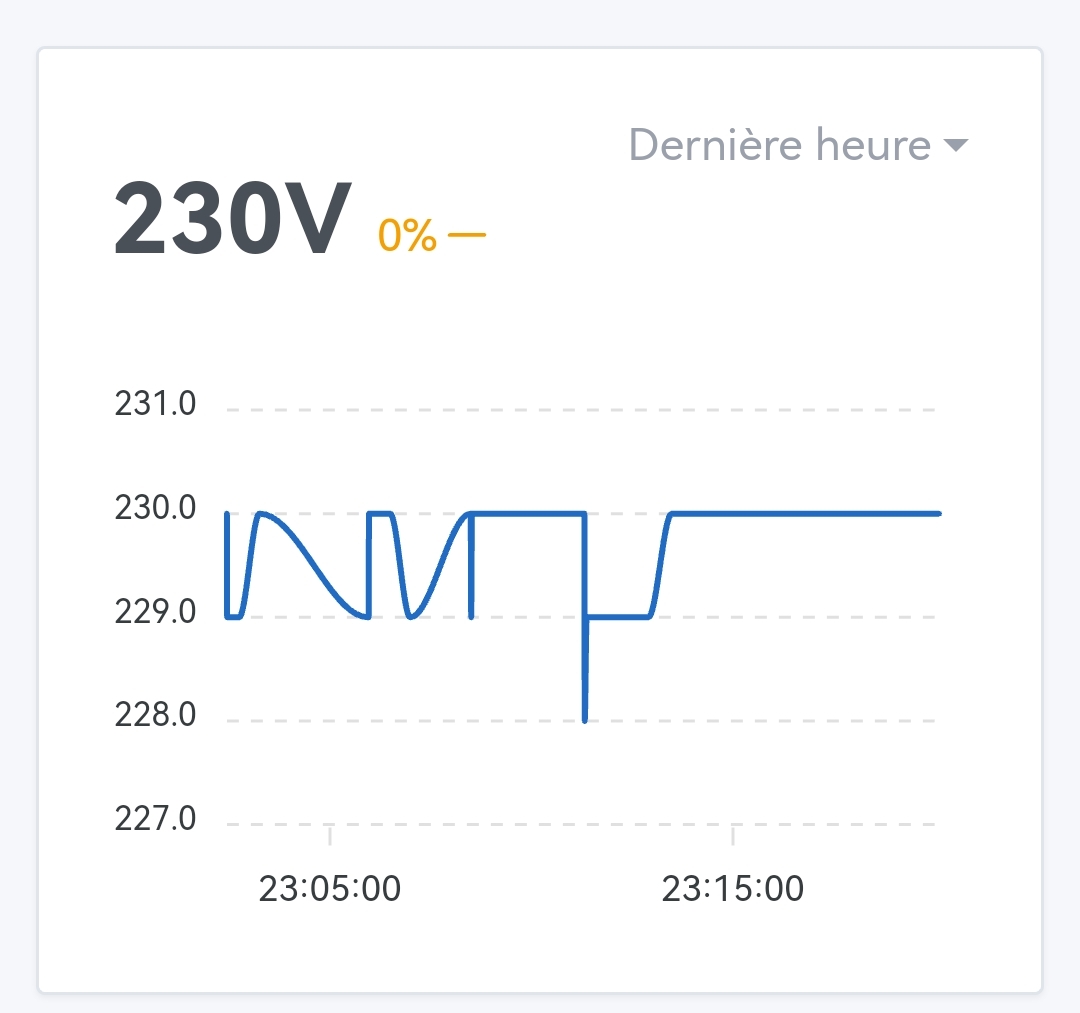
The charts and historical data are here and properly updated with the values correctly converted! It was indeed the database transfer that was messed up.
Thanks @Terdious for the great job!
Impatient I am…


 .
.