Unfortunately not.
In fact, let’s start with a simple example, a summer day if you will:
I want to go for a swim at 11:04 AM → I open the gate → nothing happens (fortunately) → splash into the water
At 14:08, the kids come home → I’m an unworthy father and I forbid them from the pool → at 14:09 I press a button to trigger the « gate surveillance » scene → if someone opens the gate → alarm
Finally, I want to accompany them to the water → at 15:35 I deactivate the gate surveillance and we go
IN SHORT: I want this scene to activate or not at my discretion, and I can’t predict a time slot.
I can’t imagine having to go to my computer/phone → Dashboard → Scenes → activate/deactivate surveillance
I’ve read, but I haven’t quite seen how I could imagine my situation in this thread
I see the concept of Armed / Disarmed, but this would imply « the whole house », I would like to be able to monitor certain elements of my house (front door and/or pool gate / etc..)
Maybe I also have trouble understanding everything about the scenes and I can’t « build » this scene in the right way!
Manually via the dashboard or via another scene on a chosen event.
Personally, I use this technique for my lighting to simulate a presence if we are away for the weekend/holidays.
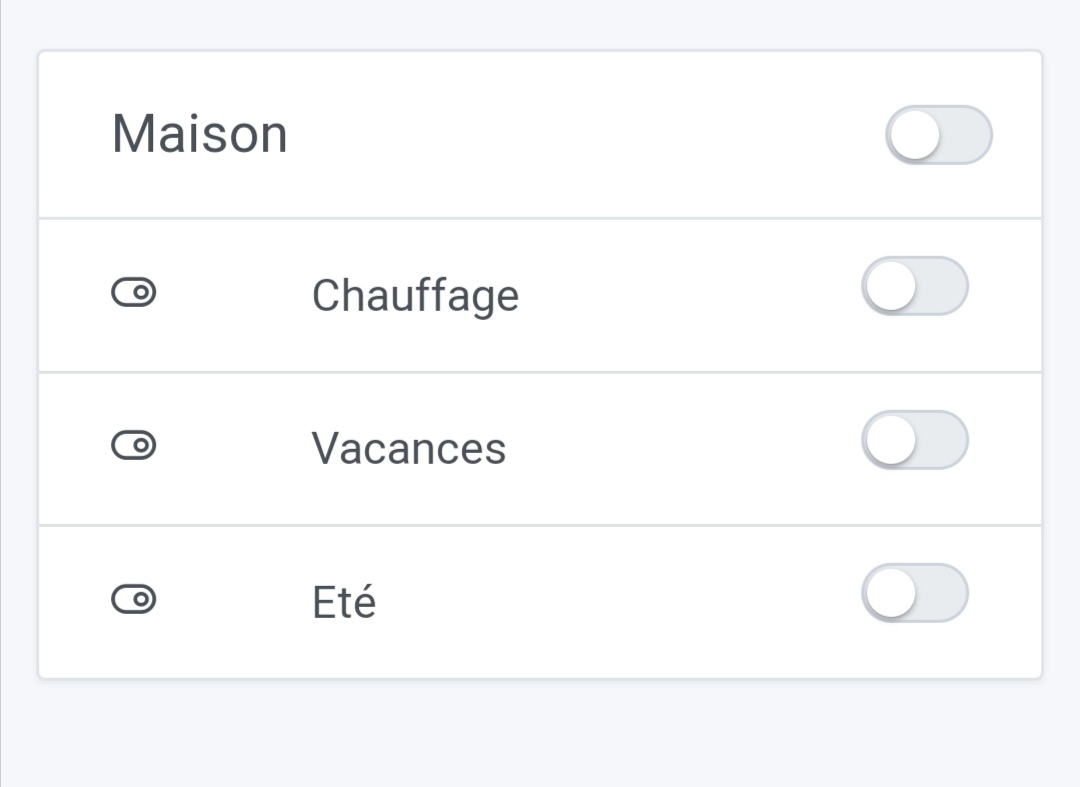
The Fake device:
In your case, your trigger is the opening of your gate, your Fake device would be ‹ activation surveillance › and the result (the lighting in my case), sending the message.