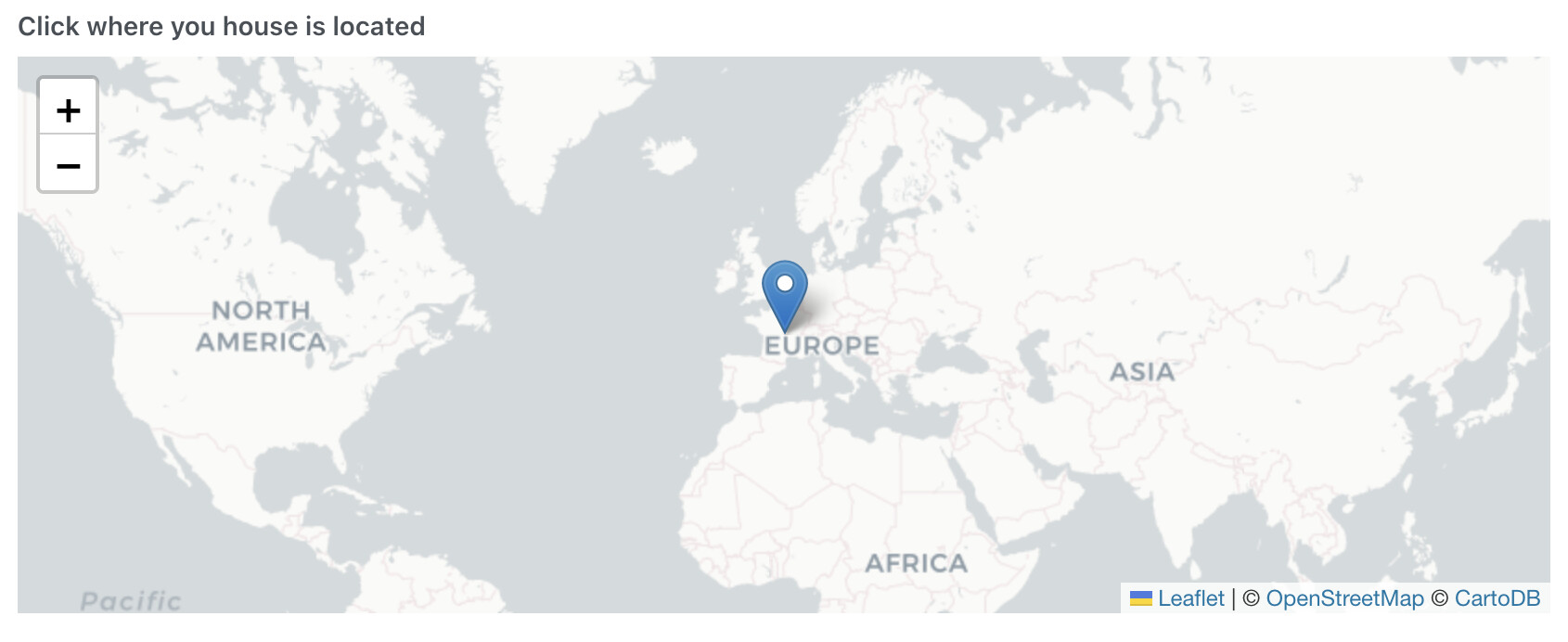
Man sollte prüfen, ob es eine offene und kostenlose Geocoding-API dafür gibt, was den Installationsprozess von Gladys erheblich vereinfachen würde:
Bearbeitung: Mir scheint, dass diese API (https://geocode.maps.co/ ) den Job ohne API-Schlüssel erledigt:
https://geocode.maps.co/search?q=66%20avenue%20des%20champs%20%C3%A9lys%C3%A9es%2075008%20Paris
Ich verwende diese für die Rückführung von Tesla-Daten. Aber es gibt einen API-Schlüssel: Openroute service
Ohne API-Schlüssel geht es nicht, aber wir können den Benutzer nicht auffordern, einen API-Schlüssel einzugeben, während er Gladys installiert
guim31
24. März 2025 um 20:56
4
Ich verwende Geocode in einem meiner Webprojekte, es funktioniert eher gut, aber wie bei allen Diensten mit Postadressen ist es manchmal nicht schnell aktuell (Kadasteränderungen usw.)
Ja, ich dachte mir schon so etwas ^^
Ich dachte eher an einen generischen API-Schlüssel ^^
Aber es gibt auch die On-Premise-Version, das Bundle ist recht leicht, nur für die Lokalisierung. (HeiGIT Account )
Übrigens verwendet Teslamate OpenStreetMap
Dein Thema hat mir eine verrückte Idee in den Kopf gesetzt:
05:30 Uhr Kaffee
06:00 Uhr warmes Bad
06:30 Uhr warmes Auto und Route im Armaturenbrett des Autos (die beste Route zur richtigen Zeit wird vom Auto gewählt) unter Einbeziehung des Stops bei der Bäckerei.
Der offizielle OpenStreetMap-Dienst ist Nominatim, der kostenlos und ohne API-Schlüssel ist.
Ich habe es schnell integriert, hier sind einige Bilder:
Falls immer noch interessiert, kann ich ein Testbild generieren.
Ich werde den PR heute Abend mit einem Testbild einreichen.
Hier ist der PR
master ← William-De71:features/house-address-search
ouvert 06:10PM - 13 Jul 26 UTC
Pull Request check-list
To ensure your Pull Request can be accepted as fast a… s possible, make sure to review and check all of these items:
- [ ] If your changes affect the code, did you write the tests?
- [x] Are server tests passing with coverage? (cd server && npm run coverage) — Codecov requires 100% coverage on lines changed in this PR (front-end only change, no server code touched)
- [ ] Did Cypress E2E tests pass? (npm run cypress:run from repo root, if UI changed)
- [ ] Is the linter passing? (npm run eslint on both front/server)
- [ ] Did you run prettier? (npm run prettier on both front/server)
- [x] If you are adding a new feature/service, did you run the integration comparator? (npm run compare-translations on front) (translations added in en/fr/de)
- [x] Did you test this pull request in real life? With real devices?
- [x] If your changes modify the API (REST or Node.js), did you modify the API documentation? (no API change)
- [ ] If you are adding a new features/services which needs explanation, did you modify the user documentation?
- [x] Did you add fake requests data for the demo mode (front/src/config/demo.js)? (not needed: Nominatim is called directly from the browser, no Gladys backend request involved)
Description of change
Currently, setting the home address requires manually panning/zooming the map and clicking on the exact location, which is tedious — especially on the world-level default view during signup.
This PR adds a text search field above the map to find the home address by typing it:
- The typed address is geocoded with Nominatim (the OpenStreetMap geocoding service): free, no API key required.
- Up to 5 results are displayed; clicking one centers the map on the selected address.
- The map stays clickable to fine-tune the position afterwards.
- The search is only triggered on an explicit user action (button click or Enter key), to comply with the Nominatim usage policy (max 1 request/second — no search-as-you-type).
- Available in both places where the house location is set:
- House settings (Settings → House)
- Signup, house configuration step
- Error and "no results" states are handled with dedicated translated messages (en/fr/de).
No backend change: the Nominatim API is called directly from the browser.
[Screenshots:](https://community.gladysassistant.com/t/pouvoir-taper-ladresse-de-sa-maison-au-lieu-de-selectionner-sur-la-carte/9450)
## Summary by CodeRabbit
* **New Features**
* Added an address search to the house configuration flow.
* Users can search for an address, select a result, and automatically update/center the map pin.
* Added loading, error, and no-results feedback for address lookup.
* Added English, German, and French translations for the new address search UI.
* **Bug Fixes**
* Improved map behavior so the marker and view update only when coordinates actually change, including improved dark-mode handling.
* Updated the sign-up E2E test to fill the correct room inputs.
Das Bild wird gerade gebaut: docker pull willde71/gladys-test:house_adress_search
Ich schließe diesen Beitrag, da die Funktion in Gladys Assistant 4.86 verfügbar ist:
Salut à tous !
Super heureux de sortir Gladys Assistant 4.86.
C’est simple, c’est la plus grosse version depuis le début du projet, avec 68 PR fusionnées en une semaine