Indeed, I realized it would corrupt the database otherwise.
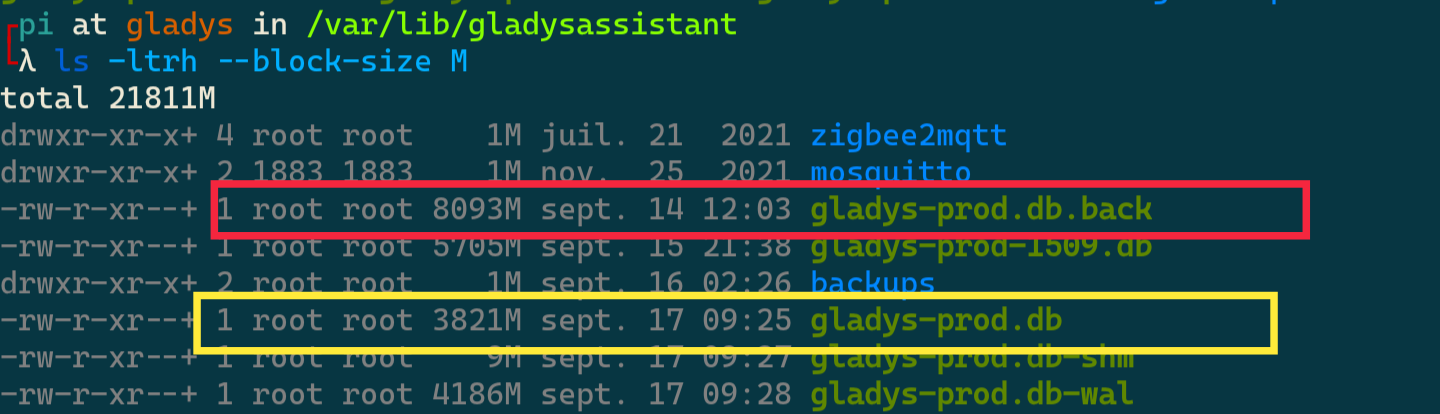
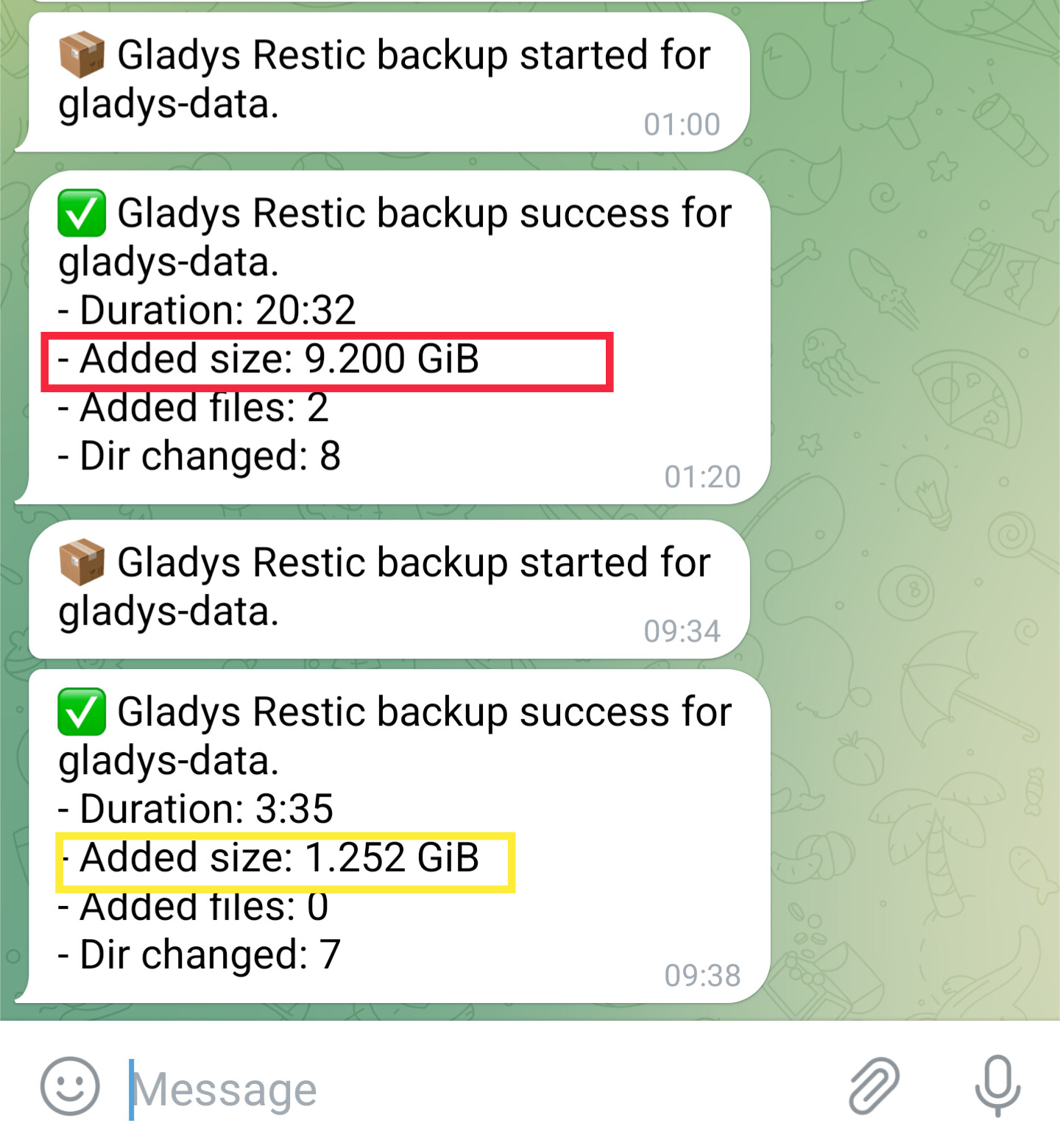
Yes I can confirm, it’s been running for more than 12 hours to delete a single feature. But I know it’s related to two things: an 8GB database and an RPi with an SD card rather than an SSD.
If you have that on hand, can you remind me how to:
List features by device
Delete a feature’s data (and I’ll then disable its storage in the interface)
DELETE FROM t_device_feature_state WHERE device_feature_id = 'cca32009-8d8f-4965-b658-bdb28eb31300';
DELETE FROM t_device_feature_state_aggregate WHERE device_feature_id = 'cca32009-8d8f-4965-b658-bdb28eb31300';
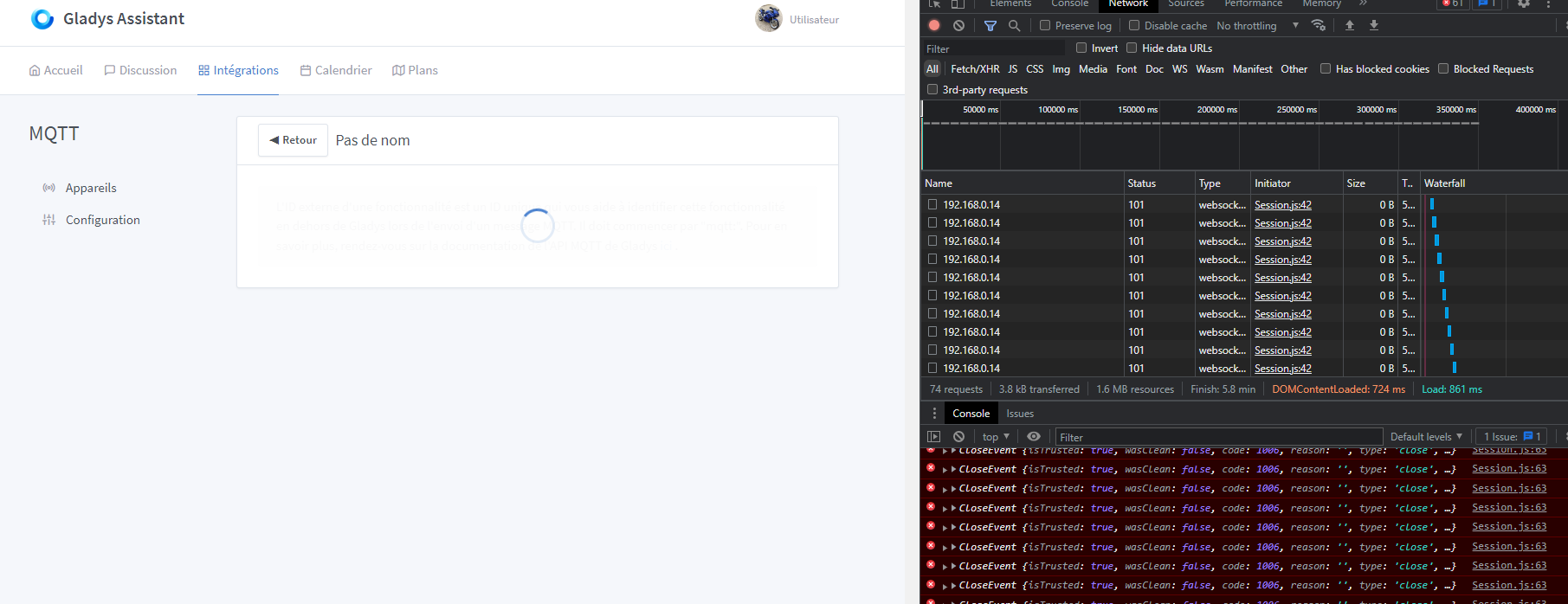
@pierre-gilles I don’t know if that’s the case, but it really looks like either the database or Gladys is in blocking mode at that moment.
Because really nothing responds anymore. So either I’m totally wrong (it wouldn’t be the first time ), or there’s something to do to optimize that part a bit.
On my side, I see a node index.js process at 100% of the CPU, while the write to the SD card of my Raspberry Pi doesn’t seem to be at 100% I/O.
In fact, when you register a device, Gladys does 2 things:
If some features have history disabled, Gladys will purge all states of those features. This can potentially represent millions of rows on some DBs, which can block the DB for quite some time during the deletion.
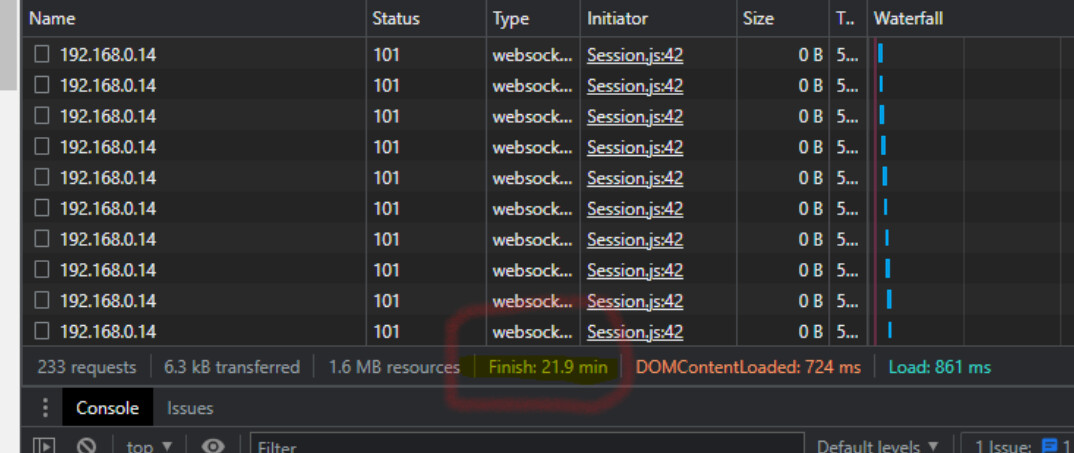
After that, Gladys runs a VACUUM, an operation that will « actually » remove the data from disk and free space. VACUUM is a blocking operation, and for the entire duration of the VACUUM, the DB, and therefore Gladys, is not accessible. On small DBs this is invisible; on large DBs it can take 20 minutes and it can indeed look like it’s « broken », when in fact it’s just working!
The solution I see:
Implement a background state-deletion task that deletes in small batches so Gladys isn’t blocked when deleting features with millions of states. We need to run tests and find the right number so it’s neither too blocking nor too slow.
Remove the immediate VACUUM and set up a scheduled nightly VACUUM task that can be enabled/disabled (weekly, for example).
The downside of all this is that the « storage freeing » effect won’t be immediate; after a states purge you’ll have to wait until the next night or up to a week for Gladys to purge. Optionally, we can add a button somewhere to purge manually, but the user must be aware that Gladys will be unavailable for the entire duration of the purge.
That said, I have a pretty busy week so I don’t think I’ll be able to look into this in the coming days; I’ll check either at the end of the week or during next week! I’ll keep you posted
But 20 minutes for a small name change, for example, is very long. It’s very blocking, even rather annoying actually, even though we know that Gladys isn’t broken and that she’s working in the background.
For my part I think the cleanup can wait until later as you suggest. And being able to enable or disable it by the user might be good.
Thanks for the details — I better understand why we all feel it’s a blocker.
I’m in favor of running VACUUM at night (for example, between 2:00 and 4:00 AM).
Which user is actually going to worry about the size of their database being off by
 Is it really taking too long on your Pi?