When I start a Bluetooth search, the search runs indefinitely without finding anything. It is possible that I tried to manually connect my phone with the Linux terminal and that I changed a parameter that I should not have. Is there a way to reset the Bluetooth settings to default?
It all depends on what you did in terms of manipulation ^^
In doubt, just reboot!
After that, it is also possible that the device you are trying to display is simply not connectable, not all devices advertise..
What type of device are you trying to connect, and why?
I wanted to try connecting my phone or smart band to detect presence. Strangely, it works now, I can see my bracelet. Is it possible to force devices that are not compatible just to detect presence?
I don’t know I tell you  you have to search by device
I think for the smartphone we will have to play it « backwards ». Make sure Gladys is visible to the smartphone, and that it is the smartphone that automatically connects to Gladys. As soon as Gladys detects a Bluetooth connection or disconnection, we will launch the « device seen » message.
But time is still a scarce resource, so it won’t be in the next few weeks.
For developers who want to get the job done, I suggest bleno (@abandonware/bleno) to create a visible Gladys Bluetooth device for the smartphone.
That’s exactly what I had tried to do and that’s what caused my Bluetooth to crash on Gladys. I’d be happy to try again and document all this on this post if it can help someone fix the issue.
To do this, you need to do a bit of development. Gladys isn’t quite ready for this. But I’m interested in knowing what you’ve done specifically so that I can fix the problem. Thank you.
I’m using this post to inform you of a Bluetooth issue I’m experiencing at home.
I’ve noticed it since the beginning, but now I find it very strange. See for yourself:

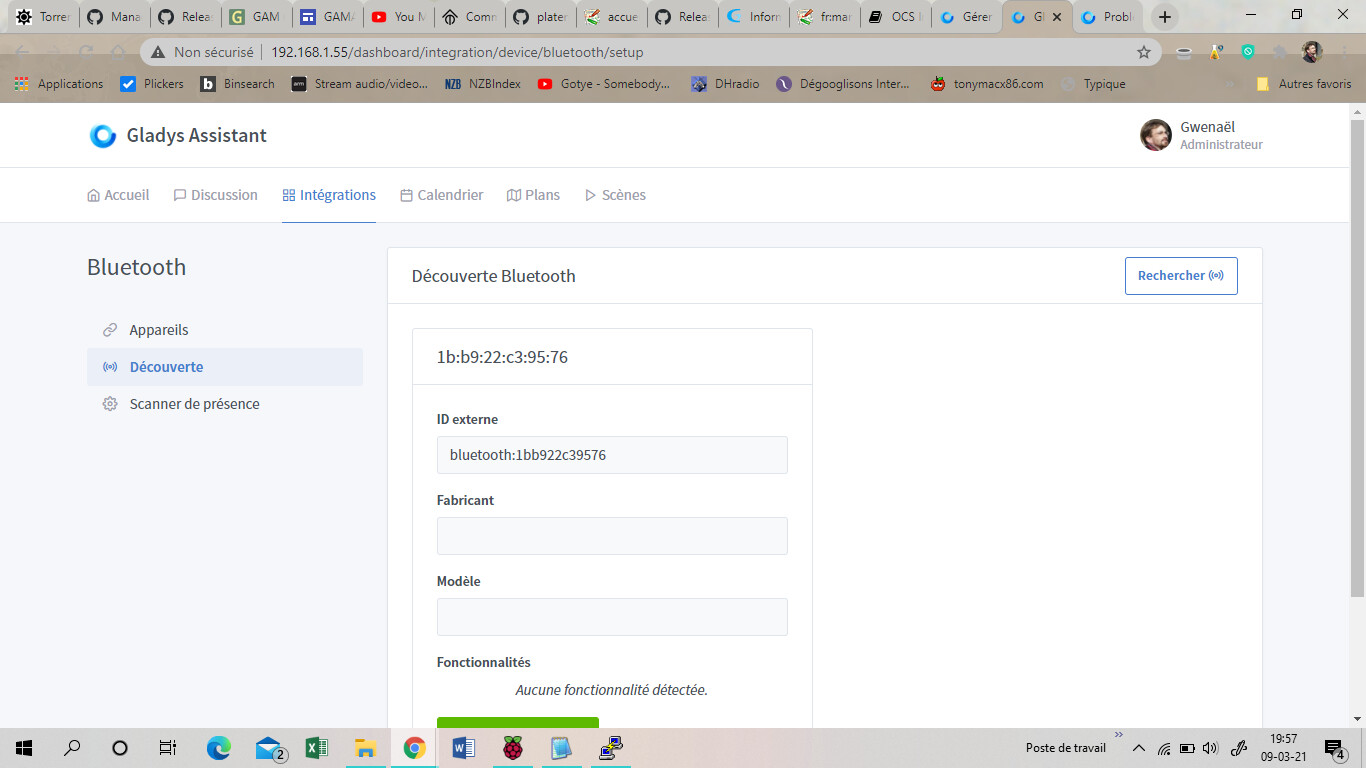
How is this possible?
Especially since, if I « reactivate » the BT service (assuming it is deactivated), Gladys no longer detects any device…
Edit: after restarting Gladys, I do get a message saying the service is deactivated. However, once activated, if I deactivate the service again, detection continues (with new devices appearing).
So what I deduce: disabling the Bluetooth service does not work.
Is this also the case for other services?
It’s not necessarily « very serious », but as you say « strange » and it can disrupt.
I will create a ticket on Github to think about it later.
Is this service in production? Is the problem reproducible?
If so, are we not automatically testing the activation and deactivation of a service?
If I check Gladys’ log, it does say ‹ stopping Bluetooth service › or ‹ starting › when I check it in the list. But it seems that only a reboot really disables Bluetooth…
And in fact, this is not really a big deal!
By the way, for the « smartphone detection » part, I created a ticket on GitHub so I wouldn’t forget.
https://github.com/GladysAssistant/Gladys/issues/1096
I’ll look at it soon.