Hello,
For a few days now, I’ve been having problems with devices :
- SONOFF\tSNZB-02 sensors, one no longer reports any data and the other only shows the instantaneous temp. but no history with the message : " no values for this interval". Both worked normally before.
- a Lidl\tHG06335/HG07310
Hello,
I again have graphs that say: « no values on this interval ».
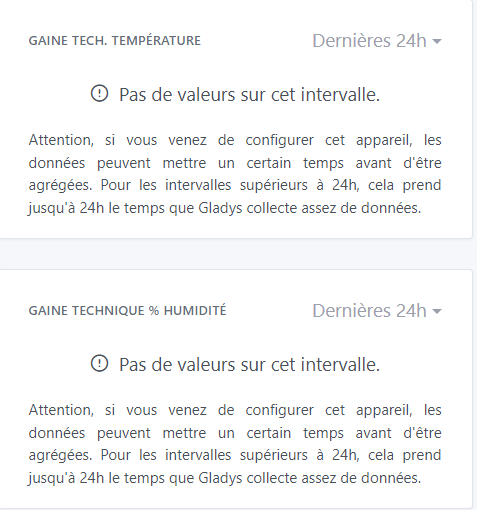
Gladys appears to be receiving data because they differ between the Zigbee2mqtt table display and the last value of the graph.
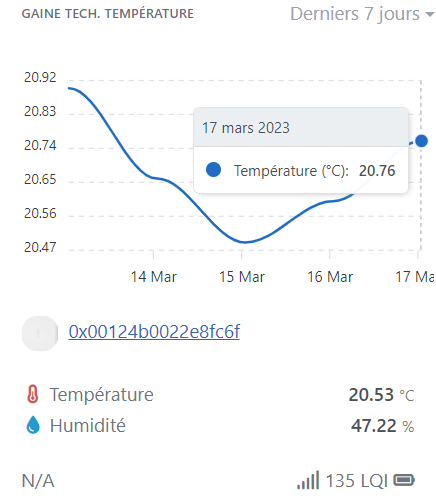
The battery and link levels are correct.
Should I wait for the data to come back or is there a specific action I should take?
The last time I encountered the problem, I reset everything but as a result I lost all the history.
I’ve noticed the same message in other posts. Thanks in advance if you have any idea
Same here, I have temperature sensors that are no longer reporting data.
On the zigbee2mqtt interface they are no longer connected to my network; they appear to be floating on their own.
I removed the battery, waited 24 hours, and reconnected. It worked for one but not for the other.
I haven’t had time to go any further.
I’ve also noticed that Galdys keeps showing the last received data, even if the sensor is no longer connected to the Zigbee mesh network… If that’s the case, no data is recorded in the DB to build a graph… After that, the problem may be different in your case but it’s something to check via the Zigbee2MQTT interface, « Map » tab.
This is something that should be improved and display a « NULL » temperature if no data has been reported for too long.
Even if the last received data dates from 3 days ago, it will, for example, display 22 degrees even though it’s actually 20.
@pierre-gilles: is this normal behaviour? Any reason for that?
Could this kind of setup be useful and integrated into Gladys?
Thank you for this article!
I think Gladys should indeed draw inspiration from it to do something 
Likewise, thank you for the article.
It all depends on the definition of what’s « normal » and « not normal »
For a door sensor, not sending values for 3 days can be normal (because a door isn’t necessarily opened every day)
However, for a temperature sensor, 3 days without values is probably strange!
If we want this feature, we should make a list of each device type and define the time limit for each type, using a generous threshold.
We already do this in the boxes « room temperature » and « room humidity », I think we chose 12 hours for these types of sensors
That’s a good idea!
12 hours? I have a sensor that was disconnected for more than a week and the displayed information stayed the same. Should something else normally be displayed?
But to me, a door sensor is the same principle. If the sensor has been disconnected for more than a week, it can prevent certain scenes from working, for example. Especially if we don’t know that the sensor is disconnected from the system. Don’t you agree?
And couldn’t we set the inactivity time on the device.
After X hours or days, we receive an alert, and this for each device.
Thank you @guim31 for the article and thanks to everyone for your feedback.
Is there a way to recover the values across all intervals without having to delete the devices and thus lose the entire history?
On the Zigbee2mqtt dashboard, the values seem to fluctuate and recover normally. In the graph, everything looks normal:
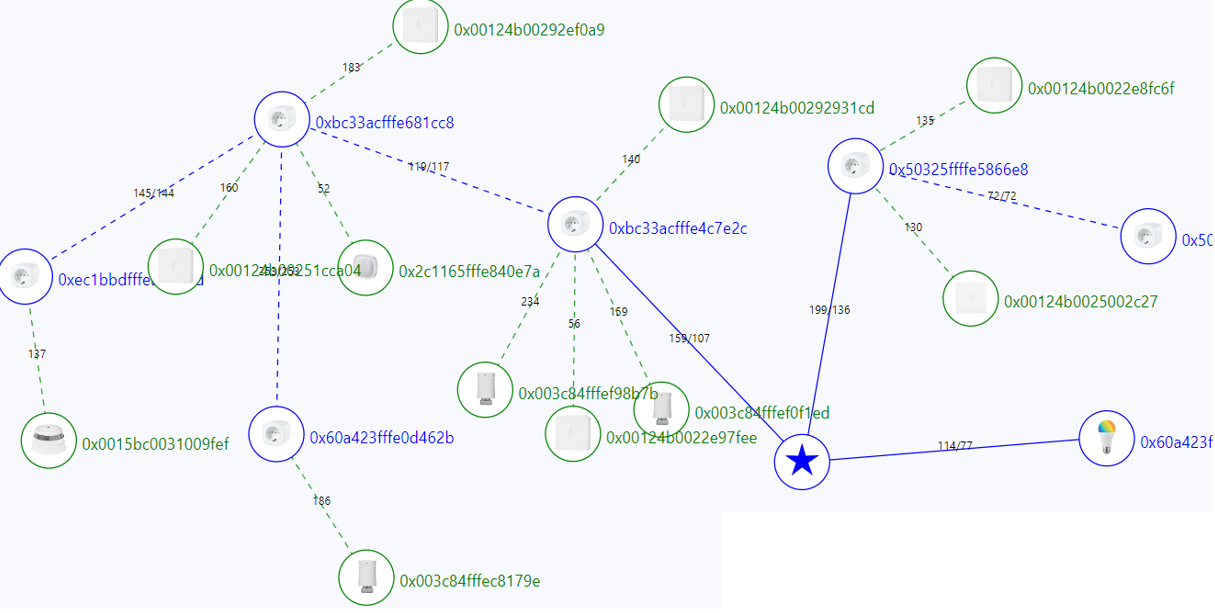
On my diagram, I have devices that are no longer connected to each other; they’re all on their own in a corner.
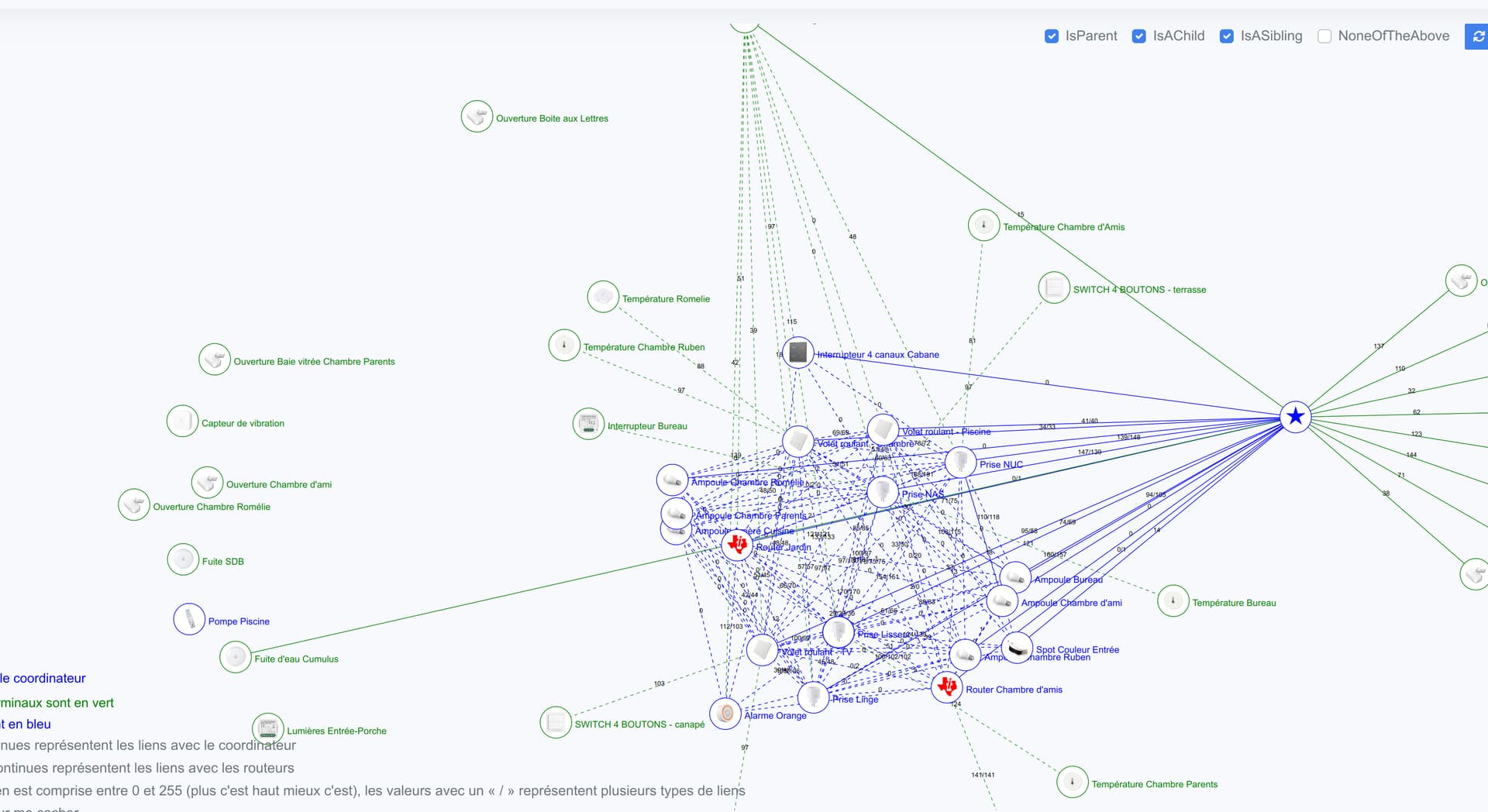
I did it in Node-RED with an alert every 24 hours via Telegram.
In the image below I also put the remaining time before the alert in my TimeOut function.
Here I know that I will soon receive an alert for my mailbox sensors because I’m no longer getting signals from them since I moved it. I need to add a signal repeater but haven’t had the time.
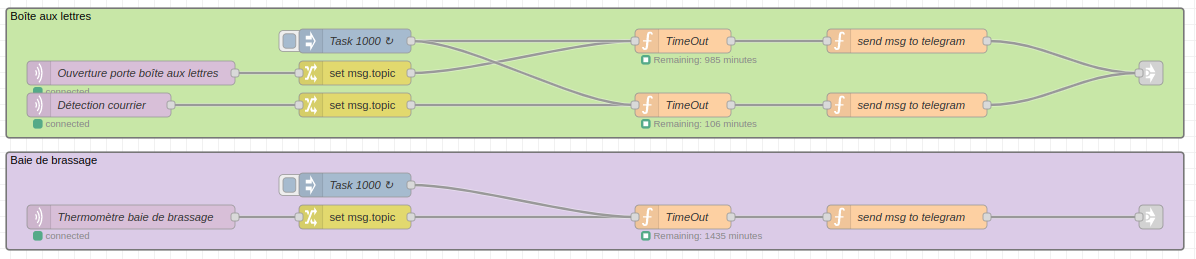
If needed I can share the Node-RED flow.
I’d love to have your flow 
I’ll try to prepare a tutorial quickly because there are a few prerequisites to set up in Node-RED since I save/retrieve the time counters in a file using the functions context.set and context.get.
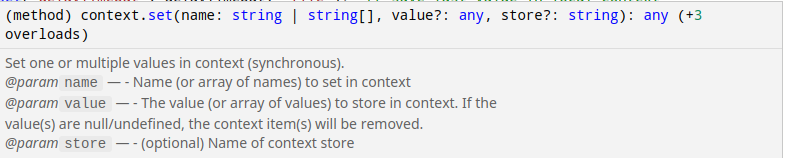
You also need to install the telegram and MQTT nodes.
I set this up to avoid losing the elapsed time between two receptions of the sensor signal in case of a power outage or a reboot of the Pi / PC, or the Node-RED container.
Yes you should see this:

Is that not the case?
I think we’re talking about two different things.
As things currently stand, the Gladys interface has no notion of a « connection » with devices, it just sees when the last value report occurred. For a temperature sensor that sends a value every hour, for example, you can deduce after 12 hours that there is an issue. For a door open sensor, after 3 days that doesn’t mean anything — the sensor may be fully functional, the door just hasn’t been touched in 3 days…
Edit: There is already a feature request for that, feel free to vote for it!
For your information, the door sensor still reports its state even if it doesn’t change.
Yes, it seems to me that each sensor has rules for reporting data every X minutes; I don’t know, though, if that’s configurable.
Here you go @guim31