I have a sensor whose battery has been dead for a few days, but I still see values being displayed.
Is there a way to detect when a sensor hasn’t sent any information for, say, 12 or 24 hours? That way I could receive a notification to go check what’s going on.
In that case, I’m open to another solution, because the one proposed by Cicoub doesn’t meet my needs: I receive no alerts.
Moreover, for me, an effective home automation system is one you can forget, because it operates reliably and autonomously.
Besides, you’re right Pierre-Gilles: the system is not reacting correctly. Values eventually reappeared, but they were erroneous, and despite that, the message was still sent, when it shouldn’t have been.
For my part, I have been using for a long time, .the solution from @_Will_71 for all my Zigbee sensors, which gives me complete satisfaction. Thank you @_Will_71
That’s not normal, it works very well for me…
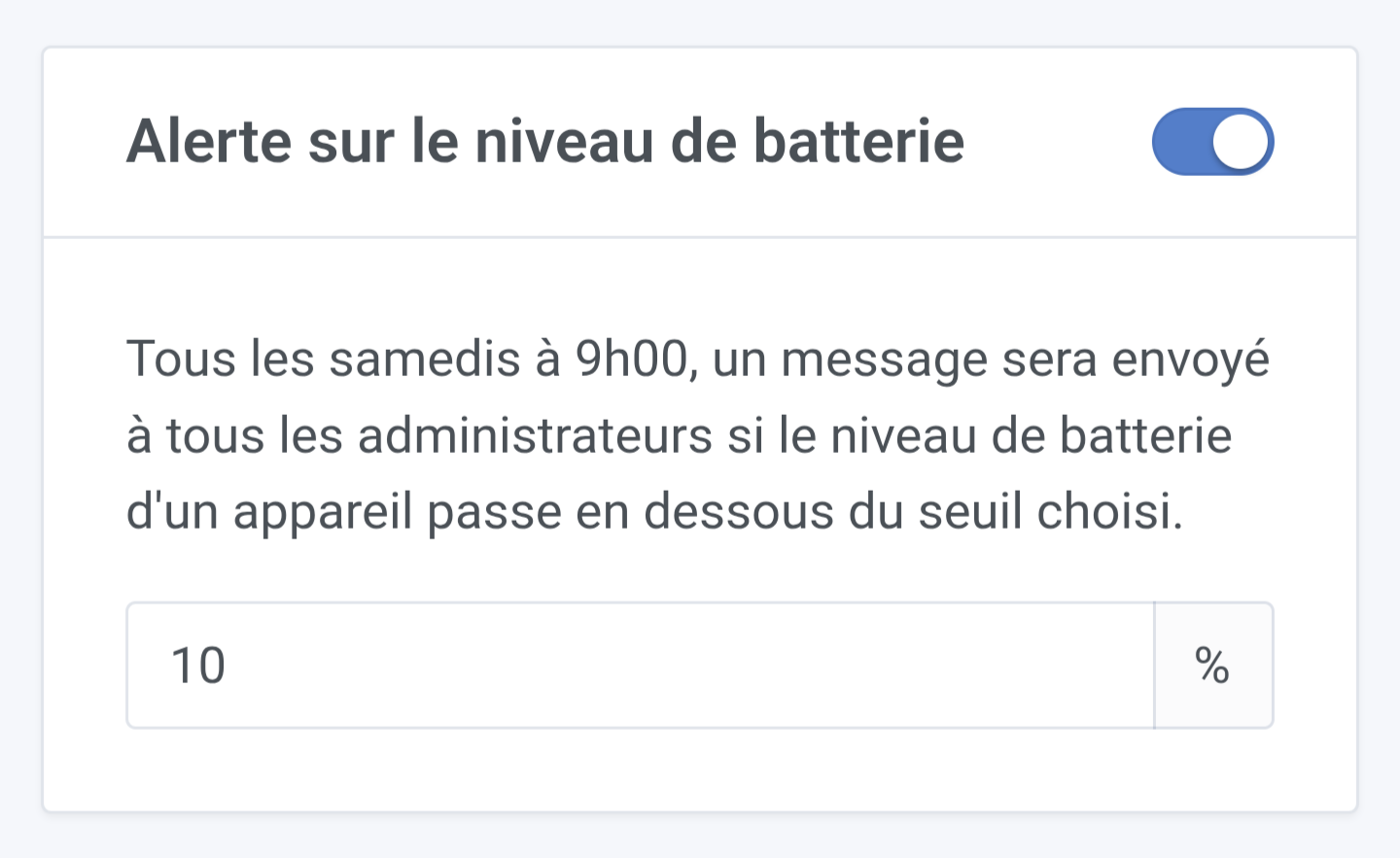
Every Saturday morning at 9 a.m., I receive an alert for each sensor with a low battery.
1/ Do you have a device that sent a battery measurement below the threshold you set?
2/ Have you configured a messaging application in Gladys (Telegram, WhatsApp, Signal, NextCloud Talk)?
The alert works very well if the device’s battery level sends the info before it shuts down.
I have IKEA contact sensors for my doors and windows. I have a few that are devouring the batteries at breakneck speed (and I don’t know why but it’s okay, they’re rechargeable).
And of course, they’re not at 0 but above the defined threshold when they stop sending info.
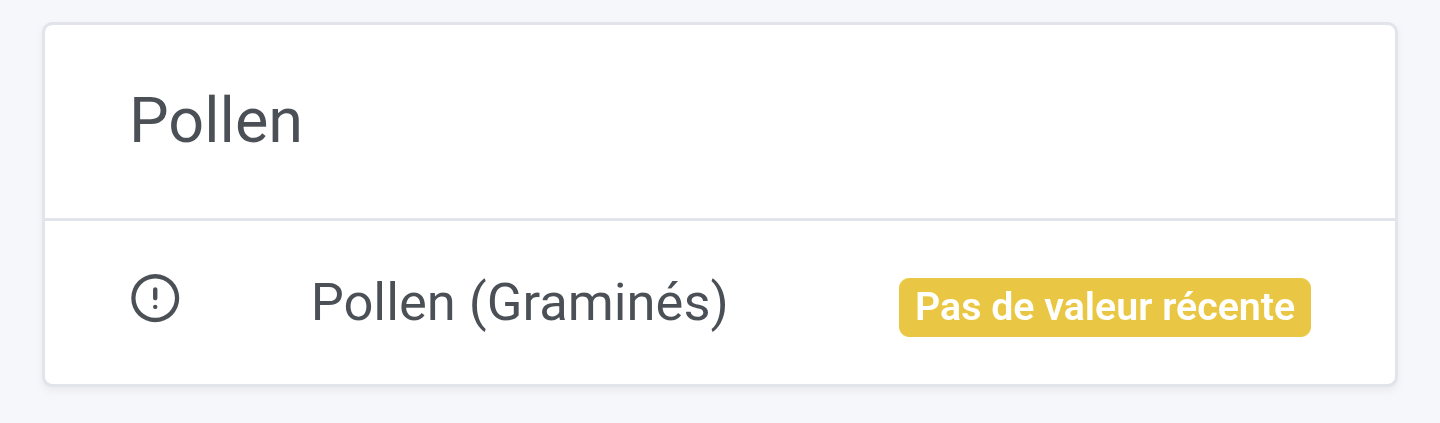
So I only notice they’re no longer responding when, on my dashboard, I see that no recent data has been received (48 hours in my case).
I set up a dedicated battery dashboard to check; it’s only visual, unfortunately no notifications in these cases.
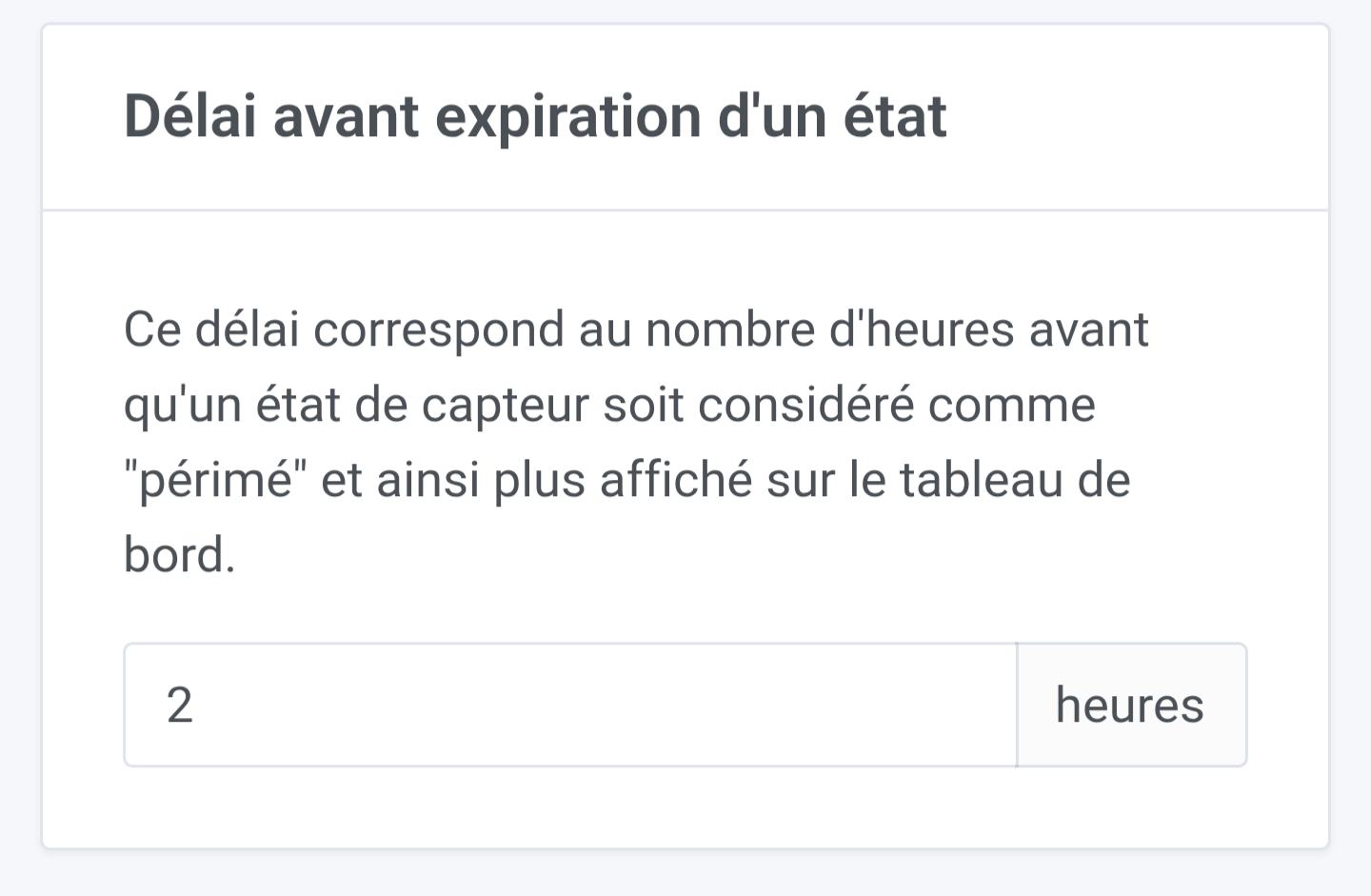
And a quick general question, how many hours do you have set for the delay before a state expires?
In my case, I do receive an alert about the battery level when it drops below 10%, but here the sensors have simply disappeared, so no alert was triggered.
My reminder to check the batteries is scheduled every Saturday, and the time before data expiration is set to 11 hours.
I’m thinking about it because I’m not keen on using the same state expiration value.
I have virtual MQTT devices that I have to re-feed every 24 hours to always have their values on my dashboard… If I decrease my expiration, I’ll have to increase the number of scene runs and will probably increase the CPU load and maybe cause collisions between these values, which can change from time to time… I’ll get back to you when it’s clearer for me.
I’m having trouble seeing why you’d need a different value. If you set a duration for your sensor value to « expire », why couldn’t that duration also be valid for sending an alert?
Besides, in my opinion the behavior would remain the same: it would be an alert on Saturday morning at 9 AM — we’d send an alert for all devices that haven’t sent values for a period longer than the states’ expiration duration.
In your case, why would you need to reduce your expiration?
[quote=« pierre-gilles, post:17, topic:9646 »]
By the way, in my opinion the behavior would stay the same, it would be an alert on Saturday morning at 9:00, we would
When I say « disappeared », I mean that the sensors went from the state « I’m reporting data » to « I’m no longer transmitting anything at all ».
There was no low-battery notification, unlike what I’ve observed for the past 6 months on another sensor stuck at 1%.
For the low battery level, a check once a week seems sufficient to me.
However, for a sensor that completely stops reporting data, checking two to three times a day seems more appropriate — or even more frequently if it’s a safety-related device.