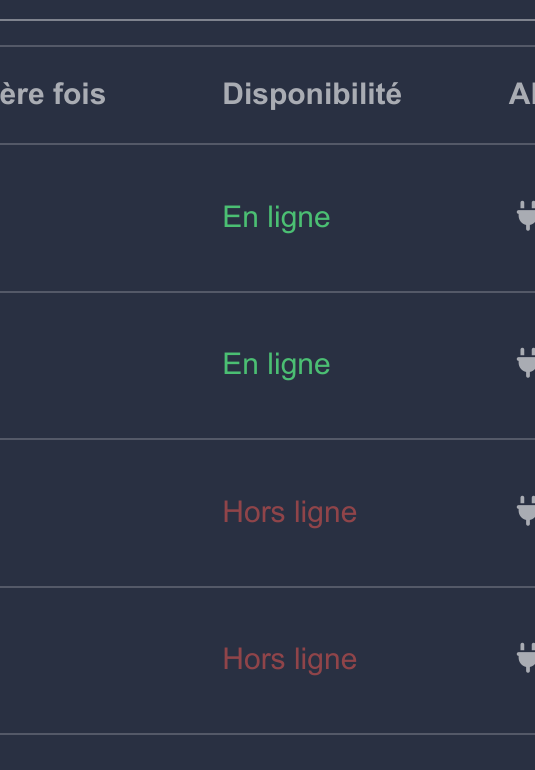
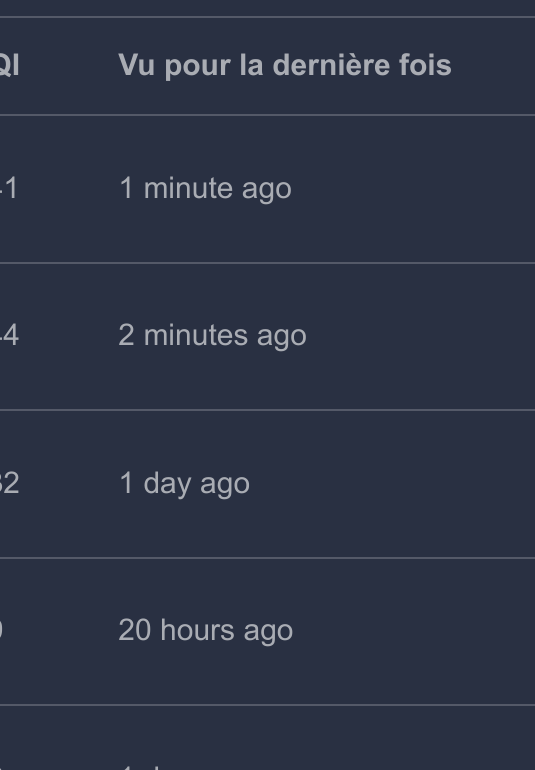
I’m sharing a Node-Red flow with you to measure the reception time of a Zigbee sensor signal. If the time between each signal reception is greater than 24H (configurable) then a Telegram alert is sent. I created this function because the battery indication of Zigbee sensors is not reliable and several times I was caught out on a temperature when the sensor was no longer working. This can be annoying when you need this value in a scene. Now I know if one of my sensors no longer sends data after 24H. And this in a loop every 24H. Tested with opening sensor, temperature/humidity, switch, vibration sensor, motion sensor. The feature request in Gladys Alerter et créer un statut "Indisponible" d'un équipement (plus de batterie, connexion, etc.) For the installation of NODE-RED, you already know the video tutorial of @pierre-gilles. https://www.youtube.com/watch?v=bpmHzR8_S5g. Prerequisites: Configure the MQTT broker to connect to the Zigbee2mqtt broker
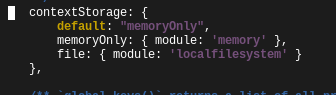
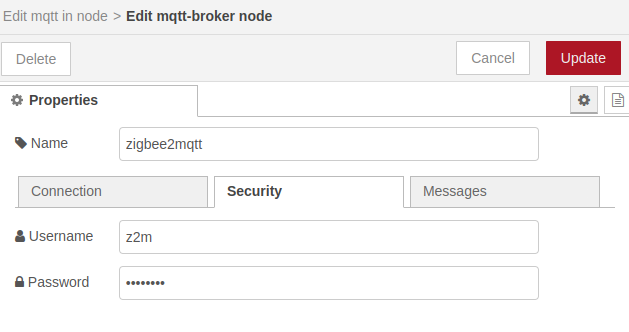
The password is generated by Gladys, you can find it in the db. Install in Node-Red: « node-red–contrib-telegrambot » Configure a Telegram bot for Node-Red Retrieve a ChatId number to be able to send messages with Telegram in Node-Red (I will add later how to retrieve this number if needed) This Telegram part is optional, you can also send a state to a fake MQTT device to Gladys. And then do the Telegram alert with Gladys. Configuration of Node-Red to write/read files: Edit the file /var/lib/node-red/settings.js (see the video of @pierre-gilles for the installation of Node-Red he explains how to edit this file) Add the lines below: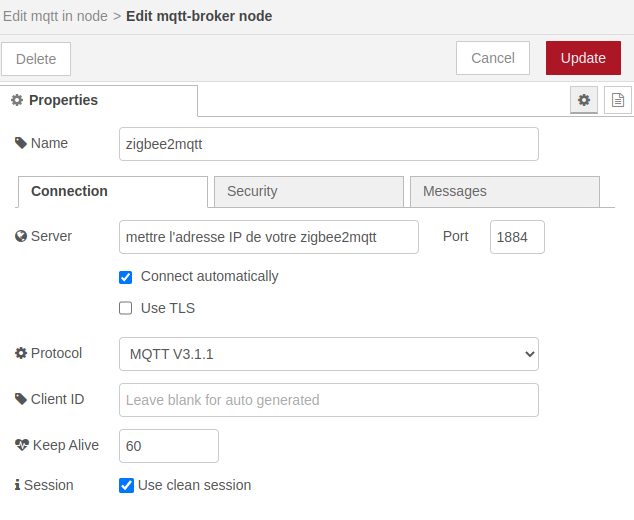
contextStorage: { default: "memoryOnly", memoryOnly: { module: 'memory' }, file: { module: 'localfilesystem' } },
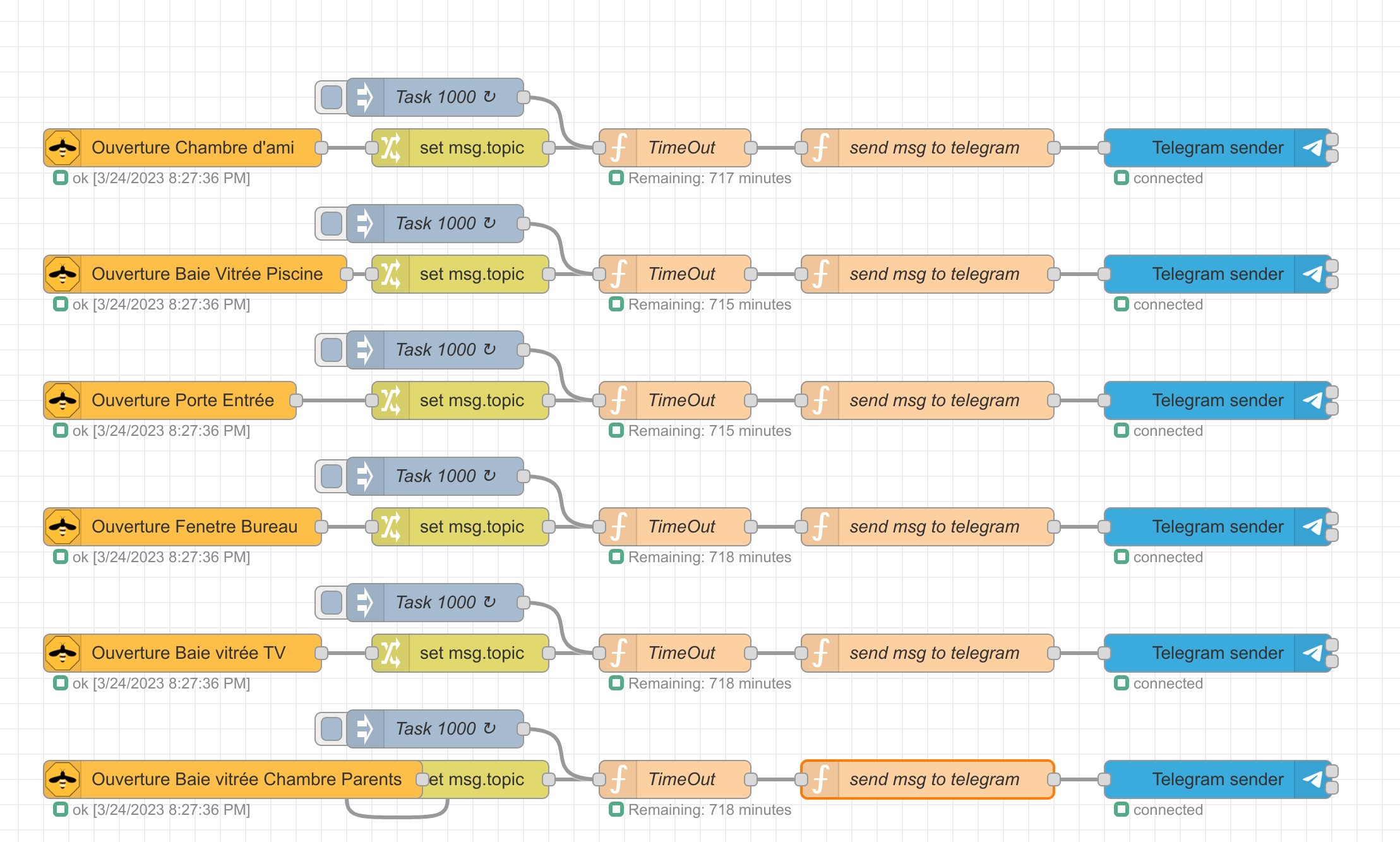
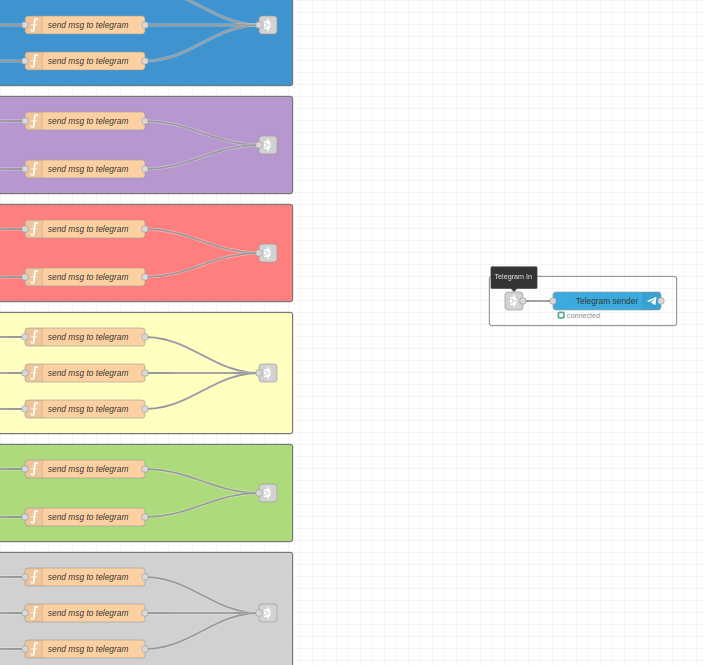
Here is an overview of the flow in Node-red of one of my sensors:

Here is the flow to import into Node-Red: I modified one of my flows to make it generic and to remove my connection data

[
    {
        "id": "d5482843ef207659",
        "type": "function",
        "z": "d76f072c1559266b",
        "g": "87c2f560ca6c5a98",
        "name": "send msg to telegram",
        "func": "msg.payload={};\nmsg.payload.chatId =\"******\";\nmsg.payload.content = \"[ALERT] Loss of communication with the thermometer! Check the battery of this device!\";\nmsg.payload.type = \"message\";\nreturn msg;",
        "outputs": 1,
        "noerr": 0,
        "initialize": "",
        "finalize": "",
        "libs": [],
        "x": 1180,
        "y": 120,
        "wires": [
            [
                "f57a85488266a794"
            ]
        ]
    },
    {
        "id": "2c780ff8e1b28a9e",
        "type": "mqtt in",
        "z": "d76f072c1559266b",
        "g": "87c2f560ca6c5a98",
        "name": "Thermometer",
        "topic": "zigbee2mqtt/Thermometer",
        "qos": "2",
        "datatype": "auto",
        "broker": "2a159ac23236c7e2",
        "nl": false,
        "rap": true,
        "rh": 0,
        "inputs": 0,
        "x": 150,
        "y": 120,
        "wires": [
            [
                "47ee6c1dd9132535"
            ]
        ]
    },
    {
        "id": "47ee6c1dd9132535",
        "type": "change",
        "z": "d76f072c1559266b",
        "g": "87c2f560ca6c5a98",
        "name": "",
        "rules": [
            {
                "t": "set",
                "p": "topic",
                "pt": "msg",
                "to": "sensor",
                "tot": "str"
            }
        ],
        "action": "",
        "property": "",
        "from": "",
        "to": "",
        "reg": false,
        "x": 490,
        "y": 120,
        "wires": [
            [
                "147c4e952052bad4"
            ]
        ]
    },
    {
        "id": "cfd94c8353c2c6f9",
        "type": "inject",
        "z": "d76f072c1559266b",
        "g": "87c2f560ca6c5a98",
        "name": "Task 1000",
        "props": [
            {
                "p": "payload"
            },
            {
                "p": "topic",
                "vt": "str"
            }
        ],
        "repeat": "60",
        "crontab": "",
        "once": false,
        "onceDelay": 0.1,
        "topic": "task",
        "payload": "",
        "payloadType": "date",
        "x": 490,
        "y": 80,
        "wires": [
            [
                "147c4e952052bad4"
            ]
        ]
    },
    {
        "id": "147c4e952052bad4",
        "type": "function",
        "z": "d76f072c1559266b",
        "g": "87c2f560ca6c5a98",
        "name": "TimeOut",
        "func": "/*\n * Sensor time-out\n */\n\n\nconst TIME_OUT = 1440; /* 24 hours */\n\n/*\n * Time-out output\n */
var msg_TimeOut = null;

/*
 * Delay before sensor time-out between 2 receptions
 */
var delayTimeOut = context.get(\"delayTimeOut\", \"file\") || TIME_OUT;  // initialize variables


if (msg.topic === \"sensor\")  // initialize counter on each sensor reception
{
    delayTimeOut = TIME_OUT;
    context.set(\"delayTimeOut\", delayTimeOut, \"file\");  // save last value in local context

    node.status({ fill: \"green\", shape: \"ring\", text: \"Remaining: \" + delayTimeOut + \" minutes\" });

    //msg_TimeOut = { topic: \"temp\", payload: delayTimeOut };
}

if (msg.topic === \"task\")   // update every minute
{
    if (delayTimeOut > 0)
    {
        delayTimeOut--;
        context.set(\"delayTimeOut\", delayTimeOut, \"file\");  // save last value in local context

        node.status({ fill: \"green\", shape: \"ring\", text: \"Remaining: \" + delayTimeOut + \" minutes\" });

    }

    if (delayTimeOut === 0)
    {
        delayTimeOut = 0;
        context.set(\"delayTimeOut\", delayTimeOut, \"file\");  // save last value in local context

        node.status({ fill: \"red\", shape: \"ring\", text: \"TIME OUT\" });

        msg_TimeOut = { topic: \"timeout\", payload: \"TIME OUT\" };
    }

}

return msg_TimeOut;",
        "outputs": 1,
        "noerr": 0,
        "initialize": "",
        "finalize": "",
        "libs": [],
        "x": 900,
        "y": 120,
        "wires": [
            [
                "d5482843ef207659"
            ]
        ],
        "outputLabels": [
            "TimeOut"
        ]
    },
    {
        "id": "f57a85488266a794",
        "type": "telegram sender",
        "z": "d76f072c1559266b",
        "g": "87c2f560ca6c5a98",
        "name": "",
        "bot": "e1f028778559de40",
        "haserroroutput": false,
        "outputs": 1,
        "x": 1510,
        "y": 120,
        "wires": [
            []
        ]
    },
    {
        "id": "2a159ac23236c7e2",
        "type": "mqtt-broker",
        "name": "zigbee2mqtt2",
        "broker": "192.168.*.*",
        "port": "1884",
        "clientid": "",
        "autoConnect": true,
        "usetls": false,
        "protocolVersion": "4",
        "keepalive": "60",
        "cleansession": true,
        "birthTopic": "",
        "birthQos": "0",
        "birthPayload": "",
        "birthMsg": {},
        "closeTopic": "",
        "closeQos": "0",
        "closePayload": "",
        "closeMsg": {},
        "willTopic": "",
        "willQos": "0",
        "willPayload": "",
        "willMsg": {},
        "userProps": "",
        "sessionExpiry": "",
        "credentials": {}
    },
    {
        "id": "e1f028778559de40",
        "type": "telegram bot",
        "botname": "******",
        "usernames": "",
        "chatids": "",
        "baseapiurl": "",
        "updatemode": "polling",
        "pollinterval": "300",
        "usesocks": false,
        "sockshost": "",
        "socksprotocol": "socks5",
        "socksport": "6667",
        "socksusername": "anonymous",
        "sockspassword": "",
        "bothost": "",
        "botpath": "",
        "localbotport": "8443",
        "publicbotport": "8443",
        "privatekey": "",
        "certificate": "",
        "useselfsignedcertificate": false,
        "sslterminated": false,
        "verboselogging": false
    }
]
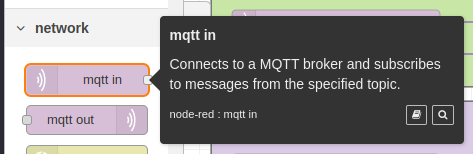
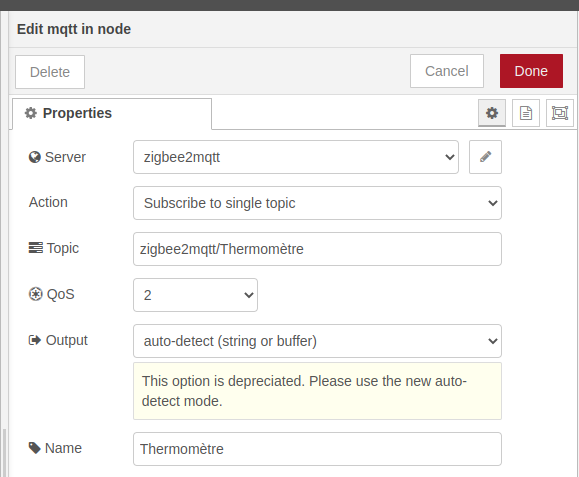
1. mqtt in: Zigbee Sensor Configuration
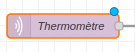
Add an mqtt in object
Specify your zigbee2mqtt broker in the server field
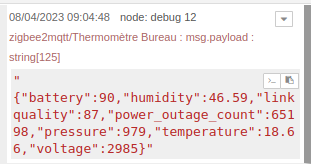
Specify the topic of your sensor in the Topic field (you can use an application like MQTT Explorer to explore your network and find the topic). The topic is usually zigbee2mqtt/yoursensorname
2. change: Topic Transformation
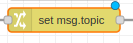
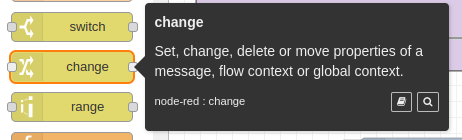
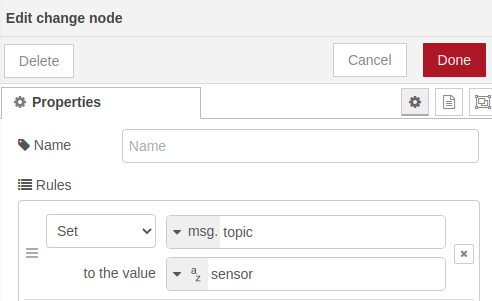
Add a change object to modify the topic and thus avoid modifying the topic for each sensor in the subsequent function.
3. function: Calculate Time Between Two Zigbee Sensor Signals
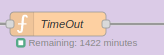
Add a function object
In the code below, you can modify the TIME_OUT constant (in minutes). I set it to 1440 minutes (24H)
/*
 * Sensor Time-out
 */


const TIME_OUT = 1440; /* 24 hours */

/*
 * Time-out output
 */
var msg_TimeOut = null;

/*
 * Delay before sensor time-out between two receptions
 */
var delayTimeOut = context.get("delayTimeOut", "file") || TIME_OUT;  // initialize variables


if (msg.topic === "sensor")  // initialize counter on each sensor reception
{
    delayTimeOut = TIME_OUT;
    context.set("delayTimeOut", delayTimeOut, "file");  // save last value in local context

    node.status({ fill: "green", shape: "ring", text: "Remaining: " + delayTimeOut + " minutes" });

    //msg_TimeOut = { topic: "temp", payload: delayTimeOut };
}

if (msg.topic === "task")   // update every minute
{
    if (delayTimeOut > 0)
    {
        delayTimeOut--;
        context.set("delayTimeOut", delayTimeOut, "file");  // save last value in local context

        node.status({ fill: "green", shape: "ring", text: "Remaining: " + delayTimeOut + " minutes" });

    }

    if (delayTimeOut === 0)
    {
        delayTimeOut = 0;
        context.set("delayTimeOut", delayTimeOut, "file");  // save last value in local context

        node.status({ fill: "red", shape: "ring", text: "TIME OUT" });

        msg_TimeOut = { topic: "timeout", payload: "TIME OUT" };
    }

}

return msg_TimeOut;
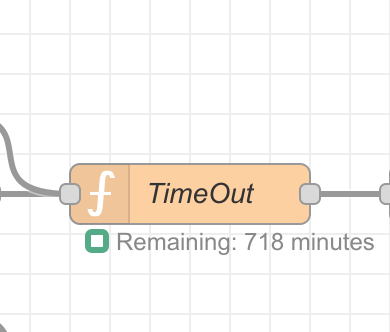
I added the remaining time in the function before the alert is sent
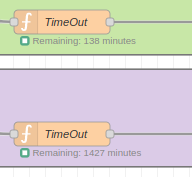
4. inject: Send a Payload Every Minute to Recalculate Time in the Function
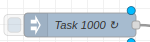
Add an inject object
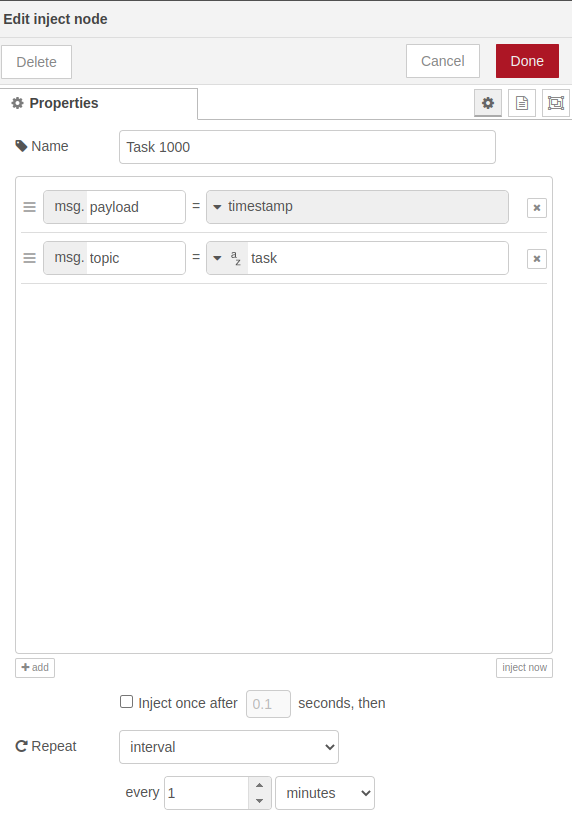
Set the topic to task. This topic is used in the function. If you change it, you will need to modify the function code.
Then set an interval of every minute
5. function: Create Text for Telegram
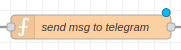
Add a function object
You will need to insert your chatId and you can customize your message
msg.payload={};
msg.payload.chatId ="******";
msg.payload.content = "[ALERT] Loss of communication with the thermometer! Check the battery of this device!";
msg.payload.type = "message";
return msg;
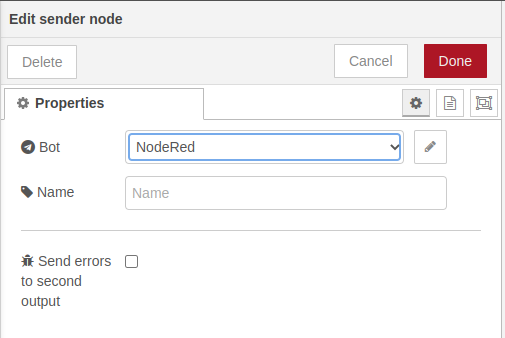
6. telegram sender: Send Message
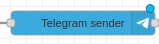
Add a telegram sender object
Specify your telegram bot for nodered
 Thank you very much!