Since I don’t have all the required features (for now) on some of my Zigbee devices, I wanted to test via Node-RED. (I also plan to get a Schneider module not managed by Zigbee2MQTT for one of my shutters)
So I followed the installation video and when I want to integrate my new device (not a sensor, my IKEA switch here) MQTT it does not appear in the dashboard.
Node-RED install OK
MQTT via the graphical interface OK
I restarted Zigbee2MQTT and Eclipse-Mosquitto: No improvement
Connection of Node-RED to MQTT: OK (alone)
Well, with a sensor it appears well in the dashboard choices.
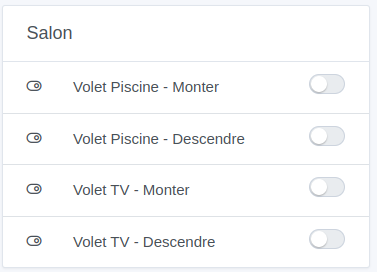
for my initial problem: I followed the video and got stuck at 22:43, the created device does not appear in the list of devices in the selected room on the dashboard.
For me, I want to use node-red as a « temporary » solution to integration issues with certain devices I own (carbon monoxide detector, Ikea On/Off button) as well as devices not supported by zigbee2mqtt (a Schneider micro module for roller shutters).
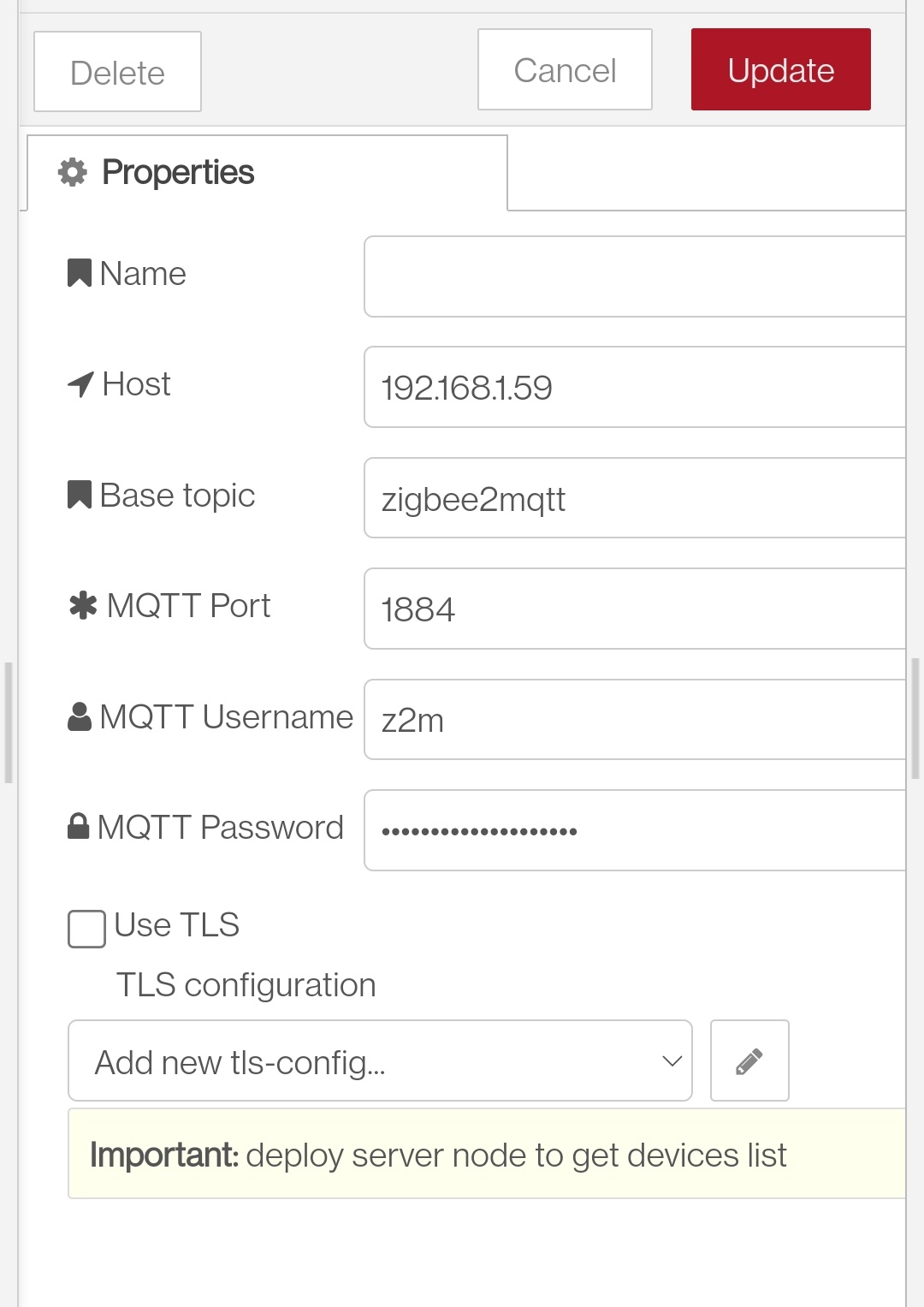
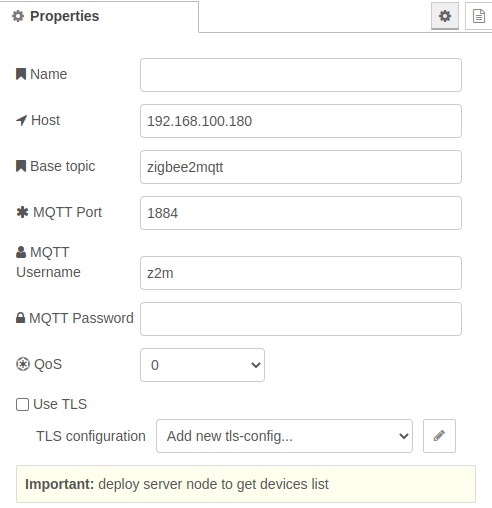
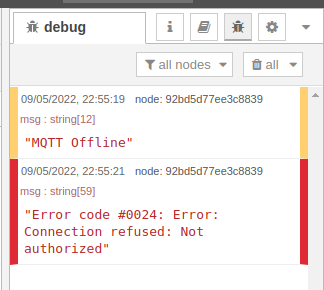
Otherwise, I tried to connect node-red to zigbee2mqtt or to my key but failed in both cases. I get no list. I did retrieve the z2m or gladys passwords.
Thanks. I was stuck on the MQTT address: localhost… not used to Docker. Just have to think of it as « servers » (well noted the quotation marks because I know there’s no OS) and therefore localhost doesn’t leave the Docker
[edit] it’s okay I managed to handle the Ikea on/off button (but don’t forget to check the box « Run only when the threshold is passed (and not for each value sent) » for the scene otherwise it has a strobe effect lol)
well I’m going to tackle the Heiman and then I’ll try the roller shutter when I receive the module
I am sure of the address and I set the password myself from the z2m interface (port 8080)
However, in the meantime I don’t know what happened, but I tried to restart my container, thinking it might help… it restarts in a loop
Here’s the output of the command docker logs gladys-z2m-zigbee2mqtt:
Zigbee2MQTT:info 2022-05-09 21:10:23: Connecting to MQTT server at mqtt://localhost:1884
Zigbee2MQTT:debug 2022-05-09 21:10:23: Using MQTT keepalive: 60
Zigbee2MQTT:debug 2022-05-09 21
So yes, you changed the password on the zigbee2mqtt side, but the mqtt container isn’t aware of it — it wants the old one (the one generated by gladys), so it refuses the connection, which is normal.
The only way is to go into the database to retrieve the password. (not available in the gladys interface at the moment)
I’ll give you the procedure tomorrow if I find a bit of time (I don’t have the energy right now)