**Hello,
I remember this topic was raised but then forgotten. So since I’m interested in it, I’m bringing it up again.
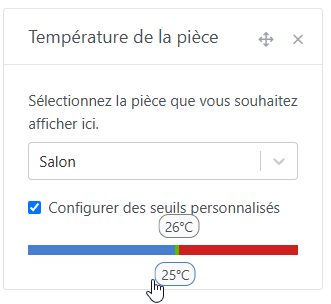
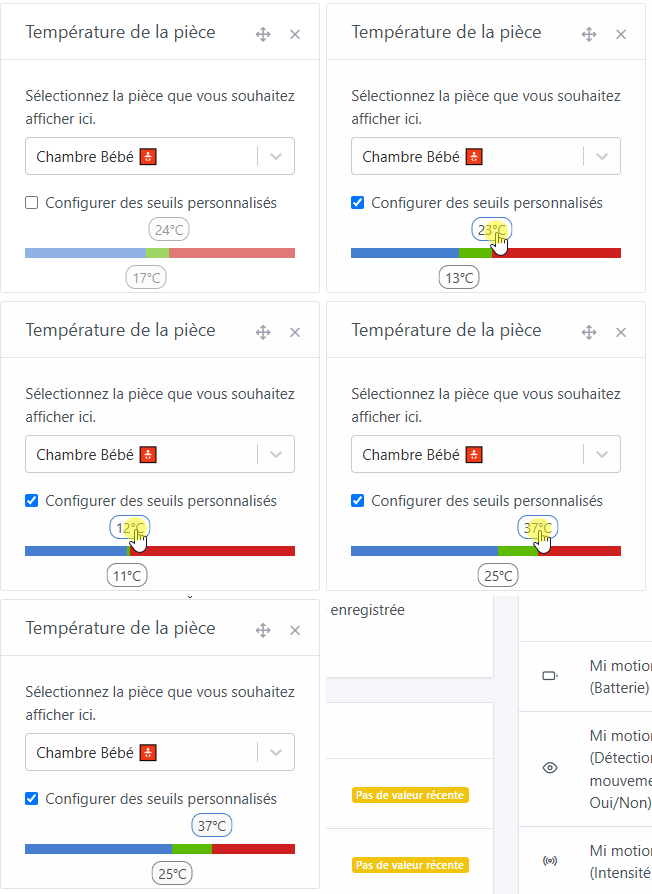
This is about being able to set the temperature thresholds to the nearest degree. Currently we can do it, but the problem is that between the low threshold setting and the high threshold setting there is a fixed 10°C gap that cannot be compressed. In other words, when you raise the low threshold, the high threshold shifts accordingly, maintaining a 10°C gap; and vice versa. Couldn’t we reduce that gap to just 1°C?
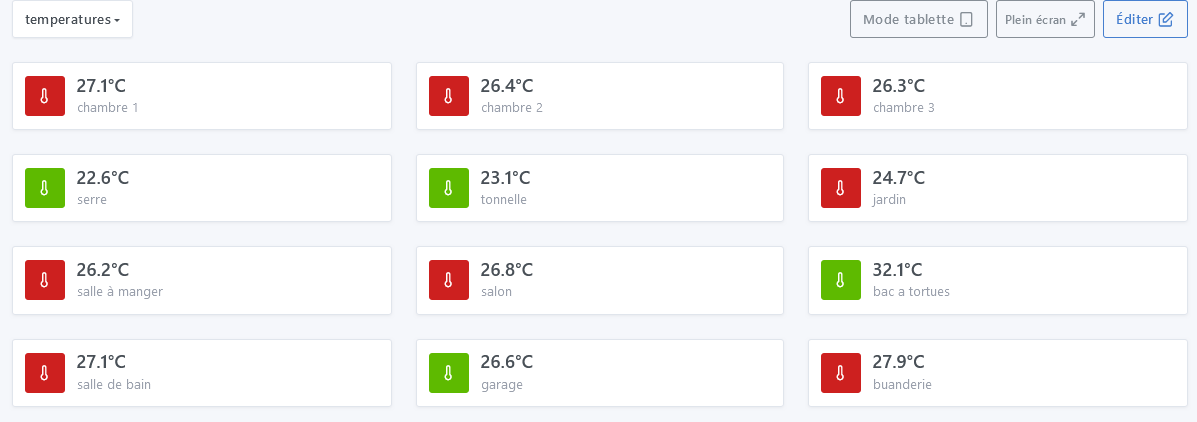
Do these thresholds only serve to change the colors of the room temperature icons? I use them to visualize my rooms’ temperatures at a glance
Thanks for bringing the topic back up!
Indeed, I had the same thought recently and this improvement would be welcome.
However, I remember that the problem with being able to make the adjustment to the nearest degree was that the sliders overlapped.
So we should try to find a compromise between useful and usable.
Maybe a minimum threshold of 4 or 5 degrees?
I’d prefer to have the adjustment to the nearest degree; for the overlap I don’t think it’s that serious, since it’s only used for the setup and you don’t see it afterward. The problem is being able to select the right slider when they’re on top of each other.
be able to modify the min/max of the threshold bar.
have the option to fill via text fields (even though I find the selector very nice, in this case it clearly prevents desirable flexibility for each user)
separate min selector and max selector, so a blue/green selector and a green/red one below (already suggested, I believe)
Good evening everyone,
I’m bringing this topic back up because I see solutions checked everywhere but the problem is not fixed, as the temperature thresholds for the rooms still have a 10-degree adjustment gap between the min and the max. It would be preferable to have only a 1-degree gap; that would allow temperature regulation in the rooms.
Good evening @Terdious
For me the presentation is fine, I’d just like the min-max temperature difference to be only one degree instead of the 10 currently. I hope I answered your question correctly
Thanks for taking an interest in the subject.
@pierre-gilles,
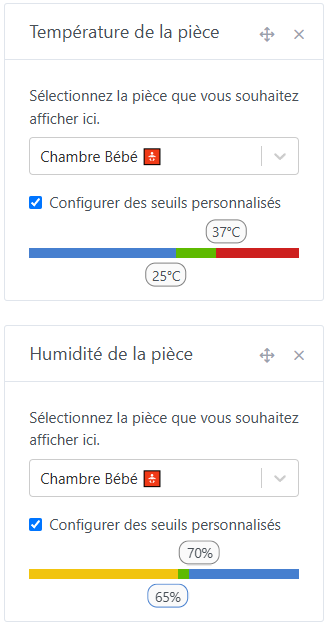
I only think of it afterwards because I don’t use it, even though we’re on the topic « room temperature », should I replicate for « room humidity » in the same PR?
Would therefore give: