Since yesterday, my scenes with HTTP request actions no longer work:
Here is what I have as an action:
Method: Post
URL: http://MyIP/cm?cmnd=Power1%20off
No Header or Body
If I put this URL in my browser, it correctly controls my Sonoff
But since yesterday, this scene no longer controls the Sonoff (is this related to the switch to V4.0.7?)
I have about ten scenes working this way and none of them work anymore
After the MQTT functionality that failed, now HTTP no longer wants to work, maybe I’m unlucky
Do you have any idea where this could come from?
Thank you in advance
Indeed @AlexTrovato, I do use this integration to have the switches available in the Dashboard.
However, as I have Dual modules, Gladys does not yet know how to manage the 2 switches present in a scene, I only have access to the first one… (unless I missed an episode but I double-checked).
This issue is present whether in MQTT or HTTP
I’ve just done a few tests to find a workaround
If I put any character in the Body, it works (beware a « space » doesn’t work…)
Until the fix is deployed in production, if anyone has the same issue as me, this might help.
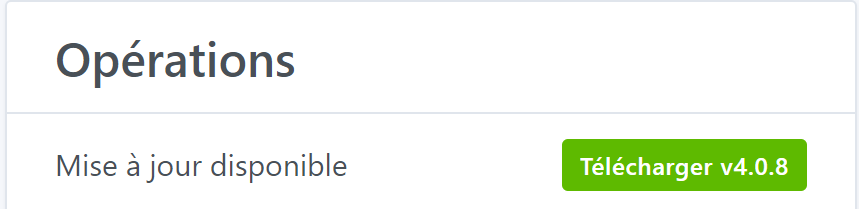
The first time I clicked on it, it downloaded and displayed: « Restart Gladys » but nothing happened. When I refresh the page, I go back to: « Download v4.0.8 ». I also manually restarted Gladys, but nothing works, I’m still on v4.0.7.
Hello @Flitch33, let Gladys update herself, it’s simpler I’m going to remove this button because recent changes on the docker hub side mean we’re limited on the number of pulls we can make per day, and I think that’s what’s preventing the update.
Do you have a watchtower container running? (You can see it on the same page, on the right in the list of containers)