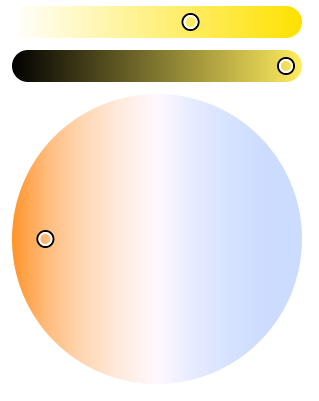
First of all, it is important to thank @AlexTrovato for his work and for this PR that all color bulb owners have been waiting for.
A quick review of the usage:
1- When you arrive on the Dashboard, the box is initially gray and does not contain the current color. Also, if you change the color, the box takes on the color, but as soon as you refresh, the box turns gray again. Known issue during testing, will a PR be planned?
2- When opening the color-picker, whether on the browser dashboard (Chrome) or on the phone, the window goes all the way down, hiding the room boxes and device features. Is it possible to avoid this automatic sliding phenomenon and only do it if necessary (feature at the bottom of the page = scroll the window up by the height of the color picker only).
Small GIF to visualize points 1 and 2
Apart from that, it is very pleasant to be able to control this directly from Gladys. Looking forward to Temperature and Luminosity ^^
Edit: The GIF does not work apparently, sorry. I made several attempts, the file uploads well, the link is  but nothing appears in the preview. I made several attempts with files from 2 to 4MB but nothing more.
And yet, there isn’t all the Netatmo equipment yet… It’s going to be unreadable after that! Can’t wait for the multi-Dashboard ^^ In the short term, a search field might be a solution!!
For issue 1, I think that depending on the poll interval, the actual value of the bulb has not yet been retrieved when you go to the Dashboard (right after adding the device).
You can try adding the device and wait for the first poll to occur to check?
No issues on that front @cicoub13, the tests were conducted a few hours after the addition. Moreover, once the color is selected for the first time, it is stored in the DB as « last_value » in the t_device_feature table. Therefore, even if the poll had not yet occurred, upon page refresh, it should have retained the previously selected color.
Are you experiencing different behavior on your end?
For this point, the Philips Hue poll only acts on the binary on/off for now because there was no color until now, it’s a « normal » oversight, the feature needs to be developed
See code:
After that, outside of the poll, there is still a problem I think!