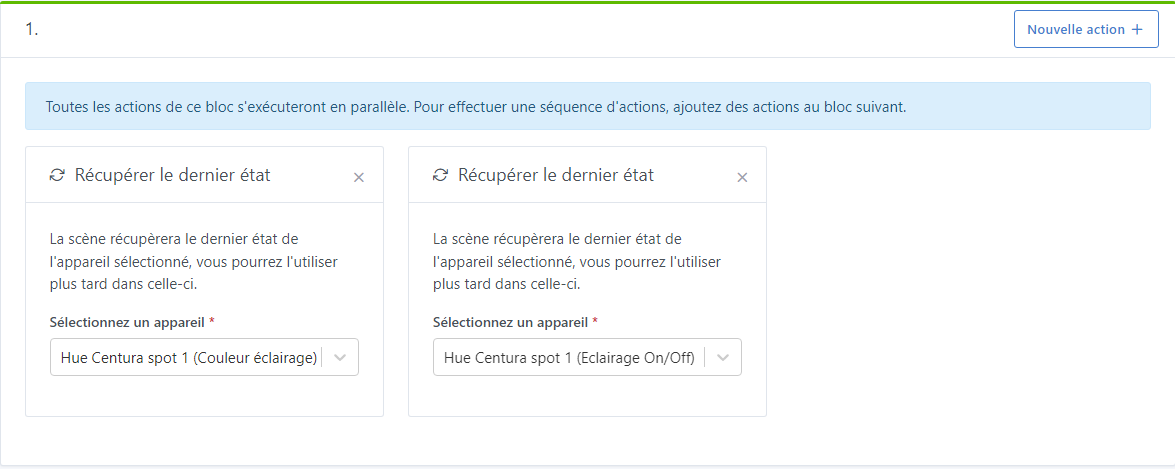
You can retrieve the state of an element to put it into a variable → very good
However, how can one restore a device to the state stored in the variable (the state at the beginning of a scene) at the end of the scene?
I’ll explain with an example:
I want to make certain Philips Hue lamps blink blue when the oven program or the cooktop finishes (in the bathroom for example since you can’t hear the oven’s sound upstairs).
However, once I’m done making it blink, I’d like my lamp to regain its state from before the blinking. Was it off? On? Brightness 80%? White color? etc …
It is possible to control a device but in « value », the ability to assign it the variable is missing…
I tested it this morning and unfortunately it doesn’t work.
My case concerns Philips Hue lamps. Before reporting a bug on this new feature, I’ll wait for someone to first fix the existing issues with Philips Hue. I had opened an issue on GitHub (Philips Hue - Issue with state · Issue #1690 · GladysAssistant/Gladys · GitHub) but unfortunately, nobody wants to touch it
I then do my tinkering… I turn it green, I turn it off and I loop it to make it blink.
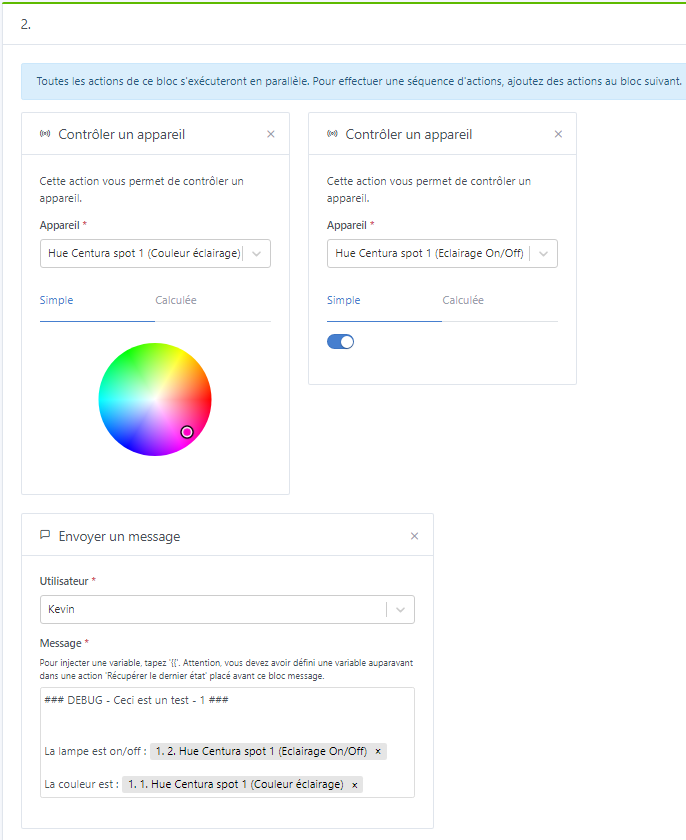
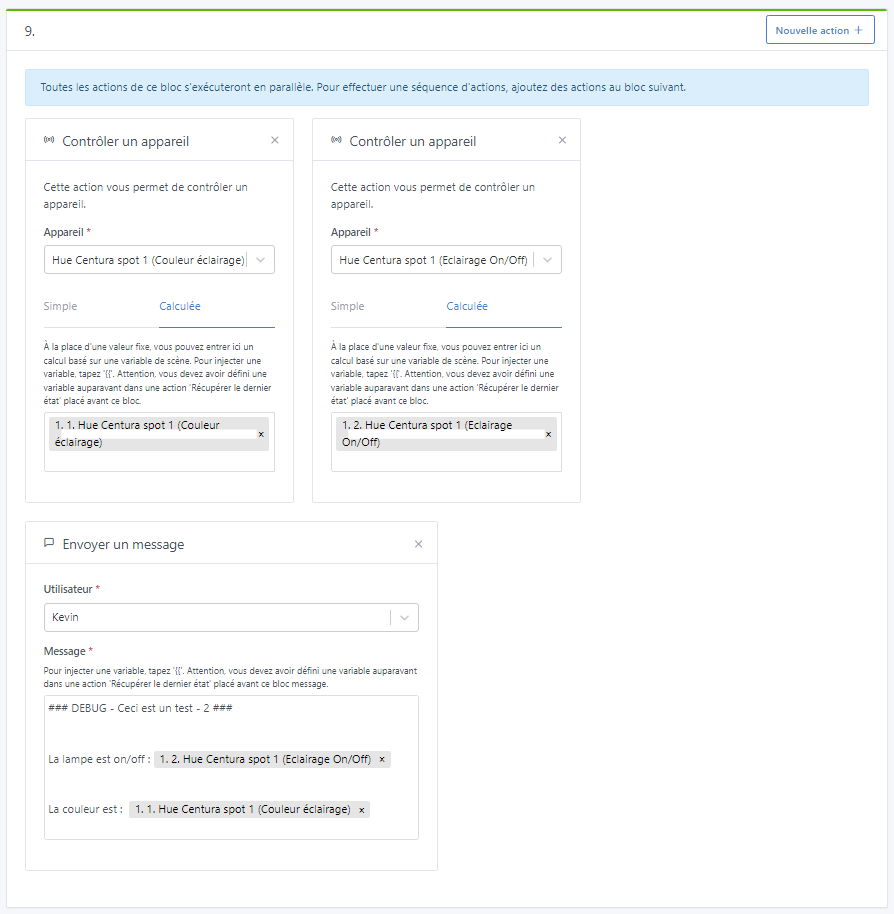
Once finished, I tell it to return to the initial state → pink and on.
And then, the bulb stays green or else it turns off.
That’s why I’m waiting to see what happens once Philips Hue is fixed before giving my opinion on this feature.
That doesn’t change anything for this use case; the only thing that isn’t implemented on the Philips Hue integration side is the color update in Gladys when the bulb’s color is changed by an external action (your Hue app, for example), which is not the case here
Can you add logs at each step of the scene using the « Send a message » action and inserting your variables? That will let you see how the different variables evolve
The lamp is physically on, it sometimes reads state 0.
For now, it consistently reads the color 16711875 (the pink indicated at step 2)
For the on/off, I wonder if you need to wait more than a minute with polling for it to retrieve the correct state.
For the color, it won’t change; it always stays at the same value…
I hope this helps to better understand the problem.
Regarding the color, I get it!
Given that there is a Philips Hue bug, if I manually change my color in the Philips Hue app, the information doesn’t reach Gladys and Gladys keeps remembering pink constantly, even if my lamp is green.
If I change the lamp color via the Gladys dashboard, the variable will have a different value and Gladys records the correct information.
However, no matter the scenario, inserting variables at the end of my scene doesn’t seem to work.
And the variable’s value changes during the scene… My lamp that was correctly green becomes pink again at the variable level according to the message with the variable’s value.
Value at the beginning: 65293
Value at the end: 16711875
Can you run a test with « virtual » devices ( you create them in the MQTT integration ), just to confirm that it’s indeed a bug in how scenes work, and not a bug related to the Philips Hue integration (I don’t think it’s related) ?
The Philips Hue bug causes a problem in retrieving the initial value.
BUT indeed, by creating a « virtual » lamp with the on/off button and the color, I have the same behavior at the variables level. That is to say it doesn’t have the same value at the beginning and at the end…
So we can rule out the Philips Hue bug; it is not what causes a change in the variable’s value during the execution of the scene.

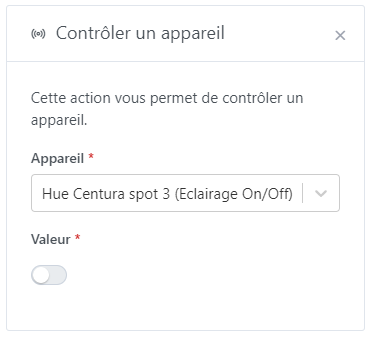
 Perfect