Hello everyone!
New Gladys release today 
Send textual values via MQTT
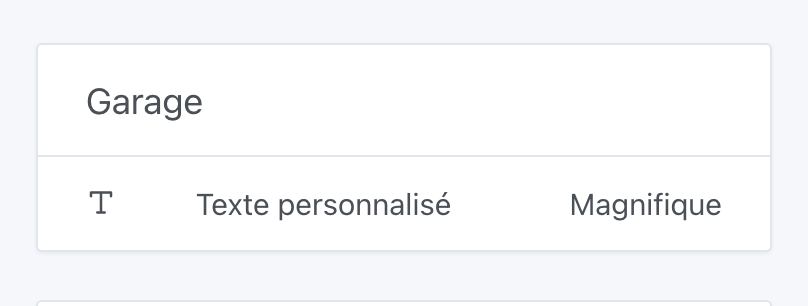
It is now possible to send textual values via MQTT to Gladys which will be displayed on the dashboard:
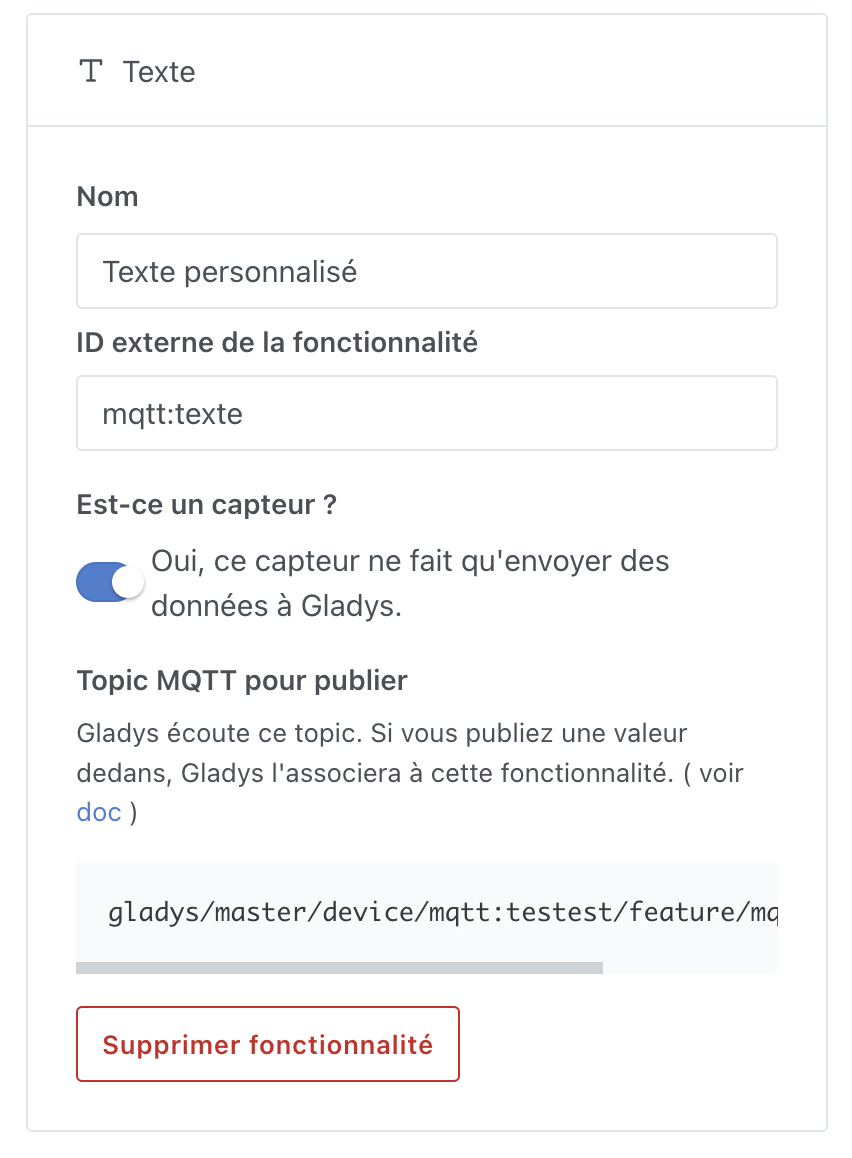
To do this, it’s very simple: just create a device with a « Text » feature in the MQTT integration:
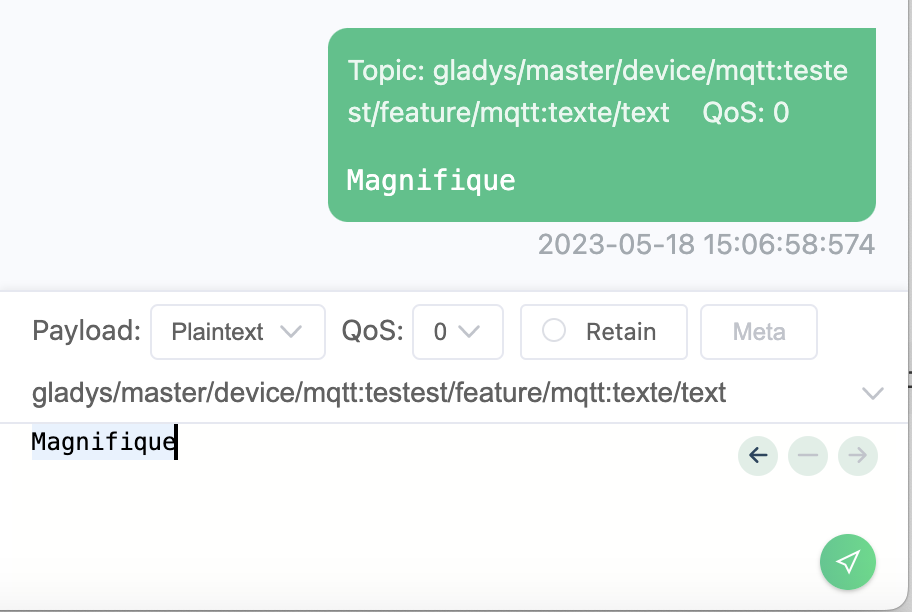
Then you need to publish a text to the provided MQTT topic:
Which will be displayed on the dashboard
The documentation has been updated:
Zigbee compatibility with PM2.5 / Formaldehyde sensors
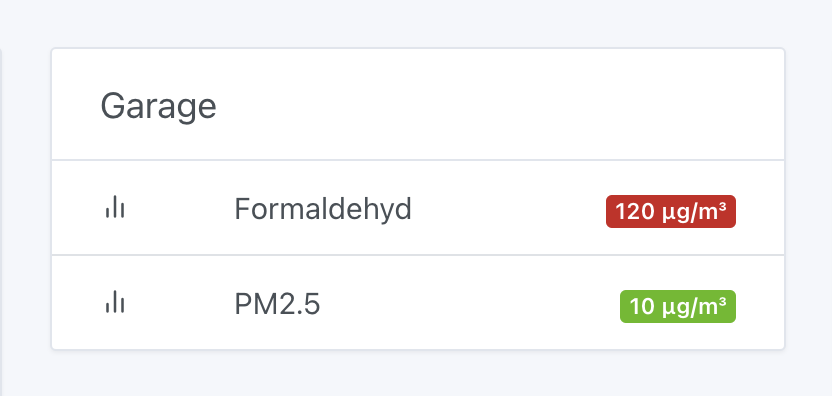
I bought a Zigbee air quality sensor (PM2.5 / temperature / humidity / CO2 / formaldehyde), the Smart Air HouseKeeper, and it is now compatible with Gladys!

In Gladys:
Fix for a scene variables bug
@Kevin had noticed a bug when running a scene: retrieving a device state at the start of a scene was « polluted » by any modification of that device during the scene (which is unfortunate for reverting to the initial state)
The bug is now fixed
The full changelog is available here.
How to update?
If you installed Gladys using the official Raspberry Pi OS image, your instances will update automatically in the next few hours. This can take up to 24 hours, don’t panic.
If you installed Gladys with Docker, make sure you are using Watchtower (See the documentation)
