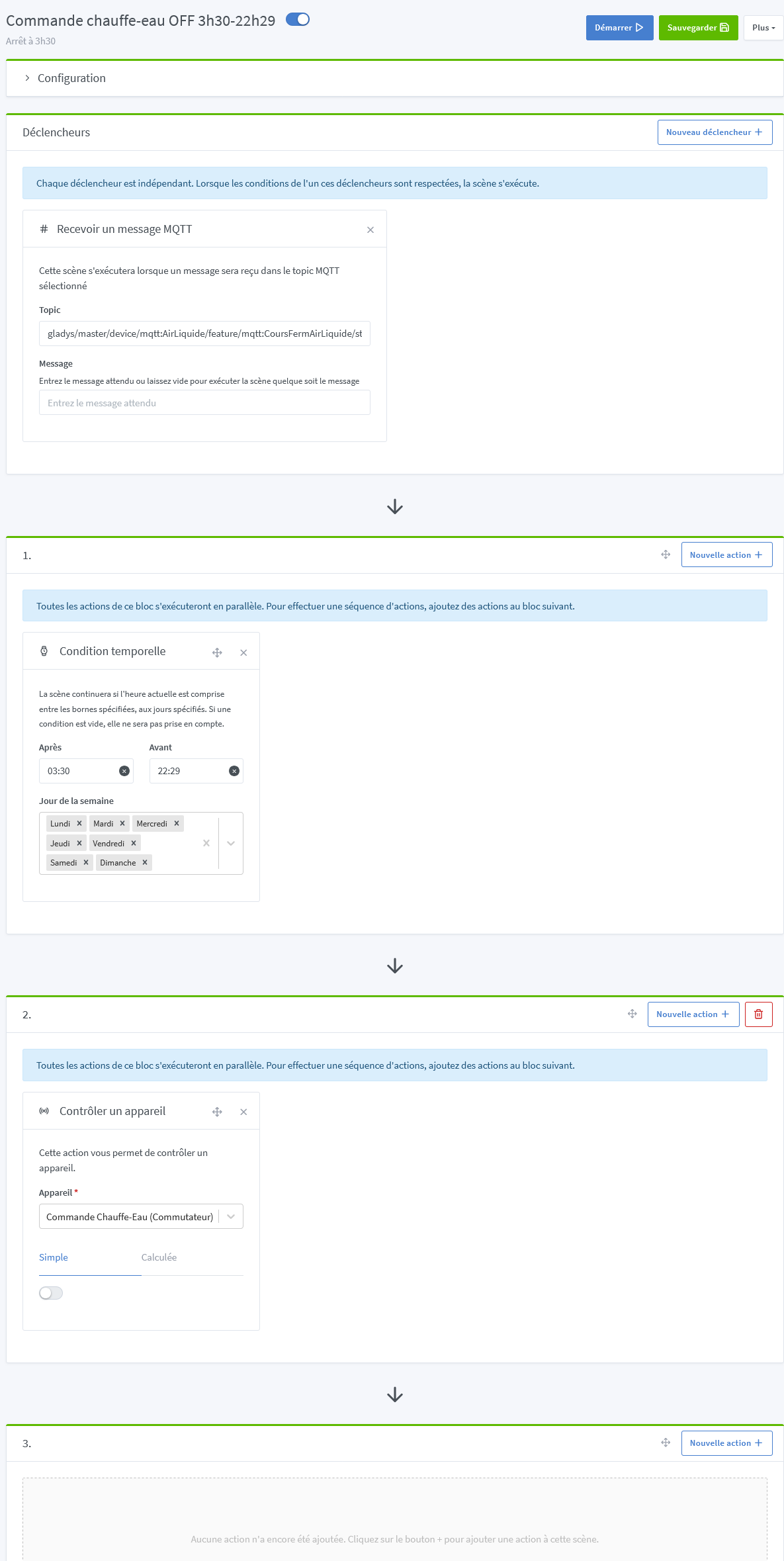
I want a scene that runs all the time.
I haven’t found the right trigger.
So I cheated by using an always-true trigger: « Device state change »: stock value > 1
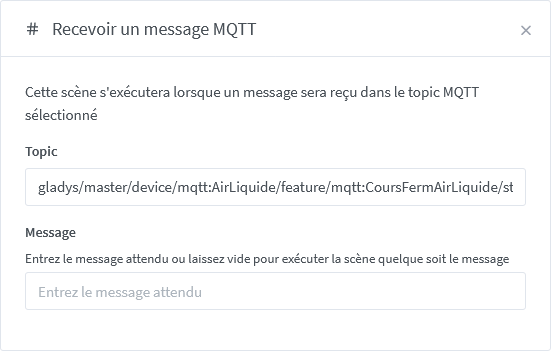
Since the scene didn’t run, I tried using the reception of an MQTT message that arrives from Node-RED every 10 minutes:
The problem is that the subsequent actions still don’t run.
When I click Start, it works.
What did you set as the trigger? I don’t think you can leave it empty…
However, it’s written in the trigger:
By the way there’s a
I see that you’re using an MQTT topic specific to a Gladys device — why not use a more « custom » MQTT topic?
I remind you that you can put whatever you want in the « Topic » field, so you might as well use something that isn’t already used by Gladys elsewhere
Example:
« gladys/custom/scene/commande-chauffe-eau/start »