Hi Pierre-Gilles je constate souvent (Firefox on Linux) que mes valeurs de température ont des valeurs exorbitante (71) je suppose que se sont des Fahrenheit J’actualise la page et tout rentre dans l’ordre (cela se produit que je sois en Zigbee2MQTT 1.42.0 ou 2.3.0)
Hi @bjm 
I moved your message into a new thread.
There must be a conversion issue with the « live » values that are coming through without conversion — I’ll look into that and get back to you.
@bjm I’m getting back to you — I just ran some tests and everything is working perfectly on my end.
Is your sensor reporting its temperature as Fahrenheit?

On the Zigbee2mqtt side, what temperature do you see?


Really weird your °C/°F problem 
Is your Chrome on Linux in English?
Your Firefox ESR on Linux seems to be in French, and your mobile Firefox in French too?
From your screenshots, one might think your Linux and/or browser has something set to English.
What’s strange about the units is that °C are displayed but °F aren’t.
Don’t you have a VPN or something like that that would make you appear to be abroad?
Correction: same issues on Android.
Out of an abundance of caution I clicked « Save » on all my devices in the zigbee2MQTT integrations section.
As a side effect the invert outlets function no longer works on my ZBMINI Sonoff devices, which had been working very well until this morning. When I installed ZBMINIL2 at the beginning of the year I had noticed that the invert outlets function did not work.
Regarding the VPN, no I don’t have one.
My browsers are set to French (France).
I wondered whether, when I installed the server on the mini PC, I might have localized it outside France in the settings,
but I only noticed this since we have the new graph display.
In any case, if I’m the only one affected it doesn’t bother me much, I refresh the page and it’s fine.
I had this problem too, but it disappeared — I don’t know why. It’s a LYWSD03MMC temperature sensor that was hacked to be used with an ESP32 BLE to send its value via MQTT to Gladys. What I can also say is that this temperature is displayed on 3 TBord, but it only appeared on one TB, in Fahrenheit. On one I had 24° and on the other 73. I also use Firefox. If that helps!
I should point out that the browser language, using a VPN, extensions, or anything else has no impact here 
The only thing that matters is the unit chosen in the « Profile » tab, and the device’s unit.
@bjm In your case, I suspect that it’s your account’s unit that isn’t set.
Could you go to your profile, change the unit to Fahrenheit, save, then change it back to Celsius, then save again?
If that’s it, I see the bug and I’ll make a fix
No change.
I did it in 2 ways; by going through Settings > Users
and directly from the profile picture.
I notice that even when set to Fahrenheit for display it

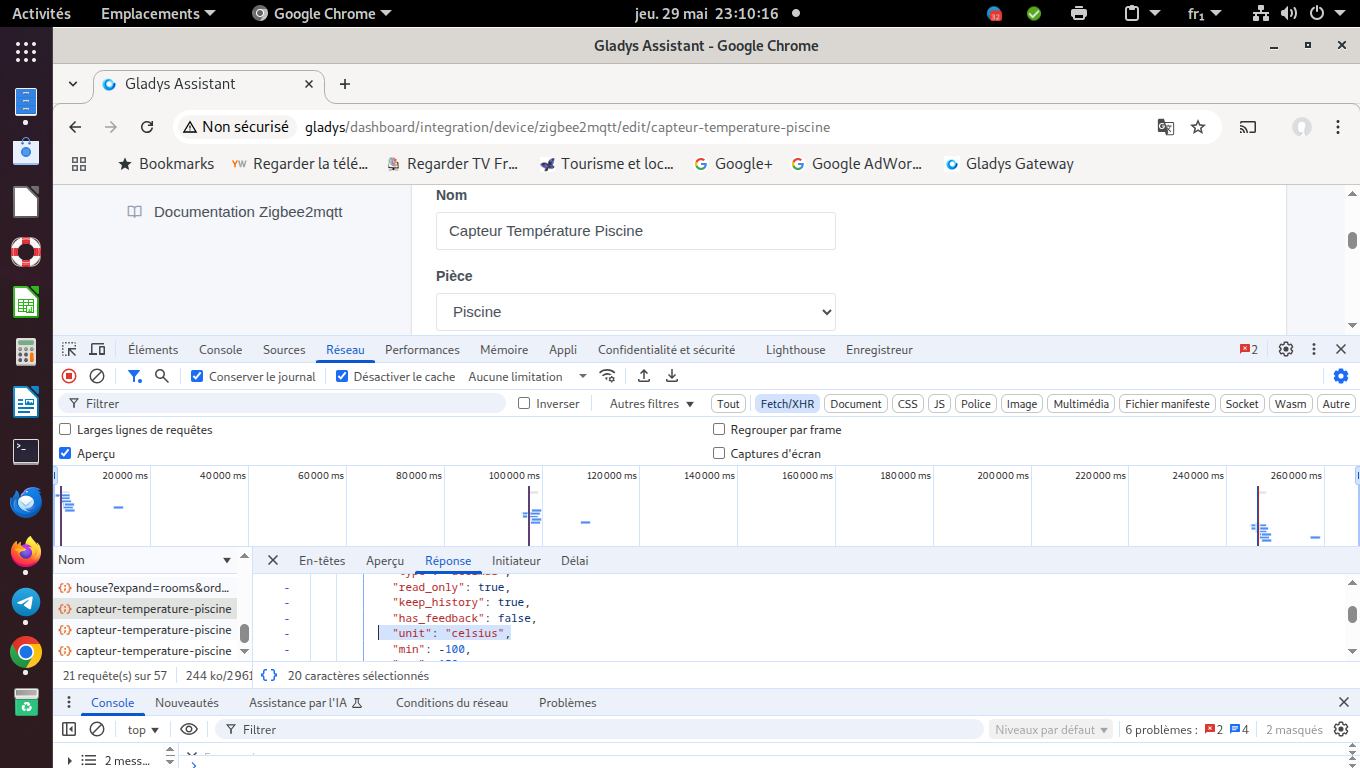
Ok, everything seems fine then.
Can you confirm that you’re using the « Devices » widget? (and not the old « Room Devices » widget?)
Our minds met this morning; I thought I was still using the « Room Devices » widget, so I changed one to « Devices » hoping to see a difference, but there was no difference.
@bjm Could we have a call and could you share your screen with me to show what’s happening? There must be something I don’t understand, it will be easier live
I’m available all day this Friday — do you have any availability?
Friday at 10:30 it should be fine.
Ok, it’s noted in my calendar
I’ll send you a link tomorrow morning privately on the forum
OK, see you tomorrow
For info, we managed to reproduce it together — the bug occurs when the user has just logged in, and only at that moment.
In my opinion, the preferences are being loaded incorrectly after reconnecting.
I’m investigating and I’ll fix it
It’s fixed in this PR:
It will be included in the next version of Gladys