This message is primarily intended for @pierre-gilles, but everyone can probably share their thoughts on it.
Being a tinkerer at heart but not a command line enthusiast, I have a small proposal: to access Gladys logs directly from the management interface. Under SETTINGS > SYSTEM seems the most appropriate.
Good evening @guim31, if it crashes, it’s not on the UI side that you will be able to check, and if gladys is running normally, there’s no need to look at the logs.
So we’re between the two, or it’s for development.
I’m also afraid that the « average » user (nothing derogatory) will report issues that aren’t actually issues.
Yes, I understand your point of view very well.
Let’s say that for example, I am a regular user who would like to find out what’s wrong… And I don’t even know how to check Gladys’s logs! Haha, shame on me, I know, but well, that’s how it is.
I think we are not at a stage of Gladys development that allows us to do without this kind of thing. Or else it’s too annoying to integrate / in relation to the expected benefit. And in that case, I’ll have to learn to check the logs via ssh
The point has already been addressed. Naturally, opinions differ
Access to logs from the front end is not planned. It’s true that it’s a beta and this would make it easy to gather information for early adopters, but PG’s point of view at the time seemed clear. No logs in the front end. Errors must be handled and reported in the form of a user-friendly message.
Our role as beta testers is to identify malfunctions and consult the logs to report the information. The role of developers is to take into account the reported bug and handle it.
It’s a bit frustrating, but it’s a step that should surely help eliminate unhandled errors - which we can only wish for a « bullet-proof » version.
Indeed, we’ve talked a lot about this on the forum in recent years My opinion remains the same!
Do you know many products that ask you to look at the logs when there’s a problem?
Personally, I don’t know any When your smartphone encounters a problem, it displays a clear popup, not a black terminal with incomprehensible logs.
For now, we’re still in intensive development of Gladys 4, so indeed some errors are not yet displayed in the UI, and I ask developers to give me their logs to improve the product.
After that, the goal is for each error to have its error message in the UI, a clear error message, and one that guides the user on how to resolve their issue. Each development is done with these constraints in mind!
I had written some guidelines here regarding this error management in the UI:
I was making a feature request and it suggested this topic to me.
So I’m digging this up
Here’s what I wrote:
It would be nice to have access to the logs in the Gladys interface.
A window where one could choose to see all logs, only statuses, or only errors.
I’m in favor of displaying contextual error messages in the right places (even showing the raw error when the error is unknown), but displaying the complete logs isn’t really Gladys’ philosophy.
Today in Gladys the topic has evolved a lot since we now have 2 patterns for surfacing errors in the interface:
When you’re in Gladys and you perform a « direct » action (add a camera, click a button, switch tabs, etc..), and there’s an error, we display the error in a blue/green/yellow/red badge depending on severity. Classic!
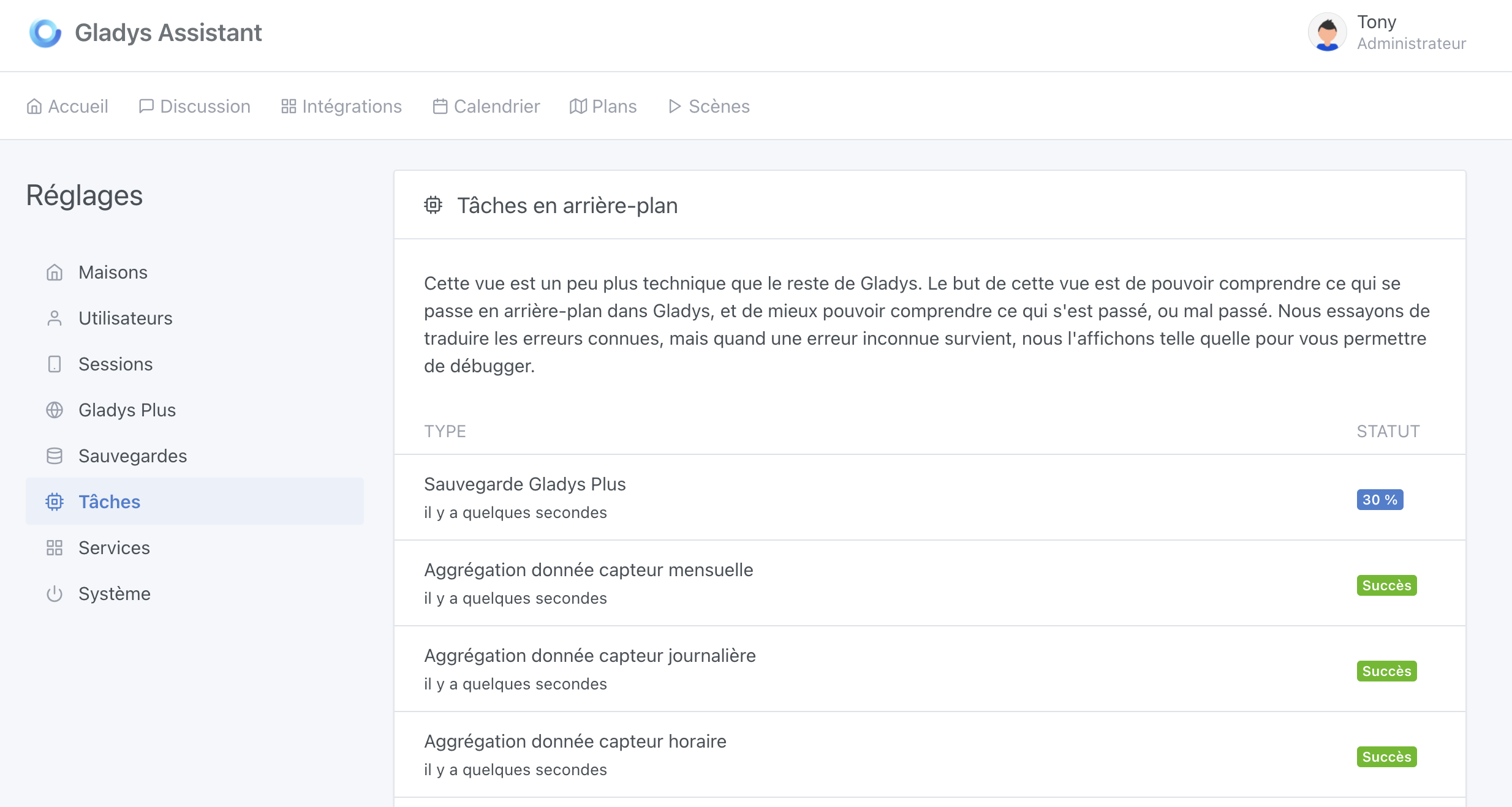
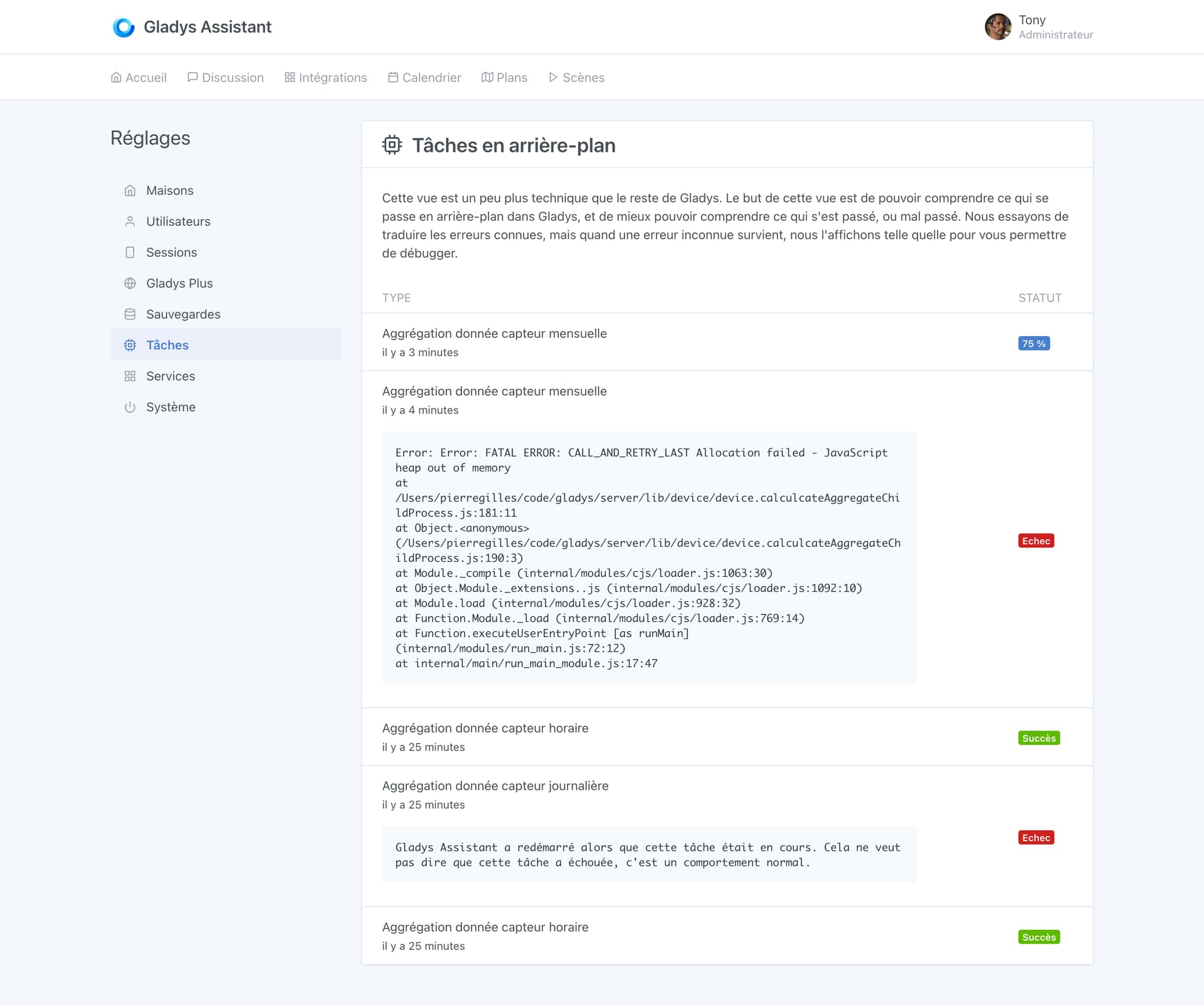
When a background task fails, we display the background task’s status and the error message in the « Background tasks » tab in settings:
Now, this tab isn’t yet applied to all background tasks; the idea would be to add everything that runs in the background (scene execution, Gladys startup, etc..), so we can debug more easily.
I was waiting for your opinion on the matter @pierre-gilles, so I went and checked the logs over SSH
I have an idea, I don’t know how good it is / if you’ve already thought of it: monitor the execution of scenes.
Because when you start having several that work together it’s sometimes tricky to keep track. One user (whose name I’ve forgotten, sorry) suggested sending Telegram messages as the scenes progress, but that’s quite tedious and it forces you to enable/disable those actions regularly.
Could we have some kind of « logs » for scenes, just something like:
2022-12-15 12:45:55 - Déclenchement de la scène ALLUMER LES LUMIERES
2022-12-15 12:56:44 - Déclenchement de la scène ALLUMER LE RADIATEUR
2022-12-15 12:45:55 - Arrêt de la scène SURVEILLANCE
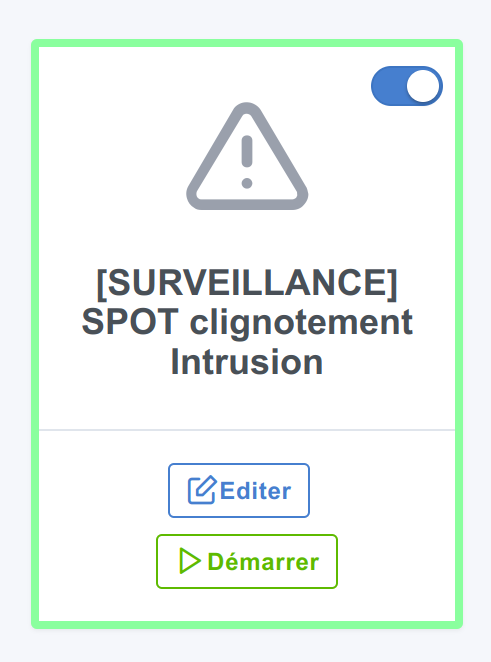
I had also thought that on the scenes page, a scene currently running could be displayed differently (example here with a border around):


 When your smartphone encounters a problem, it displays a clear popup, not a black terminal with incomprehensible logs.