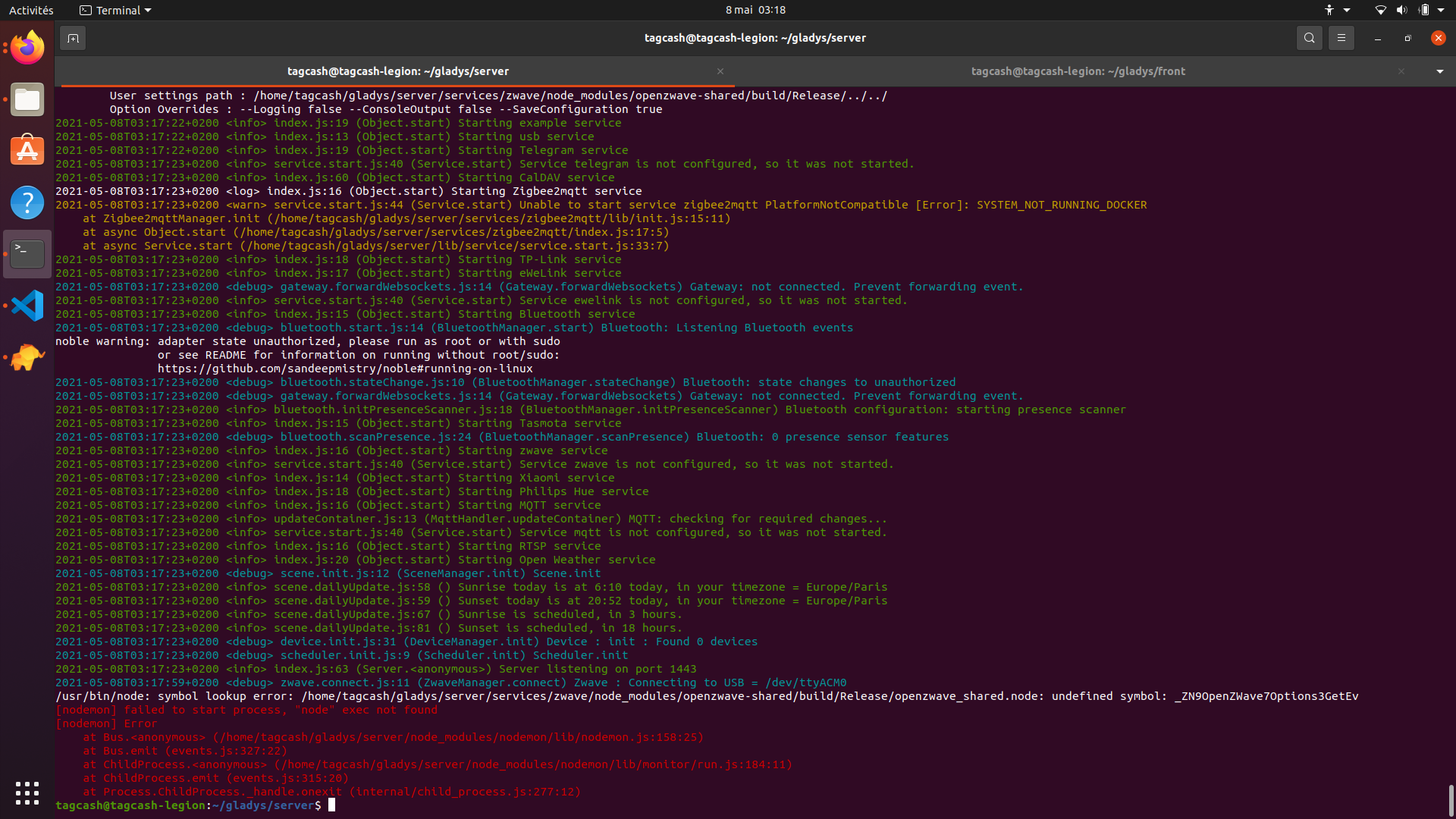
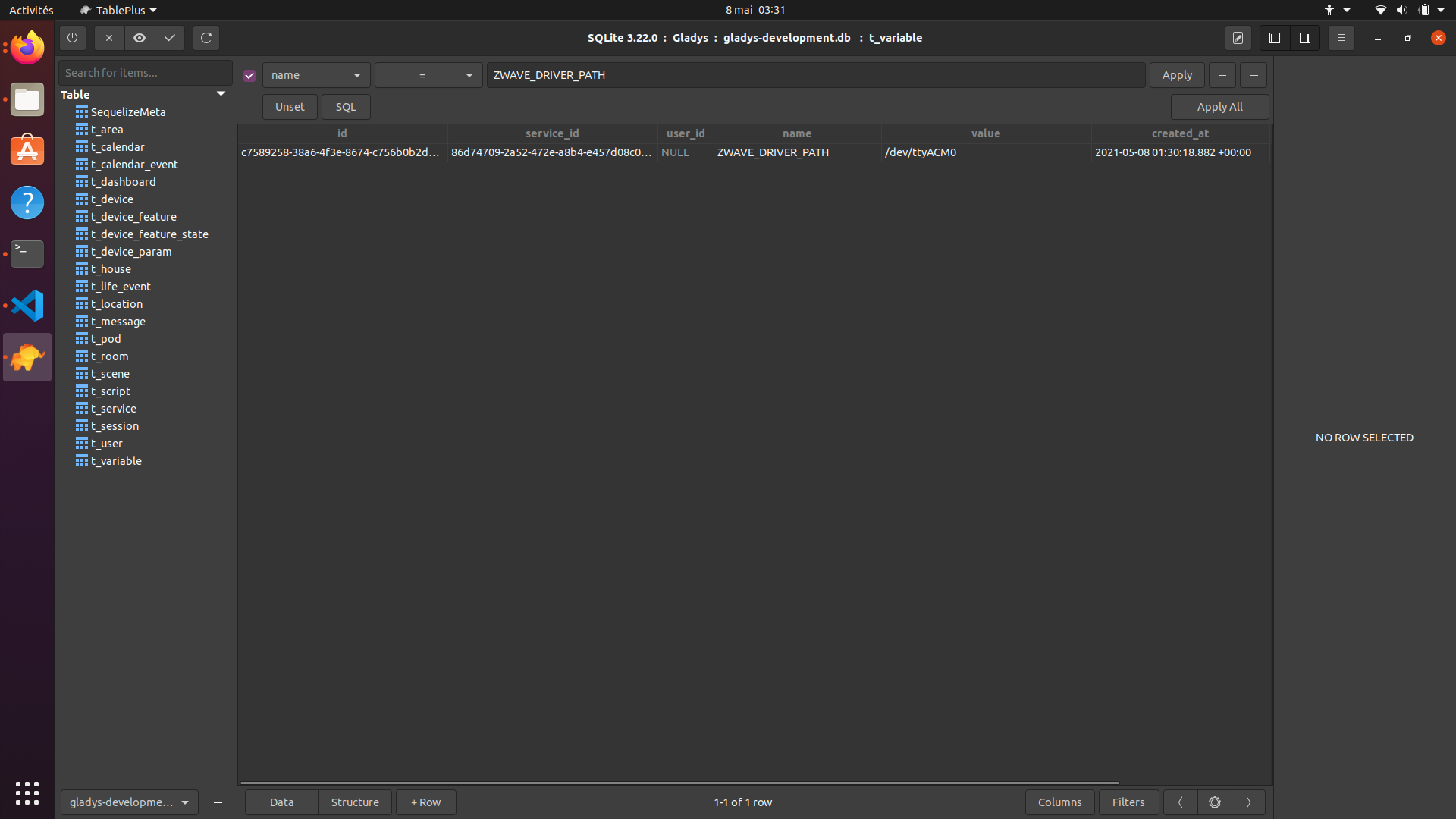
And for the DB, here’s what is inserted… I don’t think there’s a problem yet when I delete this line the server can start normally otherwise I always have the error « failed to start process »
PS: I saw somewhere on the web that you need to add this in the package…: "dev": "nodemon --exec \"ts-node --cache-directory .tscache\" ./src/www.ts" or "dev": "nodemon src/index.ts"
instead of: "dev": "nodemon --exec 'ts-node --cache-directory .tscache' ./src/www.ts"
The one recommended in the Doc: Aeotec Z-Stick GEN5
But I didn’t have any issues when I used Gladys on the Raspberry Pi, it’s really just in dev mode and it has worked on Windows, so it’s probably not related to the dongle unless it’s different on Linux…
In the documentation, nothing is recommended, in the list of compatible hardware, there is everything that has been physically tested by the community.
I lean more towards a USB device lock issue. Access to the dongle must be exclusive, I was bothered because of that.
It’s not in production after that, our GitHub flow is a « master » which is the branch where all branches are merged, we regularly publish Docker images tagged « dev » that point to the latest commit of master.
And regularly, after testing, we make a Git tag that will trigger a Docker build at a given commit on master.
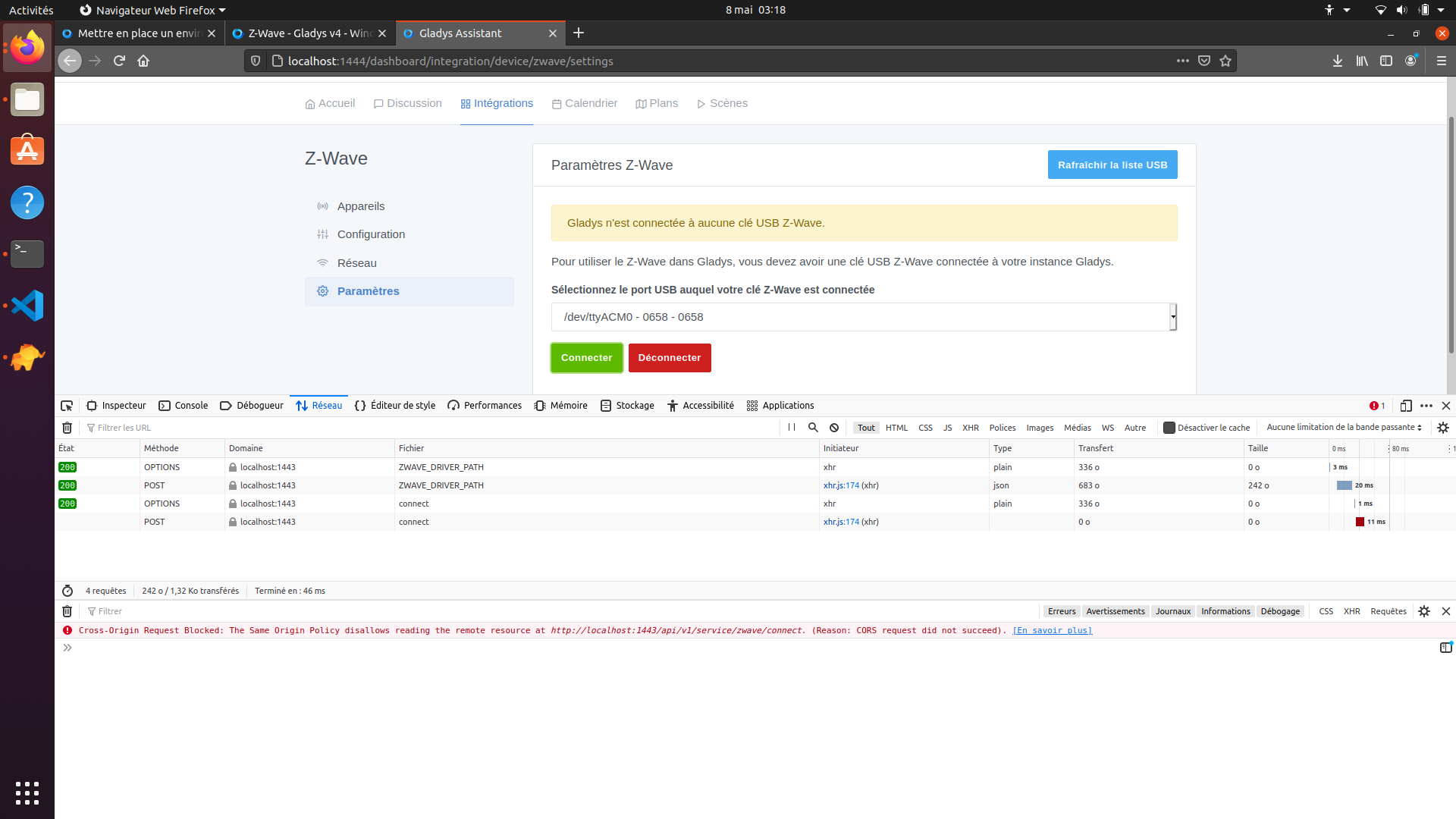
Hello, Do you happen to have any idea what might be causing my error? : POST http://localhost:1443/api/v1/service/zwave/connect → {"status":404,"code":"NOT_FOUND","message":"Route /v1/service/zwave/connect not found"}
Then I downloaded libopenzwave1.5-dev from: Ubuntu – Error and I added a line to the /etc/apt/sources.list file:
deb http://*cz.archive.ubuntu.com/ubuntu* focal main multiverse
Then I followed the doc
git clone https://github.com/GladysAssistant/Gladys gladys && cd gladys
cd server
npm install
npm run db-migrate:dev
npm start
Opening a new tab in the terminal cd front npm install npm start
Then I encountered the problem when I added the key, the server crashed, and I was able to resolve it by following the procedure found in a README-ubuntu.md
git clone https://github.com/OpenZWave/open-zwave.git
cd open-zwave
git checkout 5d18bbfb21d8cdc61ee6baae6f478c963297dfc5
make
sudo make install
sudo sh -c "echo '/usr/local/lib64' > /etc/ld.so.conf.d/openzwave.conf"
sudo ldconfig
cd && rm -rf open-zwave
Next, make sure the npm packages are correctly installed and that Gladys starts without errors.
Then configure the zwave service in Gladys because the error, in my opinion, is not related to your dongle but to Gladys. I don’t see why you would have a 404 on this route.
 even if it’s not said textually, you are recommended to take this dongle.


