Can I assume that device compatibility is improved and that compatibility with older devices is maintained?
(to know if I propose the review of the PR)
If we ever deploy this version to everyone, will everyone be forced to disconnect/reconnect all their devices in Gladys (which we don’t want, as it will break everything: existing scenarios, etc.), or will everything work without any manipulation for anyone?
Will this break scenarios? For example, if you have already created a scenario in Gladys that involves a Zigbee2mqtt device configured in the old integration, if we switch to the new one, will your old scenario continue to work?
I responded incorrectly, but in my tests everything is functional.
I meant to say « It works without breaking the existing system and if the user wants to update their devices, it also does so without breaking compatibility. »
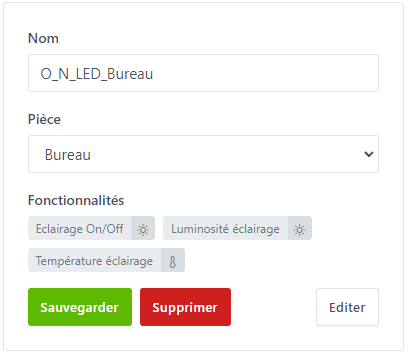
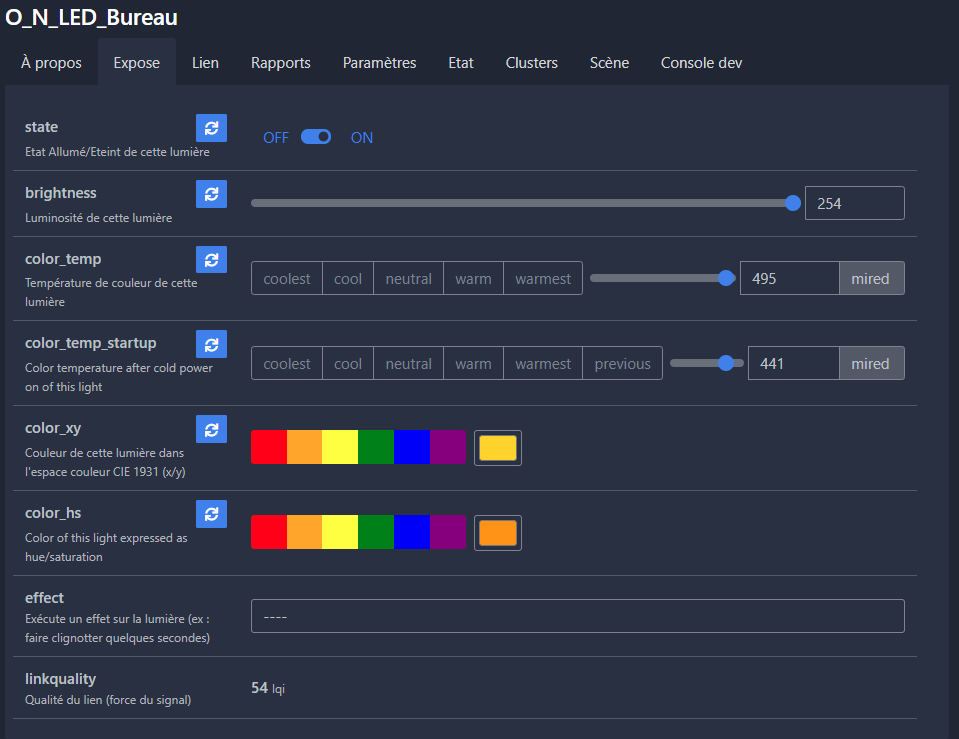
Hello, on my side everything seems okay after removing and re-adding the devices, however, it seems some mappings are missing. I have an LED controller (RGBWW) that allows me, among other things, to control the warmth of the white or the color, but only the whites are managed in Gladys:
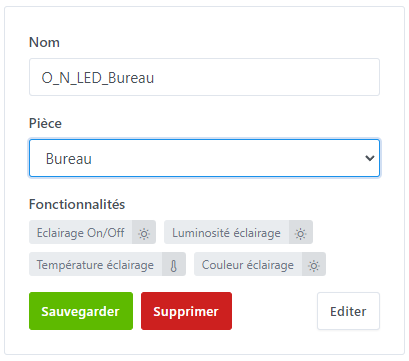
Haha I found the color, I had done all the code, but I forgot to load the mapping file.
I’m launching a new version of the image tonight (up to date with the latest changes), it should be ready tomorrow
Well, I’m cheating a little, on the new (new) image, I’m adding a 2nd feature (separate PR), the « Update » button on the device discovery page, so that you don’t have to delete the already registered device to add the new one, BUT I haven’t tested it (still no zigbee2mqtt device )
I’m taking the initiative to add this feature in addition to the other one so you don’t have to test twice.
However, if there are any problems, we’ll go back to testing with a smaller scope, step by step.
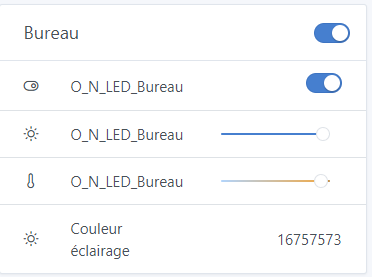
It seems to work better indeed for the color feature that is detected, but I thought we finally had a color selector, is it not yet integrated in Gladys?


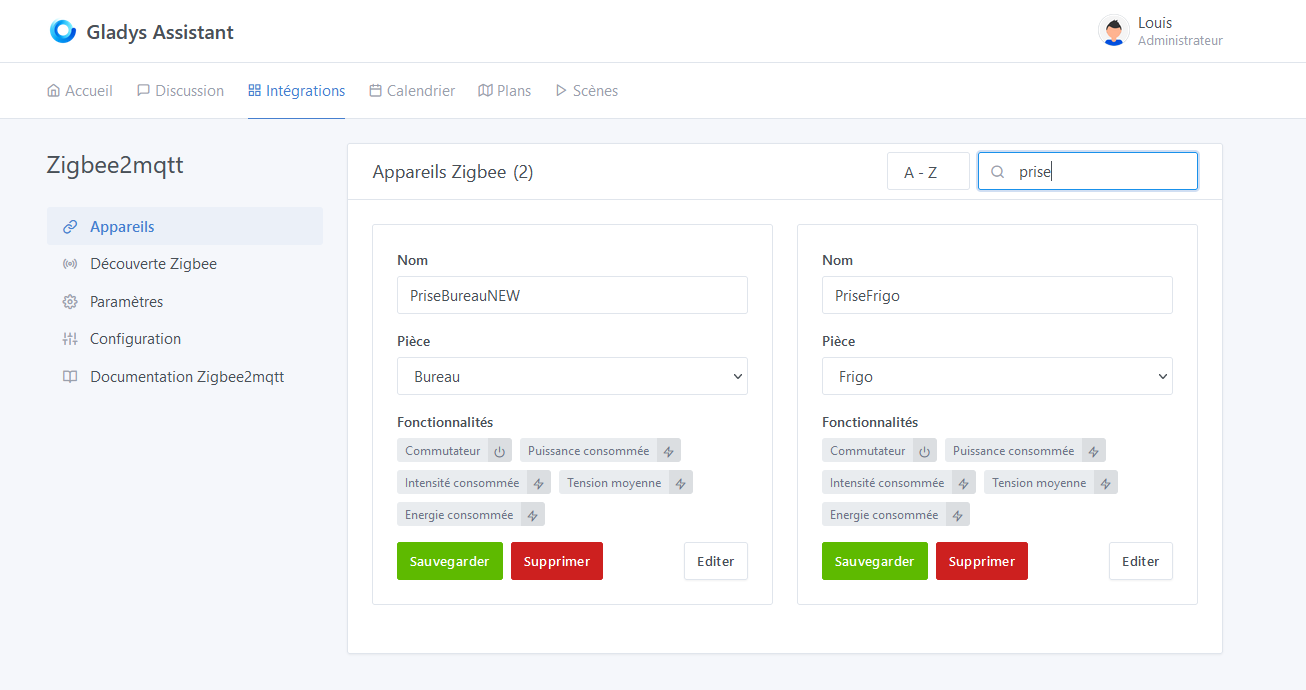
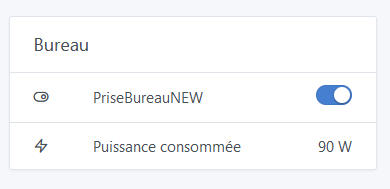


 That was my only way to measure my fridge’s consumption. But coupled with a temperature sensor in the fridge, it’s super interesting!
 )
)