Hello community,
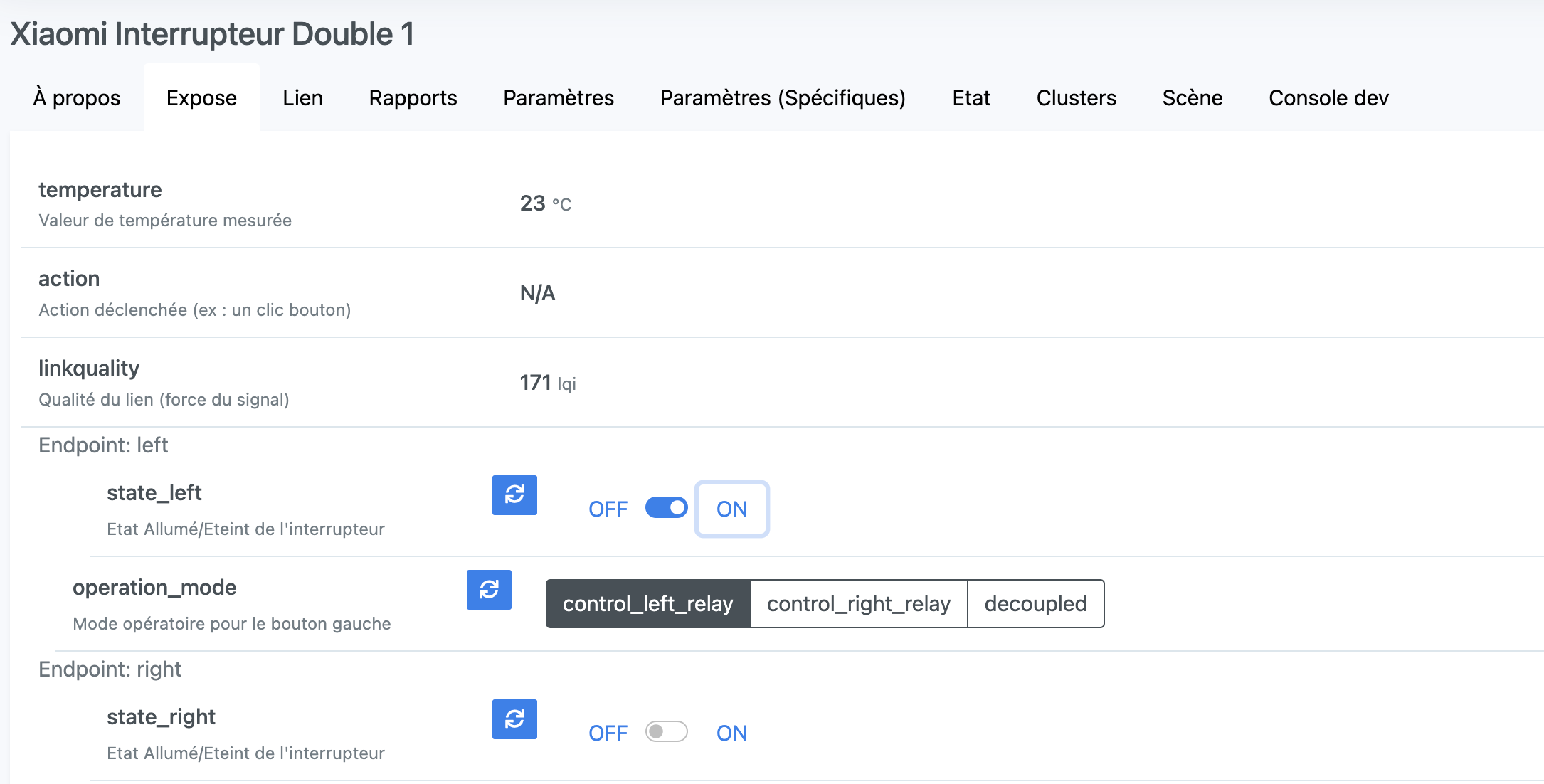
I have integrated my 2 Xiaomi double button switches via Zigbee2mqtt (model Xiaomi QBKG03LM)
I have the status feedback (switch) in the dashboard but now what should I do to be able to manage it via gladys?
Hello community,
I have integrated my 2 Xiaomi double button switches via Zigbee2mqtt (model Xiaomi QBKG03LM)
I have the status feedback (switch) in the dashboard but now what should I do to be able to manage it via gladys?
You can use scenes to trigger actions based on your buttons
I would like an actuator in the dashboard especially.
On a scene, I don’t necessarily have an actuator for the living room or dining room light.
In the hallway for a night light with motion detector, okay.
I believe the actuators in the Dashboard are only possible for the lights.
Perhaps this type of device is misclassified in the Zigbee2mqtt integration?
If there is no On/Off button in the UI for a binary, it means the device is considered a sensor.
Hello @lmilcent
I’m reaching out following the video you did with Pierre Gilles. I thought I saw you using this type of switch.
Could you help me and tell me if, at your place, you manage them only through scenes and manually (directly at the button) or via actuators in the dashboard.
Well, I have already used a Xiaomi switch once, but with their back plate (the one that goes into the wall) square, it did not fit in the flush boxes. I replaced them with other models, all single-button for the moment (I have a double one that is not yet installed).
The current switches are usable physically, or via the Gladys dashboard without any issues.
Hello everyone,
So indeed my simple button works well via the dashboard.
On the other hand, nothing on the double, there must be a manipulation to do certainly on the screenshot above on port 8080