I discovered Gladys
I installed Gladys on a VM of my Freebox Delta via Docker (following the documentation)
I have a Z-Wave dongle/stick Aeotec that I plugged into my Freebox
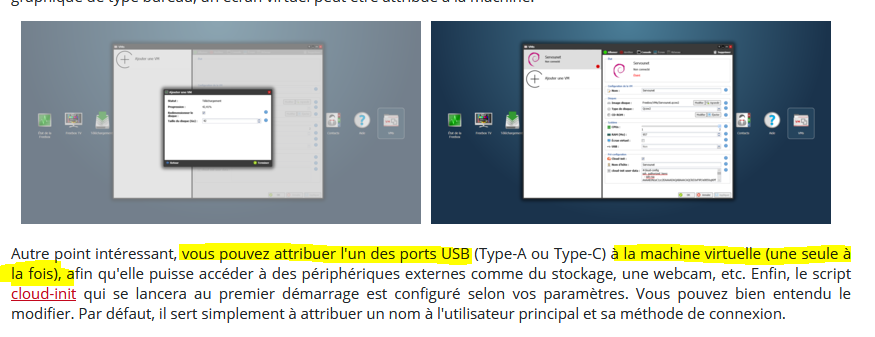
Of course, I started my VM with USB on the Freebox interface
I can see the stick on the VM’s USB
gladys@freebox-vm-4101:~$ lsusb
Bus 002 Device 001: ID 1d6b:0003 Linux Foundation 3.0 root hub
Bus 001 Device 004: ID 0658:0200 Sigma Designs, Inc. Aeotec Z-Stick Gen5 (ZW090) - UZB
Bus 001 Device 001: ID 1d6b:0002 Linux Foundation 2.0 root hub
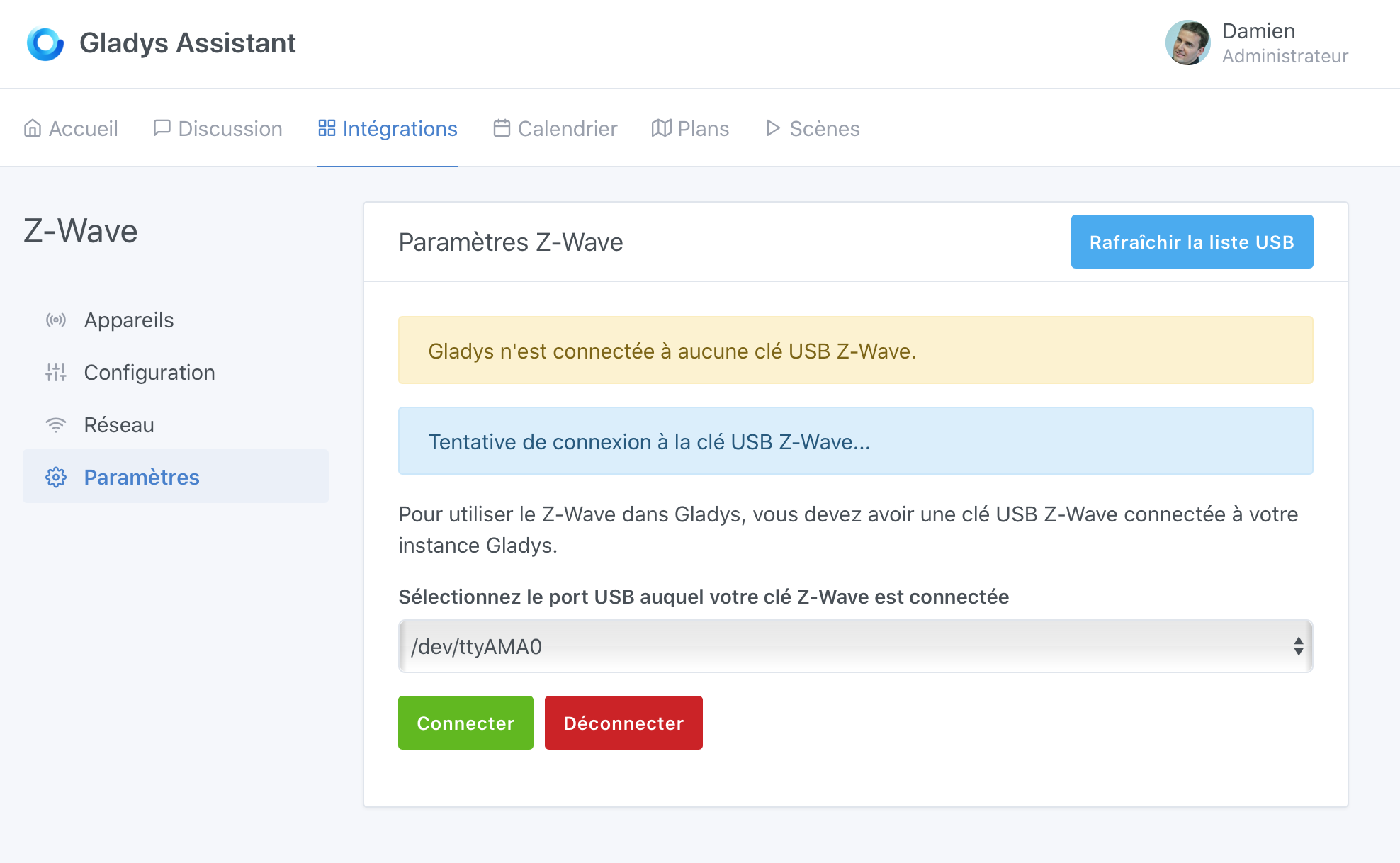
However, Gladys does not see the dongle in the interface
What should I do?
I have seen/read a lot about USB detection issues, but I have the impression that this is outdated.
Do I need to start Docker with options to recognize the VM’s USB?
You unplug your key and list the devices.
You plug it back in and compare.
I think it’s the ttyAMA0.
And that’s exactly what Gladys displays in your first post.
However, I don’t understand why it can’t connect to it.
For information, sometimes it’s ttyACM0 or even ttyUSB0.
Thank you again, Reno.
But no matter how many times I plug and unplug my key, I don’t see any difference in the /dev list
Both on the VM and on the container
On the VM, I can see my key
**gladys@freebox-vm-4101** : $ lsusb
Bus 002 Device 001: ID 1d6b:0003 Linux Foundation 3.0 root hub
Bus 001 Device 003: ID 0658:0200 Sigma Designs, Inc. Aeotec Z-Stick Gen5 (ZW090) - UZB
Bus 001 Device 001: ID 1d6b:0002 Linux Foundation 2.0 root hub
And in the container it seems to be there too:
gladys@freebox-vm-4101 : ~ $ docker exec -ti gladys lsusb
Bus 001 Device 001: ID 1d6b:0002
Bus 001 Device 004: ID 0658:0200
Bus 002 Device 001: ID 1d6b:0003
But whether I plug or unplug, the /dev list does not change
And I try to select ttyACM0 or 1 to 1 in the list in the Gladys/Zwave interface: nothing works
Yes! I did test with ttyAMA0
Actually, I was mistakenly talking about ttyACM0 and I don’t have this tty in the list or when I list /dev on the VM or the container
But nothing guarantees that my key plugged into my Freebox Delta « uses » this ttyAMA0
Whether I plug it in or not, this tty exists on the VM and Docker…
I can’t figure out which tty the key is associated with - I don’t have any ttyUSB that appears or disappears either…
Note: I’m also testing Jeedom on a VM from my box that directly recognizes my key
For the command, I first used the Gladys documentation command on the Freebox VM
Then, when I had my zwave problems, I added arguments found in another community thread (in which you participate) about a zwave key issue:
The arguments I added: -v dev/udev…, —device, (not sure if I tried with ACM0
But actually, isn’t the problem already present on the Ubuntu VM (and therefore by inheritance on the container)?
Shouldn’t something be done on the VM so that the usb is « better » recognized?
Because if I type the command:
Ls /dev/serial/…
It gives me an error…
Absolutely not. Okay, it’s not the source of your problem, but don’t add anything to the command.
I suggest you destroy the VM and restart the installation by following the tutorial to the letter. From there, we’ll see if your stick is still not detected.
I just noticed you have several VMs (including one with Jeedom) that are using the stick. Stop the Jeedom VM and restart the Gladys one. Hardware access may be exclusive.
In fact, the Freebox VM manager does not allow you to start 2 VMs that use USB
So I stop Jeedom every time I test the installation of Gladys
OK! I will try a complete reinstallation by following (again) the installation documentation on the Gladys website for installation
(I did this at the very beginning, then I tried some Docker run options by searching in the forum)
Bon…
Back to square one: I reinstalled everything from scratch following the documentation
I still have a long list of tty in the zwave configuration of gladys but not 1 that recognizes the key…
However, I saw this post:
I’m going to try because I have a USB hub that I had unplugged before installing Gladys
I just tried: same thing…
I think we’re more on a Linux problem than a Docker or Gladys problem
The USB is not « as well » recognized on my Gladys Ubuntu VM as on the Jeedom VM
(for example, on one I can do « ls -l /dev/serial/by-id » and on the other it gives me an error)
Well, actually I don’t have any errors…
I test each tty in the zwave interface of Gladys to check if the one from my zwave key but nothing works…
It checks (message on blue background) but it never completes…