To test, I wanted to put the Everspring dongle on my Domoticz configuration.
It was recognized.
I wanted to give it the Z-Stick Gen
First of all, one thing’s for sure: Gladys isn’t to blame.
that’s not the right folder in your command.
You need to put store instead of zwavejs-ui
$(pwd)/zwavejs-ui:/usr/src/app/store
For confirmation, here is the /usr/src/app folder of the zwavejs-ui container

The zwavejs-ui folder does not exist. So that’s probably the reason why it’s not working for you!
Here is the command I use:
docker run -d \
    -p 8091:8091 \
    -p 3000:3000 \
    --restart=always \
    --name zwave-js-ui \
    -e TZ=Europe/Paris \
    --device=/dev/serial/by-id/insert_stick_reference_here:/dev/zwave \
	-v /var/lib/gladysassistant/zwave/zwave-js-ui/store:/usr/src/app/store \
    zwavejs/zwave-js-ui:latest
Of course on the line
--device=/dev/serial/by-id/insert_stick_reference_here:/dev/zwave \
you must replace insert_stick_reference_here with the identifier of your stick.
And don’t forget the MQTT broker afterwards.
Thanks @_Will_71
Indeed, I had changed the folder name to « store » in a more recent command.
However I was writing everything on one line, except the --device.
The container is indeed created, Z-WaveJS-UI is accessible in the interface.
However I still have this problem opening the serial port.
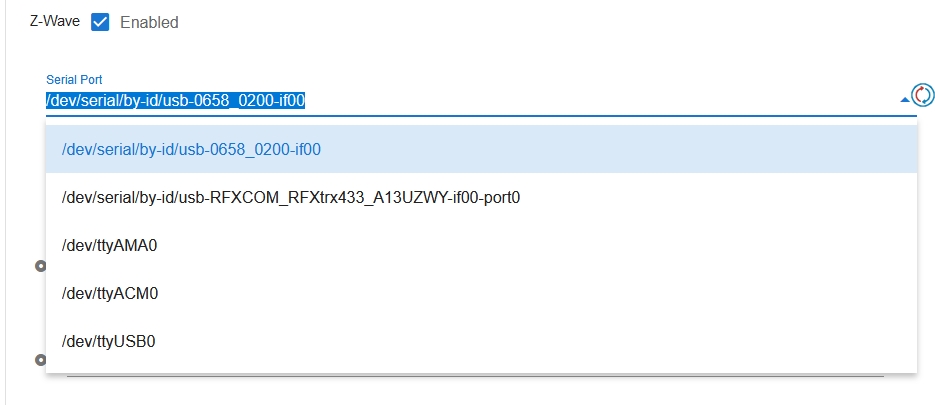
Here are two screenshots to compare what I have in Domoticz and in Gladys:
in Domoticz
in Gladys
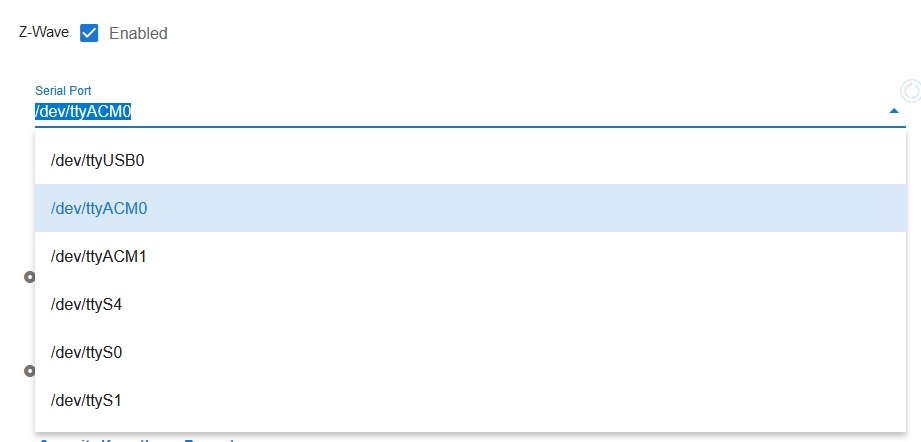
The only difference is that in Domoticz I redirected the ACM0 port to USB20 to make it persistent.
I’ll try to do the same in Gladys.
Edit:
No change.
However
- the folder /dev/zwave does not exist
- the folder /var/lib/gladysassistant/zwave/zwave-js-ui/store exists
- the folder /usr/src/app does not exist
- the zwave-js-ui container exists
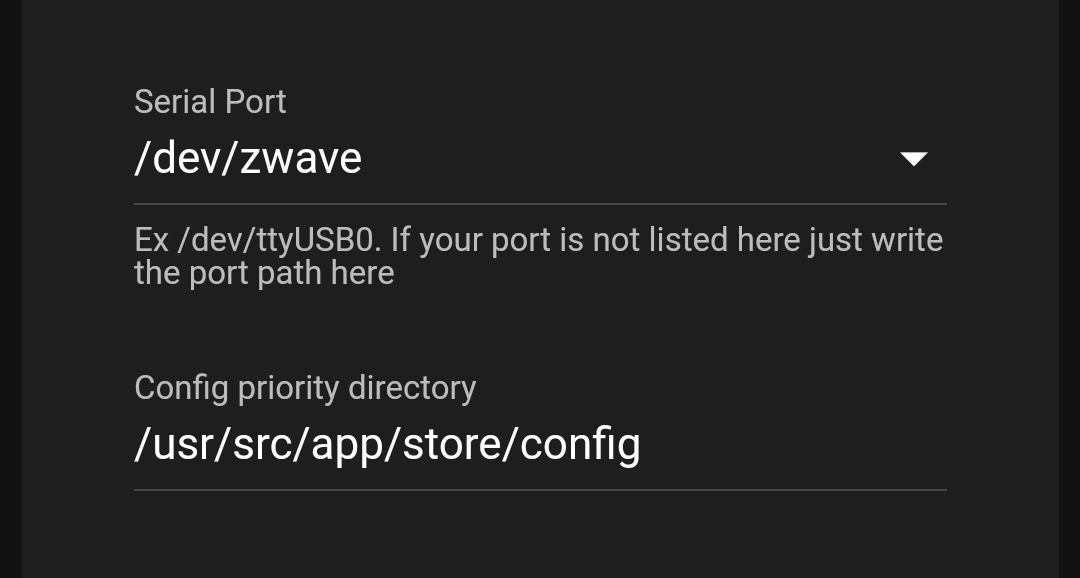
I set /dev/zwave
But that doesn’t change anything.
Given that the folder doesn’t exist, I’m not surprised.
Are there drivers to install so that the dongles are recognized?
The folder /dev/zwave is a folder in the container and not on your machine!
On your machine it’s /dev/serial/by-id/usb-0658_0200-if00
As for the drivers, I have the same dongle as you and I haven’t installed anything
it should look like this:
docker run -d
-p 8091:8091
-p 3000:3000
–restart=always
–name zwave-js-ui
-e TZ=Europe/Paris
–device=/dev/serial/by-id/usb-0658_0200-if00:/dev/zwave
-v /var/lib/gladysassistant/zwave/zwave-js-ui/store:/usr/src/app/store
zwavejs/zwave-js-ui:latest
Yes, here’s what I copied/pasted :
docker run -d \
    -p 8091:8091 \
    -p 3000:3000 \
    --restart=always \
    --name zwave-js-ui \
    -e TZ=Europe/Paris \
    --device=/dev/serial/by-id/usb-0658_0200-if00:/dev/zwave \
        -v /var/lib/gladysassistant/zwave/zwave-js-ui/store:/usr/src/app/store \
    zwavejs/zwave-js-ui:latest
I’m investigating but haven’t found a solution.
The dongle is a Z-Stick Gen 5
What is the risk if I add privileges to the device? To rule out one possible cause
docker run -t -i  --device=/dev/serial/by-id/usb-0658_0200-if00
 ubuntu bash
That’s it, solution found 
Going back to the classic: change the Z-Stick Gen 5’s port on the mini PC!
I didn’t do it before because my Zigbee dongle is wide and both dongles wouldn’t fit.
I used a USB extension for the Z-Stick Gen 5 and everything returned to normal.
Sorry for all the time you spent helping me.
A big THANK YOU because, in any case, my initial command wasn’t correct.
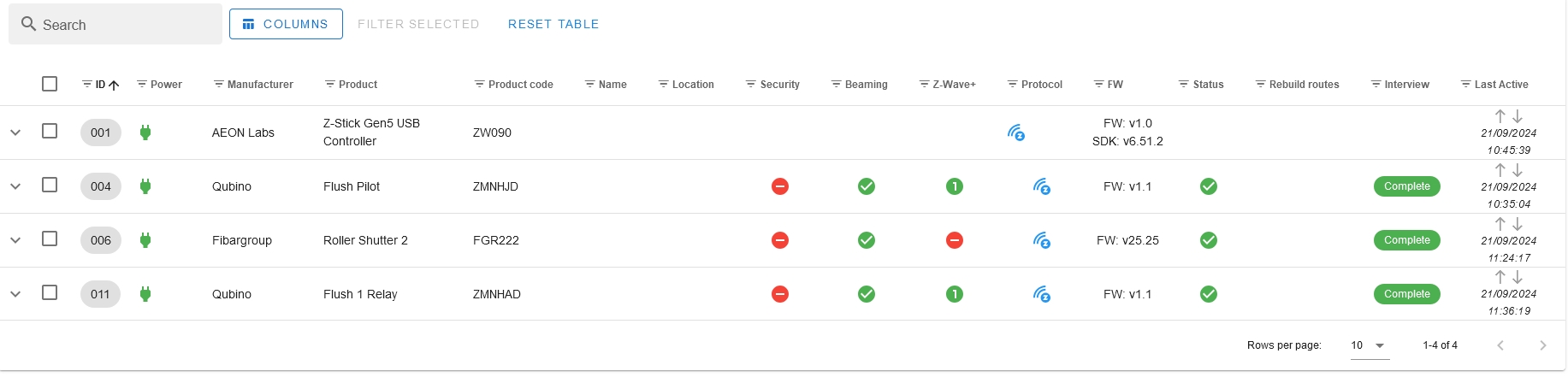
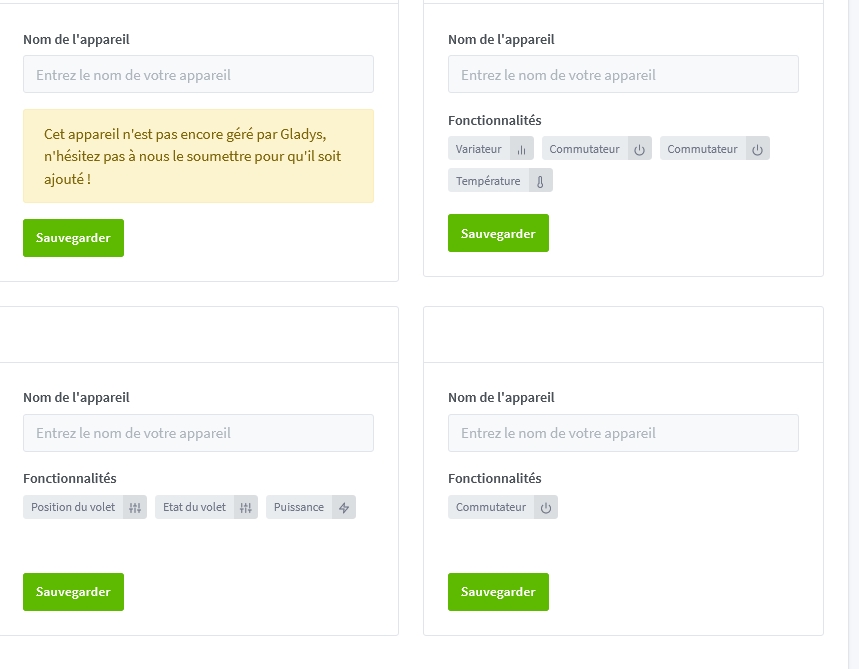
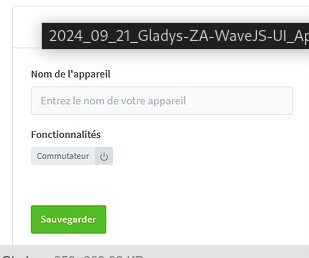
Indeed,
I added names in the Control Panel of Z-WaveJS-UI and they were correctly synced to Gladys.
Thanks @_Will_71
I forgot to say a big THANK YOU to @Romuald_Pochet for the ZWaveJS-UI integration and to the testers.
Thanks to him, but it’s @pierre-gilles’s version that’s integrated into Gladys today.
Well then, thanks also to @pierre-gilles 