Add a description to scenes
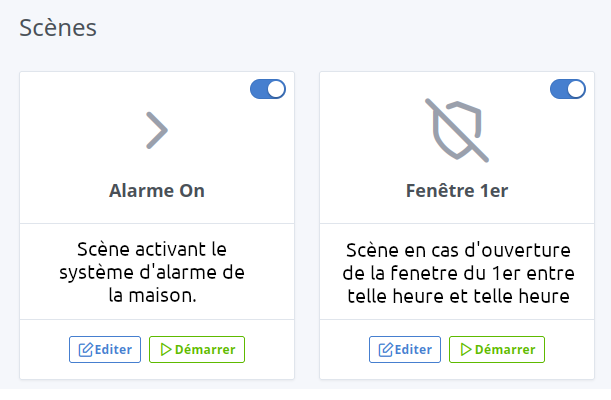
See request here:
I didn’t even remember that request, and besides, I had voted.
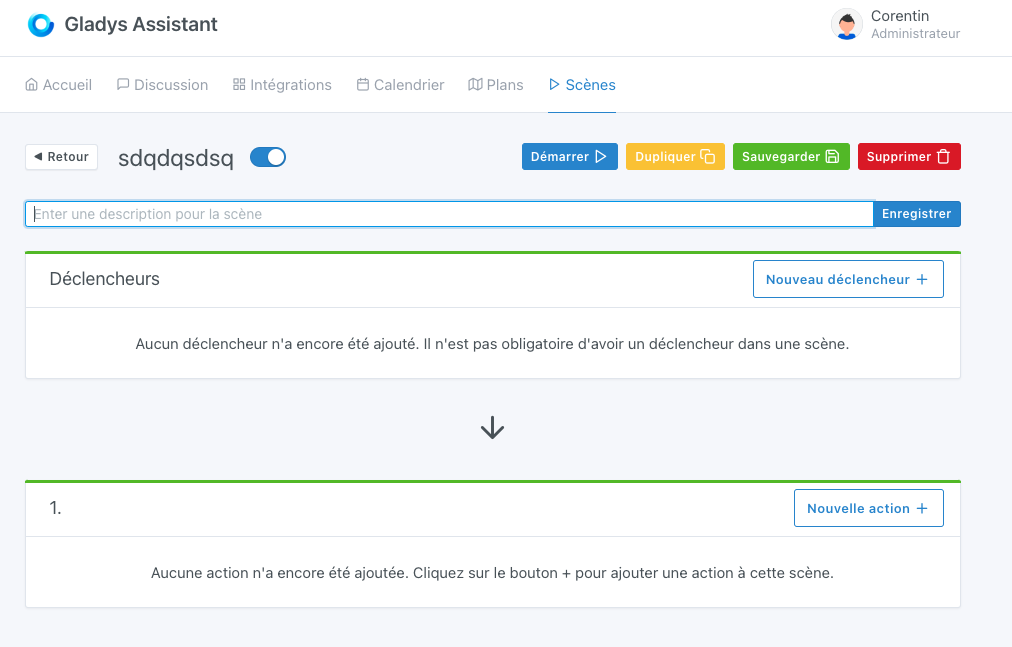
I will add « Description » just above the input field.
I really like it! The textarea may be a bit bulky, but I especially support the idea of adding a description!
A nice little PR:
@Lokkye cool!  don’t hesitate to tag me here when the PR is ready
For the design, it feels a bit « blocky » I agree 
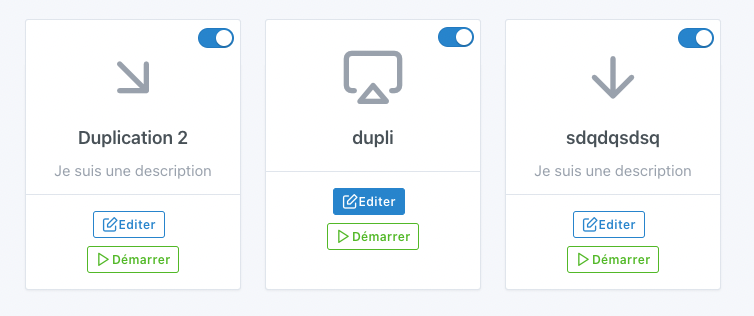
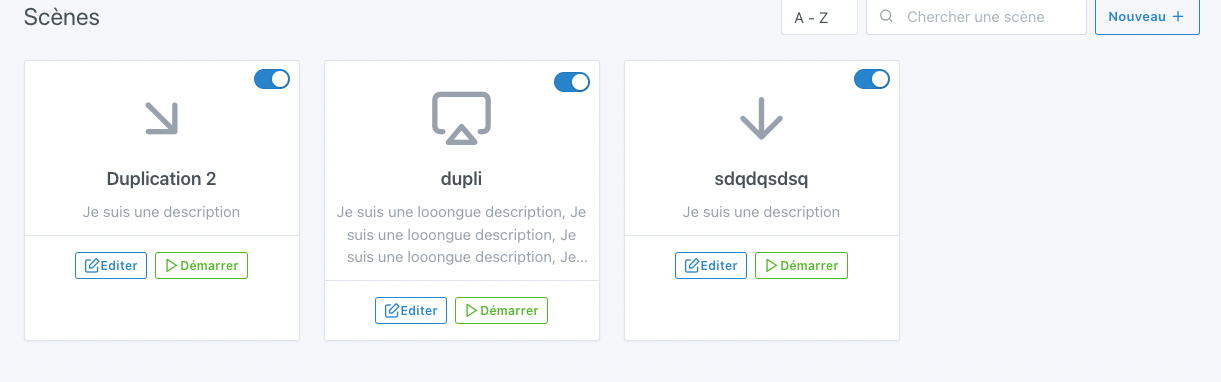
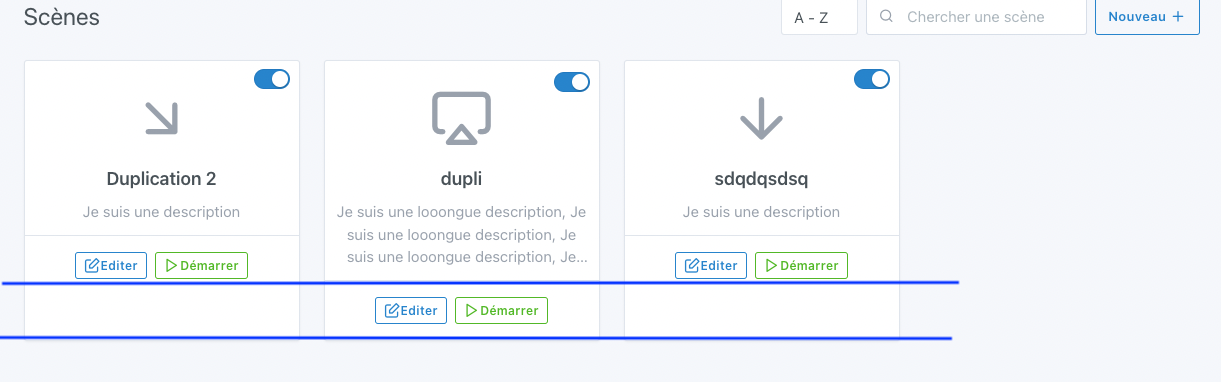
Also watch the alignment of the scenes in the list view — it needs to stay aligned regardless of the description size (since it’s dynamic)
I made a small tweak to the list of scenes to avoid any size issues.
@pierre-gilles : The PR should be ready
I really like that thing @Lokkye 
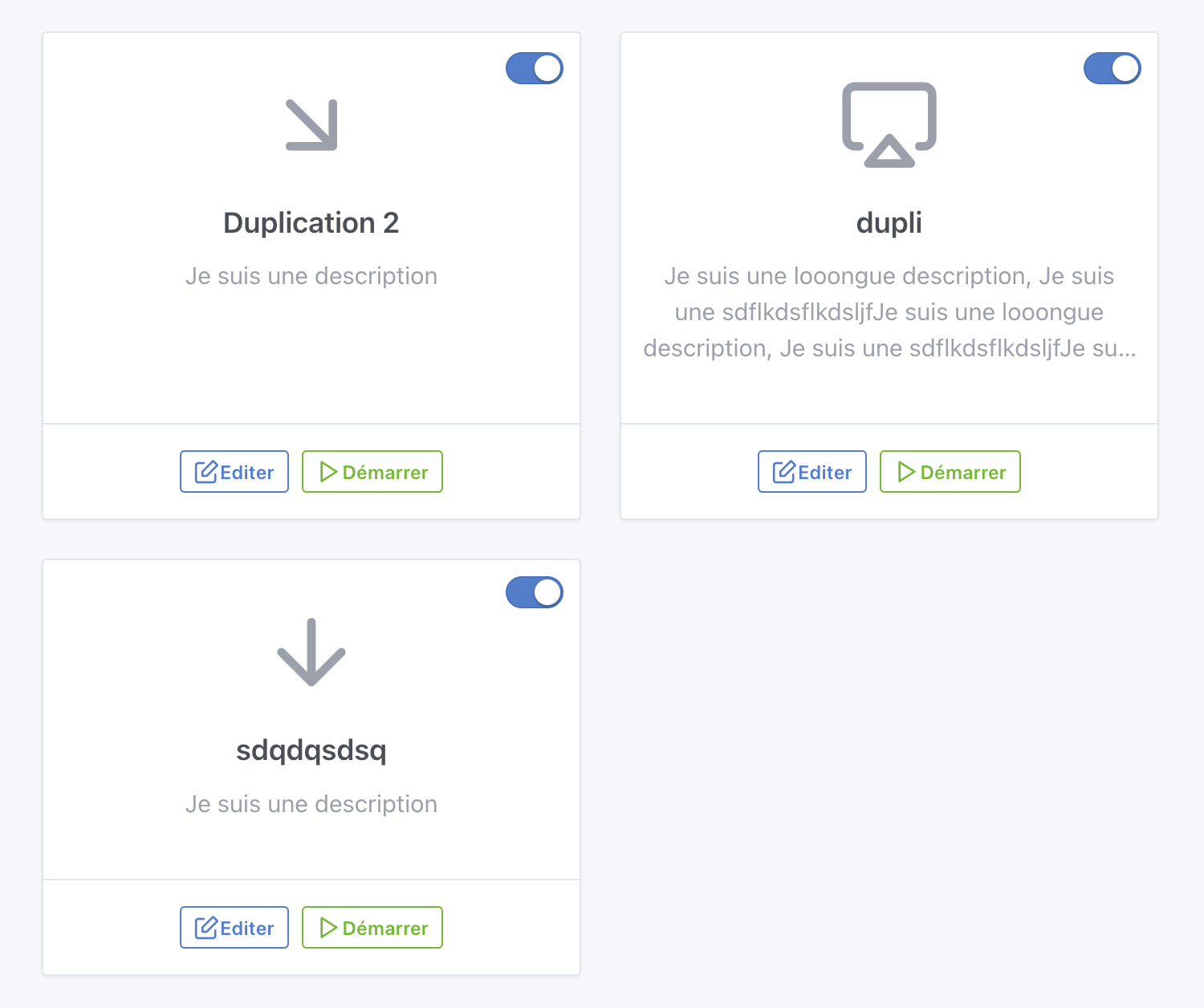
Cool! It would be nice if the footer were aligned too:
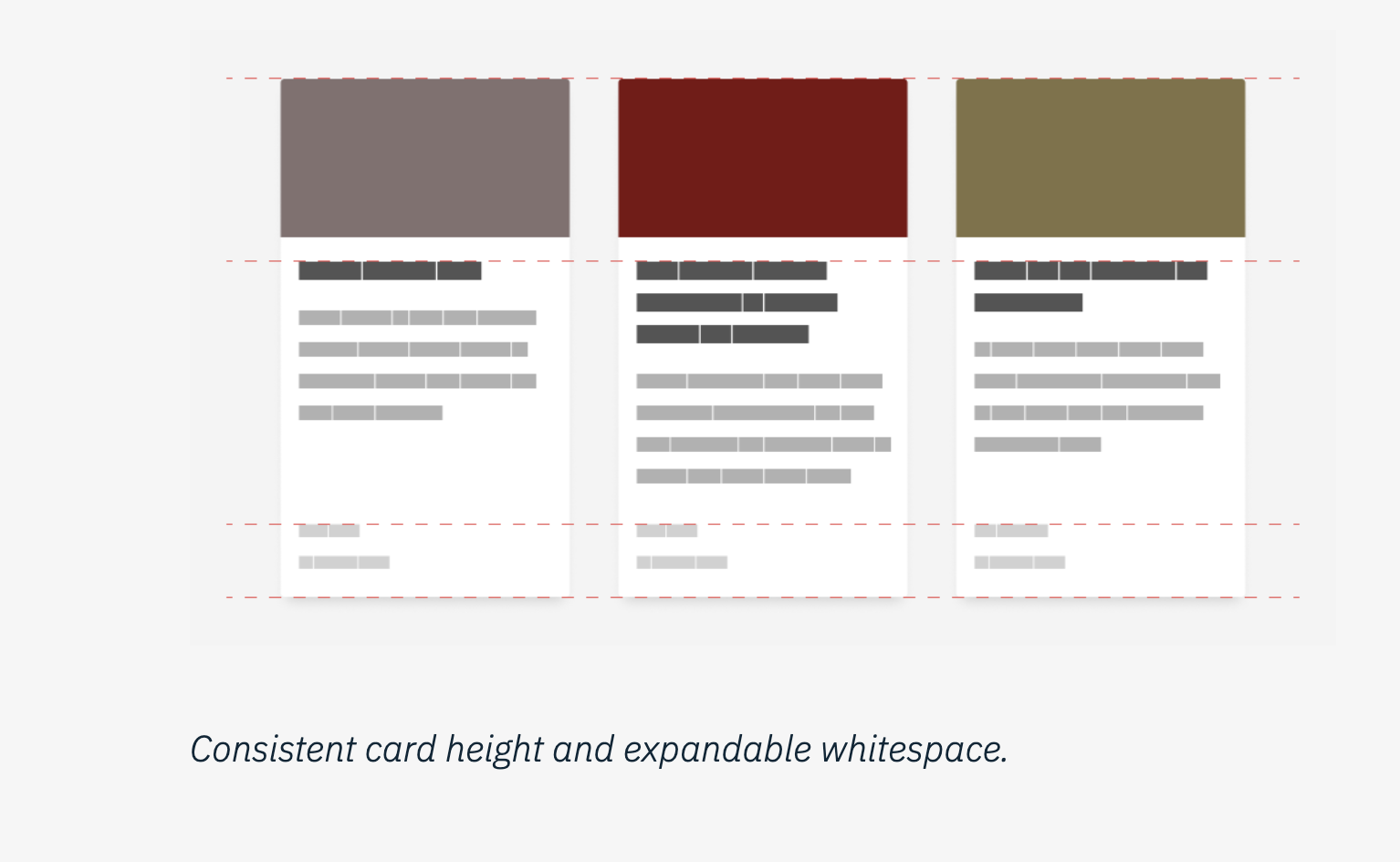
When there’s dynamically sized content in a card, the best practice is to align elements of the same type with each other
A nice UX resource that talks about this topic: The ultimate UX and UI guide to card design for the web - Point Jupiter
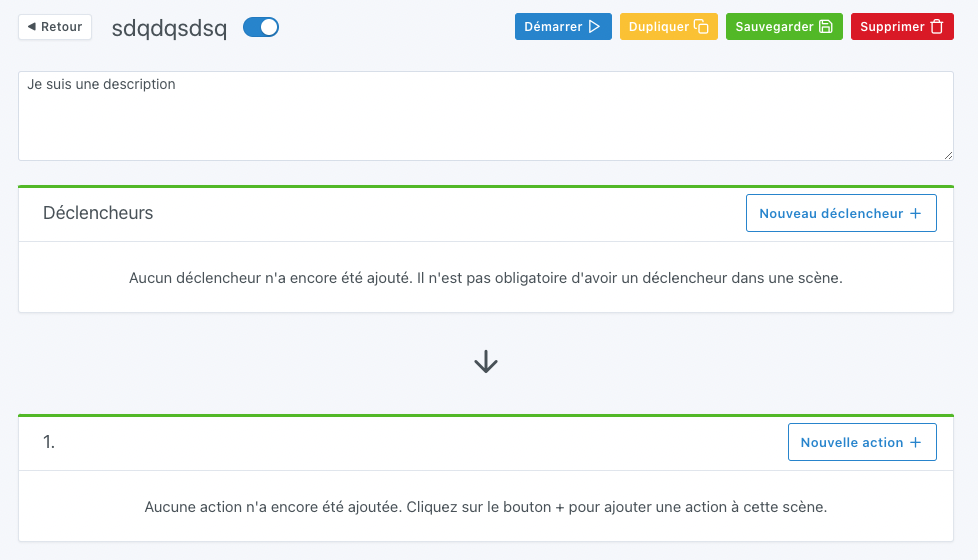
Otherwise, for editing the description, how does it end up looking?
I aligned the footer, it does look nicer
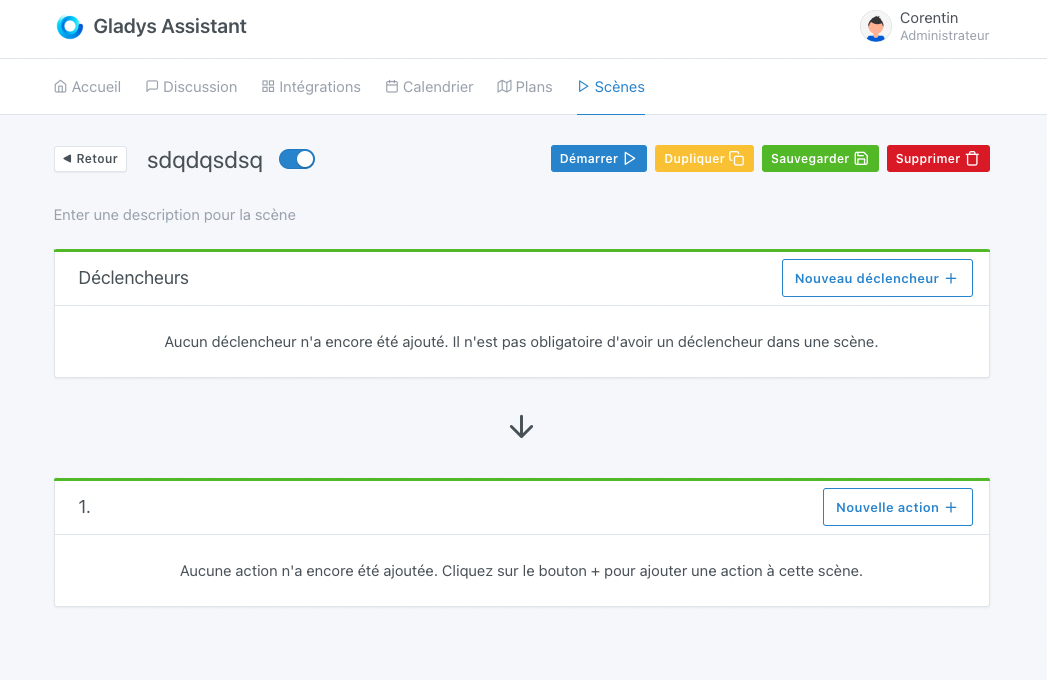
For editing, I don’t see how to do it any other way than this:
@pierre-gilles: If you have any idea, I’m open to suggestions
Cool, it’s much better like that
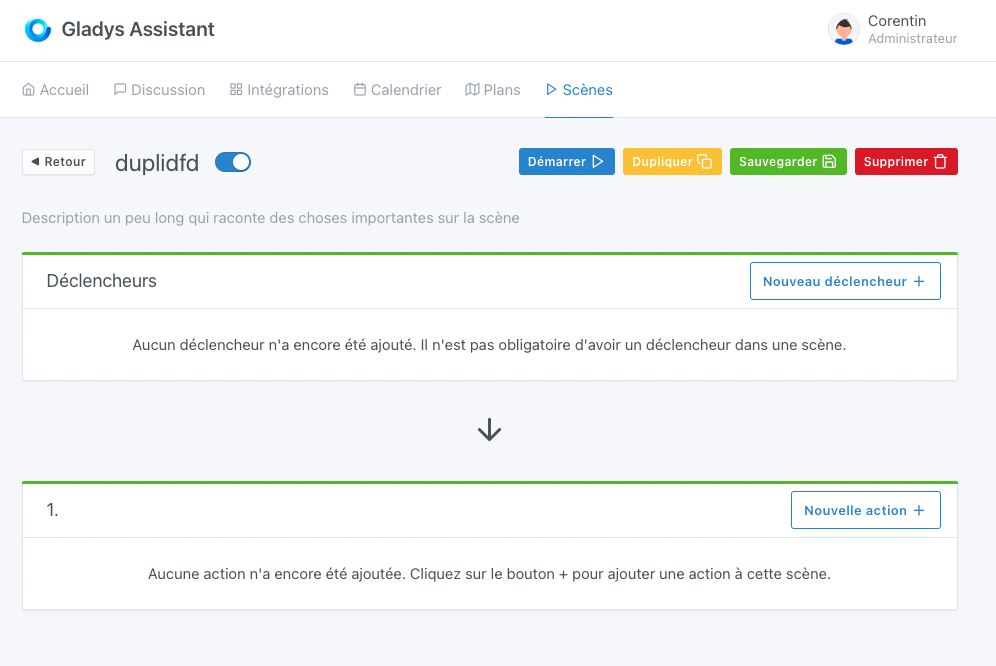
The description doesn’t need to be editable all the time; you could display it the same way as in the list view (in gray text), placed under the title
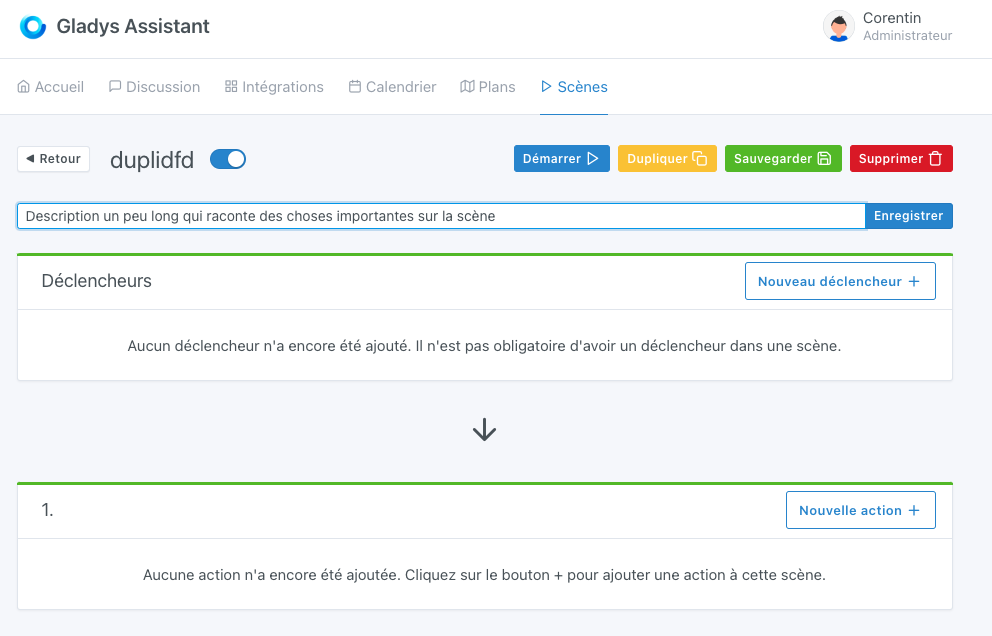
For the « edit » mode, either you use the same pattern as the title (clickable to edit), or we could display a « pen » icon that allows switching to edit mode for the title and the description, and that turns the description display into input fields
I’m not convinced a textarea is necessary — it pushes the user to write a huge description when we could instead encourage writing a short description
Also, we should maybe set a character limit so it doesn’t get out of hand
Also watch the page’s responsive behavior, test thoroughly on mobile too
Thanks Lokkye, I can’t wait
While you’re working on this dev, is it possible to add the ability to edit the scene title too? Unless there’s a particular reason we can’t rename a scene?
You can already do it. You just need to click on the title of your scene after having done " edit "
Oh sh**! How embarrassing! I had never seen this tip. I was duplicating and deleting the old one 
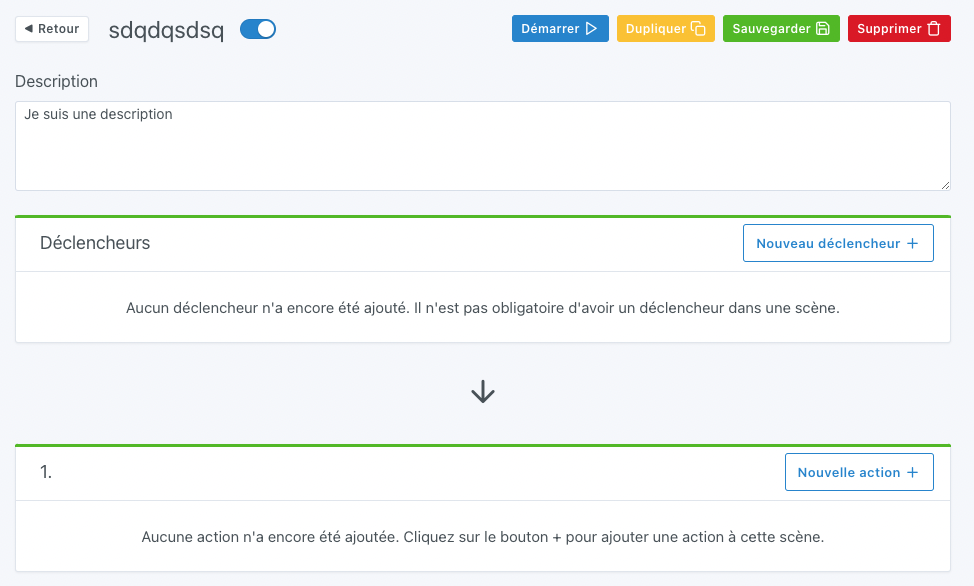
I made the change to the description editing.
What do you think?
@pierre-gilles: I tested with the device simulation on Chrome for the mobile version. How do you do your tests? And I added a 100-character limit for now, we’ll see if that’s enough.
It’s much better
The spacing is a bit odd though, it creates a large gap between the title and the description, don’t you think?
For the text, instead of using a custom class you can use Bootstrap’s « text-muted » class to stay consistent with the rest of Gladys.
It’s good you bring that up, I was working on improving the scenes’ UX to address this request => Pouvoir déplacer une action vers le haut ou le bas dans les scènes - #3 par lmilcent
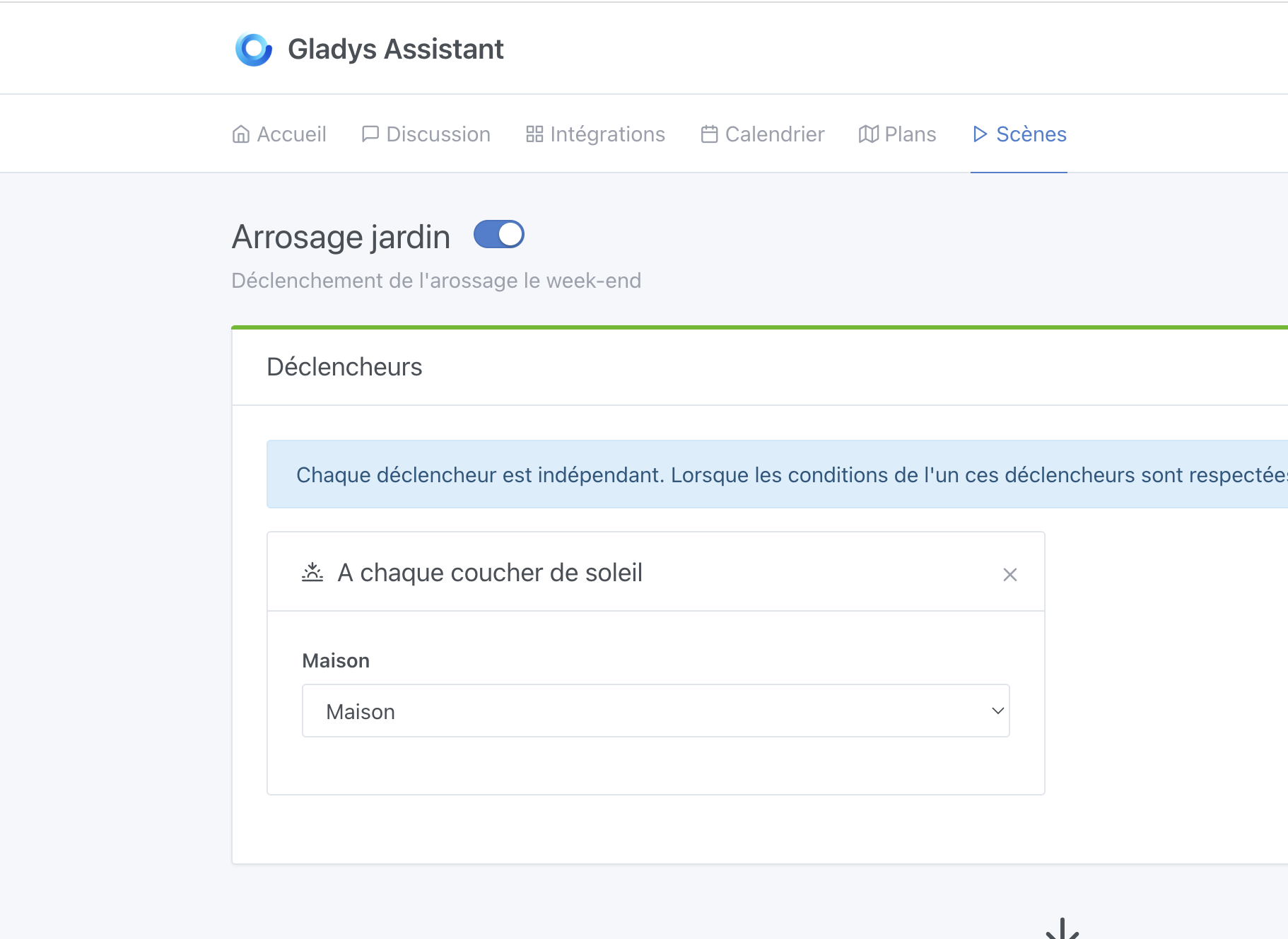
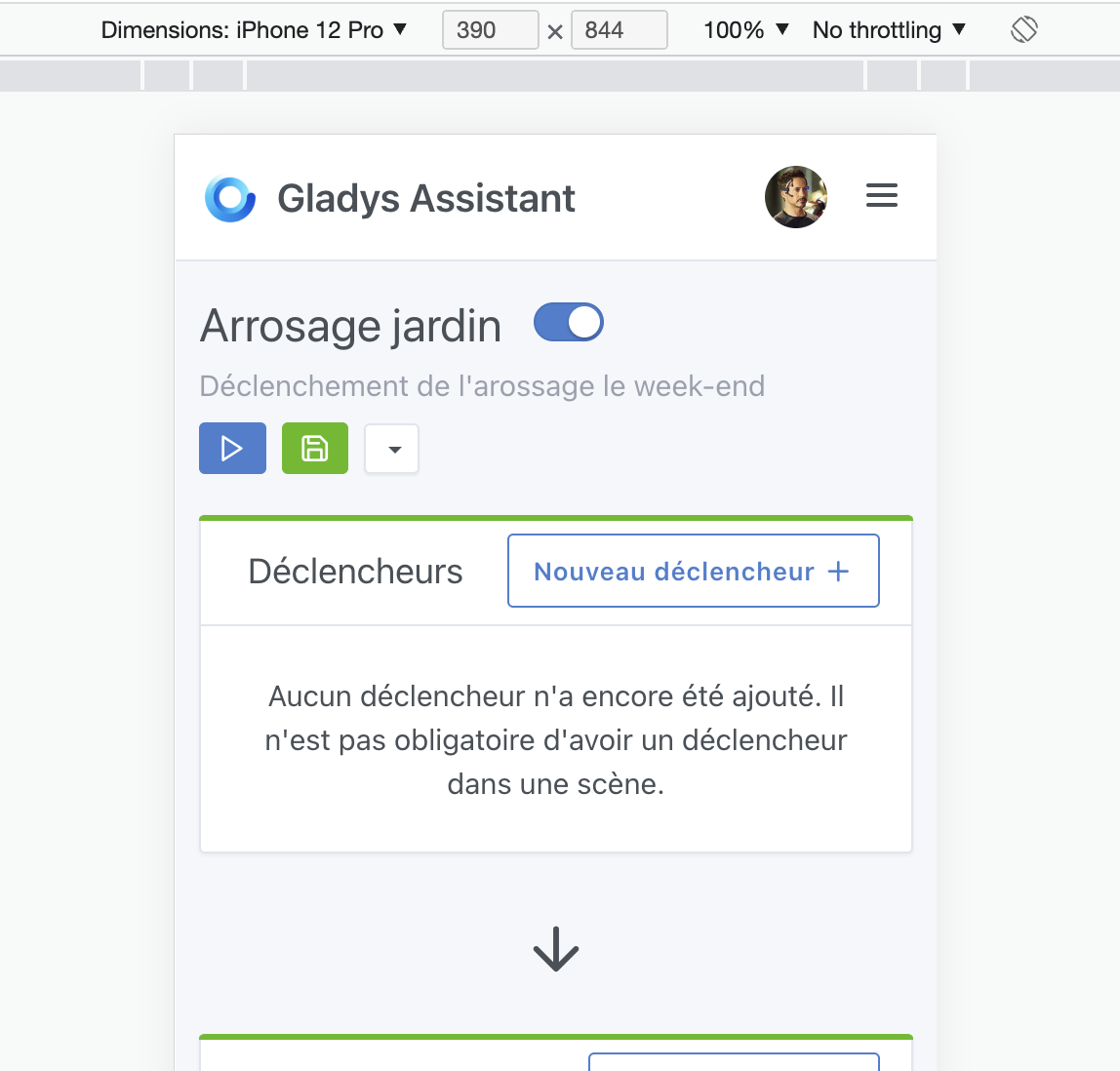
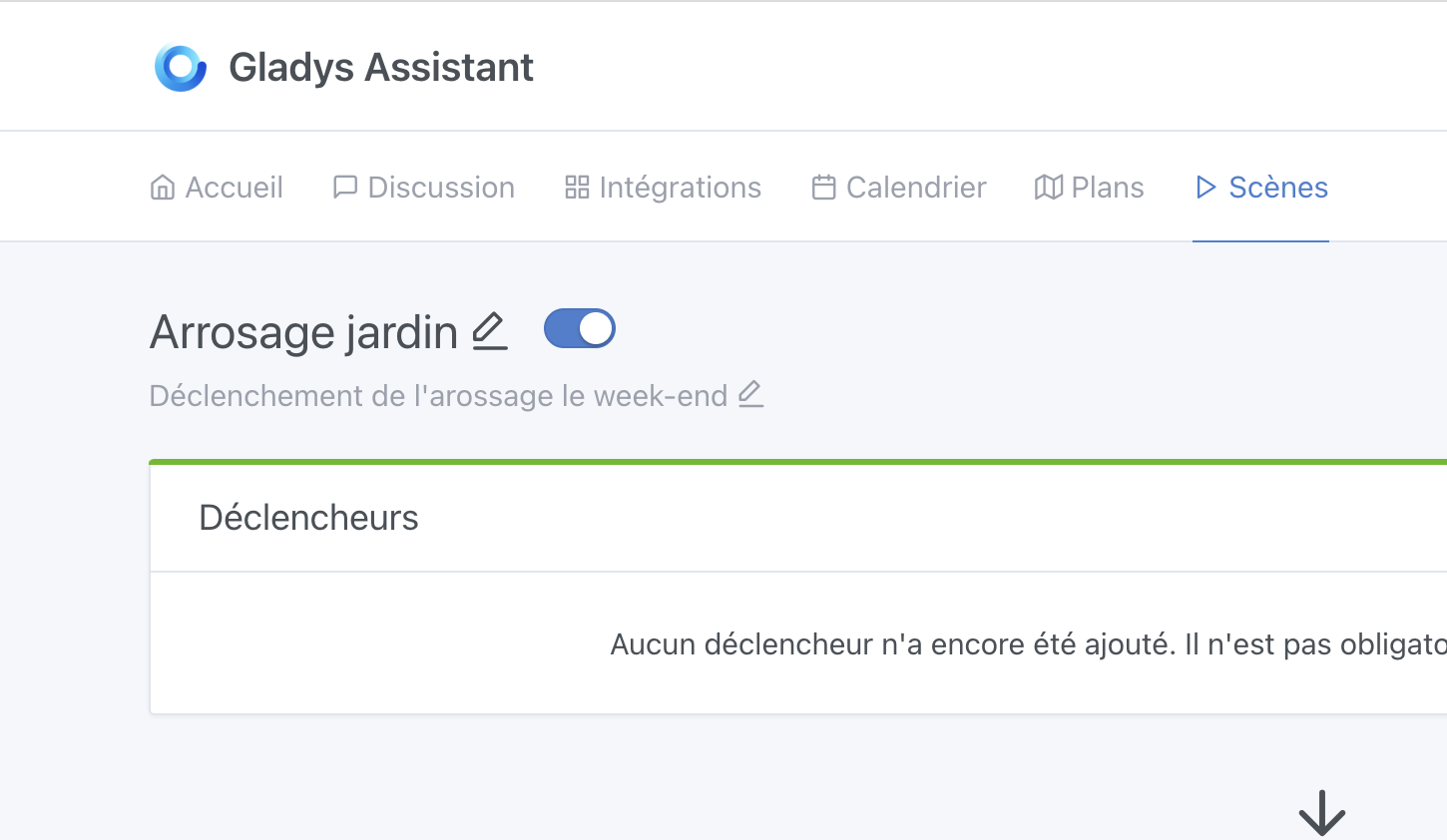
I imagine this for the description:
For edit mode, we might need to add a hint so the user understands it’s editable (I admit that the current solution for the title wasn’t great)
For responsiveness, I was working a bit on improving the responsiveness of this page, which isn’t great:
What I propose is, if your PR is functionally good, I’ll integrate it into the design I’m working on so the work isn’t done twice
What do you think?
Same, on Chrome!
For « sensitive » things like drag and drop, I do real tests on my phone (on the same network as my Mac, I access my dev environment)
Edit: My scene UX improvements: Pouvoir déplacer une action vers le haut ou le bas dans les scènes - #23 par pierre-gilles
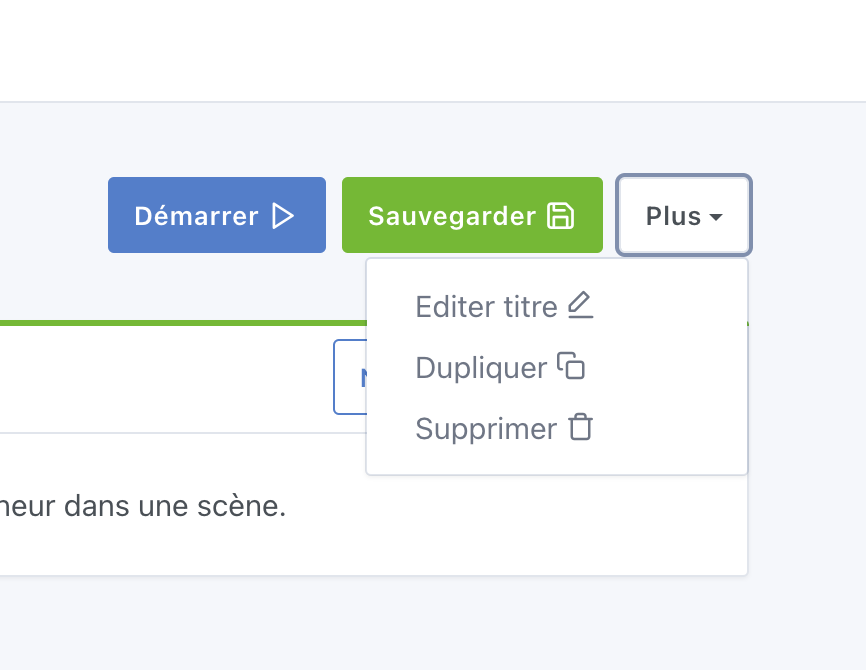
The « plus » button would make it lighter, in my opinion.
And keep the pen only to edit the description.