Automatic build of the Raspberry Pi OS image

Ok no worries, so recover this repo to build an image on the gladys hub
https://github.com/VonOx/gladys-setup-in-progress

The secrets are the same as for the main repo (same logic)

No strong opinion, I can switch to pi for the user without any problem.

I don’t think so and it seems normal that we can’t do that

I understand the need (make it simple :slight_smile: ) but I have a slightly different philosophy. If we want it to be simple, we need to make sure the end user never has to connect to the OS via SSH. It’s a bit like the discussion about Google Home, there’s the simple way and the hard way.
And getting into this (controlling the host’s security aspect from Gladys) is a bit limiting and not safe.

I’ve made all the changes

Build in progress of the raspbian image → https://github.com/VonOx/gladys-pi-gen/actions/runs/673421229

Do not test until you have recovered and built the repo https://github.com/VonOx/gladys-setup-in-progress

That’s exactly what I’m proposing!

So, what do you propose to ensure that the image’s password is not the default password and not a fixed password either? The password must be dynamically generated in the image.

However, for an advanced user, they must be aware of this password.

How do manufacturers who distribute products under Linux do it?

For example, camera providers who implement best practices, how do they do it? (extremely rare, most do whatever they want, but that’s not an excuse)

Similarly for products like Google Home, inside it’s probably Linux, how do they secure it?

They don’t give the pass :slight_smile:

Creation or reuse of an existing account. But they don’t use docker :slight_smile: , they provide a product with firmware.

What I can do is generate a pass for the pi user and write it somewhere on the system (Gladys can read and display it but there’s nothing secure in that. I have no idea)

haha ^^

Well, otherwise we’ll stick with the « pi » / « raspberry » option for now. It’s already amazing what you’ve done on this image compared to the existing one!

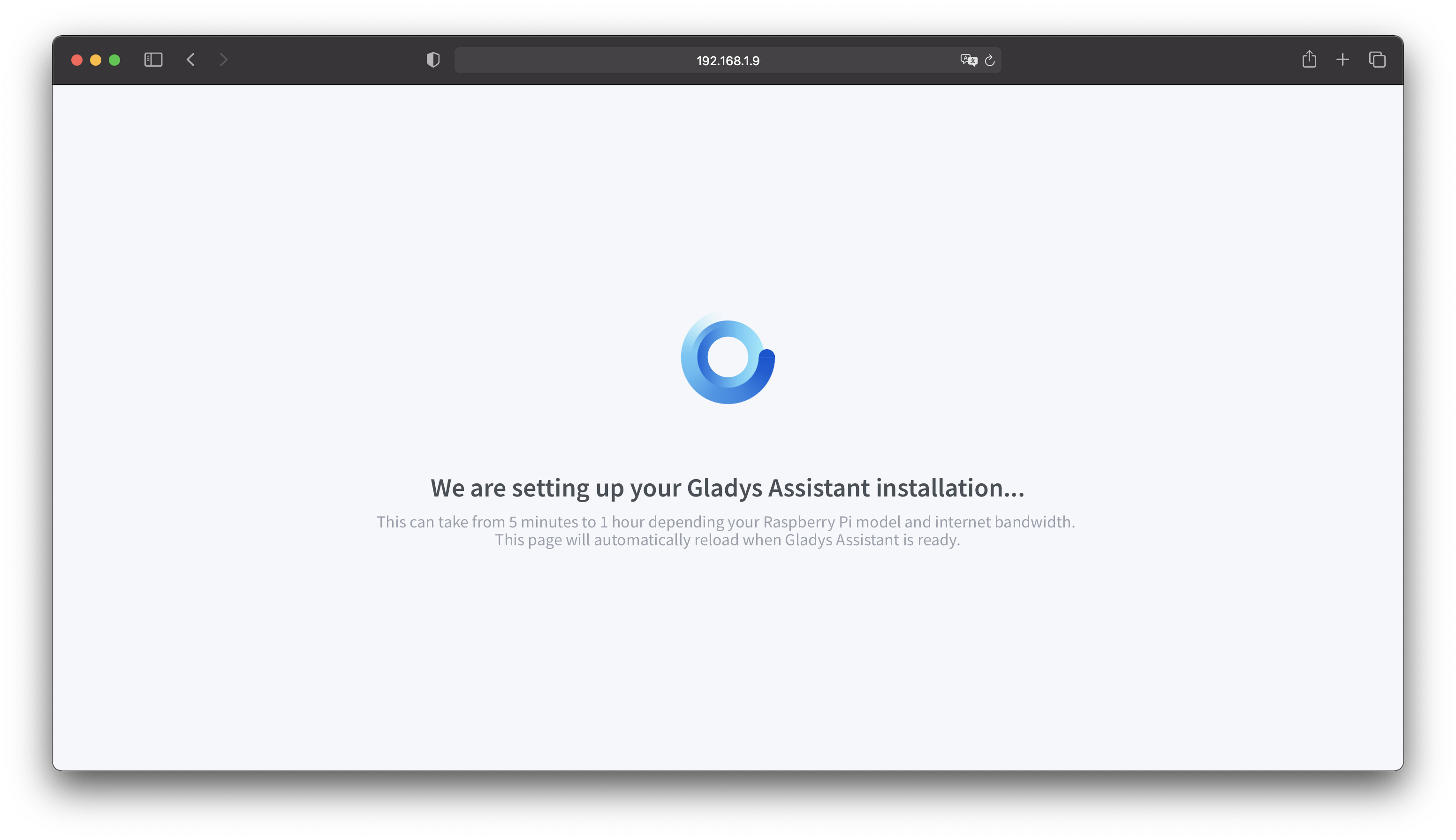
@VonOx I just got your repo « gladys-setup-in-progress » →

https://github.com/GladysAssistant/gladys-setup-in-progress

I made some improvements:

  • I put the logo in SVG
  • I cleaned up the JS code a bit
  • I added the French text, which is displayed according to the browser language.
  • I improved the text to make it more understandable: what should the user do on this page?

In French:

In English:

Great job anyway, it’s minimalist I like :slight_smile:

I’m going to build the Docker image now

9Mo compressed is clean @VonOx! Great job :slight_smile:

Cool, if you want to test the RPI image, I already made a build with the correct Docker image

I’m building one right now =)

https://github.com/GladysAssistant/gladys-pi-gen/runs/2199859301?check_suite_focus=true

Got it, it might take a bit of time, keep me updated :crossed_fingers:

Yes! Was there anything special to do? No secrets to configure? (just the GITHUB_TOKEN which is set automatically)

I just:

  • Clone your repo
  • Push to mine
  • Make a tag & git push --tags

?

Yes that’s all, nothing more

Testing on Raspberry Pi Zero W! :slight_smile:

So far, it’s working great

That looks good to me :slight_smile:

Well done @VonOx, that’s great :clap:

Otherwise, to confirm:

  • Wi-Fi works, without having to use the CLI, just by creating the wpa_supplicant.conf file in the boot folder of the SD
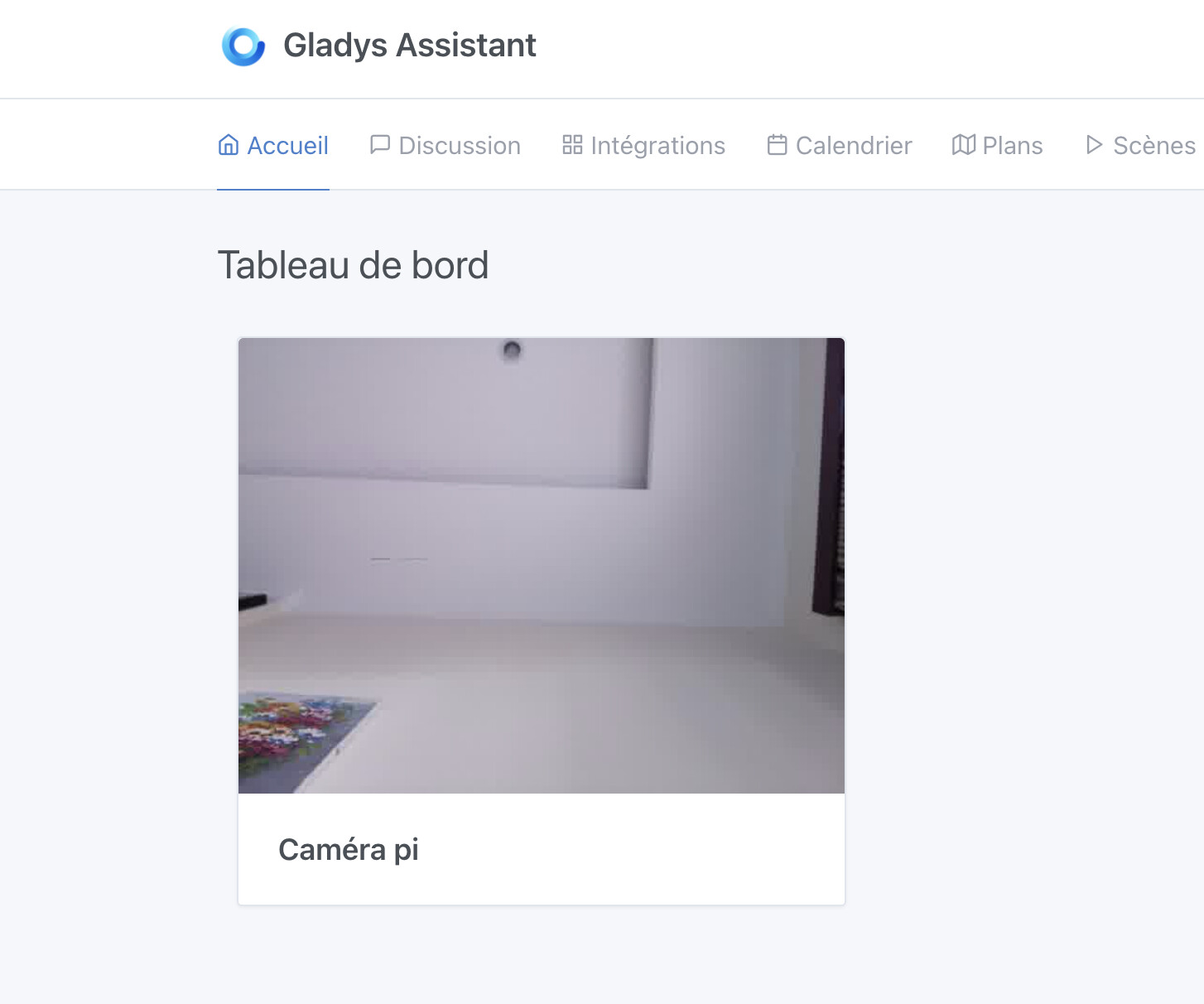
  • The camera module of the Raspberry Pi W works perfectly:

This is really great, I think it can go into production, right?

For those who want to test the final result, the image is here:

I would appreciate feedback, and if everything goes well, I’ll release it all on Monday! :slight_smile:

Hi small question @VonOx, I forgot to test, is the hostname indeed « gladys » and can we indeed connect with the host « http://gladys.local »?

Yes

The .local suffix is only on Mac I think, but http://gladys should work

There’s a little surprise for those who boot with a screen connected :slight_smile: