Control a device (e.g. light bulb)

How to control a bulb in scenes?

If you have bulbs with the ability to adjust:

  • brightness
  • color
  • temperature

and, of course, turning on, you can create a scene to turn the bulb on at low brightness, with a particular color or color temperature.

Nothing could be simpler.
After you’ve defined your triggers.
We’ll add an action.
For example: Turn on the light

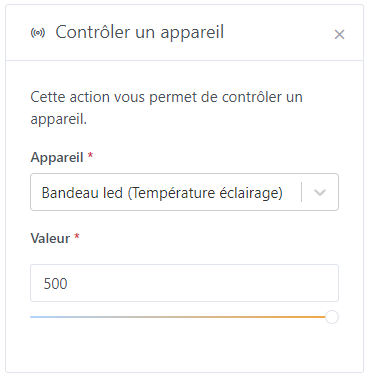
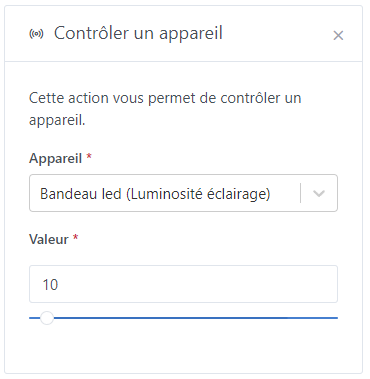
Then another action with: Control the light


and/or

Same for the color.

2 Likes

Thanks for those very helpful details! :wink:

Hello everyone,

I need a bit of help configuring my scene.

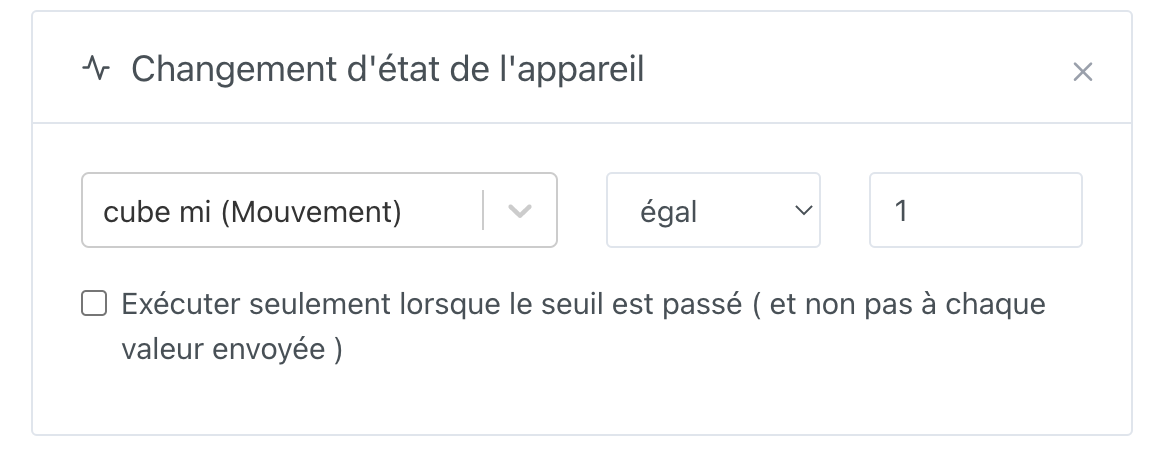
Via Node-RED I changed the movements of a Mi Cube to values from 1 to 6.

As trigger

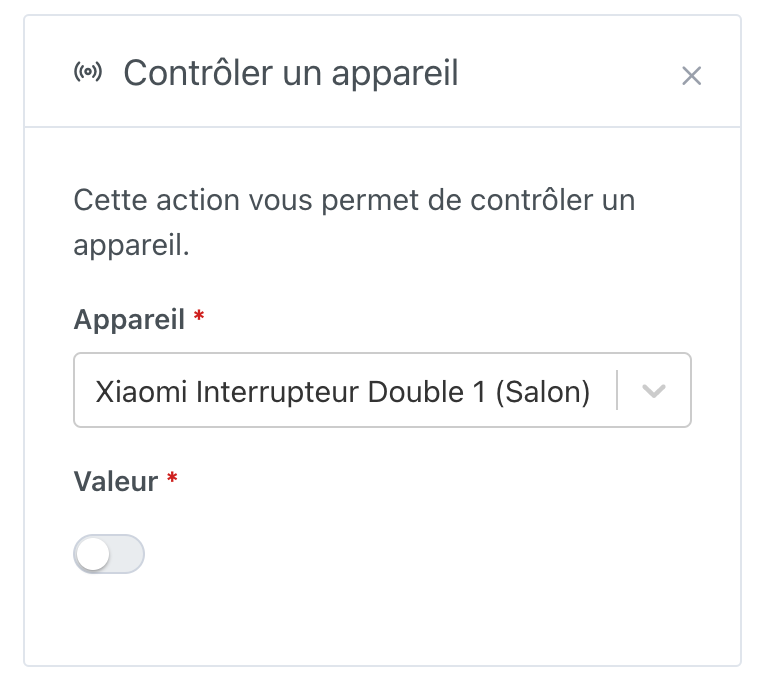
As actuator

The scene works — it turns the light off.

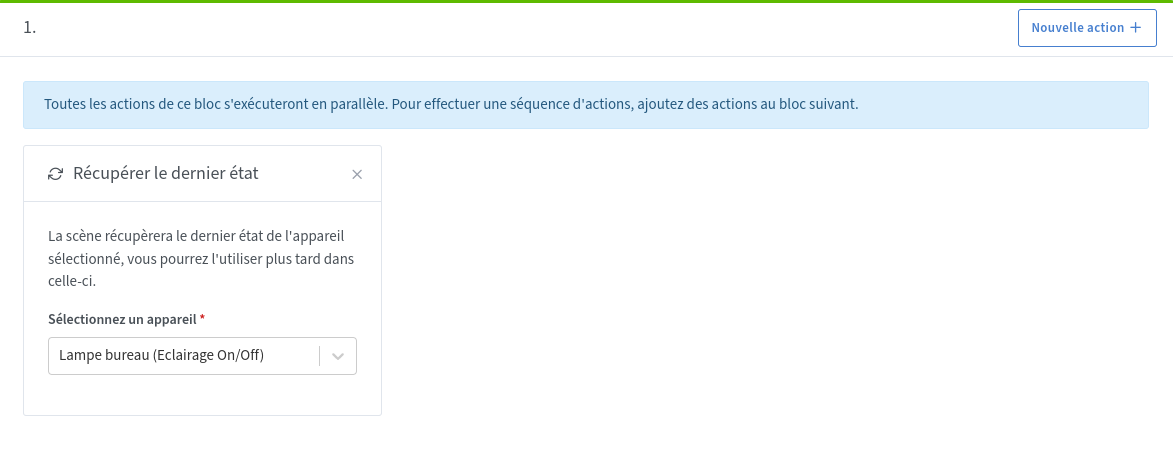
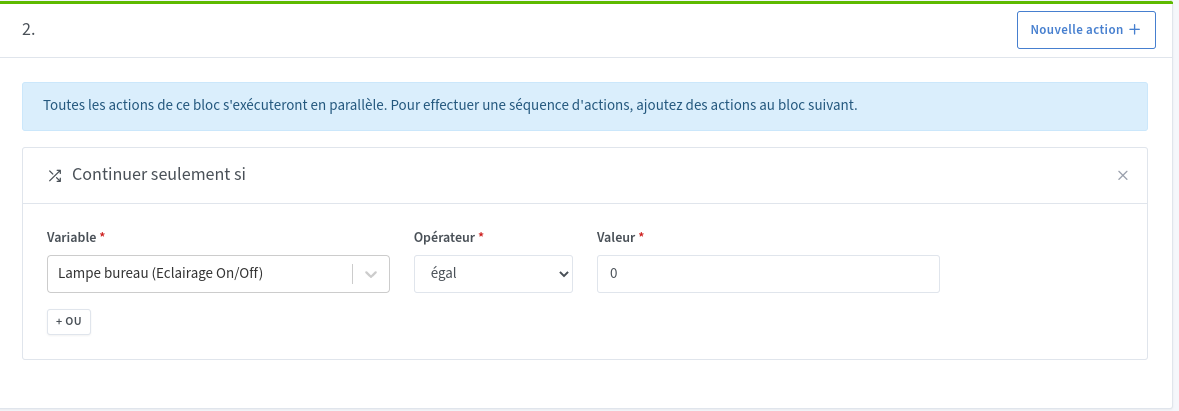
But how do I make it turn the light on if it’s off? I suppose by retrieving the last state and then maybe continue only if…

How can I know the state of the switch (value 0 or 1… or something else?)

Or am I simply off track? :rofl:

There is, for the moment, no ‹ toggle › function but it’s a feature request!
Edit: here is the link to this request:

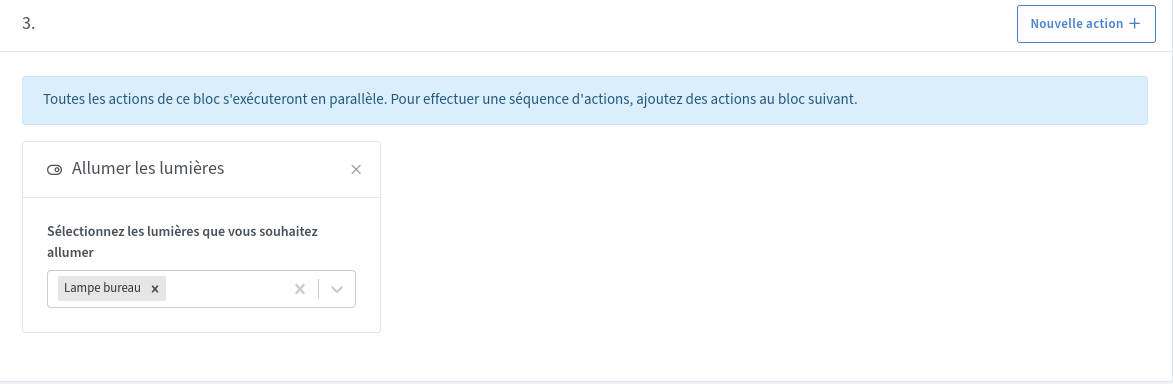
You need to create 2 scenes, one to turn off and the other to turn on your lamp.
Then, in each scene you must retrieve the last state of your lamp and, as you indicated, use a « continue » action and only if…

Here’s an example of one of my scenes


EDIT: For your cube leave the « equals = 1 » for the trigger!

@GBoulvin, yes with a function it would be simpler, a single scene to turn on and off

2 Likes

Thanks for your reply, but if I make 2 scenes won’t that create a loop and turn it on and off at the same time, or vice versa?

I use these 2 scenes on several lamps in my home and I’ve never had the problem.

What I don’t understand is how it works, because how does your trigger know whether it should use scene one or two to perform your action of turning on the lamp, for example, since Gladys will try to execute both — there’s no priority

If it turns it on, why doesn’t the other scene turn it off immediately then?

I don’t know the details of how scenes are managed, but since they start from the same trigger the two scenes can run in parallel (to be confirmed by @pierre-gilles) as there is a « continue » action and only then one scene continues but not the other.

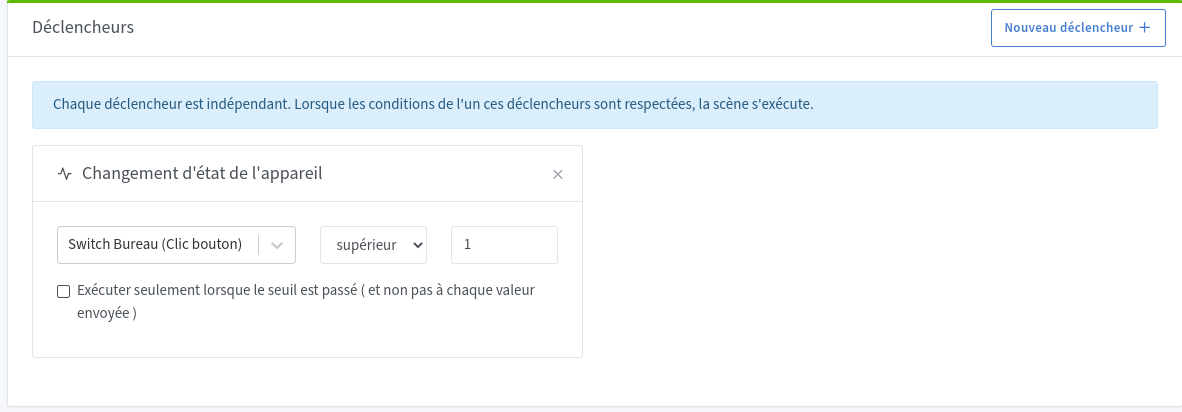
In

Thank you, I’ll test it at home to see if it works as well.

At my home these scenes worked for more than a year, but after changing the Zigbee hub it must be more sensitive: if the light was on it would turn off and then turn back on, or vice versa. I spent a week trying to change this behavior. In the end I installed one push-button to turn it on and another to turn it off.
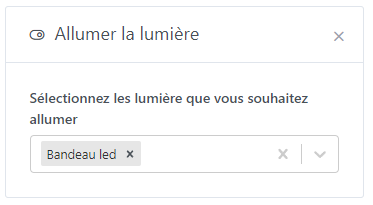
Great, it’s working well

thanks @_Will_71 :+1:

1 Like