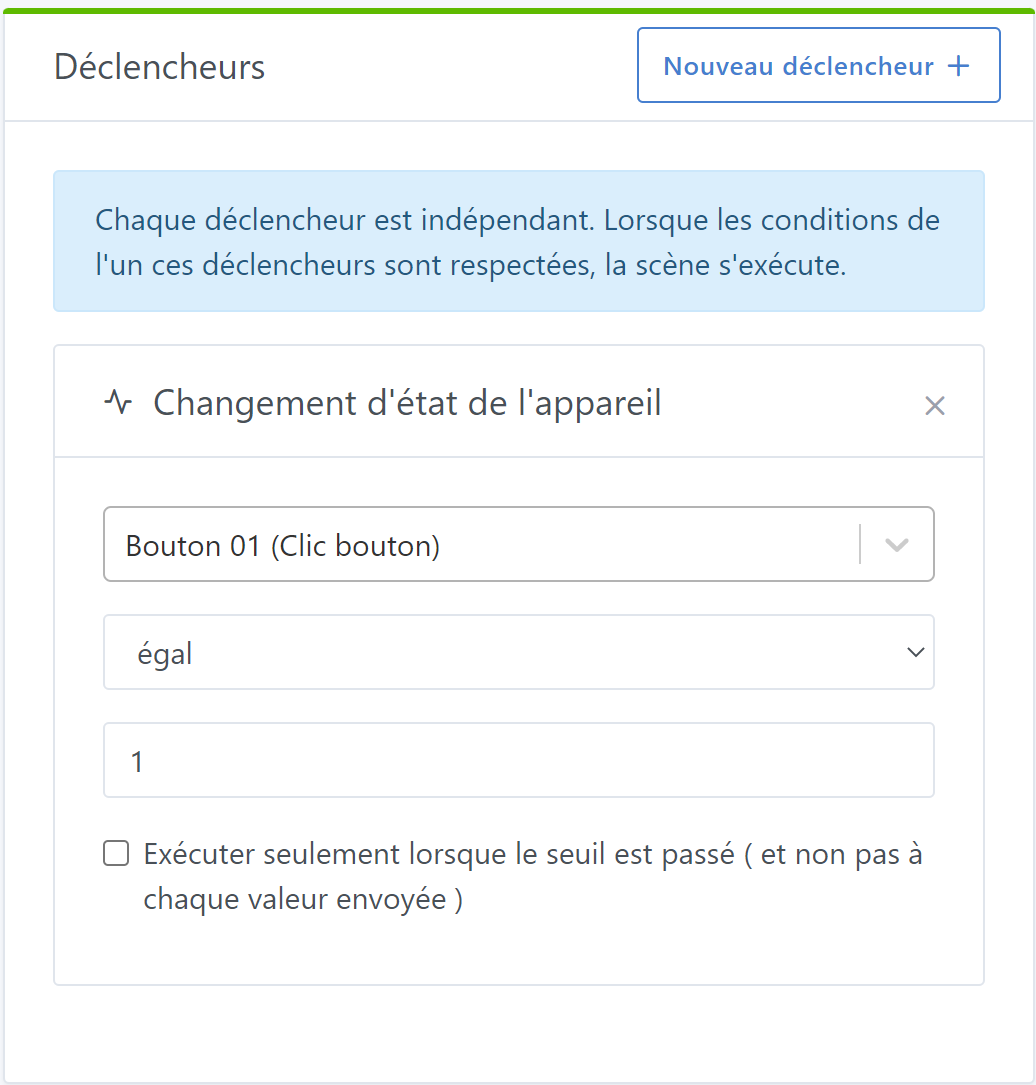
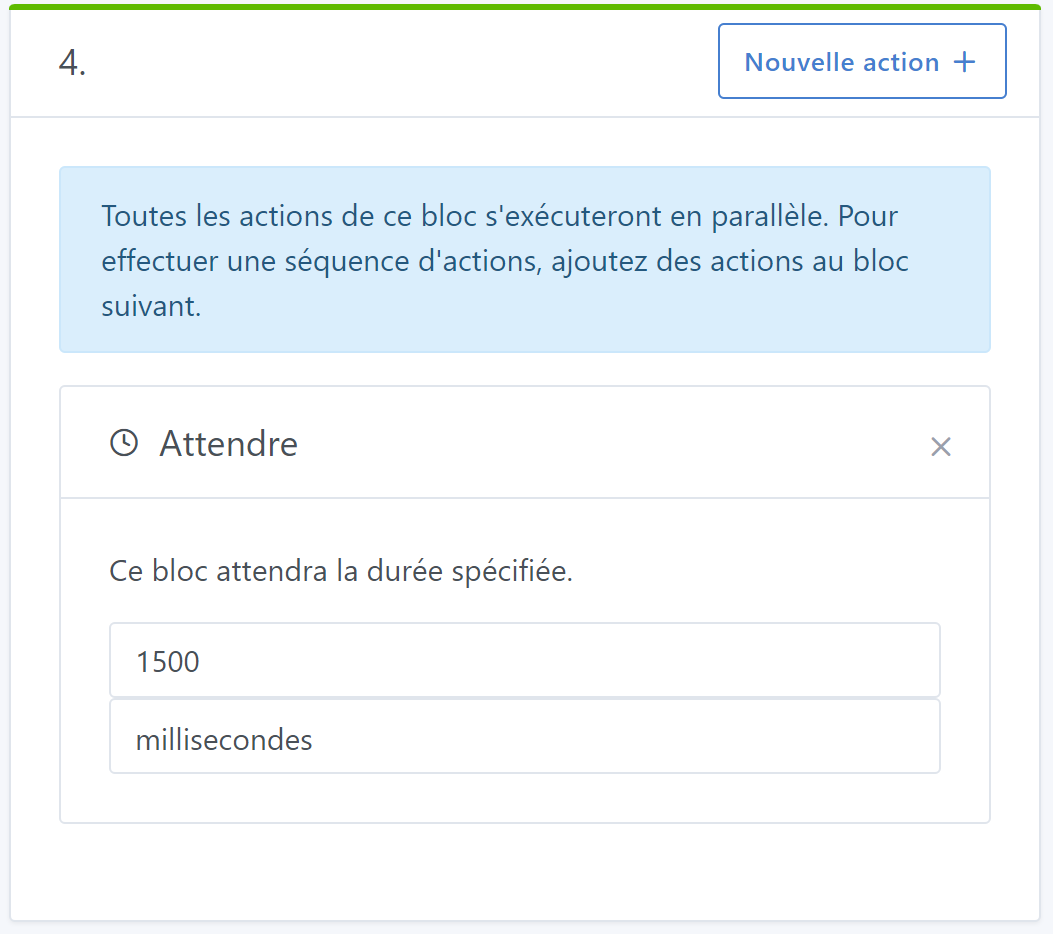
To optimize a simple Sonoff button with 3 functions (single click, double click and long press) I had already set up a series of scenes controlling lights and increasing their brightness with successive single clicks.
However in the bedroom at night, it’s not very nice to have to go all the way to max brightness before returning to off.
So to keep multiple brightness levels on the single click I thought Gladys should be able to count them.
Ok so, go to the MQTT integration > new device > feature: integer counter…
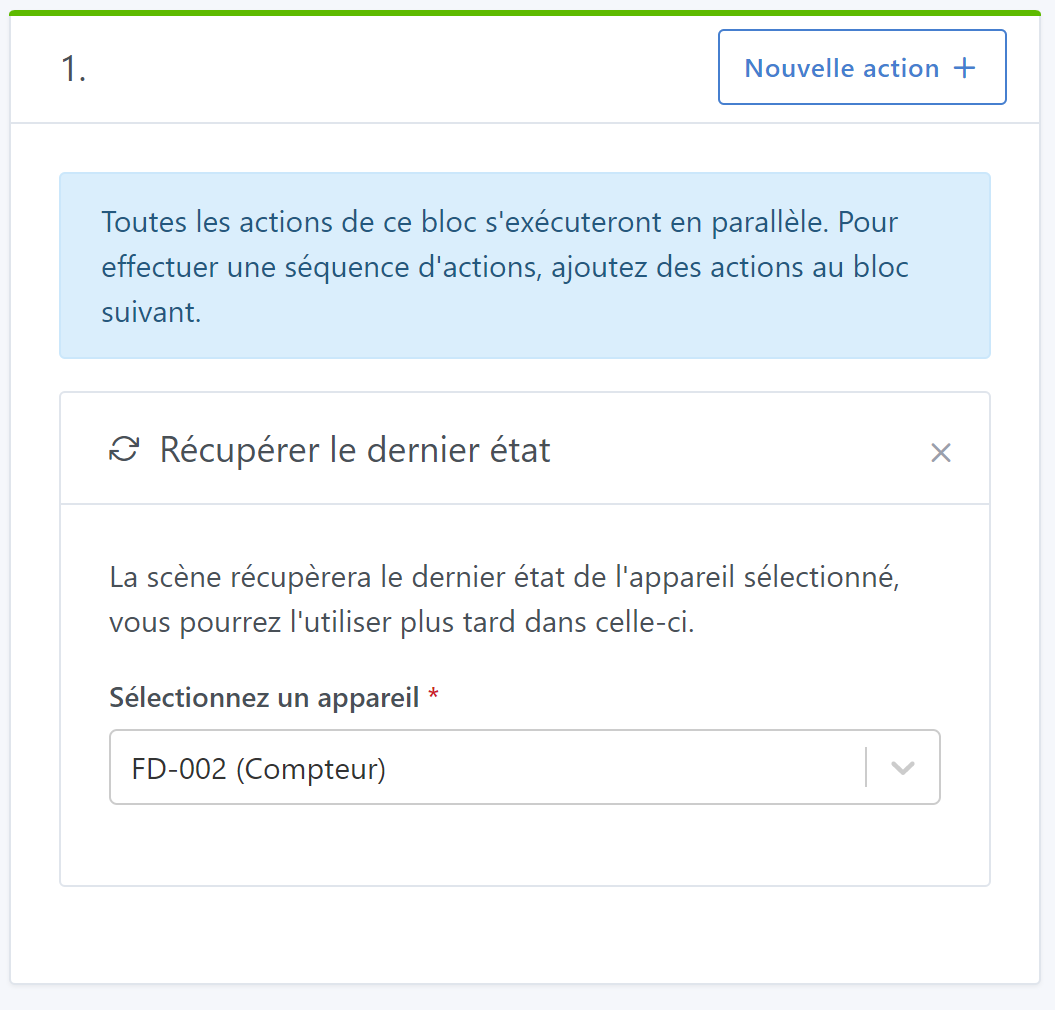
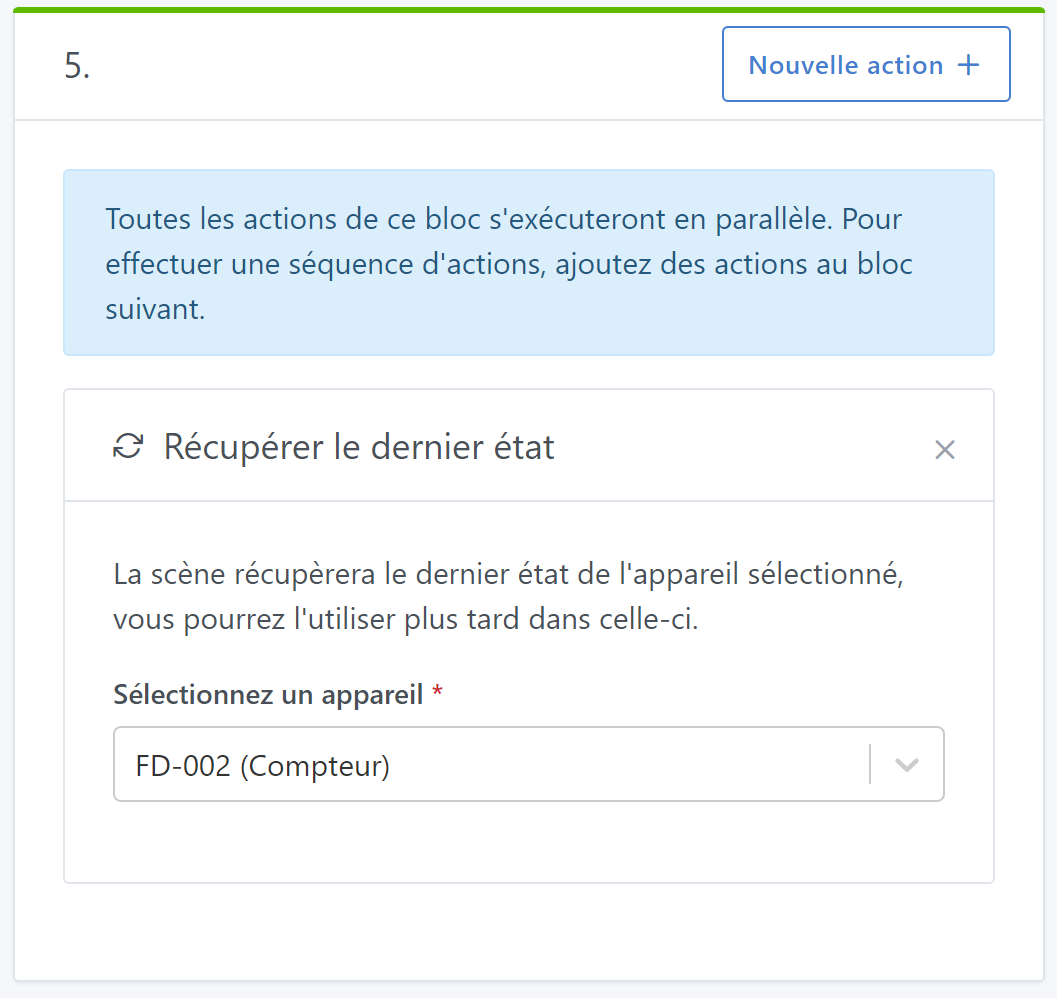
Now I need to ask Gladys to monitor a single click followed or not by another to execute an action
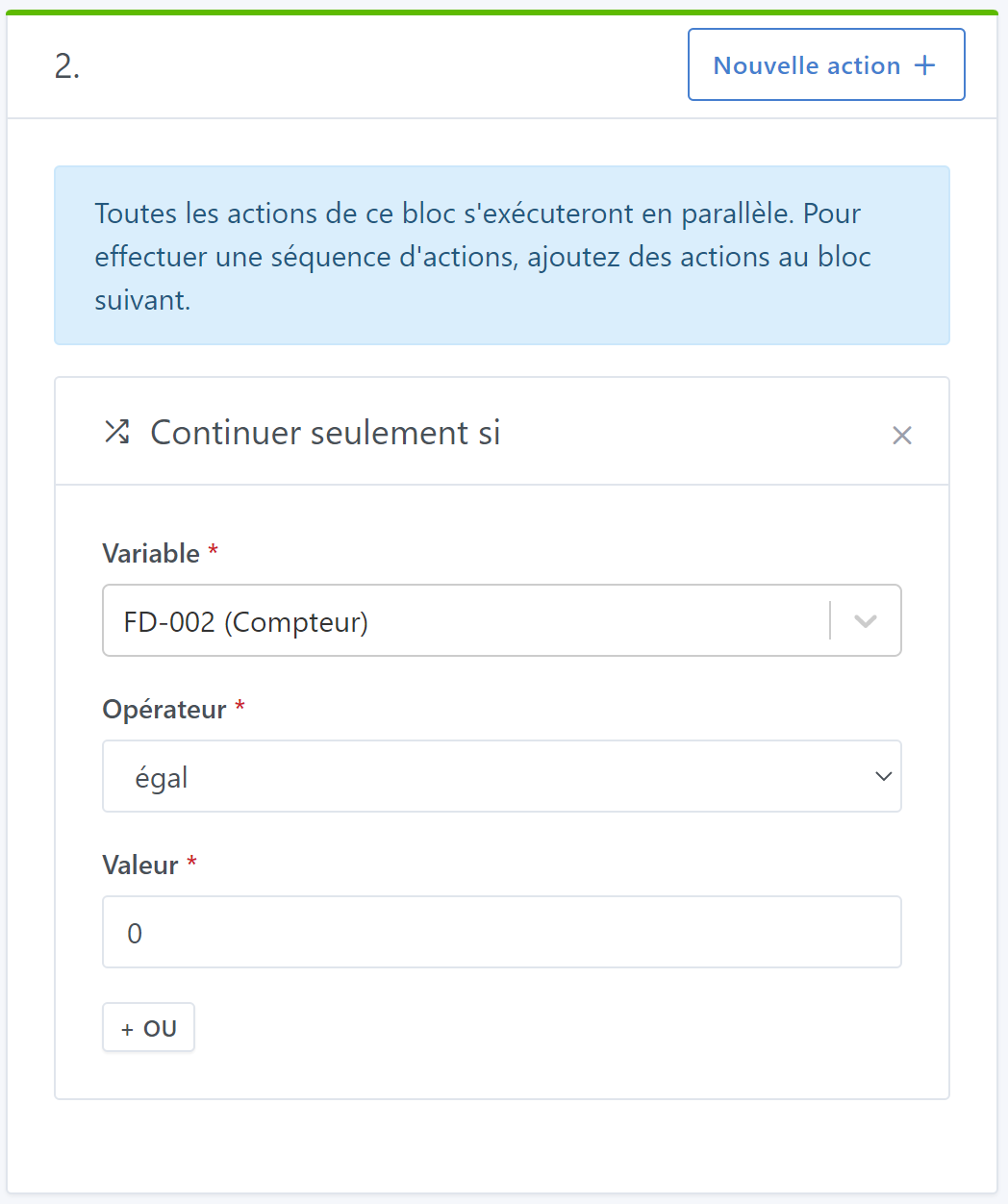
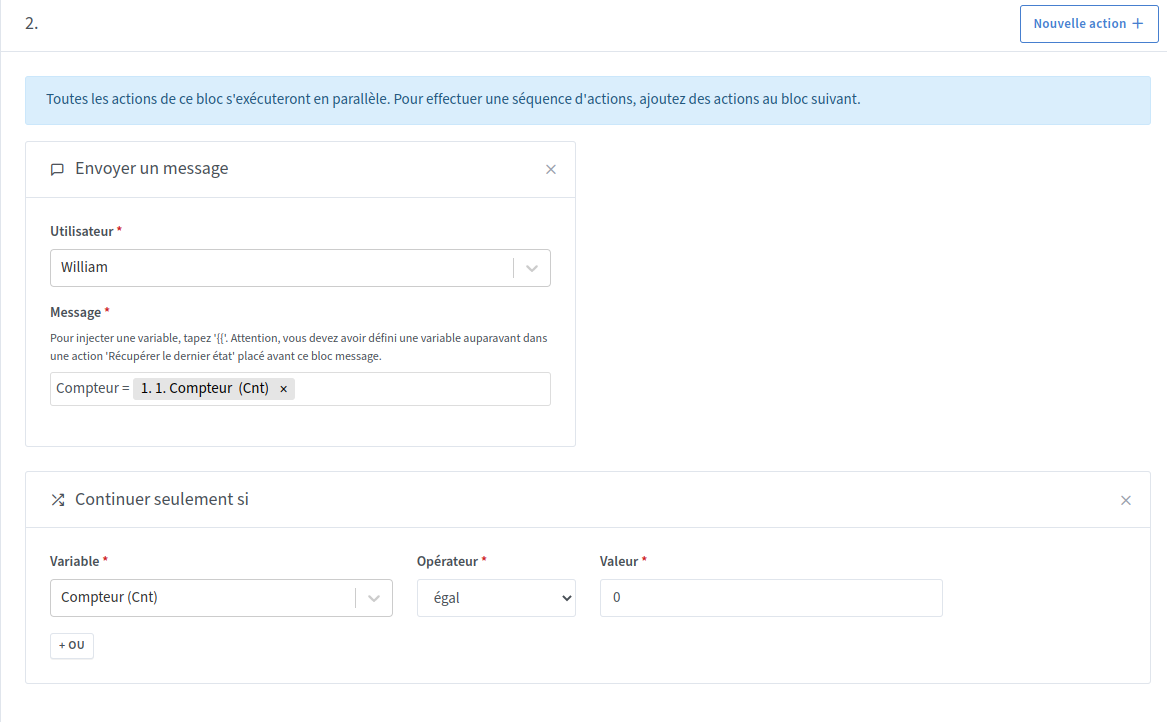
If this can help you, actually your scene is stuck at step 2 because your counter doesn’t contain any value.
I tested by sending a Telegram message and here is the result
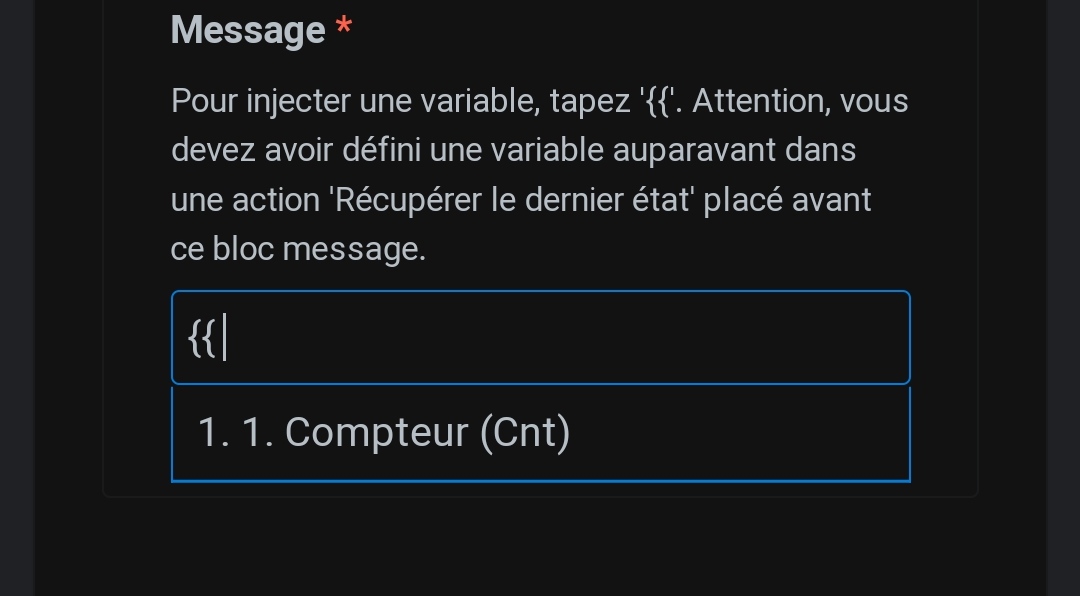
In the scene I just inserted an action Send a message to check the counter value
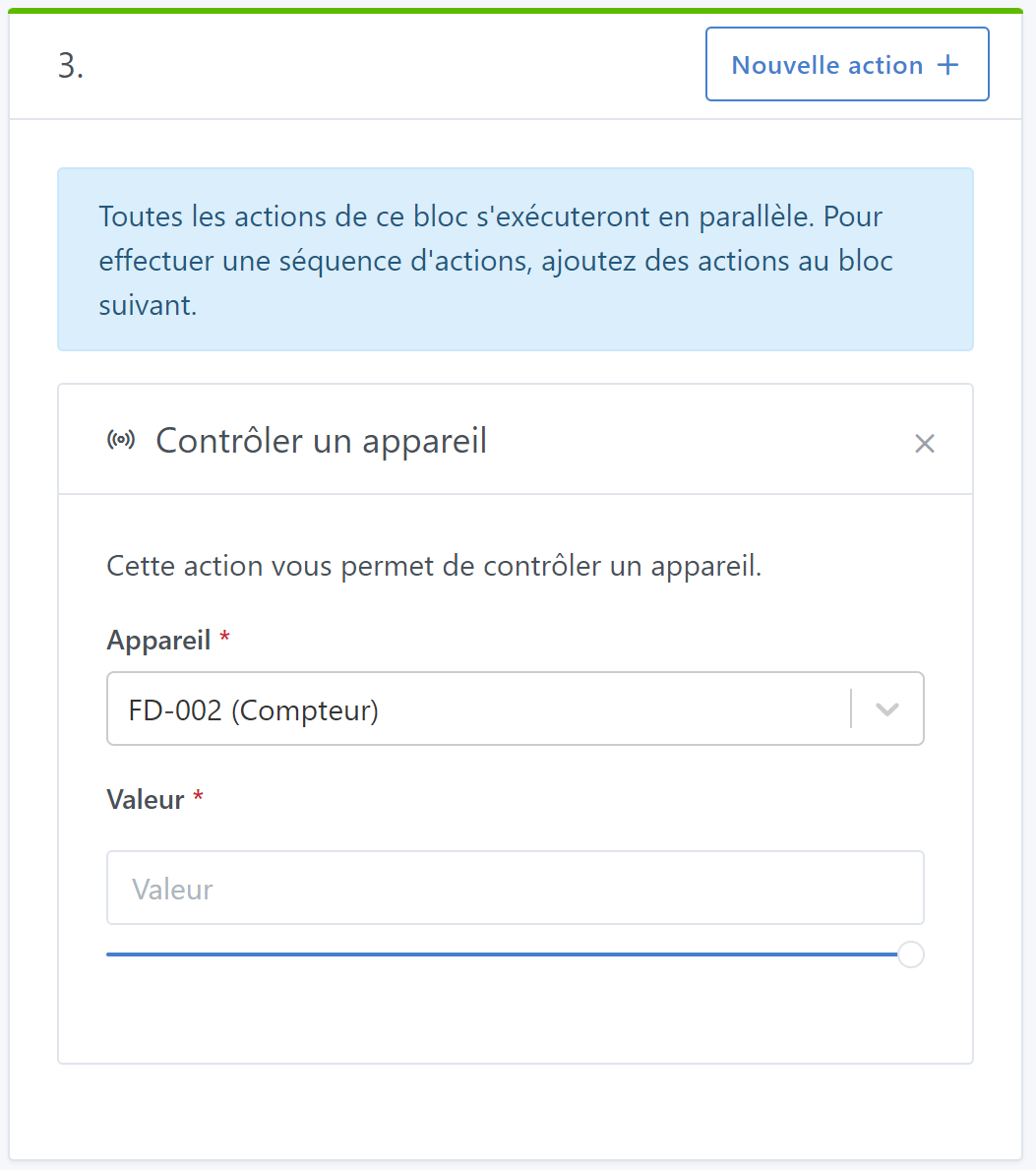
You need to initialize your counter to 0 once for this to work.
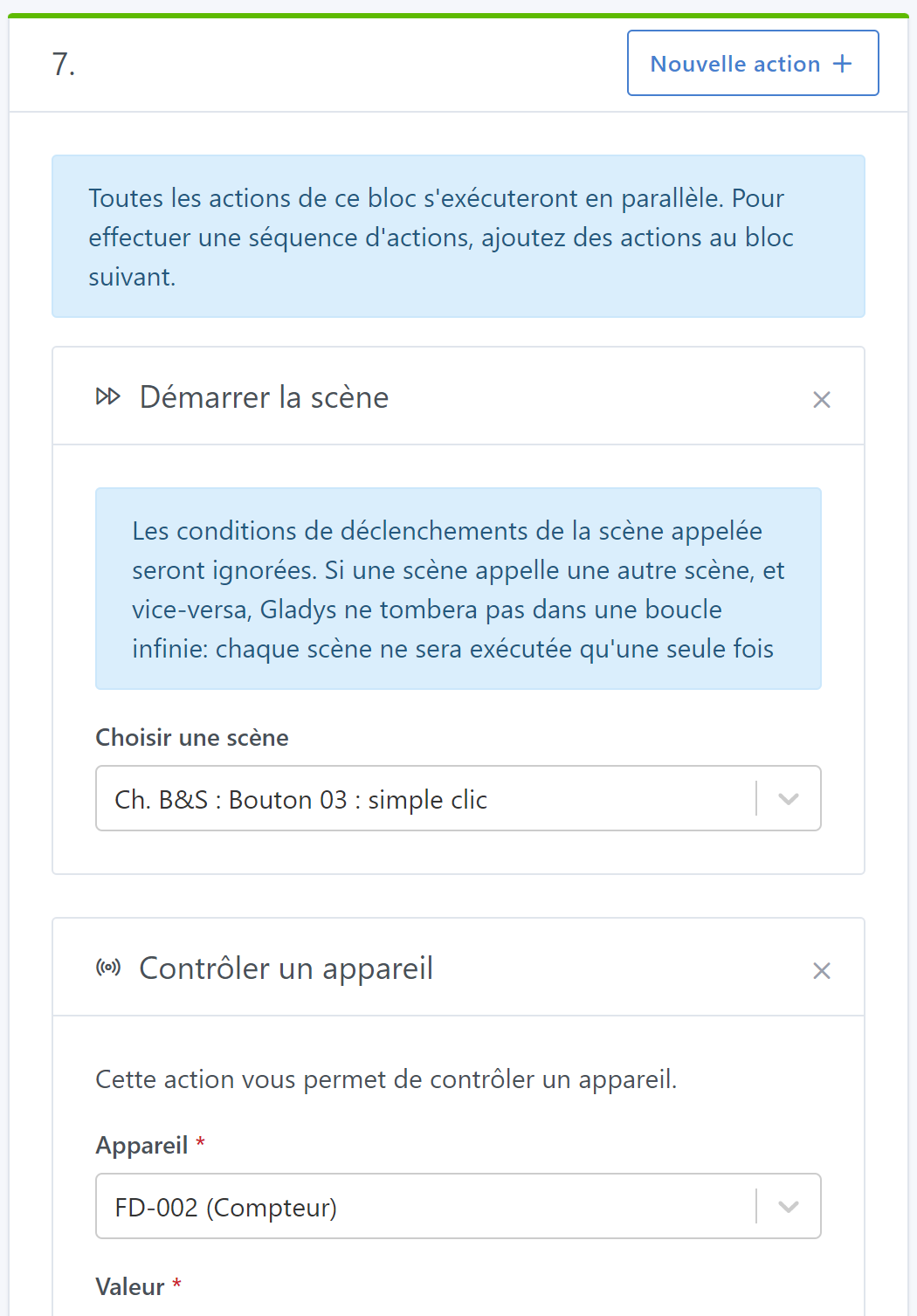
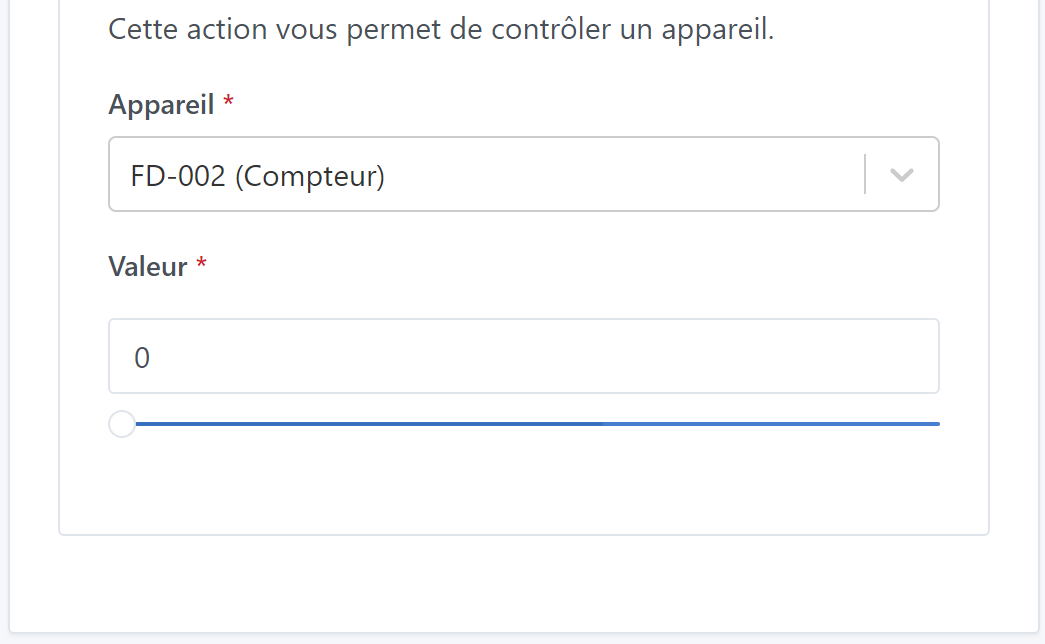
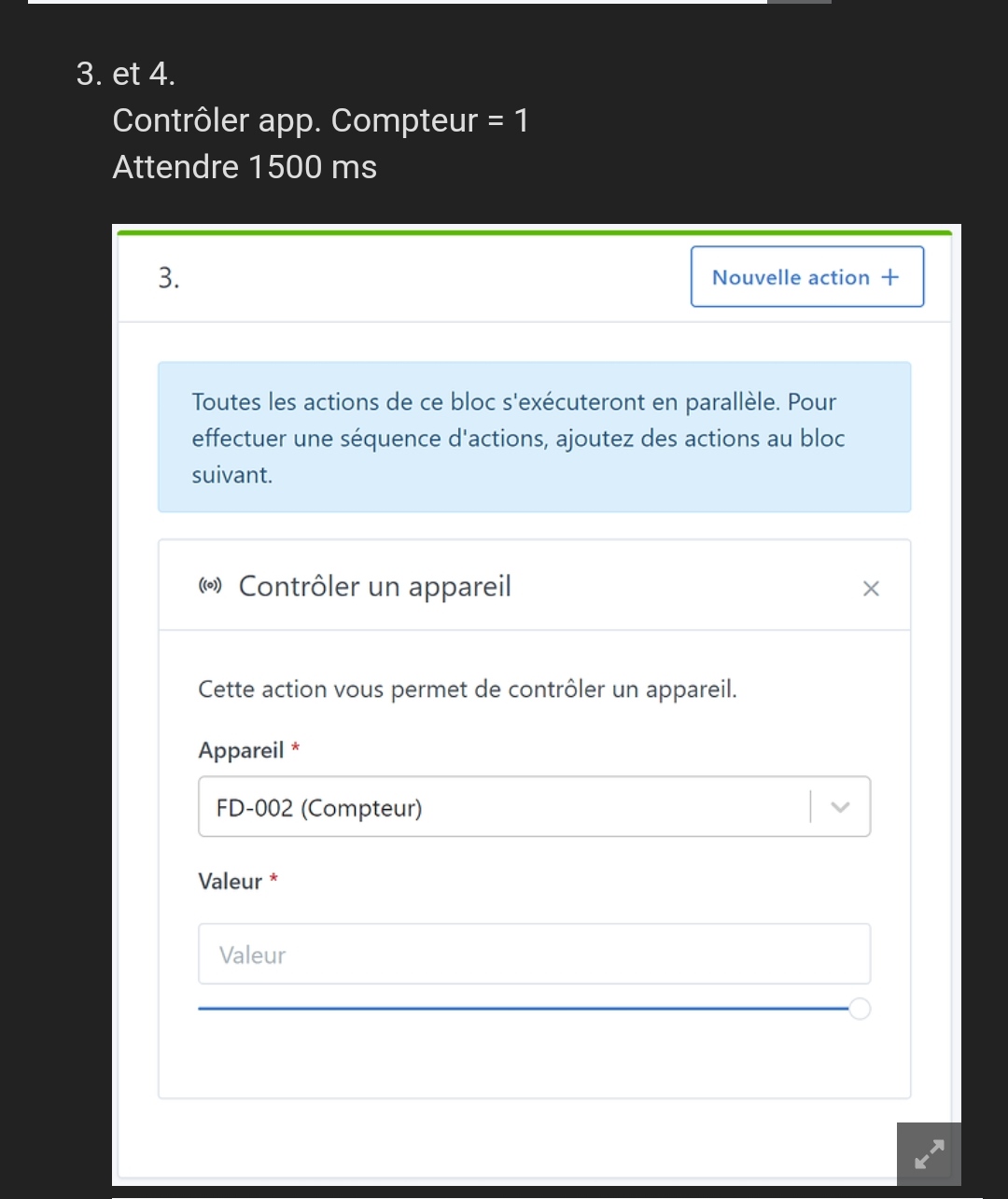
To do that you can create a scene with just a Control a device action and set your counter to 0 and use the start button to run your scene once. @pierre-gilles could we have a way to initialize a fake MQTT device with a value when it is created?
So your scene may still be stuck afterwards — that’s the case for me.
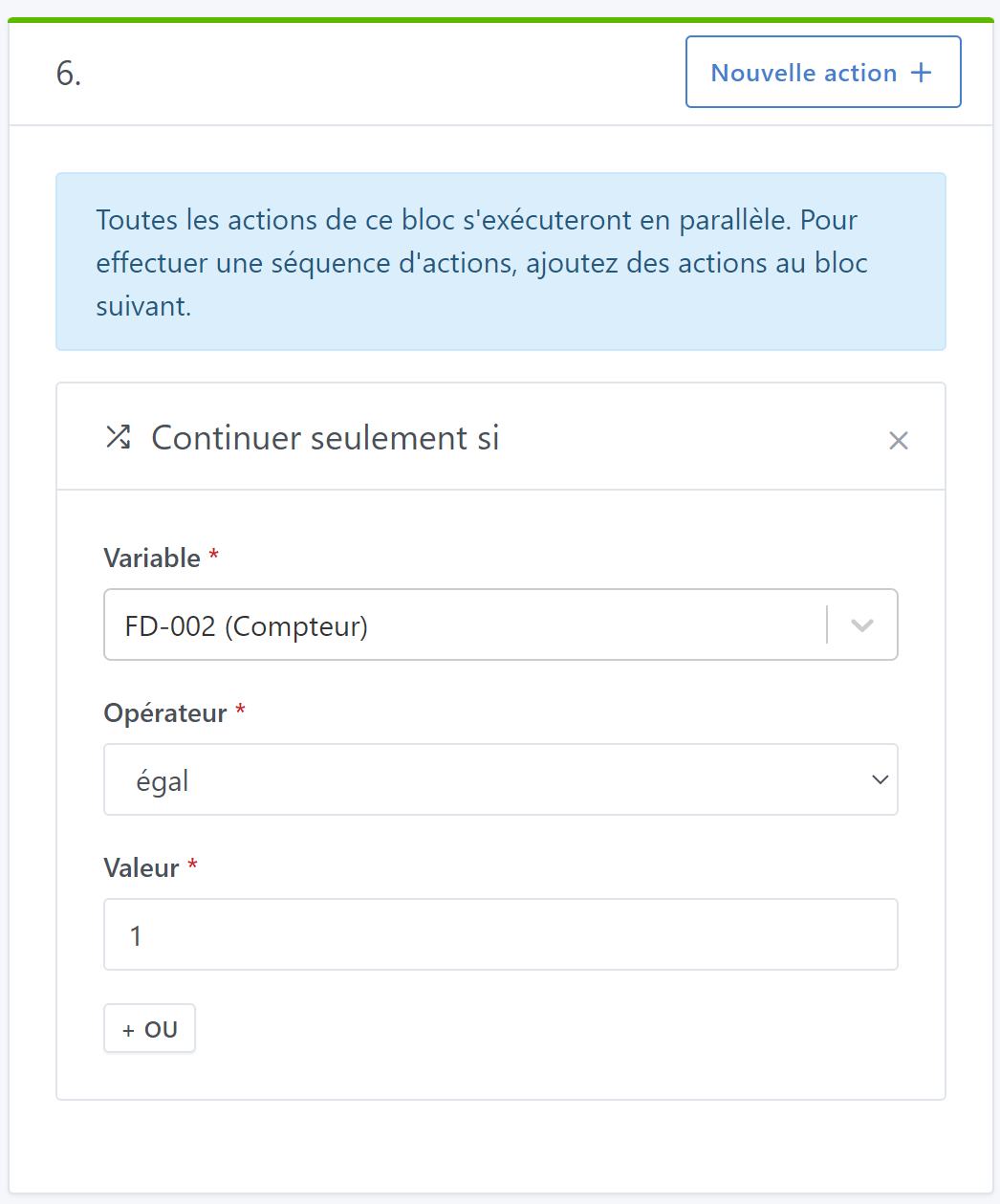
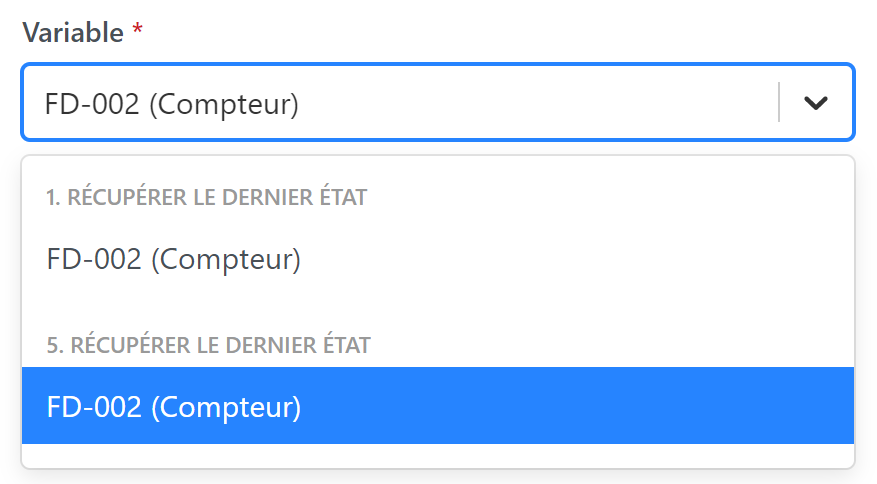
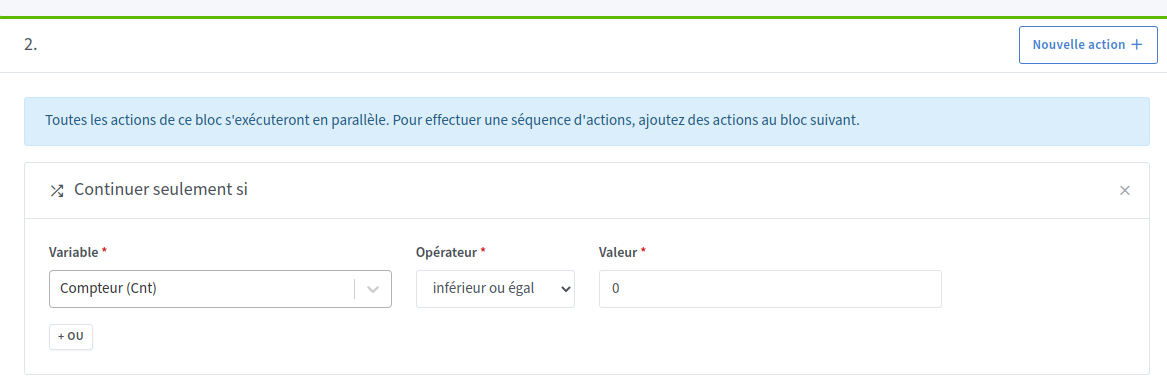
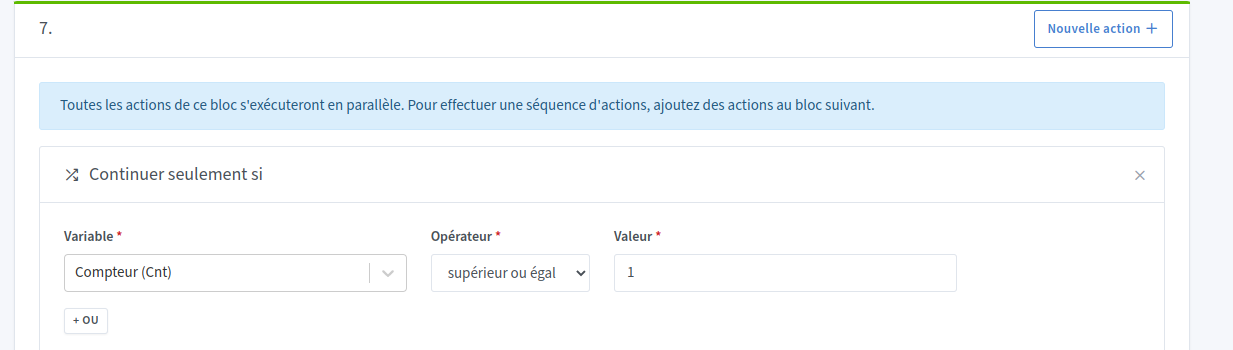
Testing the integer counter « equal to 0 » or « equal to 1 » does not work! I’m forced to test with « less than or equal » or with « greater than or equal »
I set « less than or equal to 0 » and then « greater than or equal to 1 » and the scene runs completely