I use the different dark modes a lot, I must admit that, for me, that one leans too much toward blue/purple.
I tend to prefer shades of gray.
After all, to each their own; it still looks great despite what I said! 
These are the default theme colors; the purple is my Linux screenshot tool that does that — I don’t know why. If you want to see the theme for real it’s here => https://preview.tabler.io/
Right now I’m mainly at a migration stage because the theme has evolved a lot.
For example, the dashboard in its current state is completely in shambles.
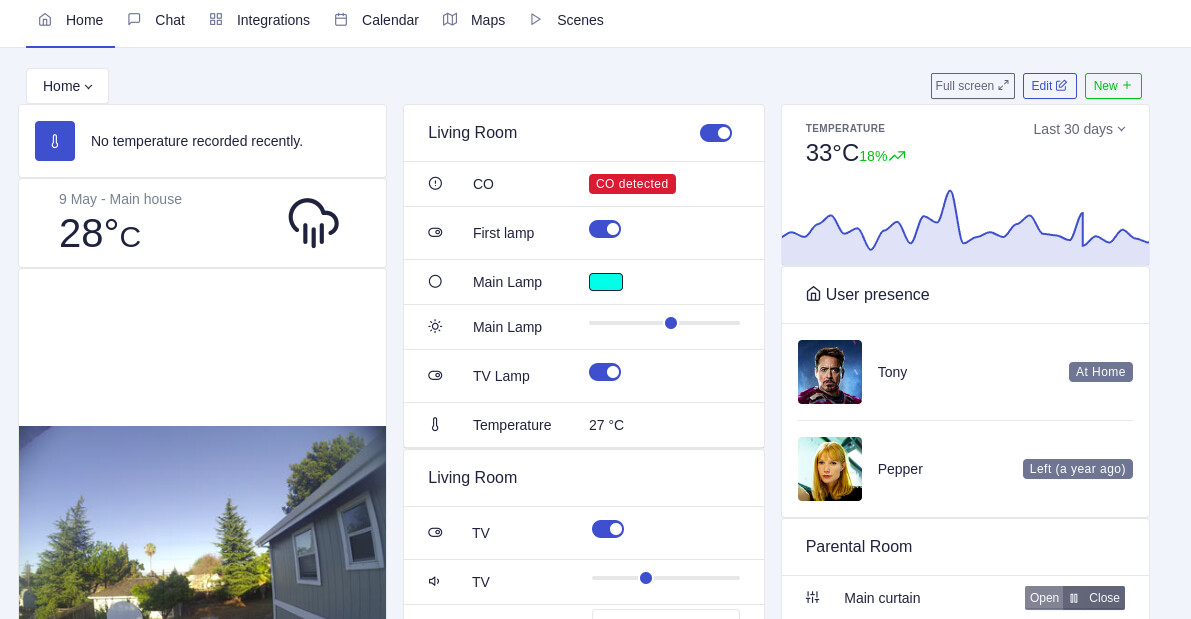
Great news, the theme we use in Gladys has just released v1.0.0 that we’ve been waiting for for several years 
This v1 now supports dark mode, which would allow us to switch to dark mode in Gladys if we migrate to this version.
Well, the bad news is that this v1 is totally different from the version we use — we have to migrate all the screens one by one because all the CSS has changed ^^
Hi everyone,
Many of us use apps like Fully Kiosk Browser to display Gladys on a wall-mounted tablet with a dark-mode rendering.
These apps work by intelligently inverting colors, which allows getting a “dark mode” without having to redevelop everything.
Rather than completely redoing the Gladys interface to switch to Tabler 1.0.0 (which would be a huge undertaking  ), I explored a lighter alternative in a PR:
 Add Dark Mode by Pierre-Gilles · Pull Request #2343 · GladysAssistant/Gladys · GitHub
You can test the result online on Gladys Plus:
Curious to hear your feedback!
Would this kind of dark mode work for you? 


First of all, I think it’s great — I generally really like dark modes and, on top of that, they’re more power-efficient on my OLED phone.
However, the pure black background does hurt readability.
For me, the black background should be kept, but the cards should have a less dark color.
That’s true, I’ll look into making it less dark 
The invert method flips everything, including the emojis aha, I’ll look into removing that 

I pushed the latest version to the same Gladys Plus build:
I tested it at home, it’s really nice
Let me know if you see any points to correct!
The latest screenshot looks much better!
I also find that the text is a bit hard to read, for example the disabled button at the bottom (desk light) which is very, very dark and barely visible.
 The screenshot is not up to date.

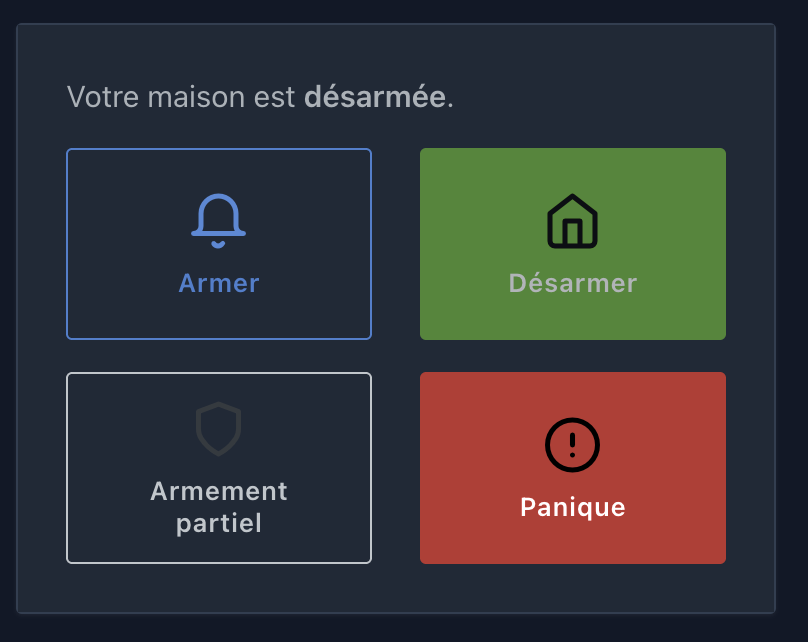
Hello everyone
I’m bringing this topic back up a bit — I’m still open to feedback on the dark mode!
For Gladys Plus users, you can start using it today at this link:
https://dark-mode.gladys-plus.pages.dev/dashboard
If everything looks good to you, I can merge this quickly into Gladys.
Hi @pierre-gilles,
I just tested it and, not being a fan of dark mode at all, I find that it’s well done with enough contrast, except maybe for the separation of the columns on mobile:
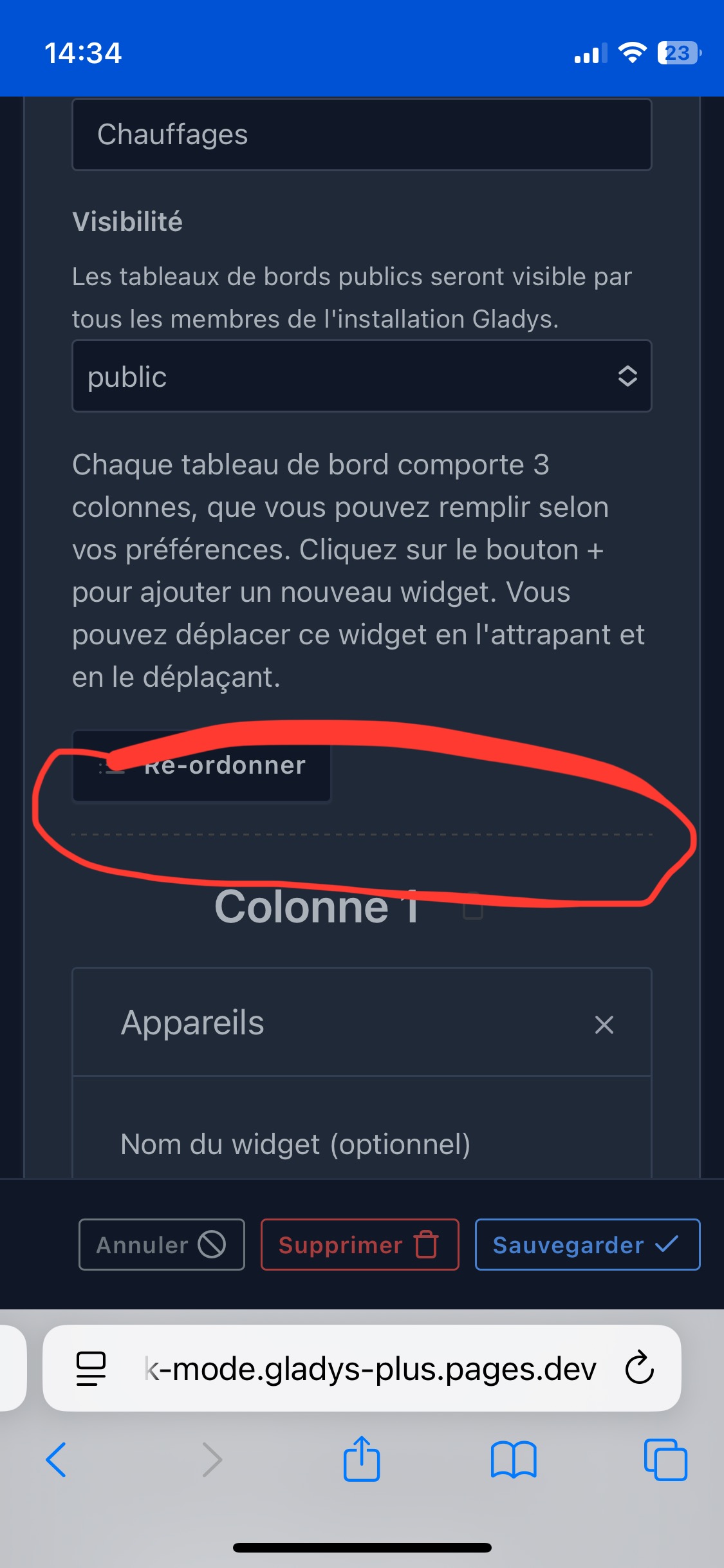
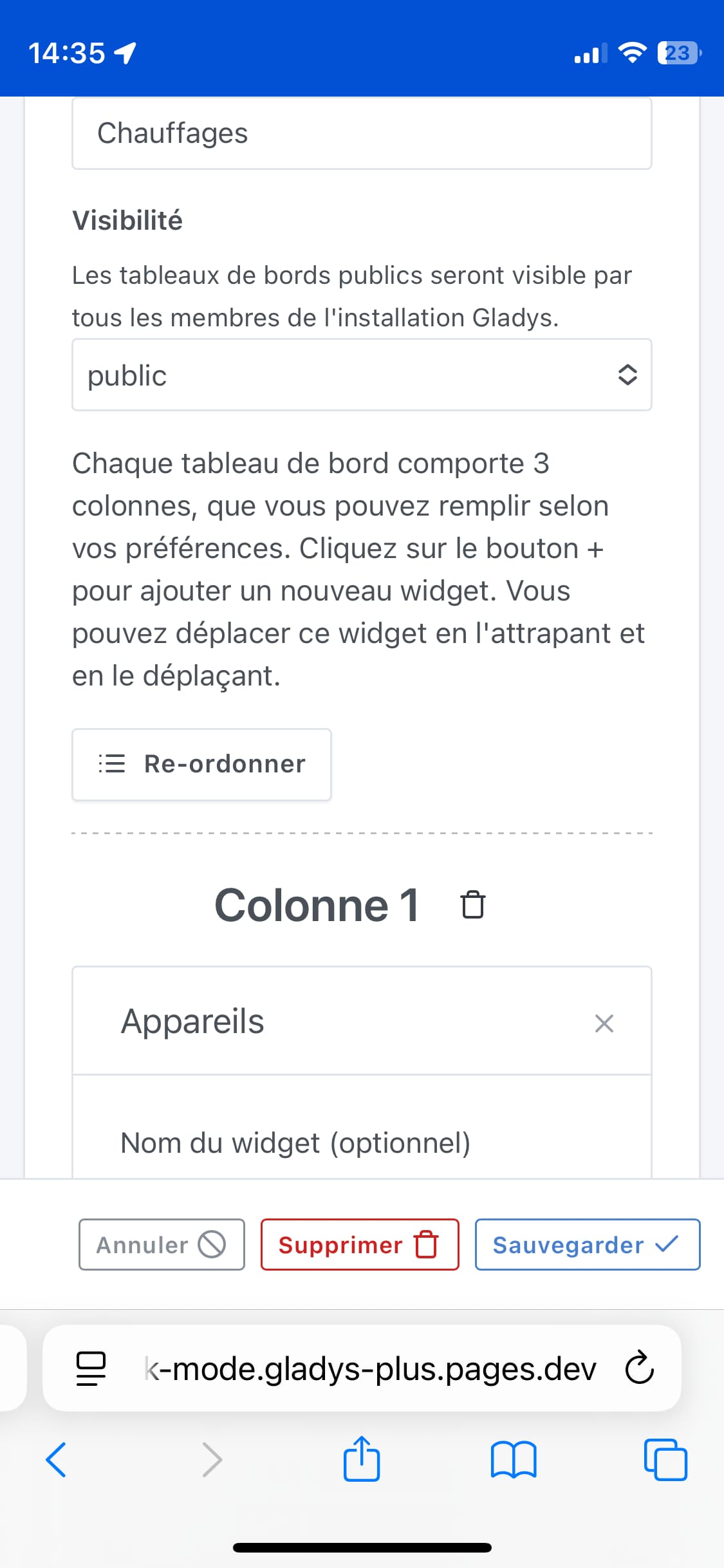
It doesn’t bother me, the light colors are intentionally not « white » so they aren’t glaring
I think that’s really great
Hello everyone;
I think it’s great  , no complaints
Thanks again for the work done.
Hi again, good evening,
Will the mode change be configurable based on a programmable time or controlled by sunrise and sunset (less precise), or will it just be the icon that controls it?
Thanks
By default this mode matches the system mode, so if your phone/PC switches to dark mode automatically at bedtime, it will do so
Otherwise, there’s also a manual toggle.