Have a « dark mode »
@Albenss I’m replying to your message here!
https://community.gladysassistant.com/t/implementation-dun-theme-sombre/6660
now that Tabler has one
Actually, Tabler does not yet offer a dark theme, there is a version 1.0.0 that has been in alpha for several years, and it has not progressed much.
In addition to that, it’s a fairly breaking major version, roughly if one day we switch to this version we have to redo the entire front end (it’s not just updating the library)
After that, we will probably do it one day (I agree it’s very cool to have a dark mode), after that it’s more of a « nice to have », I’m not sure that people cannot move to v4 because of this lack 
To reignite the debate.
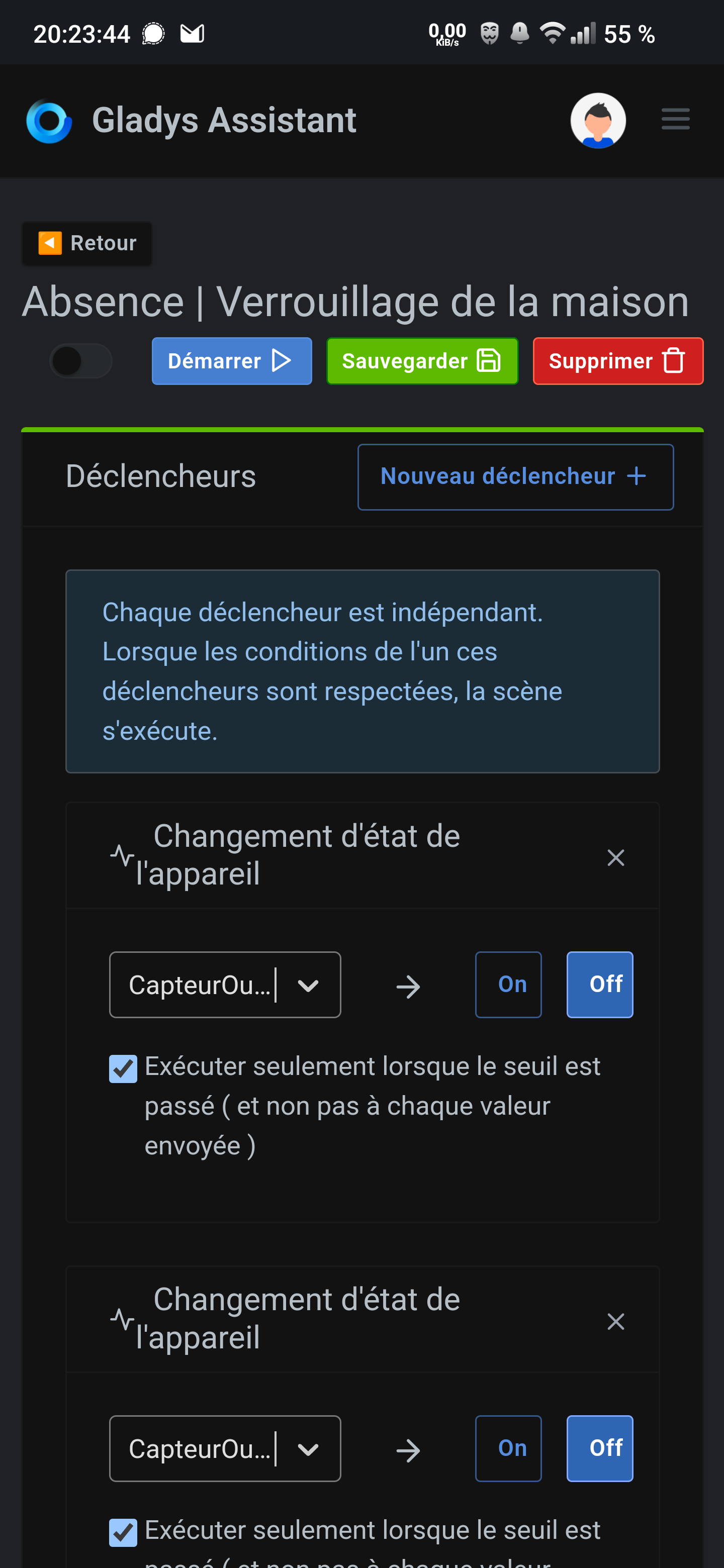
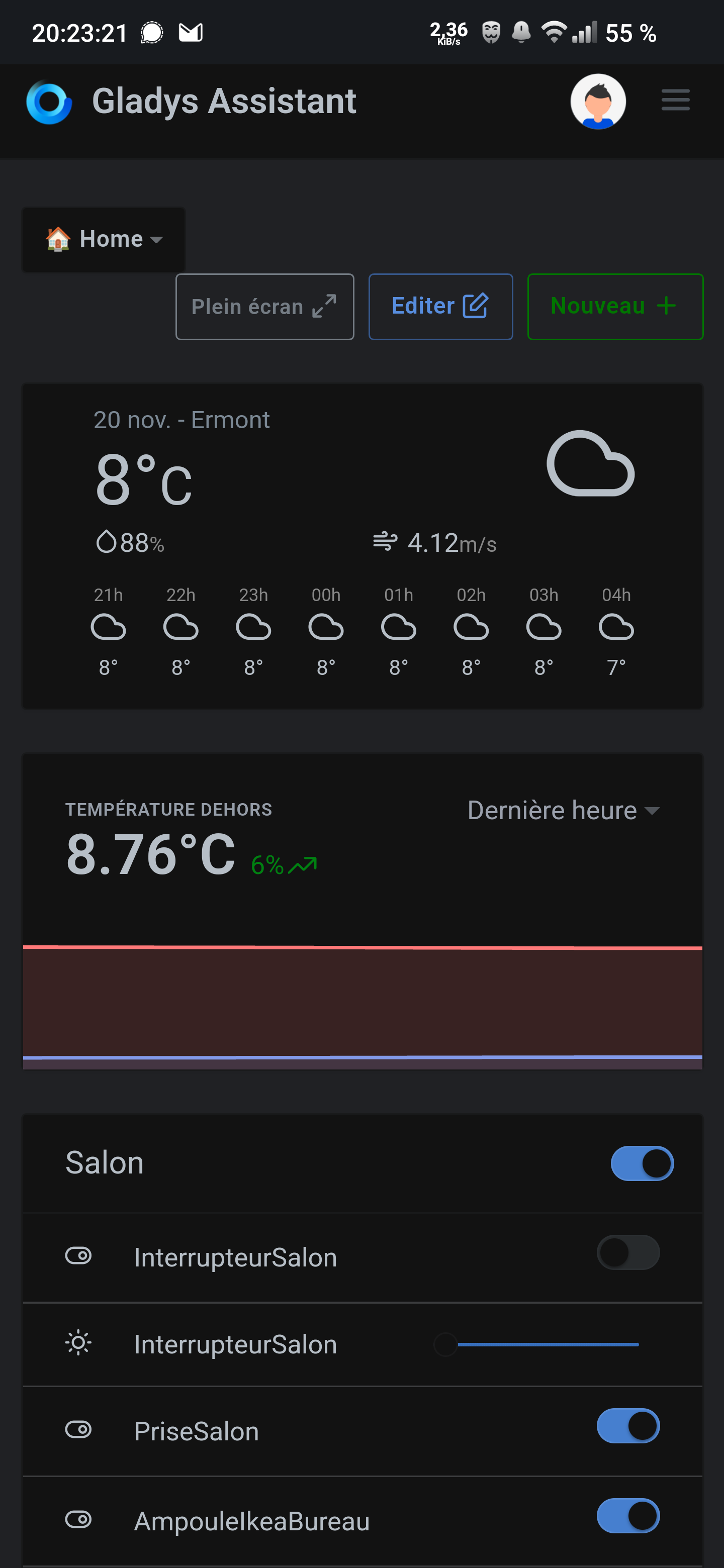
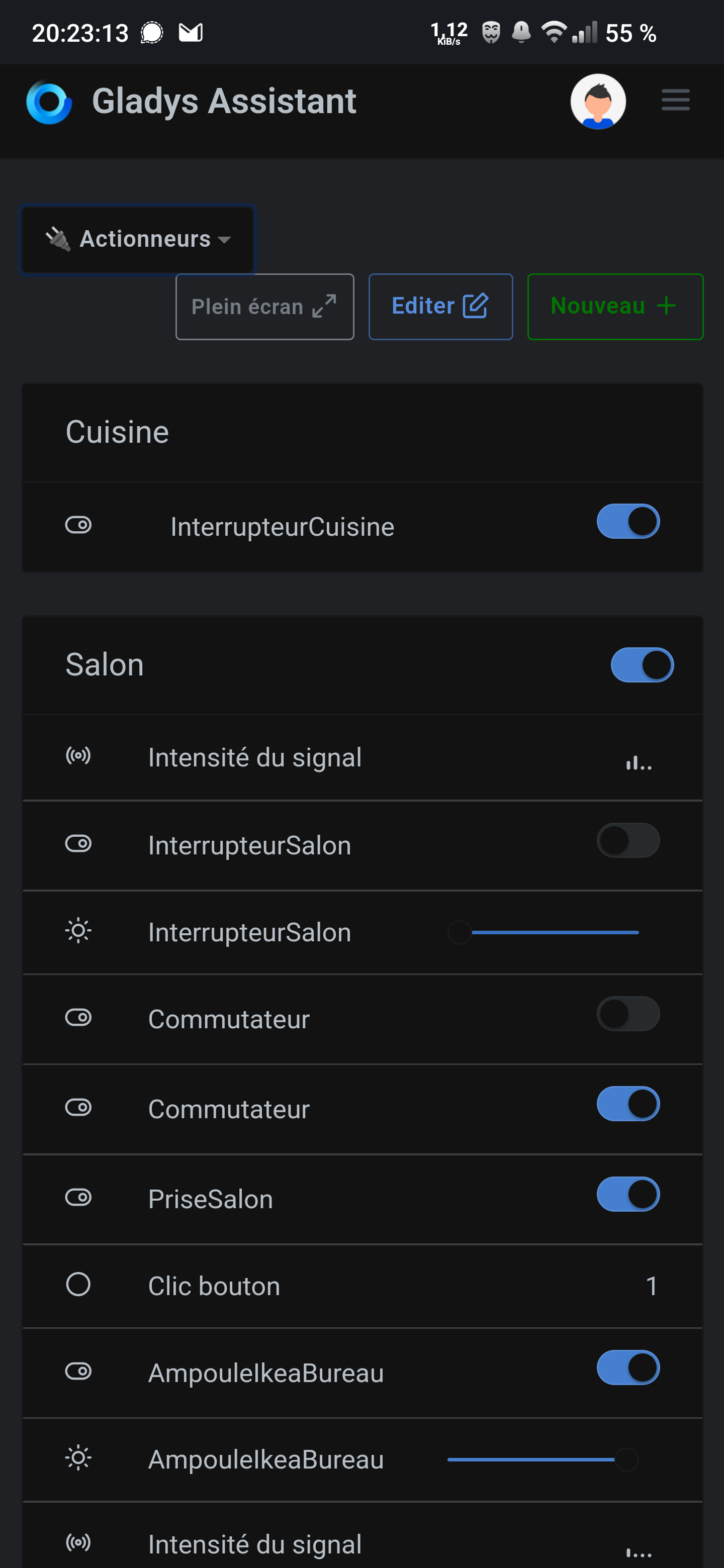
Can you get the CSS?
Retrieving the CSS live from a web page on Android doesn’t seem possible.
But maybe other browsers on Windows, Mac, or Linux could exhibit the same behavior?
I’m thinking of Opera or Firefox with advanced options?
I’ll do that sometime with:
I just checked and with Opera it’s doable.
You just need to force dark mode on all pages and it’s fine.
You can create a new file, copy and paste the CSS into that file, and then upload it to the forum, for example. That should work.
Nope, not possible.
(allowed extensions: jpg, jpeg, png, gif, mp4).
@VonOx I can send it to you if you want to see what it looks like.
I see. 
The other option is to host your file on another platform like Google Drive or something else?
To share code:
Yes, Gist or Pastebin is OK, thanks.
Here is the CSS file:
Is this okay? It’s very large.
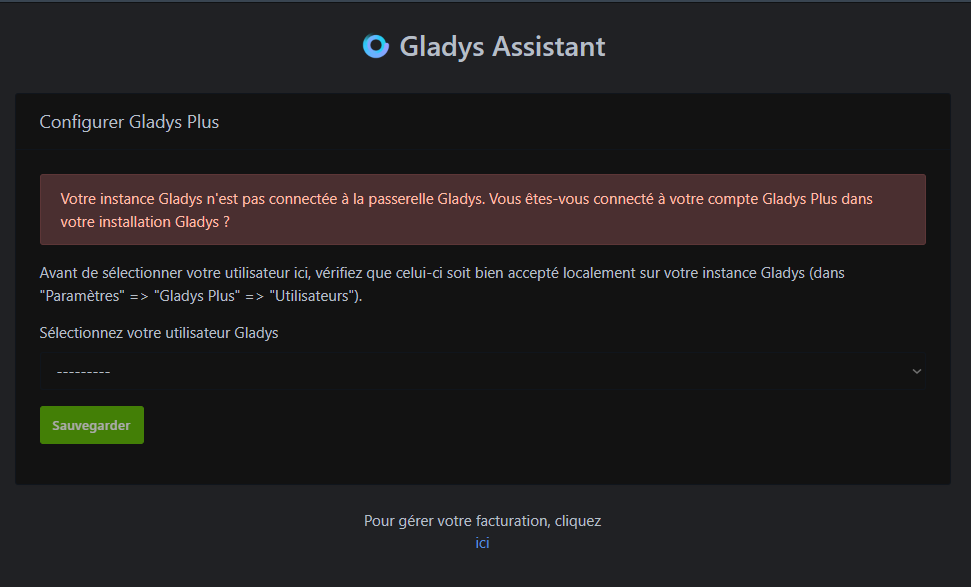
On Opera the dark mode is great, no need for anything else and Gladys displays perfectly.
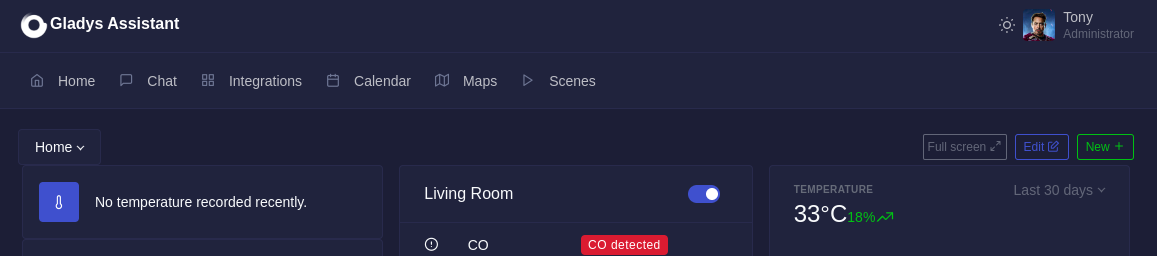
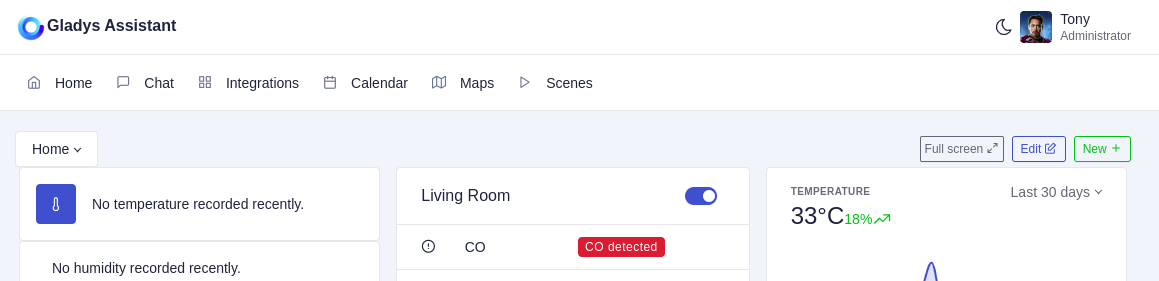
Did you use the CSS file I shared?
No, it’s the one from the theme
Nice 
It’s super clean!!